Call CA Tally HelpDesk
+91 9205471661,
7428779101
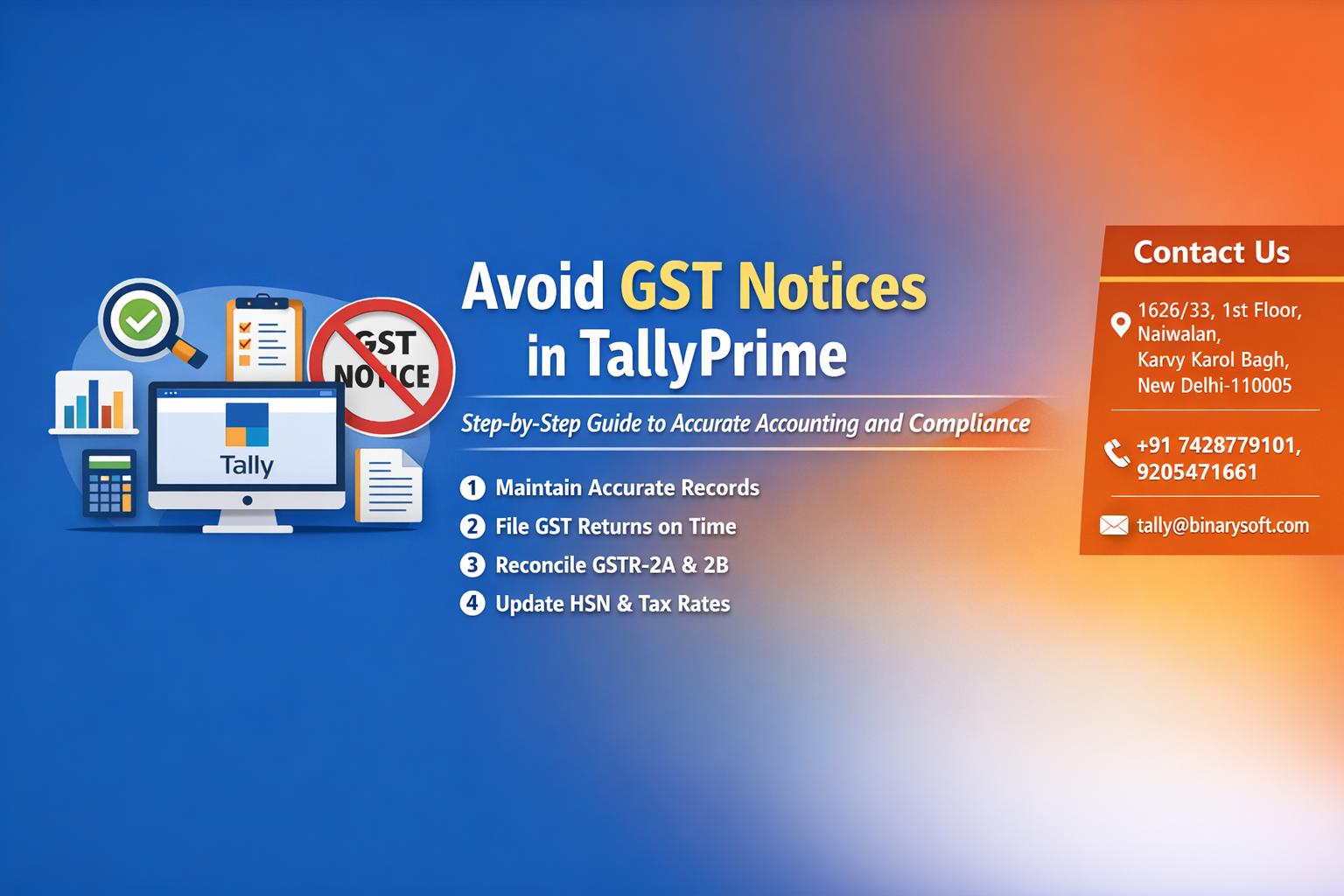
GST compliance has entered a phase of deeper data matching and tighter scrutiny. Over recent months, authorities have intensified automated reconciliations between GSTR-1, GSTR-3B, e-invoicing data, and e-way bills, making even small accounting mismatches more visible than ever. Businesses relying on incomplete reconciliations or manual adjustments are increasingly receiving notices related to ITC mismatches, tax short payments, and reporting inconsistencies. The pressure is real, but so is the opportunity: companies using structured accounting processes in TallyPrime are preventing errors before returns are filed, reducing compliance risk, and saving valuable time during assessments. Accurate accounting is no longer just a bookkeeping discipline — it is a preventive compliance strategy. By aligning transactions, tax ledgers, and reconciliations correctly in TallyPrime, businesses can significantly reduce the chances of receiving GST notices and maintain a clean compliance track record.
Introduction
GST notices can be stressful for any business, often arising from mismatched data, incorrect tax treatment, or incomplete reconciliations. While notices may vary in nature, most are preventable with disciplined accounting and regular review processes.
TallyPrime, when used correctly, provides powerful tools to maintain accurate records, reconcile transactions, and generate reliable GST returns. This guide explains practical steps businesses can follow to minimize compliance risks and maintain error-free GST accounting.
A Story of Relief and Confidence
In early 2026, a trading firm received a notice regarding an input tax credit mismatch. The finance team spent days reviewing invoices, identifying missing entries, and reconciling vendor data. The experience was stressful and disrupted regular operations.
After implementing a structured monthly reconciliation process in TallyPrime, including purchase matching and ledger reviews, the company noticed a dramatic improvement. Returns were filed confidently, discrepancies reduced, and the team regained peace of mind. The biggest benefit was not just avoiding notices but gaining control over their financial data.
This shows that preventive accounting practices can transform compliance from a reactive task into a proactive process.
Why GST Notices Occur
Most notices arise due to:
Mismatch between GSTR-1 and GSTR-3B
ITC mismatch with supplier data
Incorrect tax rates
Unreported or duplicate invoices
Late return filing
Incorrect classification of transactions
Understanding these triggers is the first step toward prevention.
Key Areas to Maintain Accuracy in TallyPrime
Correct Ledger Configuration
Ensure GST ledgers, tax rates, and nature of transactions are configured properly.
Accurate Voucher Entry
Record sales and purchases with correct tax treatment and invoice details.
Regular Reconciliation
Match books with GST portal data periodically.
Timely Adjustments
Rectify errors before filing returns.
Step-by-Step Guide to Prevent GST Notices
Step 1 Configure GST Settings Properly
Verify company GST details, registration type, and tax rates.
Step 2 Maintain Accurate Sales Entries
Ensure invoices reflect correct taxable value, tax rate, and place of supply.
Step 3 Record Purchases with ITC Eligibility
Classify eligible and ineligible input tax correctly.
Step 4 Perform Monthly Reconciliation
Compare purchase register with GSTR-2B or supplier data.
Step 5 Review Exception Reports
Use TallyPrime reports to identify mismatches or incomplete entries.
Step 6 Verify Returns Before Filing
Cross-check totals with books and reconcile differences.
Important Reports in TallyPrime for Compliance
GSTR-1 and GSTR-3B summaries
GST Exception Report
Input Credit Summary
Tax Liability Register
Purchase and Sales Registers
These reports help detect issues early.
Best Practices for GST Compliance
Maintain proper documentation
Reconcile ITC every month
Review tax ledgers regularly
Train staff on GST entry procedures
Backup data periodically
Monitor amendments carefully
Common Mistakes Businesses Should Avoid
Ignoring reconciliation until year-end
Using incorrect tax classifications
Claiming ITC without valid invoices
Not tracking reverse charge transactions
Failing to review exception reports
Benefits of Accurate Accounting
Reduced risk of notices
Faster return preparation
Improved financial transparency
Better audit readiness
Enhanced credibility with stakeholders
How Technology Helps in Notice Prevention
Automated tax calculations
Real-time reporting
Data validation checks
Integration with compliance tools
Leveraging these features ensures consistent accuracy.
Conclusion
Avoiding GST notices is not about reacting to issues but preventing them through disciplined accounting and regular review. TallyPrime provides all the necessary tools to maintain accurate records, reconcile transactions, and generate reliable GST returns.
By configuring ledgers correctly, recording transactions carefully, and performing periodic reconciliations, businesses can significantly reduce compliance risks. A proactive approach not only prevents notices but also builds confidence in financial reporting and strengthens overall business governance.
Company Details
Powered by Binarysoft Technologies
Authorized Tally Partner
Location:
1626/33, 1st Floor, Naiwalan, Karol Bagh, New Delhi – 110005, INDIA
Contact Us:
+91 7428779101
+91 9205471661
+91 8368262875
Email:
tally@binarysoft.com
Business Hours:
10:00 AM – 6:00 PM (Mon–Fri)
Frequently Asked Questions
Can GST notices be completely avoided
While not all notices can be prevented, accurate accounting and reconciliation greatly reduce the risk.
How often should GST reconciliation be done
Ideally, every month before filing returns.
Does TallyPrime automatically detect errors
It provides exception reports that help identify discrepancies.
What is the most common reason for GST notices
Mismatch between returns and books, especially ITC differences.
CA. Praneet Bansaal is a Chartered Accountant with experience in taxation, accounting controls, and financial process reviews. He has advised businesses on aligning inventory movement with accounting and GST requirements. His content focuses on compliance, accuracy, and long-term sustainability.