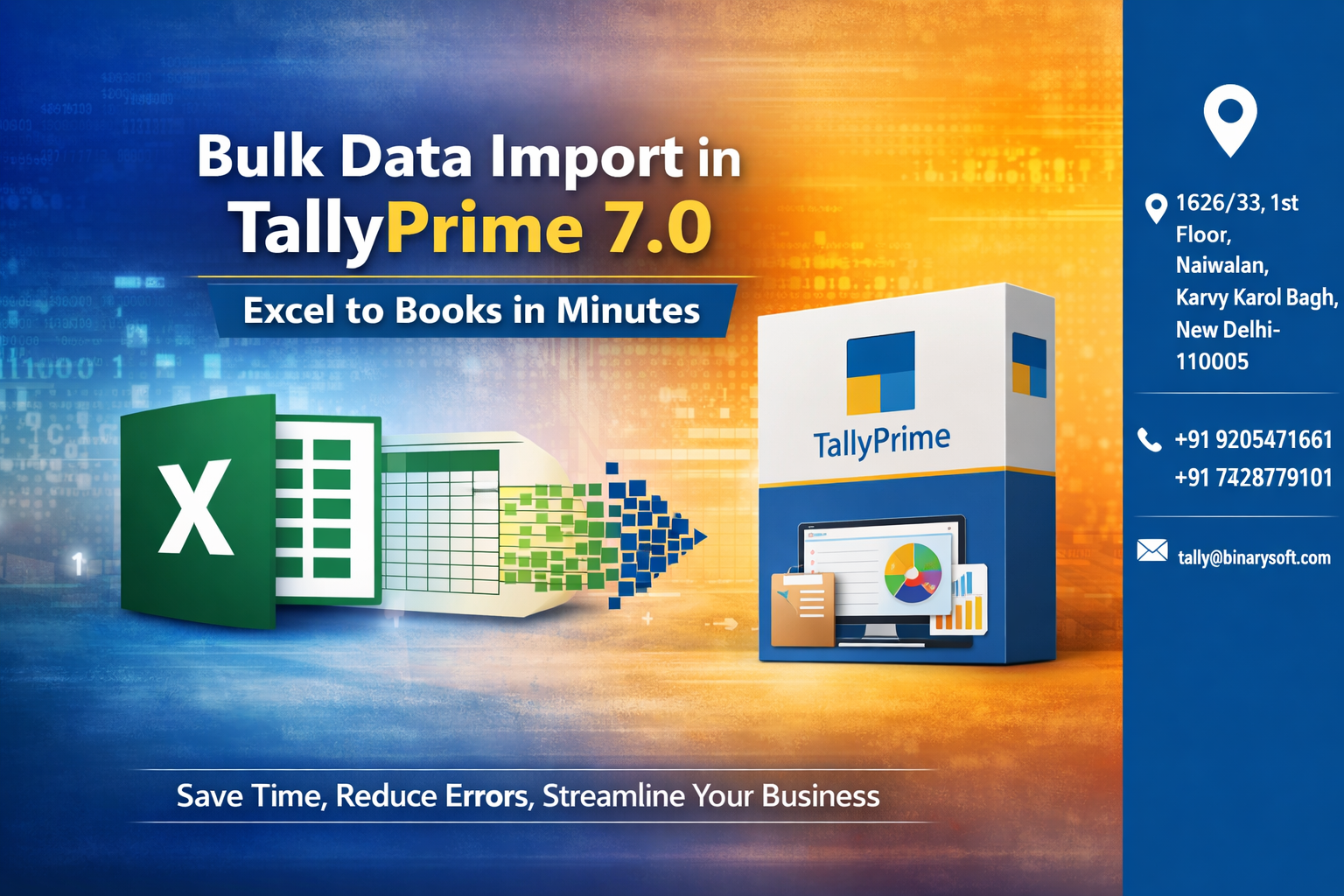
Bulk Data Import in TallyPrime 7.0 – Excel to Books in Minutes

Call CA Tally HelpDesk +91 9205471661, 8368262875

Bulk Data Import in TallyPrime 7.0 – Excel to Books in Minutes
By CA, Rishubh Talrejaa   |   Published on: 15-04-2026 | 11 min read

What changed in 2026 is the volume and speed of data businesses handle daily. From GST filings to e-invoicing and real-time reporting, manually entering bulk transactions is no longer practical—and even a small delay can impact compliance, cash flow, and decision-making. Chartered Accountants and business owners are now under pressure to process large datasets quickly without compromising accuracy. This is where Bulk Data Import in TallyPrime 7.0 transforms operations. Instead of spending hours or days on manual entry, you can directly import Excel data into your books within minutes. The benefit is immediate—faster accounting, reduced human errors, and improved productivity. In a competitive and compliance-driven environment, automation is no longer a luxury—it’s a necessity for efficiency and growth.


The Real Story: From 2 Days to 20 Minutes

Neha, an accounts manager for a wholesale business, used to spend two full days entering monthly purchase and sales data into her system. During peak GST season, delays caused stress, errors, and late filings.

After implementing bulk import using TallyPrime 7.0, Neha simply formatted her Excel sheets and imported the data in minutes. What once took days now takes less than 20 minutes. More importantly, she now focuses on analysis instead of data entry—adding real value to the business.


What is Bulk Data Import in TallyPrime 7.0?

Bulk Data Import allows users to:

  • Import transactions from Excel
  • Upload masters like ledgers, stock items, and vouchers
  • Automate large data entry tasks
  • Reduce manual workload and errors

It converts structured Excel data directly into accounting entries.


Why Bulk Data Import is Essential in 2026

1. High Data Volume

Businesses generate thousands of transactions monthly.

2. Time-Sensitive Compliance

GST returns and filings require quick data processing.

3. Error Reduction

Manual entry increases the risk of mistakes.

4. Productivity Boost

Teams can focus on analysis instead of repetitive work.


What Data Can Be Imported?

Masters

  • Ledgers
  • Stock items
  • Groups
  • Godowns

Transactions

  • Sales vouchers
  • Purchase vouchers
  • Journal entries
  • Payment & receipt vouchers

Opening Balances

  • Customer balances
  • Vendor balances
  • Inventory stock

Methods of Bulk Data Import in TallyPrime

1. Excel to XML Conversion

Convert Excel data into XML format and import into TallyPrime.

2. ODBC Integration

Directly connect Excel with TallyPrime using ODBC.

3. TDL-Based Import

Use custom TDL (Tally Definition Language) for advanced import.

4. Third-Party Tools

Use utilities designed for seamless Excel-to-Tally integration.


Step-by-Step: Import Excel Data into TallyPrime

Step 1: Prepare Excel File

Ensure:

  • Proper column structure
  • Correct ledger names
  • Accurate voucher formats

Step 2: Convert to XML (if required)

Use tools or utilities to convert Excel into XML format.

Step 3: Import Data

Go to:
Gateway of Tally → Import Data → Vouchers/Masters

Step 4: Select File

Choose the XML file and initiate import.

Step 5: Verify Data

Check imported entries for accuracy.


Common Errors During Import & How to Fix Them

Incorrect Ledger Names

Ensure names match exactly with Tally masters.

Missing Mandatory Fields

Include required fields like date, amount, voucher type.

Format Issues

Maintain consistent date and number formats.

Duplicate Entries

Use unique identifiers to avoid duplication.


Benefits of Bulk Data Import

Massive Time Savings

Import thousands of entries in minutes.

Improved Accuracy

Eliminate manual entry errors.

Faster GST Filing

Prepare returns quickly with ready data.

Scalability

Handle growing business data efficiently.

Better Resource Utilization

Focus on analysis and decision-making.


Best Practices for Smooth Data Import

  • Use standardized Excel templates
  • Validate data before import
  • Keep backup before importing
  • Test with sample data first
  • Regularly update masters

Who Should Use Bulk Import?

  • Chartered Accountants
  • SMEs and large businesses
  • E-commerce sellers
  • Distributors and wholesalers
  • Accounting professionals

Contact Details

Powered by Binarysoft Technologies – Authorized Tally Partner
1626/33, 1st Floor, Naiwalan, Karol Bagh,
New Delhi – 110005, INDIA

Contact Us:
+91 9205471661
+91 7428779101

Email:
tally@binarysoft.com

Working Hours:
10:00 AM – 6:00 PM (Mon–Fri)


Conclusion

In 2026, efficiency defines success in accounting. Bulk Data Import in TallyPrime 7.0 eliminates the biggest bottleneck—manual data entry—allowing professionals to process large volumes of data quickly and accurately. Whether it’s GST compliance, financial reporting, or daily bookkeeping, automation ensures speed, accuracy, and scalability. If you want to save time, reduce errors, and improve productivity, adopting bulk import is a smart move toward digital transformation.


Frequently Asked Questions

Should I take backup before importing data?

Yes, always take a backup before bulk import to avoid any risk of data loss or incorrect entries.

Is bulk import useful for small businesses?

Absolutely. Even small businesses benefit by saving time and reducing manual errors.

Can I import GST-related transactions?

Yes, GST transactions can be imported if all required tax details are correctly structured.

About the Author

Written by CA, Rishubh Talrejaa • 15-04-2026

CA. Rishubh Talrejaa specializes in GST, business accounting, and compliance advisory for growing enterprises. With experience in handling real-time transactional data and audits, he writes practical insights on inventory control, taxation, and digital transformation for Indian businesses operating in competitive markets.


Verified Content 11 min read Support: +91 9205471661, 8368262875

Need Quick Support?

For Tally discount schemes and product inquiries, connect with our team.

+91 9205471661
+91 8368262875

Subscribe For Product Updates

Enter your email and mobile number, verify the OTP sent to your email, and we will save your subscription in the database.

Tally Prime Auditor Renewal (One Year)

Applicable for CAs / Firms Using GOLD (Multi User ) Only
Renew your license now and upgrade from Tally ERP 9 to Tally Prime for Free!
Rs 6750 + 18% GST (Rs 1215)
Continue Here >>

Tally Prime Auditor Renewal (Two Years)

Applicable for CAs / Firms Using GOLD (Multi User ) Only
Renew your license now and upgrade from Tally ERP 9 to Tally Prime for Free!
Rs 12150 + 18% GST (Rs 2187)
Offer Continue Here >>

Tally Prime Gold Renewal (One Year)

Unlimited Multi-User Edition For Multiple PCs on LAN Environment
Renew your license now and upgrade from Tally ERP 9 to Tally Prime for Free!
Rs 13500 + 18% GST (Rs 2430)
Continue Here >>

Tally Prime Gold Renewal (Two Years)

Unlimited Multi-User Edition For Multiple PCs on LAN Environment
Renew your license now and upgrade from Tally ERP 9 to Tally Prime for Free!
Rs 24300 + 18% GST (Rs 4374)
Offer Continue Here >>

Tally Prime Silver Renewal  (One Year)

Single User Edition For Standalone PCs ( Not applicable for Rental License )
Renew your license now and upgrade from Tally ERP 9 to Tally Prime for Free!
Rs 4500 + 18% GST (Rs 810)
Continue Here >>

Tally Prime Silver Renewal  (Two Years)

Single User Edition For Standalone PCs ( Not applicable for Rental License )
Renew your license now and upgrade from Tally ERP 9 to Tally Prime for Free!
Rs 8100 + 18% GST (Rs 1458)
Offer Continue Here >>

Tally On Cloud

Tally On Cloud ( Per User Annual)
Now access Tally Prime anytime from anywhere – Just Deploy your Tally License and Tally Data on our Cloud Solution.
Rs 7000 + 18% GST (Rs 1260)
Continue Here >>

Tally Prime Gold

Unlimited Multi-User Edition
For EMI options, please Call: +91 742 877 9101 or E-mail: tally@binarysoft.com (10:00 am – 6: 00 pm , Mon-Fri)
Rs 67500 + 18% GST (Rs 12150)
Continue Here >>

Tally Prime Silver to Tally Prime Gold

Unlimited Multi-User Edition For Multiple PCs on LAN Environment
Renew your license now and upgrade from Tally ERP 9 to Tally Prime for Free!
Rs 45000 + 18% GST (Rs 8100)
Continue Here >>

Tally Prime Silver

Single User Edition For Standalone PCs
For EMI options, please Call: +91 742 877 9101 or E-mail: tally@binarysoft.com (10:00 am – 6: 00 pm , Mon-Fri)
Rs 22500 + 18% GST (Rs 4050)
Continue Here >>

Tally On AWS Cloud Personal (For 1 user)

(Per User/One Year)
TallyPrime latest release pre-installed
Rs 7200 + 18% GST (Rs 1296)
Continue Here >>

Tally On AWS Cloud Regular (Upto 2 users)

(Two Users/One Year)
TallyPrime latest release pre-installed
Rs 14400 + 18% GST (Rs 2592)
Continue Here >>

Tally On AWS Cloud Regular Plus (Upto 4 users)

(Four Users/One Year)
TallyPrime latest release pre-installed
Rs 21600 + 18% GST (Rs 3888)
Continue Here >>

Tally On AWS Cloud Regular Pro (Upto 8 users)

(Eight Users/One Year )
TallyPrime latest release pre-installed
Rs 43200 + 18% GST (Rs 7776)
Continue Here >>

Tally On AWS Cloud Performance (Upto 12 users)

(Twelve Users/One Year)
TallyPrime latest release pre-installed
Rs 64800 + 18% GST (Rs 11664)
Continue Here >>

Tally On AWS Cloud Performance Plus (Upto 16 users)

(Sixteen Users/One Year)
TallyPrime latest release pre-installed
Rs 86400 + 18% GST (Rs 15552)
Continue Here >>

Latest Articles

Detect Fraud or Suspicious Entries Using TallyPrime Reports
What changed in 2026 is not just compliance—it’s the level of scrutiny on financial data. With advan...
Read More →
Real-Time Financial Insights for Clients Using TallyPrime
What changed in 2026 is the expectation of instant financial visibility. Clients no longer wait for...
Read More →
Bulk Data Import in TallyPrime 7.0 – Excel to Books in Minutes
What changed in 2026 is the volume and speed of data businesses handle daily. From GST filings to e-...
Read More →
Smart Audit Trail Analysis in TallyPrime – What Every CA Must Check
What changed in 2026 is the way audits are judged—not just by accuracy, but by traceability. With st...
Read More →
2-Minute Ledger Scrutiny in TallyPrime: Detect Errors Faster & Ensure Accurate Books in 2026
What changed in 2026 is not just compliance pressure—it’s the speed at which errors can destroy cred...
Read More →
How CAs Can Work Anytime, Anywhere with Tally on Cloud
What changed now in 2026? Compliance timelines are tighter, client expectations are higher, and work...
Read More →
Get Bulk Data Import in TallyPrime 7.0 – Excel to Books in Minutes
Call us at +91 9205471661, 8368262875.

Tally Query | Discounted Tally New License | Discounted Tally Renewal