Call CA Tally HelpDesk
+91 9205471661,
7428779101
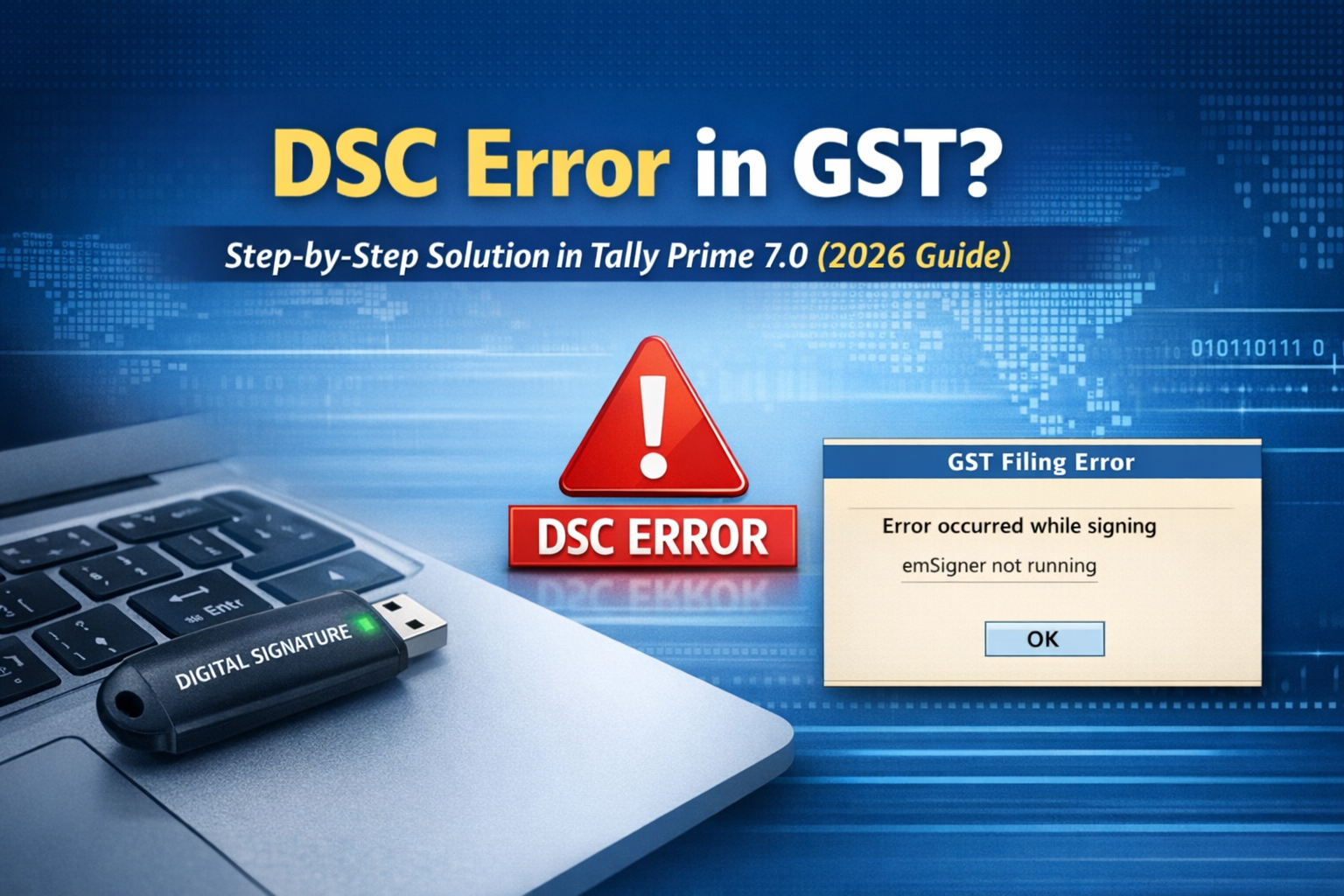
In 2026, GST compliance has quietly changed in ways many businesses did not notice until the last moment. Over the past few months, the GST portal has strengthened its digital security validation, especially for Digital Signature Certificates (DSC). Because of these backend changes, thousands of businesses are suddenly facing DSC errors in Tally Prime 7.0, even when their DSC is valid and working earlier.
Many accountants now reach the final step of GST filing only to see errors such as DSC not detected, signing failed, or secure connection error. The pressure increases as due dates approach, late fees start adding up, and businesses worry about compliance notices.
The good news is that these DSC errors are not permanent. In most cases, the issue is caused by recent system-level changes introduced in 2026. Once corrected properly, GST filing through Tally Prime 7.0 becomes smooth again, without delays or panic.
Understanding DSC Error in GST (2026 Update)
A Digital Signature Certificate is required for companies, LLPs, and several GST-related activities such as return filing, refunds, and amendments.
In 2026, the GST system now checks multiple security layers before allowing DSC signing. These include updated emSigner services, system permissions, browser validation, and encrypted communication between the GST portal and accounting software.
Because of this, even a small mismatch in system configuration can stop DSC signing completely.
Common DSC-related issues faced by businesses include:
DSC not detected in Tally
Error while signing GST return
No valid certificate found
emSigner service not responding
Secure connection failed
These problems appear serious but are mostly configuration-related.
A Real Business Story Behind the Problem
A trading firm in Delhi had been filing GST returns smoothly for years. In January 2026, during GSTR-1 filing, everything was completed except the final signing step. The accountant tried repeatedly, but the same DSC error appeared again and again.
The DSC was valid. The token was working. Still, filing failed.
As the deadline passed, the business owner became anxious about penalties and compliance notices. The next day, after reviewing the system setup, they discovered that the emSigner utility had not been updated according to the latest GST security changes.
Once the correct version was installed and system permissions were adjusted, the return was filed successfully within minutes.
The lesson was clear. The issue was not Tally Prime 7.0 or the DSC itself. It was the outdated system configuration that changed in recent months.
In-Content Images
You may insert the following images naturally within the article:
https://www.tallyatcloud.com/wp-content/uploads/2024/07/tally-dsc-gst-filing.jpg
https://www.tallyatcloud.com/wp-content/uploads/2024/08/tally-prime-gst-cloud.jpg
Step-by-Step Solution to Fix DSC Error in Tally Prime 7.0
Step 1: Check DSC Validity
First, ensure that the Digital Signature Certificate is active and not expired. Insert the DSC token and open the token management software. Confirm that the certificate is valid and assigned to the authorized signatory registered on the GST portal.
If the DSC has expired, renewal is mandatory before proceeding further.
Step 2: Install the Latest emSigner Utility
In 2026, GST requires the latest version of emSigner. Older versions no longer work reliably.
Download emSigner from the official GST portal and install it using administrator rights. After installation, restart the system and ensure the service is running properly.
Without emSigner, DSC signing cannot work in any accounting software.
Step 3: Correct Startup Sequence
The order in which applications are opened matters.
Always follow this sequence:
Insert DSC token
Start emSigner
Open Tally Prime 7.0
Load the company
Proceed with GST filing
Opening Tally before emSigner often leads to DSC detection failure.
Step 4: Update Tally Prime 7.0
Ensure that the latest release of Tally Prime 7.0 is installed. Updated releases include fixes for GST connectivity and encryption validation.
Running older builds may cause signing errors even if everything else is correct.
Step 5: Check Firewall and Antivirus Settings
Many DSC errors occur because Windows firewall or antivirus software blocks emSigner communication.
Allow emSigner through firewall settings and ensure that the required port is not blocked. In many cases, temporarily disabling antivirus confirms whether it is the cause.
This step alone resolves a large percentage of DSC-related problems.
Step 6: Verify Authorized Signatory Details
Log in to the GST portal and verify that the authorized signatory details match exactly with the DSC certificate.
The name, PAN, and role must be correctly mapped. Even minor mismatches can stop digital signing.
Why Many Businesses Prefer Tally on Cloud for GST Filing
In 2026, many businesses and CA firms are shifting GST work to Tally on Cloud environments. Cloud systems provide stable configuration, controlled permissions, and fewer local system conflicts.
Because emSigner and security settings remain consistent, DSC-related errors are significantly reduced. This helps businesses file GST returns on time every month without last-minute stress.
Conclusion
DSC errors in GST have increased in 2026 not because of software failure, but due to stronger security validations introduced by the GST system. Tally Prime 7.0 fully supports GST filing, but correct setup is essential.
When emSigner is updated, permissions are properly configured, and signatory details are accurate, DSC signing works smoothly. Businesses that understand these changes avoid penalties, reduce compliance pressure, and maintain uninterrupted GST filing.
Instead of panic during deadlines, a properly configured system ensures confidence and continuity.
Powered by Binarysoft Technologies
Authorized Tally Partner
Location:
1626/33, 1st Floor, Naiwalan, Karol Bagh, New Delhi – 110005, INDIA
Contact Us:
+91 7428779101
+91 9205471661
+91 8368262875
Email:
tally@binarysoft.com
Business Hours:
10:00 AM – 6:00 PM (Mon–Fri)
Frequently Asked Questions
Why does DSC not detect in Tally Prime 7.0?
Usually because emSigner is not running, blocked by firewall, or outdated.
Is DSC mandatory for GST filing?
DSC is mandatory for companies and LLPs. Others may file using EVC.
Can expired DSC cause GST signing errors?
Yes. Expired or revoked DSC cannot be used for GST signing.
Which system utility is required for DSC signing?
The emSigner utility provided by the GST portal is mandatory.
CA. Arvindh Khetwaani is a Chartered Accountant with experience in financial reporting, compliance management, and accounting software implementation. He has assisted businesses in adopting structured inventory and billing practices, and his articles focus on accuracy, controls, and sustainable business growth.