Call CA Tally HelpDesk
+91 9205471661,
7428779101
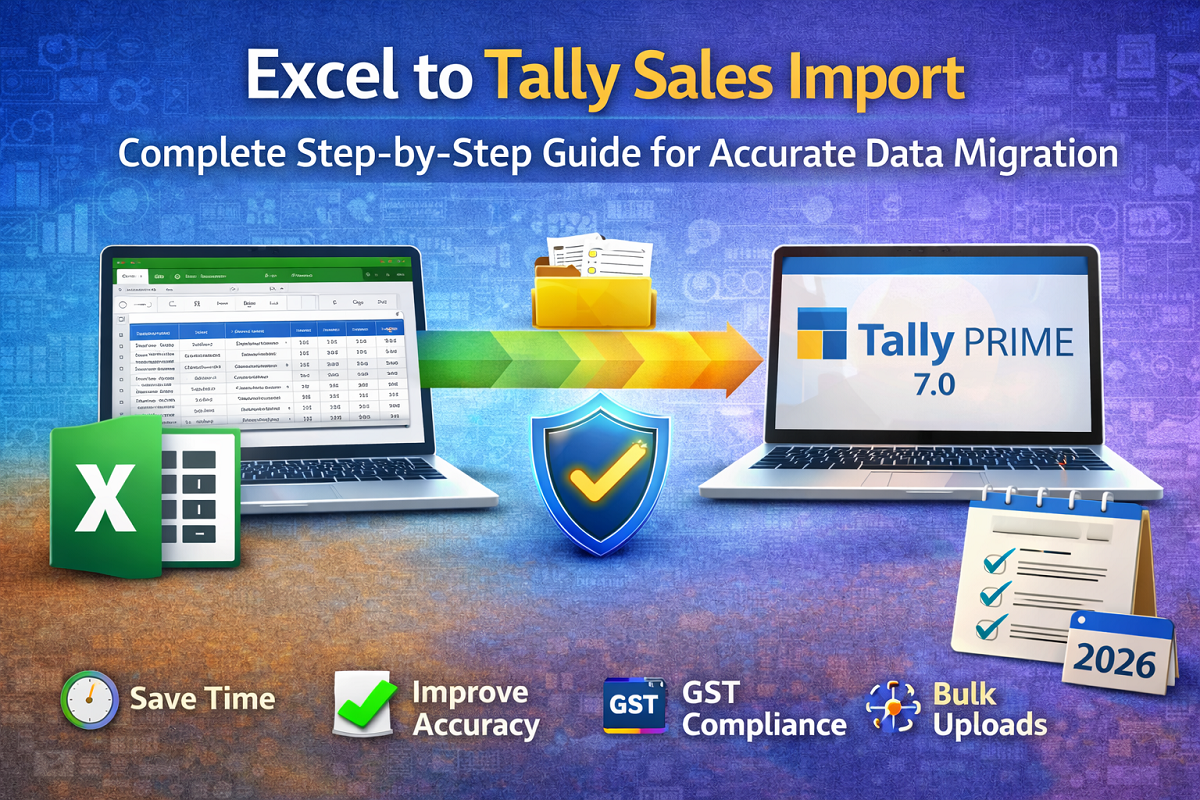
What changed in 2026 for accounting teams? Businesses are handling higher transaction volumes than ever before, compliance timelines are tighter, and leadership expects real-time financial visibility. Yet many companies still rely on Excel for maintaining sales data—creating a dangerous gap between operational speed and accounting accuracy. Manual entry into accounting software not only consumes valuable time but also increases the risk of errors, duplication, and GST mismatches. One wrong figure can trigger reconciliation issues, delay filings, and create unnecessary audit stress.
This is why Excel to Tally sales import has become a critical workflow in 2026. Automated data migration eliminates repetitive entry, improves accuracy, and ensures your books reflect real business activity without delay. The benefit is immediate: faster processing, fewer mistakes, stronger compliance readiness, and better decision-making. For modern businesses aiming to scale without chaos, mastering Excel-to-Tally import is no longer optional—it’s a smart operational upgrade.
Why Businesses Are Moving from Excel to Tally Faster Than Ever
Excel remains a powerful tool for data collection, but it was never designed to function as a full accounting system. As businesses grow, spreadsheets become harder to manage, audit, and reconcile.
Common challenges include:
-
Manual data entry errors
-
Version confusion across teams
-
Lack of real-time reporting
-
Difficulty maintaining compliance
-
Increased workload on finance teams
Importing sales data directly into Tally bridges this gap by transforming raw spreadsheet data into structured accounting records.
A Story Many Finance Teams Will Recognize
A mid-sized wholesale company processed hundreds of invoices daily using Excel. At month-end, the accounting team spent days manually entering sales into Tally. Stress levels were high, mistakes were frequent, and reconciliation often stretched late into the night.
One quarter, a small typing error created a GST mismatch that took days to trace. Leadership realized the process itself was the problem—not the people.
After implementing Excel-to-Tally import, the transformation was immediate. Data that once took days to enter was uploaded in minutes. The finance manager shared, “We stopped chasing numbers and finally started trusting them.”
Behind every efficient finance department is a system that removes friction—and automation does exactly that.
What Is Excel to Tally Sales Import?
Excel to Tally import is the process of transferring sales data from spreadsheets into Tally automatically using structured templates or import tools.
Instead of entering invoices manually, businesses can:
✅ Upload bulk transactions
✅ Reduce human errors
✅ Maintain consistency
✅ Accelerate accounting workflows
It turns accounting from a labor-intensive task into a streamlined process.
Key Benefits of Importing Sales from Excel to Tally
1. Massive Time Savings
Bulk imports can reduce hours—or even days—of manual work into minutes.
2. Higher Accuracy
Automation minimizes typing mistakes and calculation errors.
3. Faster GST Compliance
Accurate data ensures smoother reconciliation and return preparation.
4. Improved Productivity
Finance teams can focus on analysis instead of repetitive entry.
5. Scalable Operations
As transaction volume grows, automated import keeps workflows efficient.
When Should You Use Excel-to-Tally Import?
This approach is ideal when:
-
Sales volume is high
-
Multiple branches submit data
-
Ecommerce or POS systems export Excel files
-
Historical data needs migration
-
Businesses are transitioning to structured accounting
If manual entry is slowing you down, it’s time to automate.
Step-by-Step Guide to Import Sales from Excel to Tally
Step 1: Prepare Your Excel Data Properly
Before importing, ensure your spreadsheet is clean and structured.
Your sheet should include:
-
Invoice number
-
Invoice date
-
Customer name
-
GST details
-
Item name
-
Quantity
-
Rate
-
Tax breakdown
-
Total amount
Pro Tip: Remove blank rows, spelling inconsistencies, and duplicate entries.
Step 2: Match Ledger Names in Tally
For successful import:
-
Customer names must match existing ledgers
-
Tax ledgers should already exist
-
Stock items must align with Tally records
Even small mismatches can cause import failures.
Step 3: Convert Excel into a Compatible Format
Typically, data must be converted into formats such as:
-
XML
-
CSV (then mapped)
-
Import-ready templates
Many businesses use specialized import utilities to simplify this step.
Step 4: Backup Your Tally Data First
Never skip this step.
Taking a backup ensures that if anything goes wrong, your original data remains safe.
Golden Rule: Always backup before bulk import.
Step 5: Import Data into Tally
Inside Tally:
-
Go to Gateway of Tally
-
Select Import Data
-
Choose the appropriate format
-
Browse your file
-
Confirm the import
Once completed, review the summary for errors.
Step 6: Verify Imported Transactions
After importing:
✔ Check invoice totals
✔ Confirm tax calculations
✔ Review ledger postings
✔ Run basic reports
Verification ensures accounting integrity.
Common Mistakes to Avoid
❌ Importing without backup
❌ Incorrect ledger mapping
❌ Duplicate invoice numbers
❌ Poorly formatted spreadsheets
❌ Skipping verification
A little preparation prevents major corrections later.
Best Practices for Smooth Data Migration
Standardize Excel Templates
Use a fixed format across departments.
Automate Validation
Check data before importing.
Train Your Team
Ensure staff understands formatting rules.
Maintain Documentation
Clear processes reduce dependency on individuals.
Test with Sample Data
Run a small import before full migration.
Who Benefits the Most from Excel-to-Tally Import?
This workflow is especially valuable for:
Any business dealing with bulk transactions gains immediate efficiency.
Excel vs Automated Import: The Real Difference
| Manual Entry |
Excel Import |
| Slow |
Fast |
| Error-prone |
Accurate |
| Labor-heavy |
Automated |
| Hard to scale |
Growth-ready |
In modern finance environments, automation is no longer optional—it’s strategic.
How Automation Strengthens Financial Control
When data flows seamlessly into Tally:
Automation doesn’t replace accountants—it empowers them.
The Future of Accounting Is Integration
Businesses are rapidly moving toward connected ecosystems where POS, CRM, ecommerce platforms, and accounting systems communicate effortlessly.
Excel-to-Tally import is often the first step toward that integrated future.
Companies that embrace this shift operate faster, smarter, and with fewer operational bottlenecks.
Conclusion
In 2026, speed and accuracy define successful finance operations. Relying solely on manual processes creates risk, delays, and unnecessary pressure on teams.
Excel to Tally sales import transforms accounting from reactive to proactive. It saves time, improves accuracy, supports compliance, and prepares businesses for scalable growth.
The question is no longer whether you should automate—but how soon you can start.
Because in modern business, efficiency isn’t just an advantage—it’s a necessity.
Powered by Binarysoft Technologies
Authorized Tally Partner
Location:
1626/33, 1st Floor, Naiwalan, Karol Bagh, New Delhi – 110005, INDIA
Contact Us:
+91 7428779101
+91 9205471661
+91 8368262875
Email:
tally@binarysoft.com
Business Hours:
10:00 AM – 6:00 PM (Mon–Fri)
Frequently Asked Questions
What is Excel to Tally sales import?
Excel to Tally sales import is the process of transferring bulk sales data from an Excel spreadsheet directly into Tally. It eliminates manual entry, improves accuracy, and speeds up accounting workflows.
Why should businesses import sales data instead of entering it manually?
Manual entry is time-consuming and prone to errors. Importing data helps businesses save time, reduce mistakes, maintain consistency, and ensure faster GST reconciliation.
Is it safe to import data into Tally?
Yes, it is safe when done correctly. Always take a full data backup before importing to protect your financial records in case corrections are needed.
Can I import multiple invoices at once?
Yes. One of the biggest advantages of Excel-to-Tally import is the ability to upload hundreds or even thousands of invoices in minutes.
CA. Shivesh Khandelwaal is a practicing Chartered Accountant experienced in accounting automation, compliance management, and audit support. He has worked with trading and distribution businesses to improve inventory visibility and financial reporting. His articles focus on real-world applicability.