Call CA Tally HelpDesk
+91 9205471661,
7428779101
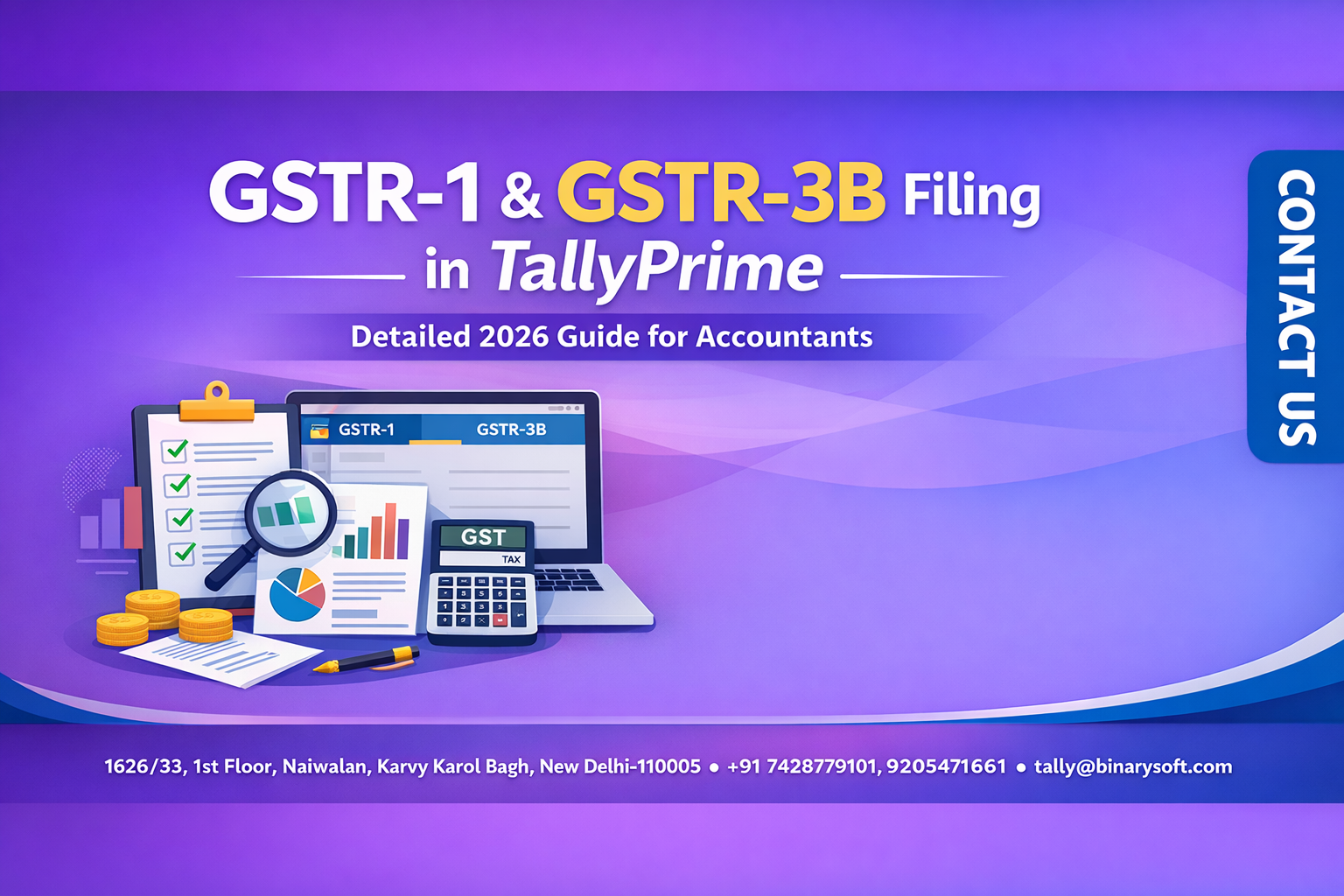
In 2026, GST compliance has entered a new phase of precision and speed. Over the past few months, tighter reconciliation checks, increased data matching, and stricter scrutiny have made return filing more demanding than ever. Businesses now expect returns to be ready well before deadlines, leaving little room for last-minute corrections. For accountants, this means higher pressure to maintain accurate books and ensure seamless filings across multiple clients. TallyPrime has evolved to meet this challenge by offering structured GST reports, faster validation, and simplified workflows. The immediate benefit is clear: quicker preparation, fewer mismatches, and greater confidence during submission. Mastering the GSTR-1 and GSTR-3B process in TallyPrime is no longer just a technical skill — it’s a competitive advantage for professionals navigating the complex compliance landscape of 2026.
During the last financial year, a growing accounting firm handling several retail clients struggled with repeated GST mismatches. Late nights became routine, and the team worried about losing client trust. After reorganizing their workflow using TallyPrime’s GST reports and reconciliation tools, the next quarter brought a noticeable change. Returns were finalized days ahead of deadlines, stress levels dropped, and the team regained confidence. The transformation wasn’t just about efficiency — it restored pride in their work and strengthened client relationships.
Understanding GSTR-1 and GSTR-3B
Before beginning the filing process, it’s important to understand the role of each return.
GSTR-1 is a detailed statement of outward supplies, capturing invoice-wise sales data.
GSTR-3B is a summary return used to declare tax liability and input tax credit.
Both must align perfectly, which is why accurate bookkeeping in TallyPrime is essential.
Pre-Filing Checklist
Preparation is the key to smooth GST compliance.
Ensure the following before generating returns:
-
All sales and purchase vouchers are recorded
-
GST rates and classifications are correct
-
Credit and debit notes are accounted for
-
ITC eligibility is reviewed
-
Data is reconciled with external records if applicable
Completing these checks reduces errors and avoids last-minute corrections.
Step-by-Step Process to File GSTR-1 in TallyPrime
Step 1: Open GST Reports
Navigate to Gateway of Tally → Display More Reports → GST Reports → GSTR-1.
Step 2: Select the Return Period
Choose the relevant month or quarter to view transaction summaries.
Step 3: Review Sales Data
Check invoice details under sections such as:
-
B2B supplies
-
B2C supplies
-
Exports
-
Credit and debit notes
Step 4: Identify and Correct Errors
Drill down into transactions to edit vouchers and correct tax treatment where required.
Step 5: Generate Return Data
Export or prepare the data for portal submission, ensuring totals match your books.
Step-by-Step Process to File GSTR-3B in TallyPrime
Step 1: Access GSTR-3B Report
Go to GST Reports → GSTR-3B.
Step 2: Verify Outward Supply Values
Check taxable value and tax amounts for accuracy.
Step 3: Review Input Tax Credit
Ensure eligible ITC is correctly reflected and ineligible credits are excluded.
Step 4: Compare with GSTR-1
Cross-verify totals to maintain consistency across returns.
Step 5: Finalize Data for Filing
Once verified, proceed with submission on the GST portal using the prepared data.
Common Challenges and How to Avoid Them
-
Filing without reconciliation leading to mismatches
-
Incorrect tax rate selection
-
Missing adjustments or notes
-
Claiming ineligible ITC
Regular reviews and proactive reconciliation help prevent these issues.
Benefits of Using TallyPrime for GST Filing
Higher Accuracy
Built-in validations reduce manual errors.
Faster Workflow
Automated summaries save significant preparation time.
Better Visibility
Detailed reports provide complete insight into transactions.
Scalability
Ideal for accountants handling multiple clients or large data volumes.
Best Practices for Efficient GST Filing in 2026
-
Maintain real-time bookkeeping
-
Reconcile data throughout the month
-
Use GST reports proactively
-
Keep documentation organized
These practices ensure smoother compliance and improved efficiency.
Conclusion
GST return filing in 2026 demands accuracy, speed, and strong process discipline. With increasing scrutiny and higher client expectations, manual workflows are no longer sufficient. TallyPrime simplifies the process by providing structured GST reports, easy reconciliation, and efficient return preparation tools.
By mastering the step-by-step process for GSTR-1 and GSTR-3B in TallyPrime, accountants can reduce stress, improve turnaround time, and deliver reliable compliance services. In a profession where precision defines credibility, streamlined workflows are the foundation of long-term success.
Frequently Asked Questions
Is TallyPrime suitable for multiple clients?
Yes, its structured reports and quick navigation make it efficient for professionals managing several businesses.
Does TallyPrime directly file GST returns?
TallyPrime prepares and validates data; final submission is completed on the GST portal.
How often should reconciliation be done?
Ideally, reconciliation should be performed periodically throughout the month to avoid last-minute issues.
Can I prepare both returns from the same data in TallyPrime?
Yes, both GSTR-1 and GSTR-3B pull data from your books, ensuring consistency when records are accurate.
CA. Harshit Gaurwaadi is a practicing Chartered Accountant with hands-on experience in accounting systems, GST compliance, and MSME advisory. He regularly works with small and mid-sized businesses to streamline inventory, billing, and statutory processes using modern accounting software. His articles focus on practical, ground-level challenges faced by Indian traders and professionals.