Call CA Tally HelpDesk
+91 9205471661,
7428779101
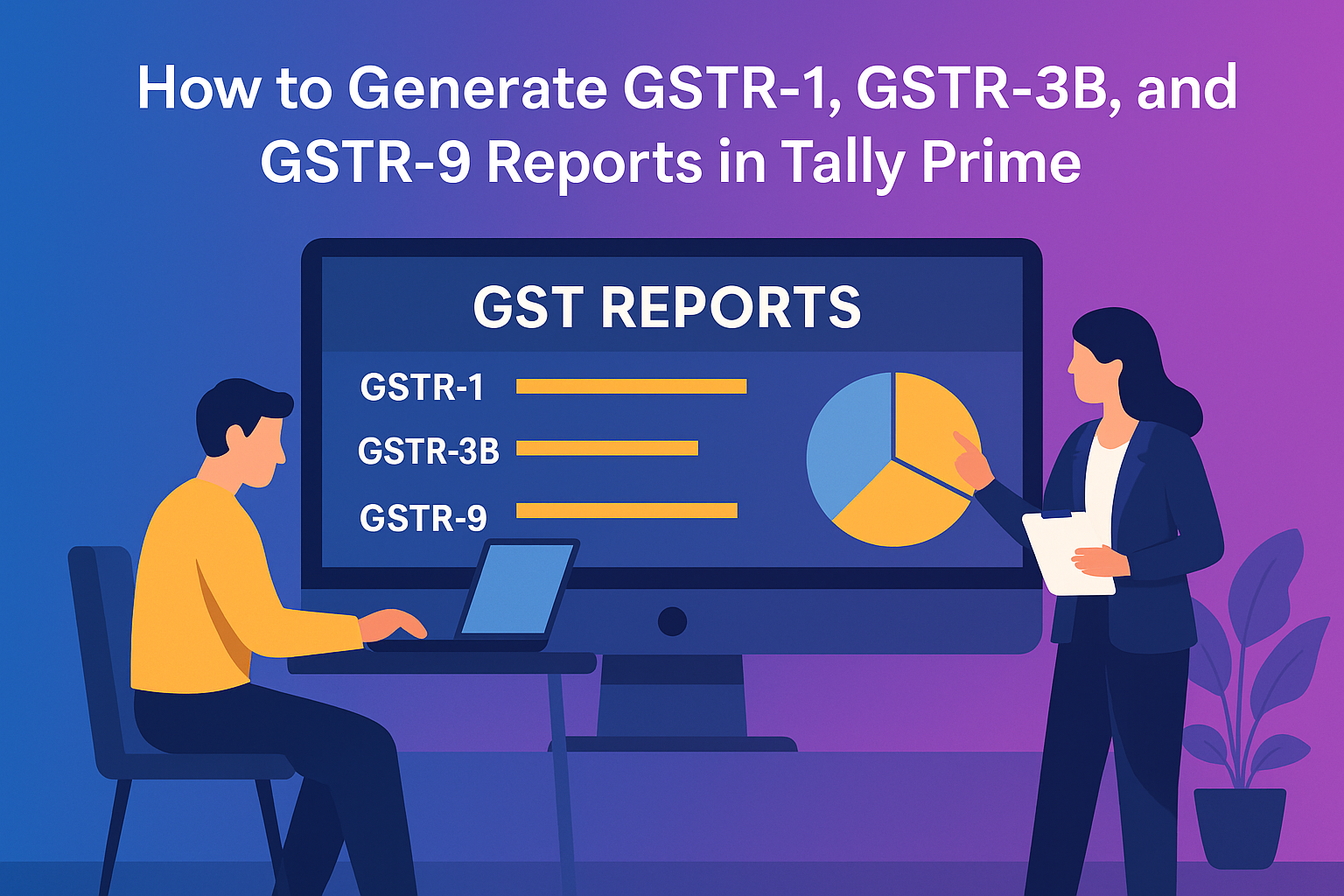
Managing GST compliance can be challenging for businesses, but Tally Prime simplifies the entire process through its built-in GST reporting system. From recording GST transactions to generating returns such as GSTR-1, GSTR-3B, and GSTR-9, everything can be done directly within Tally Prime — quickly, accurately, and without external tools. This article explains step-by-step how to generate these reports and stay fully compliant with the Goods and Services Tax (GST) regulations in India.
Understanding the GST Reports
Before you begin generating reports, it’s important to know what each form means:
- GSTR-1: Contains details of all outward supplies (sales) made during a specific tax period.
- GSTR-3B: A summary return showing the total taxable value, input tax credit (ITC), and tax payable for the month.
- GSTR-9: The annual GST return that consolidates all transactions for the entire financial year.
Tally Prime helps you prepare all these reports automatically based on your recorded transactions.
1. Enabling GST in Tally Prime
To start generating GST reports, you must enable GST features in your company settings:
- Open Tally Prime → Go to Company → Features (F11).
- Under Statutory Features, set Enable Goods and Services Tax (GST) to Yes.
- Enter your GSTIN, registration type (Regular, Composition, etc.), and other relevant details.
- Press Ctrl + A to save the settings.
Once enabled, Tally will start capturing GST details automatically in all future sales, purchases, and journal vouchers.
2. Recording GST-Enabled Transactions
Accurate reporting starts with proper voucher entry. While creating vouchers like Sales, Purchases, or Credit Notes, make sure to:
- Select the correct GST tax ledger (CGST, SGST, IGST).
- Choose appropriate Nature of Transaction (e.g., Sales to Registered Party, Exports).
- Enter correct GSTIN of the customer or supplier.
- Mention HSN/SAC codes and tax rates.
Every transaction entered correctly reflects automatically in your GST reports.
3. Generating GSTR-1 Report
To generate GSTR-1 in Tally Prime:
- Go to Gateway of Tally → Display More Reports → Statutory Reports → GST → GSTR-1.
- Select the Return Period (month or quarter).
- Review details of outward supplies under categories like:
- B2B Invoices
- B2C (Large and Small)
- Credit/Debit Notes
- Export Invoices
You can view invoice-wise details, make corrections, and mark transactions as included or excluded.
Once verified, press Export (Alt + E) to generate the JSON file for uploading on the GST Portal.
Tip: Always reconcile your GSTR-1 data with portal data before submission to avoid mismatches.
4. Generating GSTR-3B Report
GSTR-3B is a monthly summary of all inward and outward supplies.
Steps:
- Go to Gateway of Tally → Display More Reports → Statutory Reports → GST → GSTR-3B.
- Choose the relevant Return Period.
- Review sections such as:
- Outward taxable supplies
- Inward supplies liable to reverse charge
- Input Tax Credit (ITC) available
- Tax payable and paid
Tally automatically calculates total tax liability and ITC. You can export the Excel or JSON format and upload it to the portal.
5. Generating GSTR-9 (Annual Return)
At the end of the financial year, Tally Prime allows you to generate your annual return (GSTR-9).
- Go to Gateway of Tally → Display More Reports → Statutory Reports → GST → GSTR-9.
- Select the financial year.
- Tally consolidates all monthly data — outward supplies, inward supplies, ITC, and tax paid.
- Verify the data carefully and export the report for online filing.
Tally’s report format matches the GST portal structure, making reconciliation much easier.
6. Validating and Exporting Reports
Before exporting:
- Use Statistics → Incomplete Information to identify missing GSTINs or incorrect tax ledgers.
- Cross-verify HSN summaries and ensure no unrecorded vouchers remain.
- After verification, use Alt + E → Export and select JSON/Excel format to generate the file for portal upload.
Conclusion
Tally Prime’s GST module eliminates the need for external tools or manual data entry for returns. From recording invoices to generating and validating GSTR-1, GSTR-3B, and GSTR-9, everything happens inside one unified platform. Its automation, accuracy, and user-friendly interface make it one of the best GST solutions for businesses of all sizes.
By using Tally Prime effectively, you not only simplify tax filing but also ensure compliance with zero stress and maximum efficiency — truly making GST management “Simpler. Faster. Smarter.”
Powered by Binarysoft Technologies
Authorized Tally Partner
Location : 1626/33, 1st Floor, Naiwala, Karol Bagh, New Delhi – 110005, INDIA
Contact us : +91 7428779101, 9205471661
Email us : tally@binarysoft.com (10:00 AM – 6:00 PM, Mon–Fri)
CA. Lakshy Vermaa advises small and mid-sized businesses on accounting discipline, tax compliance, and process improvement. With exposure to retail and trading environments, he writes practical articles aimed at helping business owners gain better financial visibility and control.