Call CA Tally HelpDesk
+91 9205471661,
7428779101
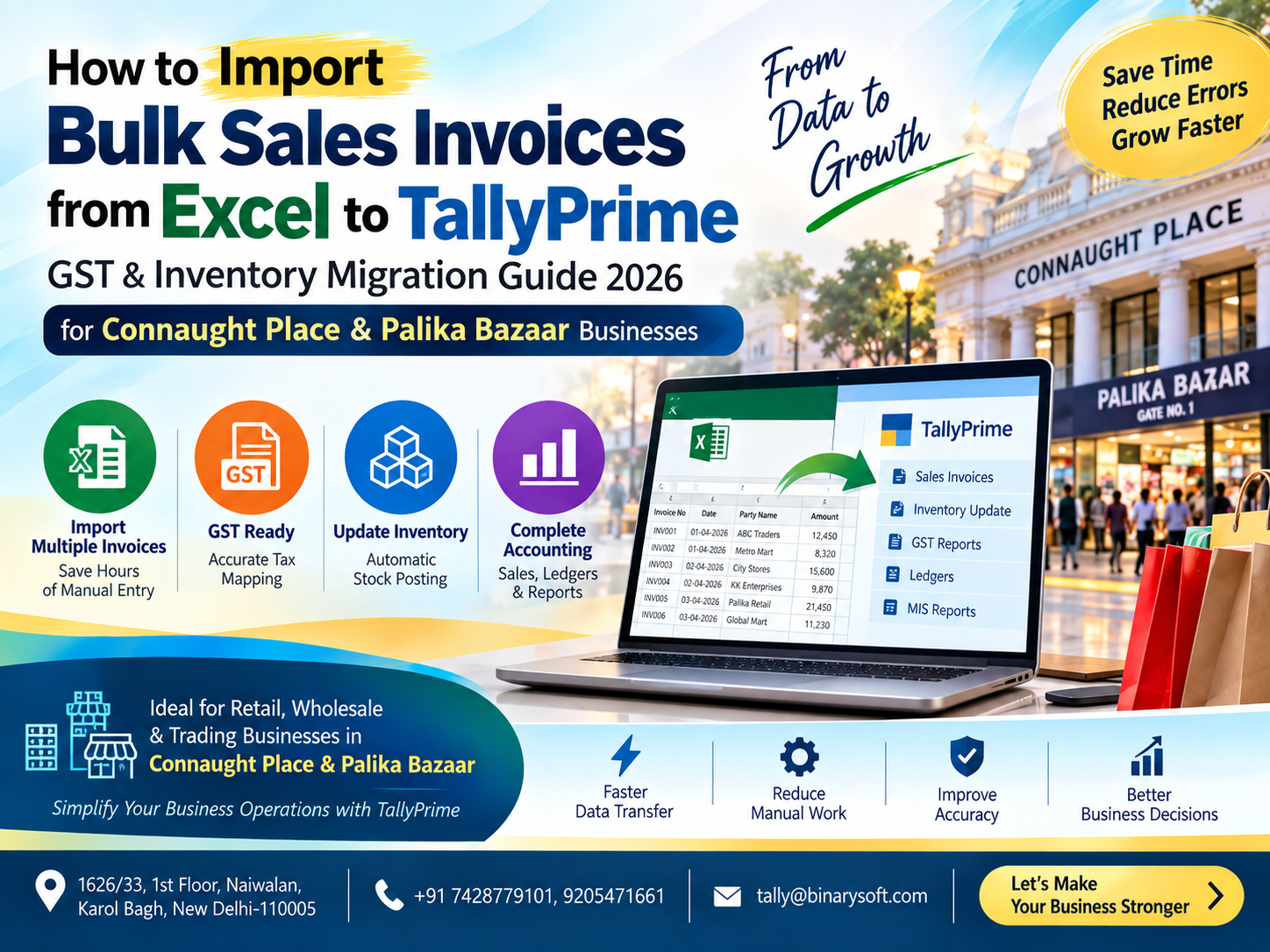
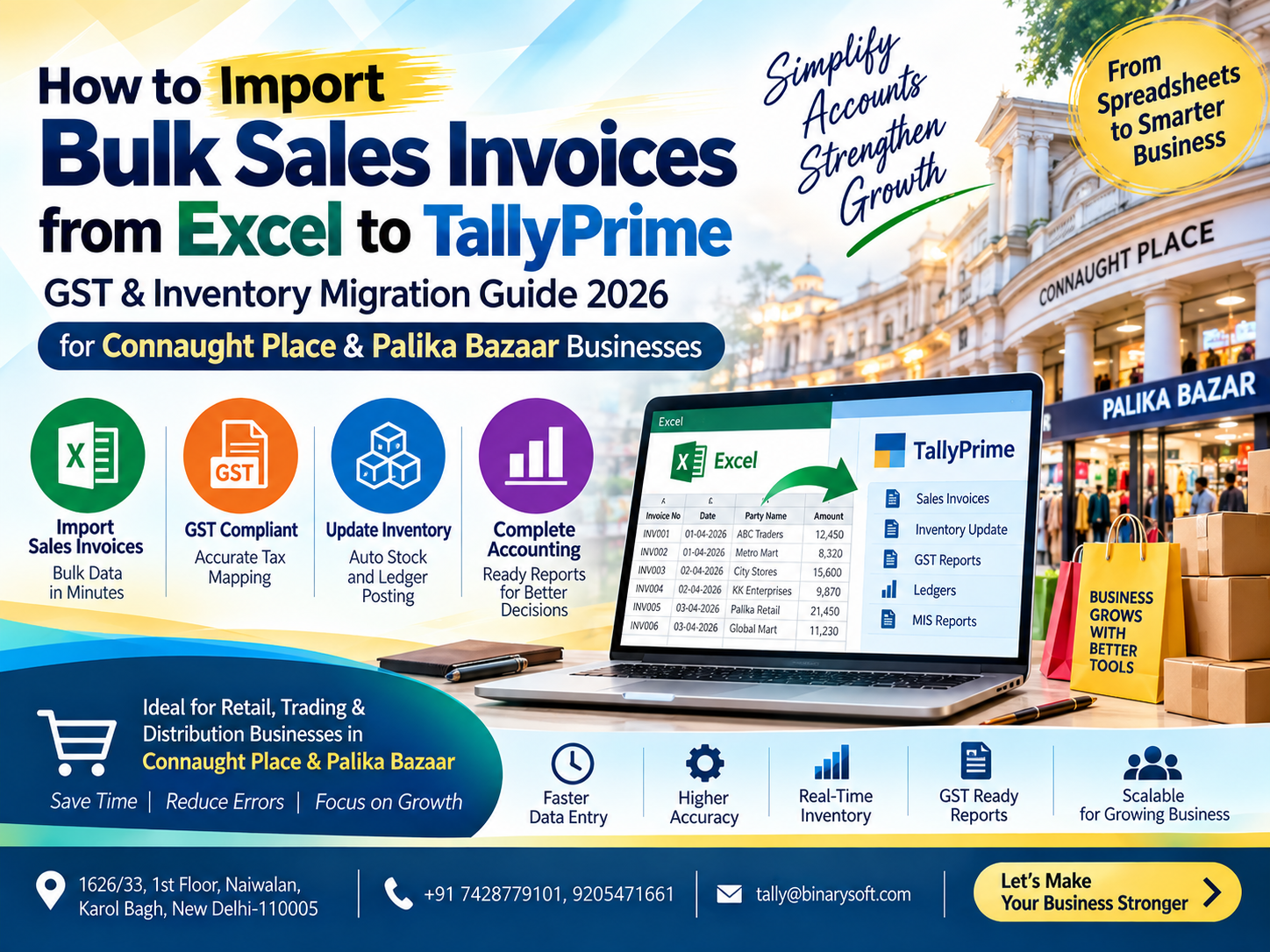
What Changed in 2026: Why Bulk Excel-to-TallyPrime Import Matters More Now
In 2026, businesses in Connaught Place and Palika Bazaar are handling larger transaction volumes while facing greater pressure to maintain accurate GST records, inventory quantities, customer ledgers and invoice-level accounting data. What has changed in recent months is not simply the number of invoices businesses generate—it is the speed at which accounting information must be checked, reconciled and made available for GST compliance and management decisions. When hundreds or thousands of sales invoices are maintained in Excel, entering them individually into TallyPrime can consume valuable staff hours and increase the possibility of duplicate entries, incorrect GST rates, wrong ledger selection and stock mismatches. A structured Excel-to-TallyPrime bulk import process can significantly reduce repetitive data entry while preserving invoice numbers, dates, party details, GST information, item quantities, rates and accounting values. For busy Delhi traders, this means faster migration, cleaner books and more time to focus on customers and business growth.
Why Connaught Place and Palika Bazaar Businesses Need Faster Accounting Workflows
Connaught Place is one of Delhi's most recognised commercial centres. Businesses operating here may handle retail sales, wholesale transactions, professional services, electronics, garments, restaurants, consumer goods and numerous other commercial activities.
Palika Bazaar presents a different but equally demanding environment. Businesses can deal with substantial daily sales activity, multiple products, rapidly changing stock levels and customers expecting quick billing.
In such environments, accounting teams cannot afford to spend an excessive amount of time repeatedly typing information that already exists in Excel.
Consider a business that has 2,500 sales invoices available in an Excel workbook.
If every invoice needs to be entered manually into TallyPrime, the accounting team may need to enter:
Invoice date
Invoice number
Customer name
GSTIN
Sales ledger
Stock item
Quantity
Unit
Rate
Discount
Taxable value
CGST
SGST
IGST
Round-off
Invoice total
For invoices containing multiple stock items, the amount of manual work increases further.
This is where a planned bulk sales invoice import process becomes valuable.
A Connaught Place Business Owner's Story: When Excel Became a Bottleneck
Imagine a wholesale and retail business operating near Connaught Place.
For years, the business maintained sales information using different Excel sheets. One sheet contained customer information, another recorded sales invoices, while separate files were used for stock movement and GST calculations.
As the business expanded, the number of monthly invoices increased dramatically.
At first, the accountant managed by manually entering Excel transactions into TallyPrime every evening.
Then the backlog started.
One day's pending entries became three days. Three days became a week.
The owner began asking a simple question:
"Why is my stock report different from what we actually have in the shop?"
The accountant was working late, yet reports were still delayed.
During GST reconciliation, another problem appeared. Several invoices had been entered with incorrect tax classifications. A few invoice numbers were duplicated, while some item quantities did not match the original Excel data.
The owner was frustrated.
The accountant was exhausted.
But the real problem was not either person.
The problem was the workflow.
The same information was being recorded twice—first in Excel and then manually in accounting software.
After restructuring the Excel data into a standard import format and moving the transactions systematically into TallyPrime, the team could focus more on checking exceptions rather than retyping every invoice.
That change did more than save time.
It gave the owner something every growing business needs: confidence that the reports being reviewed actually reflected the transactions recorded by the business.
What Is Bulk Sales Invoice Import from Excel to TallyPrime?
Bulk sales invoice import means transferring multiple sales transactions stored in Excel into TallyPrime through a structured import or integration process instead of manually creating every voucher.
The objective is straightforward:
Excel Data → Validation → Mapping → Import → TallyPrime → Verification
Depending on the structure and business requirements, an import may include accounting-only sales vouchers or complete inventory invoices containing item-level information.
A properly planned migration can transfer hundreds or thousands of records while maintaining the relationship between parties, ledgers, stock items, taxes and voucher information.
However, bulk import should never mean blindly uploading an Excel file.
The quality of the result depends heavily on the quality and structure of the source data.
What Data Can Be Imported?
A typical sales invoice Excel file may contain the following information.
Invoice Information
The basic voucher information can include:
Invoice date
Invoice number
Voucher type
Reference number
Order number
Customer name
Narration
Customer Information
Customer-related fields may include:
Party ledger name
GSTIN
Billing address
State
Place of supply
Registration type
Inventory Information
Where inventory accounting is required, the file may include:
Stock item name
Item code
HSN/SAC
Quantity
Unit of measurement
Rate
Discount
Taxable value
Warehouse or godown
GST Information
GST-related data can include:
GST rate
CGST
SGST
IGST
Cess, where applicable
Taxable amount
Place of supply
The exact fields required depend on the business model and configuration of the TallyPrime company.
Step 1: Understand Your Existing Excel Data
Before importing anything, examine the existing Excel workbook.
This is one of the most important stages of the entire process.
Businesses frequently have spreadsheets designed for human reading rather than software processing.
For example, an Excel sheet might contain:
Merged cells
Blank rows
Multiple headings
Subtotals between transactions
Manually written notes
Different date formats
Inconsistent party names
Different spellings of the same stock item
These may look perfectly understandable to a person but can create problems during automated processing.
A cleaner structure is preferable.
For example:
| Invoice Date | Invoice No. | Party Name | GSTIN | Item | Qty | Rate | GST Rate | Taxable Value | Total |
|---|
| 01-09-2026 |
CP001 |
ABC Traders |
GSTIN |
Product A |
10 |
500 |
18% |
5,000 |
5,900 |
| 01-09-2026 |
CP002 |
XYZ Enterprises |
GSTIN |
Product B |
5 |
1,000 |
18% |
5,000 |
5,900 |
A consistent table makes validation and mapping substantially easier.
Step 2: Clean the Excel File Before Import
Data cleaning should happen before migration.
Do not wait for errors to appear in TallyPrime before checking the spreadsheet.
Look for common problems such as:
Duplicate invoice numbers
Blank invoice dates
Incorrect date formats
Missing customer names
Incorrect GSTIN entries
Missing HSN/SAC information where required
Incorrect quantities
Negative quantities entered unintentionally
Incorrect GST rates
Duplicate stock item names
Spelling differences in ledger names
Extra spaces before or after names
Incorrect invoice totals
For example:
ABC Traders
and
ABC Traders
may look identical on screen, but hidden spaces can interfere with automated matching in some workflows.
Similarly:
Sharma Electronics
Sharma Electronic
Sharma Electronics Pvt Ltd
may represent the same customer—or three different customers.
This must be determined before migration.
Step 3: Take a Backup of TallyPrime Data
Before carrying out a major import, maintain a current backup of your TallyPrime company data.
This is particularly important when importing large volumes.
Testing the process using a backup or test company can help identify:
Wrong ledger mapping
Incorrect voucher types
GST configuration errors
Duplicate masters
Inventory mismatches
Unexpected rounding differences
Bulk migration should ideally follow the principle:
Prepare → Test → Verify → Import → Reconcile
Do not use:
Upload → Hope → Correct Thousands of Entries Later.
Step 4: Match Ledger Names Correctly
Ledger mapping is a critical part of Excel-to-TallyPrime migration.
Suppose your Excel file contains:
"ABC Electronics"
but the existing TallyPrime ledger is:
"ABC Electronics Pvt. Ltd."
The import process must know whether these represent the same party.
Similar issues can occur with sales ledgers.
For example:
Local Sales 18%
Sales GST 18%
Sales @18%
GST Sales 18%
Businesses sometimes use different naming conventions over time.
Before bulk migration, prepare a master mapping sheet that identifies which Excel value corresponds with which TallyPrime ledger.
Step 5: Check Customer GST Details
For GST-registered customers, verify important information such as:
GSTIN
State
Registration type
Place of supply
Incorrect customer information can affect tax treatment.
A transaction between businesses located within the same state may have a different GST structure from an inter-state transaction.
Therefore, GST determination should not be based only on the tax percentage.
Place of supply and the applicable transaction circumstances must also be correctly captured.
Step 6: Prepare Inventory Masters
For businesses in Palika Bazaar, Connaught Place and surrounding commercial areas that maintain item-level inventory, stock mapping is particularly important.
Suppose Excel contains:
USB Cable 1M
while TallyPrime contains:
USB Cable - 1 Meter
If mapping is not properly handled, the process could fail or potentially create an unwanted duplicate item, depending on the import method and configuration.
Prepare a stock master comparison before importing.
Important inventory fields may include:
Stock item name
Stock group
Category
Unit
Opening quantity
HSN/SAC
GST rate
Godown
Batch information, where applicable
Step 7: Verify Units of Measurement
Inventory migration often encounters unit-related problems.
One system may record:
PCS
while another uses:
Nos
Similarly:
BOX
Box
Boxes
PKT
Packet
KG
Kgs
may be treated differently.
Before migration, establish standard units.
This becomes especially important when invoice quantities directly update inventory balances.
Step 8: Decide Whether You Need Accounting or Inventory Invoice Import
Not every business requires the same import structure.
Accounting Invoice Import
This may be appropriate where the business primarily needs:
Party ledger
Sales ledger
Tax ledgers
Invoice amount
Voucher information
Inventory Invoice Import
This is preferable when the business wants item-level information such as:
Stock item
Quantity
Rate
Unit
Godown
Discount
HSN
Tax details
Businesses that depend on stock reports should generally ensure item-level data is properly structured.
Otherwise, financial sales values may appear correctly while inventory reports remain incomplete.
Step 9: Handle Multi-Item Invoices Correctly
One invoice may contain several products.
For example:
Invoice CP1001
Product A – 5 units
Product B – 10 units
Product C – 2 units
Excel frequently stores these as three rows.
The import logic must understand that all three rows belong to one invoice.
Invoice numbers, dates and party details therefore need consistent formatting across relevant rows.
Poor grouping logic can result in three vouchers being created instead of one invoice containing three products.
This is why invoice grouping is one of the most important elements in bulk sales migration.
Step 10: Check GST Calculations
Before importing, verify that taxable amounts and tax values are logical.
For example:
Taxable value: ₹10,000
GST rate: 18%
For an applicable intra-state transaction, the tax may be divided into CGST and SGST according to the applicable GST treatment.
For an applicable inter-state transaction, IGST may apply.
Your import structure should reflect the correct tax treatment based on the transaction.
Do not simply assume that every 18% transaction should use the same tax ledger.
Step 11: Check Discounts and Additional Charges
Many sales invoices contain more than product value and GST.
Common adjustments include:
Item discount
Invoice discount
Freight
Delivery charges
Packing charges
Round-off
Other applicable charges
These values must be mapped correctly.
Otherwise, the imported invoice total may differ from the Excel total even if product values are correct.
Step 12: Test with a Small Number of Invoices
Never begin a new migration workflow by immediately importing 10,000 invoices.
Start with a controlled sample.
For example, test 10–20 invoices representing different scenarios:
Single-item invoice
Multi-item invoice
Different GST rates
Intra-state transaction
Inter-state transaction
Discount invoice
Round-off invoice
Large-value invoice
Different customers
Different stock groups
After import, compare every important field with the source Excel file.
Only after successful testing should the process move to a larger batch.
Step 13: Import the Bulk Sales Data into TallyPrime
The exact technical workflow depends on the version of TallyPrime, source data, available import facilities and whether a customised integration is being used.
A business may use a supported import structure or an appropriately designed integration/conversion process to move Excel data into TallyPrime.
The essential principle is that Excel columns must be mapped to the correct destination fields.
For example:
Excel Invoice Number → Voucher Number
Excel Invoice Date → Voucher Date
Excel Customer → Party Ledger
Excel Product → Stock Item
Excel Quantity → Actual/Billed Quantity
Excel Rate → Item Rate
Excel Tax → GST-related allocation
Excel Narration → Voucher Narration
Incorrect mapping can produce technically imported but commercially inaccurate data.
Step 14: Verify Imported Vouchers
Successful import does not mean the migration is finished.
Verification is mandatory.
Check:
Number of invoices imported
Total sales value
Taxable value
CGST amount
SGST amount
IGST amount
Customer balances
Stock quantities
Sales register
GST reports
Invoice numbering
Compare the Excel totals with TallyPrime reports.
For example, if Excel contains 1,250 invoices with total sales of ₹78,50,000, verify whether the imported data produces the expected invoice count and corresponding values.
Any difference should be investigated before continuing.
Step 15: Reconcile Inventory
For inventory-based businesses, financial reconciliation alone is insufficient.
Suppose the sales value is completely correct but 100 units of a product were imported as 10 units because of a quantity-format problem.
The accounting total might still look correct if rates or amounts were independently imported, while the stock report could be wrong.
Therefore, compare:
Opening stock
Purchase quantity
Sales quantity
Closing stock
Item-wise verification is particularly useful for high-value or fast-moving products.
Common Problems During Excel-to-TallyPrime Import
Duplicate Invoice Numbers
Duplicate numbers can occur when multiple Excel files are combined.
Create a duplicate-checking process before import.
Date Format Problems
Excel may contain:
01/09/2026
01-09-2026
1 Sep 2026
Standardising the date format helps avoid interpretation problems.
Missing Ledgers
An invoice may refer to a party or sales ledger that does not exist in the destination company.
Determine beforehand whether masters should be created, mapped or corrected.
Wrong GST Rate
An incorrect GST rate in the source file can create incorrect tax values.
Validate tax-related information before import.
Stock Item Mismatch
Different product names can lead to import failures or duplicate masters.
Use stock-item mapping.
Incorrect Invoice Totals
Differences may result from:
Discounts
Rounding
Freight
Tax calculation
Additional charges
Manual adjustments
Reconcile totals systematically.
Why Businesses Should Avoid Blind Excel Imports
Automation saves time only when the underlying data is reliable.
A badly structured automated import can create errors much faster than manual entry.
Imagine importing 20,000 transactions where the wrong sales ledger has been mapped.
Instead of correcting one mistake, the accounting team could be facing thousands.
The objective should therefore not be "fastest possible import."
It should be:
Fast + Controlled + Verified Import.
Benefits of Bulk Excel-to-TallyPrime Sales Migration
Faster Data Entry
The most obvious benefit is reducing repetitive manual voucher entry.
Reduced Typing Errors
Structured import can minimise mistakes caused by repeatedly typing invoice numbers, quantities and amounts.
Better Inventory Updating
Item-level migration can help maintain stock information alongside accounting entries.
Improved GST Data Management
Structured GST-related fields can help maintain more consistent transaction information.
Faster Reconciliation
When source and destination totals are systematically checked, discrepancies can be identified earlier.
Better Use of Accounting Staff
Accountants can spend less time typing and more time reviewing:
Outstanding receivables
GST data
Stock differences
Profitability
Cash flow
Business reports
That is a much better use of skilled accounting resources.
Excel Import for Palika Bazaar Retailers
Palika Bazaar businesses may handle a wide variety of products and frequent daily transactions.
For such businesses, a useful Excel structure could contain:
Invoice number
Date
Customer
Item code
Item description
Quantity
Rate
Discount
GST rate
Invoice value
If stock is managed through TallyPrime, consistency in product codes and item names becomes extremely important.
Fast-moving items should receive additional attention during reconciliation because even a small quantity error repeated across hundreds of invoices can create significant stock differences.
Excel Import for Connaught Place Businesses
Connaught Place contains a broad mix of business types.
A retailer may require complete inventory migration.
A service provider may primarily need accounting vouchers.
A wholesaler may require both GST and inventory details.
A multi-location operation may additionally need cost centres, godowns, branches or other classifications.
Therefore, there is no single Excel template suitable for every business.
The template should be designed around the actual accounting structure of the company.
Bulk Import Checklist Before You Start
Before importing bulk invoices, confirm the following:
-
TallyPrime company backup is available.
-
Excel invoice numbers have been checked for duplicates.
-
Dates follow a consistent format.
-
Party names have been cleaned.
-
Customer GST information has been reviewed.
-
Sales ledgers have been mapped.
-
Stock items have been mapped.
-
Units have been standardised.
-
GST rates have been checked.
-
Intra-state and inter-state transactions are properly identified.
-
Discounts and additional charges are accounted for.
-
Multi-item invoices are correctly grouped.
-
A small test batch has been imported.
-
Test invoices have been manually verified.
-
Sales and tax totals have been reconciled.
Migrating Historical Sales Data
Some businesses need to migrate not only current invoices but also historical transactions.
For example, a company may have sales data for several months maintained in Excel before moving to a structured TallyPrime workflow.
In this situation, consider migrating in periods.
For example:
April → Verify
May → Verify
June → Verify
July → Verify
This approach is generally safer than importing an entire financial year's transactions at once without intermediate checks.
Period-wise reconciliation makes it easier to identify when and where a discrepancy began.
Should You Import Masters Before Transactions?
In many migration scenarios, preparing the required masters first can make transaction migration more controlled.
These may include:
Customer ledgers
Sales ledgers
GST-related ledgers/configuration
Stock groups
Stock items
Units
Godowns
Once the master structure is ready and verified, invoice data can be mapped against it.
This helps reduce inconsistent naming and unwanted duplicate masters.
How to Handle Thousands of Sales Invoices
For very large datasets, divide the migration into manageable batches.
For example:
Batch 1: 1–500
Batch 2: 501–1,000
Batch 3: 1,001–1,500
After every batch, check:
Voucher count
Sales total
GST total
Stock movement
Error log
If something goes wrong, you can identify the affected batch more easily.
Excel-to-TallyPrime Import Is Also a Data-Cleaning Opportunity
Businesses sometimes think of migration only as moving data from one place to another.
But migration is also an opportunity to clean years of inconsistent information.
You may discover:
Duplicate customers
Unused ledgers
Old product names
Incorrect GST information
Multiple codes for the same item
Inconsistent units
Unstructured invoice numbering
Cleaning these issues can improve reporting long after the migration is completed.
What Businesses Should Keep After Migration
Do not immediately discard the source Excel files.
Maintain an organised archive containing:
Original Excel file
Cleaned Excel file
Final import file
Import date
Imported period
Number of invoices
Control totals
Error report
Reconciliation report
This creates a useful audit trail for internal reference.
Manual Entry vs Bulk Import
| Area | Manual Entry | Structured Bulk Import |
|---|
| Large Invoice Volume |
Time-consuming |
Faster after preparation |
| Repetitive Typing |
High |
Reduced |
| Human Typing Errors |
Higher possibility |
Can be reduced |
| Initial Preparation |
Lower |
Higher |
| Data Validation |
Manual |
Can be structured |
| Large-Scale Migration |
Difficult |
More manageable |
| Inventory Mapping |
Repetitive |
Can be standardised |
| Reconciliation |
Often delayed |
Can be built into workflow |
Bulk import requires more preparation at the beginning, but that preparation can produce significant benefits when transaction volumes are high.
Why Professional Planning Matters
Every business has a different accounting structure.
Two retailers selling similar products may still use different:
Ledger names
Voucher types
Stock groups
Units
GST configurations
Invoice numbering
Godowns
Discount structures
Cost centres
Therefore, a bulk Excel-to-TallyPrime migration should be planned around the destination company rather than forcing every company into a generic template.
The most important questions are:
What does the source Excel contain?
What does TallyPrime require?
How should those two structures be mapped?
And how will the final result be verified?
A Better Workflow for Growing Delhi Businesses
For businesses in Connaught Place, Palika Bazaar and other commercial areas of Delhi, the goal should not simply be to eliminate Excel.
Excel can remain extremely useful for operational data preparation, analysis and business-specific workflows.
The goal is to eliminate unnecessary duplicate work.
A practical workflow may be:
Business Data → Structured Excel → Validation → TallyPrime Import → Reconciliation → Reporting
When properly implemented, this creates a bridge between flexible spreadsheet-based operations and structured accounting.
Why Reconciliation Is the Final and Most Important Step
Migration is complete only when the imported information has been reconciled.
At minimum, compare:
Total invoice count
Total taxable sales
Total tax
Total invoice value
Party-wise balances
Item-wise quantities
For a major migration, keep a reconciliation summary.
For example:
Source Excel invoices: 5,000
Imported invoices: 5,000
Source sales value: ₹X
TallyPrime sales value: ₹X
Difference: ₹0
The exact checks required will depend on the data and business structure.
The important point is that success should be measurable.
Conclusion
For businesses in Connaught Place and Palika Bazaar, manually entering hundreds or thousands of Excel sales invoices into TallyPrime can become a serious operational bottleneck. It consumes accounting time, delays reports and creates additional opportunities for mistakes in invoice numbers, customer ledgers, GST information and inventory quantities.
A structured Excel-to-TallyPrime bulk sales invoice migration can transform that workflow.
The key, however, is not simply importing data quickly. Businesses should first clean the Excel file, standardise ledger and stock-item names, verify GST information, map fields correctly, test a small sample and reconcile the final imported transactions.
When this process is properly planned, bulk migration can reduce repetitive work while helping businesses maintain more consistent accounting and inventory records.
For a Connaught Place retailer managing hundreds of invoices, a Palika Bazaar trader handling fast-moving inventory, or a growing Delhi business shifting from spreadsheet-based accounting to TallyPrime, structured data migration can provide a faster and more manageable route toward organised books and timely reporting.
Need Assistance with Excel to TallyPrime Data Import?
If your business has hundreds or thousands of sales invoices in Excel and you need assistance with data preparation, mapping, migration or TallyPrime-related implementation, you can contact Binarysoft Technologies.
Powered by Binarysoft Technologies
Authorized Tally Partner
Location: 1626/33, 1st Floor, Naiwalan, Karol Bagh, New Delhi – 110005, INDIA
Contact us: +91 7428779101, 9205471661
Email us: tally@binarysoft.com
Business Hours: 10:00 AM – 6:00 PM, Mon–Fri
CA. Reyansh Kulkarni has expertise in GST advisory, accounting compliance, and financial planning. He frequently contributes articles on digital accounting, inventory management, and modern financial practices for businesses.