Call CA Tally HelpDesk
+91 9205471661,
7428779101
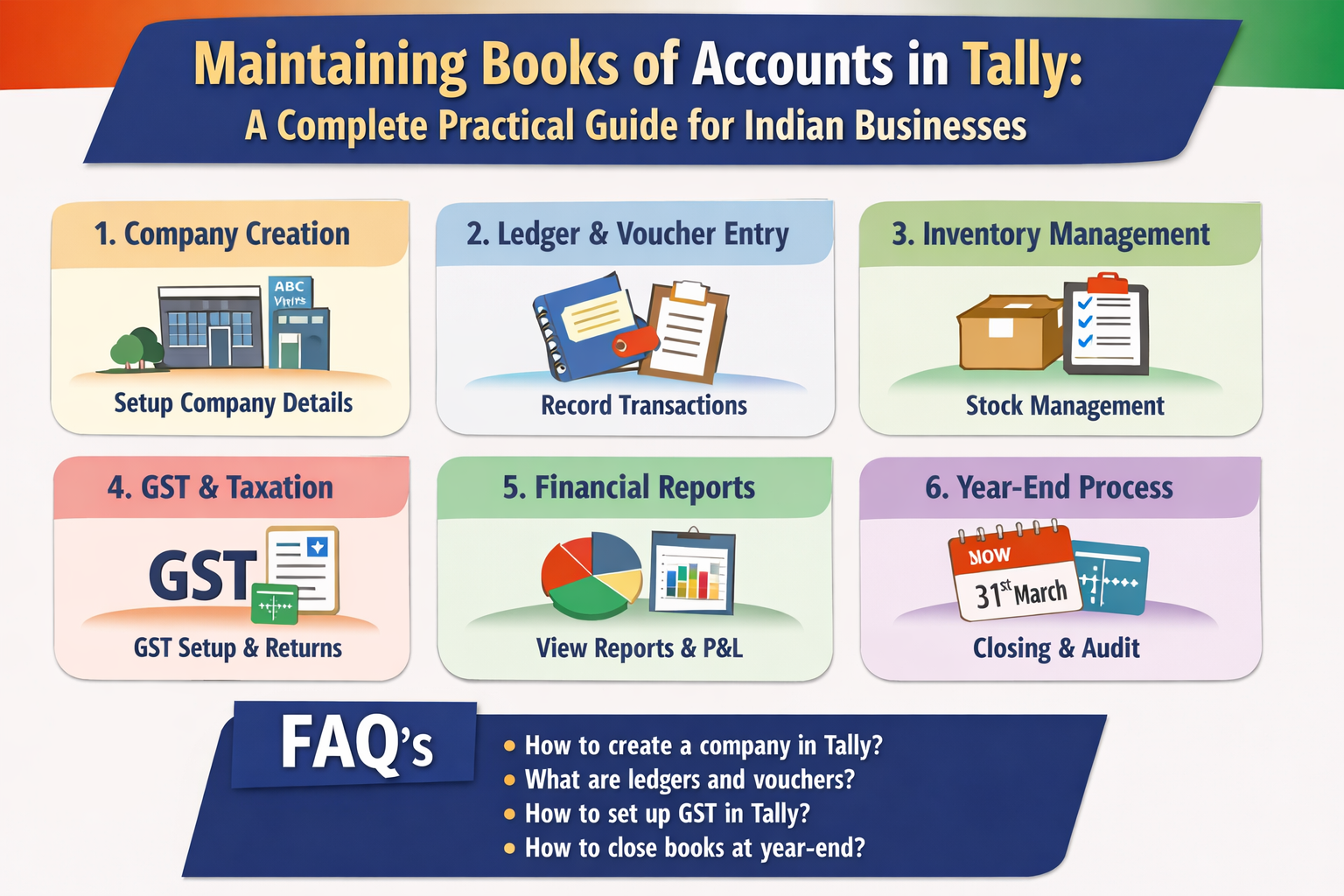
Maintaining Books of Accounts in Tally: A Complete Practical Guide for Indian Businesses
Maintaining proper books of accounts is a fundamental responsibility of every business in India. Accurate accounting not only helps a business understand its financial position but also ensures compliance with statutory requirements under the Income Tax Act, GST Act, and other applicable laws. Tally (especially Tally Prime) is one of the most trusted and widely used accounting software solutions in India, suitable for small traders, professionals, MSMEs, and large enterprises.
This complete practical guide explains in detail how Indian businesses can maintain their books of accounts in Tally, starting from basic concepts to daily accounting, GST compliance, reporting, and year‑end procedures.
1. Meaning and Importance of Books of Accounts
Books of accounts are systematic records of all financial transactions of a business. They reflect:
-
Money received and paid
-
Assets owned and liabilities owed
-
Income earned and expenses incurred
-
Taxes payable and taxes paid
Importance for Indian Businesses
-
Mandatory under Income Tax Act for specified businesses
-
Required for GST return filing and audits
-
Helps in tracking profit or loss
-
Supports business planning and decision‑making
-
Essential for loans, investors, and compliance
Tally automatically generates most books of accounts once transactions are correctly entered.
2. Types of Books of Accounts Maintained in Tally
Once data entry is done properly, Tally maintains the following automatically:
3. Installation and Introduction to Tally Prime
Installing Tally Prime
-
Download Tally Prime from the official website
-
Install the software on your system
-
Activate License or use Educational Mode
Opening Tally Prime
4. Creating a Company in Tally
Correct company creation is the foundation of proper accounting.
Steps to Create a Company
-
Open Tally → Select Create Company
-
Enter Company Name (legal business name)
-
Enter Mailing Name and Address
-
Select Country – India
-
Select State (important for GST)
-
Enter PIN Code
-
Set Financial Year (1 April to 31 March)
-
Set Books Beginning From date
Save the company after verifying details.
5. Enabling Accounting, Inventory, and Statutory Features
Go to F11 – Features to enable required options.
Accounting Features
Inventory Features (for goods‑based businesses)
-
Maintain Inventory: Yes
-
Units of Measure: Yes
-
Godowns (optional)
Statutory & Taxation Features
6. Understanding Groups and Ledgers in Tally
Groups
Groups classify accounts into Assets, Liabilities, Income, and Expenses.
Examples:
-
Capital Account
-
Loans (Liability)
-
Sundry Debtors
-
Sundry Creditors
-
Direct Expenses
-
Indirect Expenses
Ledgers
Ledgers are individual accounts used for recording transactions.
Examples:
-
Cash
-
Bank Account
-
Customer Ledger
-
Supplier Ledger
-
Rent Expense
-
Salary Expense
Correct grouping is essential for accurate final reports.
7. Creating Important Ledgers
Capital Account
Cash Ledger
Bank Ledger
-
Group: Bank Accounts
-
Enter opening balance
Expense Ledgers
-
Rent, Salary, Electricity, Telephone
-
Group: Direct or Indirect Expenses
Customer Ledger
-
Group: Sundry Debtors
-
Enable GST details
Supplier Ledger
-
Group: Sundry Creditors
-
Enable GST details
8. Recording Daily Accounting Transactions
Daily transaction entry is the core of maintaining books of accounts.
Receipt Voucher (F6)
Used when money is received.
Payment Voucher (F5)
Used when payment is made.
-
Office expenses
-
Supplier payments
Contra Voucher (F4)
Used for cash and bank transfers.
-
Cash deposited into bank
-
Cash withdrawn from bank
Sales Voucher (F8)
Used for recording sales.
Purchase Voucher (F9)
Used for recording purchases.
Journal Voucher (F7)
Used for adjustments.
-
Depreciation
-
Provisions
-
Rectification entries
9. Maintaining Inventory and Stock Records
For trading or manufacturing businesses:
-
Create Stock Groups
-
Create Stock Items
-
Define GST rates
-
Maintain opening stock
Inventory Reports
-
Stock Summary
-
Godown Summary
-
Movement Analysis
10. GST Accounting and Compliance in Tally
Correct GST configuration ensures smooth compliance.
Key Points
GST Reports Available
-
GSTR‑1
-
GSTR‑3B
-
GST Summary
-
HSN Summary
Always resolve errors shown in GST reports before filing returns.
11. Bank Reconciliation Statement (BRS)
Bank reconciliation ensures accuracy between bank books and bank statements.
Steps
Benefits include fraud prevention and accurate cash position.
12. Managing Outstanding Receivables and Payables
Outstanding reports help track dues.
Reports
-
Outstanding Receivables
-
Outstanding Payables
These reports assist in cash flow management and follow‑ups.
13. Financial Statements and Reports
Tally automatically generates final accounts.
Important Reports
-
Trial Balance
-
Profit & Loss Account
-
Balance Sheet
-
Cash Flow Statement
-
Fund Flow Statement
These reports reflect the true financial health of the business.
14. Year‑End Procedures in Tally
Before closing the financial year:
-
Verify all ledgers
-
Reconcile bank accounts
-
Verify GST returns
-
Adjust depreciation
-
Verify closing stock
Create a new financial year without losing previous data.
15. Backup, Security, and User Management
Backup
Security
-
Create multiple users
-
Assign roles
-
Use security passwords
16. Common Mistakes to Avoid
-
Incorrect ledger grouping
-
Ignoring GST errors
-
Mixing personal and business expenses
-
Not reconciling bank regularly
-
Not taking backups
17. Best Accounting Practices for Indian Businesses
-
Record transactions daily
-
Maintain supporting bills and invoices
-
Reconcile monthly
-
Review reports regularly
-
Get accounts reviewed by professionals
Conclusion
Maintaining books of accounts in Tally becomes simple and effective when the system is properly set up and transactions are recorded regularly. With disciplined accounting practices, Indian businesses can ensure statutory compliance, financial transparency, and long‑term growth. Tally serves as a powerful tool to manage accounting, inventory, and taxation efficiently under one platform.
About Binarysoft Technologies
Powered by Binarysoft Technologies
Authorized Tally Partner
Location:
1626/33, 1st Floor, Naiwalan, Karol Bagh, New Delhi – 110005, INDIA
Contact Us:
+91 7428779101, 9205471661, 8368262875
Email:
tally@binarysoft.com
(10:00 AM – 6:00 PM, Monday to Friday)
Frequently Asked Questions
What are books of accounts?
What are books of accounts? Books of accounts are systematic records of all financial transactions of a business, including income, expenses, assets, liabilities, purchases, sales, and taxes.
Is it mandatory to maintain books of accounts in India?
Yes. As per the Income Tax Act and GST law, specified businesses and professionals are required to maintain proper books of accounts. Even when not mandatory, maintaining books is strongly recommended for control and compliance.
Can small businesses maintain books of accounts in Tally?
Yes. Tally is suitable for small traders, startups, professionals, MSMEs, and large businesses. Its flexibility allows even very small businesses to maintain proper accounts easily.
Which version of Tally is best for maintaining accounts?
Tally Prime is the latest and recommended version for maintaining books of accounts, as it supports GST, inventory, compliance, and reporting as per Indian laws.
CA. Rishubh Talrejaa specializes in GST, business accounting, and compliance advisory for growing enterprises. With experience in handling real-time transactional data and audits, he writes practical insights on inventory control, taxation, and digital transformation for Indian businesses operating in competitive markets.









