Call CA Tally HelpDesk
+91 9205471661,
7428779101
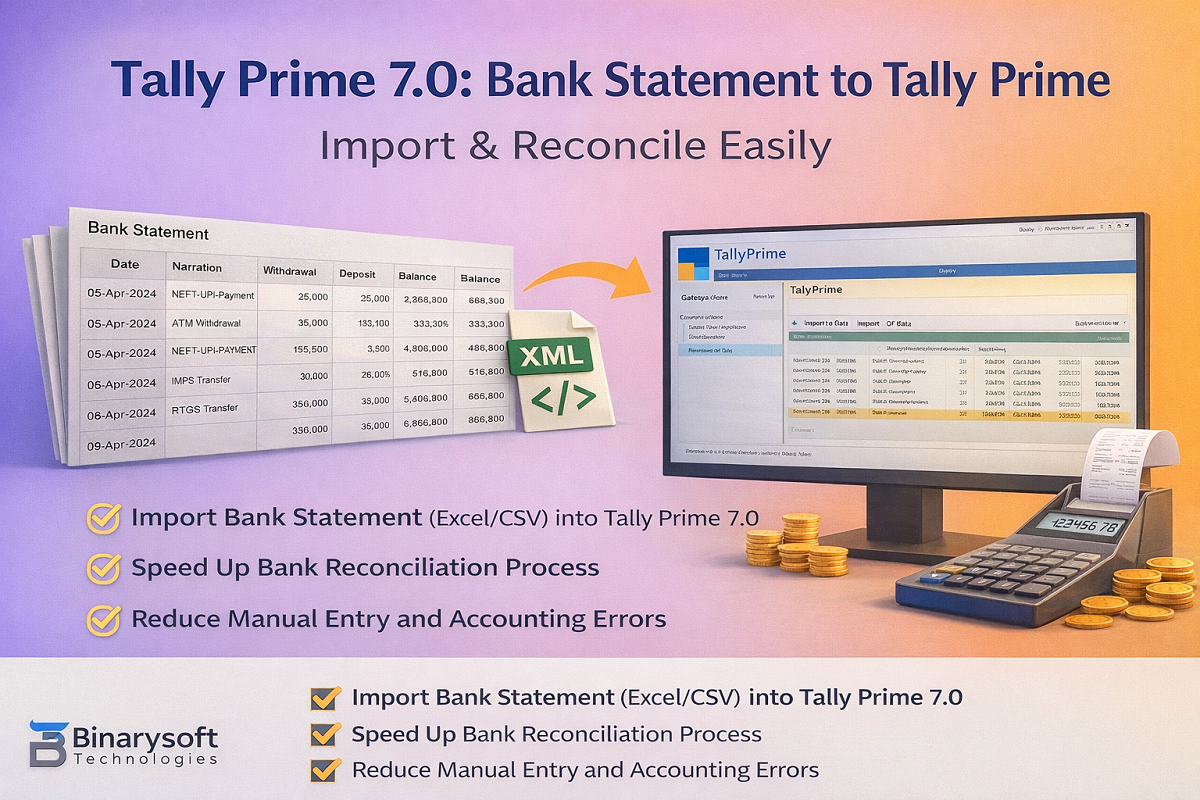
Managing bank transactions manually is time-consuming and error-prone. With Tally Prime 7.0, businesses and CAs can efficiently import bank statements into Tally Prime and speed up accounting and bank reconciliation.
This guide explains how to bring bank statements into Tally Prime 7.0, the supported formats, and best practices.
Why Import Bank Statement into Tally Prime 7.0?
Using the bank statement to Tally Prime process helps you:
- Save time on manual voucher entry
- Reduce posting errors
- Maintain accurate bank ledgers
- Speed up bank reconciliation
- Handle bulk transactions (UPI, NEFT, IMPS, RTGS)
Supported Bank Statement Formats in Tally Prime 7.0
You can work with bank statements in:
- Excel (.xlsx)
- CSV (.csv)
- XML (recommended for bulk import)
PDF statements must be converted to Excel/CSV first.
Methods to Import Bank Statement into Tally Prime 7.0
Method 1: Bank Statement to Tally Prime via XML (Best for Bulk Data)
This is the most reliable method for importing large volumes of bank transactions.
Process:
- Convert bank statement (Excel/CSV) to Tally-compatible XML
- Open company in Tally Prime 7.0
- Go to Gateway of Tally → Import
- Select Vouchers
- Choose the XML file and import
✔ Fast
✔ Accurate
✔ Ideal for CA firms & high-volume accounts
Method 2: Import via Excel / CSV
Tally Prime allows importing transactions using predefined Excel structures.
Use this when:
- Transaction volume is low
- Format is simple
- XML is not available
Requires correct column mapping and formatting.
Required Data for Bank Statement Import
Before importing, ensure your data includes:
- Date
- Narration / Description
- Debit amount
- Credit amount
- Reference / UTR (optional but recommended)
Also ensure:
- Bank ledger exists in Tally
- Party / expense ledgers are created (or mapped to Suspense)
Voucher Types Used in Bank Statement Import
|
Transaction Type
|
Voucher in Tally
|
|
Money received
|
Receipt
|
|
Money paid
|
Payment
|
|
Bank to bank
|
Contra
|
|
Charges / Interest
|
Journal
|
Bank Reconciliation in Tally Prime 7.0
After importing the bank statement:
- Open Bank Ledger
- Select Bank Reconciliation
- Match imported entries with bank dates
- Identify unreconciled or missing transactions
This ensures accurate books and compliance-ready data.
Common Errors & How to Avoid Them
Missing Ledgers
→ Create ledgers before import or use Suspense
Wrong Debit / Credit Posting
→ Verify bank column mapping
Duplicate Entries
→ Import month-wise and use unique references
Date Format Issues
→ Use consistent date format (DD-MM-YYYY)
Conclusion
Using bank statement to Tally Prime in Tally Prime 7.0 is the smartest way to automate accounting, reduce errors, and improve reconciliation. For bulk or professional use, XML-based import remains the most efficient and reliable approach.
Powered by Binarysoft Technologies
Authorized Tally Partner
Location : 1626/33, 1st Floor, Naiwalan, Karol Bagh, New Delhi – 110005, INDIA
Contact us : +91 7428779101, 9205471661, 8368262875
Email us : tally@binarysoft.com (10:00 AM – 6:00 PM, Mon–Fri)
Frequently Asked Questions
Is TSS required?
XML import works without TSS; connected banking features may require active services.
Can I import bank statement directly into Tally Prime 7.0?
Yes, via Excel/CSV or XML.
Can this help in GST & audit work?
Yes. Clean bank data improves reconciliation and audit accuracy.
Which is the best method?
XML import is best for accuracy and bulk data.
CA. Harshit Gaurwaadi is a practicing Chartered Accountant with hands-on experience in accounting systems, GST compliance, and MSME advisory. He regularly works with small and mid-sized businesses to streamline inventory, billing, and statutory processes using modern accounting software. His articles focus on practical, ground-level challenges faced by Indian traders and professionals.









