Call CA Tally HelpDesk
+91 9205471661,
7428779101
Introduction: Why Your Business Software Should Grow with Your Business
A small business rarely remains small in the way its founder originally imagined. What begins with a few invoices, a handful of customers and one employee may gradually expand into multiple warehouses, online sales channels, specialized departments and complex financial operations.
In 2026, Indian businesses increasingly rely on digital payments, e-commerce platforms, automated reporting and connected business applications. Software that works perfectly during the first year may become restrictive when new requirements emerge.
Imagine a retailer who initially needs only GST billing. Two years later, the same business may require barcode scanning, e-commerce order imports, customer relationship management and warehouse-level inventory reports.
If the original accounting platform cannot accommodate these changes, the business may face expensive data migration, duplicate entry and employee retraining.
The right business platform should solve today's problems while providing a practical path for tomorrow's requirements.
This is where integration capabilities, add-ons, custom modules and extensibility become important.
TallyPrime offers core accounting, inventory, invoicing and reporting capabilities, along with supported customization and data integration mechanisms.
This guide explains how small businesses can evaluate future-ready software, understand integration options and build scalable workflows without investing prematurely in an unnecessarily complicated system.
1. What Is an Extensible Business Software Platform?
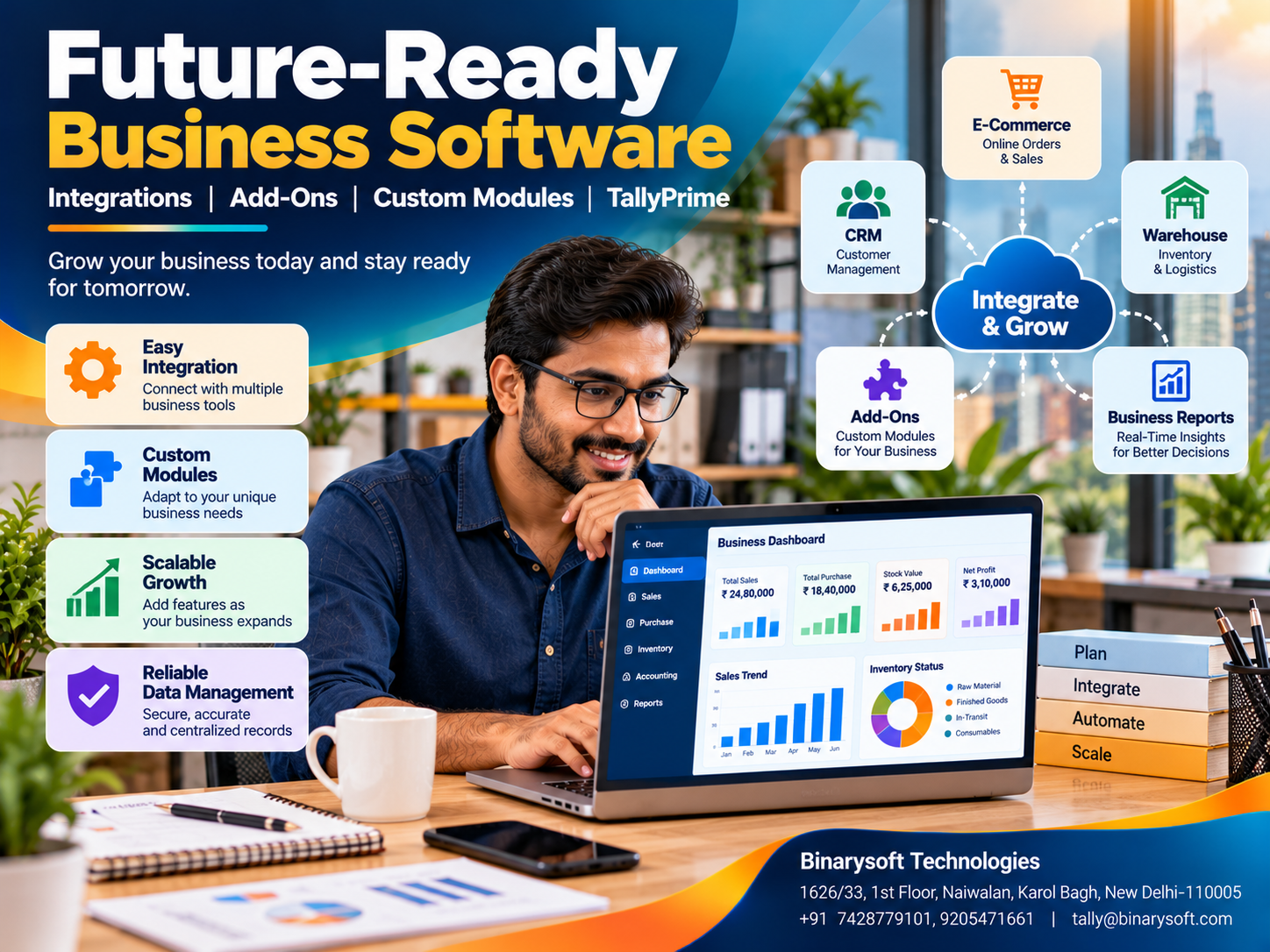
An extensible business software platform allows organizations to expand or adapt functionality beyond its standard features.
This may involve connecting external applications, installing compatible add-ons, creating custom reports or developing specialized workflows.
For example, a wholesale distributor might initially use accounting software for purchases, sales and inventory.
Later, the company may require a sales-order application used by field employees.
An extensible platform may allow approved data exchange between the order application and accounting system, subject to technical compatibility.
The goal is to avoid rebuilding the entire business environment whenever operational requirements change.
However, extensibility should not be confused with unlimited customization. Every software platform has technical, security and licensing boundaries.
2. Why Future Integration Matters for Small Businesses
Small businesses often choose software based primarily on price and immediate functionality.
Although cost is important, overlooking future requirements can create long-term problems.
A business may eventually need additional users, multiple locations, specialized inventory reports or integration with online marketplaces.
If different systems cannot exchange information, employees may repeatedly enter the same transactions.
This increases administrative effort and creates opportunities for errors.
Future-ready software can help businesses introduce new workflows while retaining established accounting records.
It also allows organizations to adopt specialized applications where those applications provide capabilities that the core platform does not.
3. Understanding Add-Ons, Custom Modules and Integrations
These terms are related but have different meanings.
|
Term
|
Meaning
|
Practical example
|
|---|
|
Add-on
|
Additional functionality for existing software
|
Customized invoice layout
|
|
Custom module
|
Function developed for a specific requirement
|
Industry-specific reporting
|
|
Integration
|
Data exchange between applications
|
E-commerce orders into accounting
|
|
API
|
Defined interface for software communication
|
Authorized transaction exchange
|
|
Data import/export
|
Transfer through supported file formats
|
Excel-based sales import
|
|
Workflow automation
|
Rules or processes reducing manual activity
|
Scheduled data processing
|
A custom module may work within the main application, while an integration connects separate systems.
The appropriate approach depends on business requirements, available interfaces and ongoing maintenance costs.
4. Essential Features of Future-Ready Business Software
Flexible Accounting Structure
The software should support appropriate ledgers, transaction categories and reporting arrangements.
Reliable Data Import and Export
Businesses should be able to retrieve their records in usable formats.
Documented Integration Options
Supported interfaces and technical documentation make future development more manageable.
Custom Reporting
Businesses may need industry-specific financial or operational reports.
Inventory Scalability
Retailers, distributors and manufacturers should assess support for expanding product ranges and locations.
User Permissions
Different employees should receive access according to their responsibilities.
Upgrade Compatibility
Customizations should be reviewed when the underlying software is updated.
Technical Support
Reliable implementation and maintenance assistance can be important for customized systems.
A platform should be evaluated through practical demonstrations rather than marketing claims alone.
5. Common Integrations Small Businesses May Need
As operations expand, businesses may connect accounting software with other applications.
E-commerce integration: Transferring orders, sales and related information from online marketplaces or websites.
CRM integration: Coordinating customer records and sales-related information.
Warehouse integration: Exchanging inventory and dispatch information.
Payment integration: Supporting payment references and reconciliation workflows.
Payroll integration: Transferring approved salary-related accounting information.
Business intelligence integration: Providing structured data for management dashboards.
Manufacturing integration: Connecting production-related records with accounting and inventory.
These integrations are not automatically available in every accounting product. Their feasibility depends on supported interfaces, third-party applications and implementation design.
6. How TallyPrime Supports Customization and Integration
TallyPrime provides a foundation for business accounting and inventory management.
Its core capabilities include financial ledgers, GST-related invoicing, stock records, purchase and sales transactions, receivables, payables and reporting.
For businesses with additional requirements, supported customization mechanisms can extend certain workflows.
Tally Definition Language, commonly known as TDL, is used for developing compatible Tally customizations.
Depending on the requirement, developers may create additional reports, modify supported interfaces or implement specialized transaction workflows.
TallyPrime also supports documented data exchange mechanisms, including relevant import/export and integration interfaces.
However, businesses should not assume that every external application can connect automatically.
Integration feasibility, security, licensing and compatibility must be evaluated before development begins.
7. TallyPrime Add-Ons for Industry-Specific Requirements
Different industries require different operational processes.
A retailer may need barcode-related workflows and customized invoice formats.
A wholesaler may require specialized sales reports, customer outstanding analysis or bulk transaction imports.
A manufacturer may need additional production analysis and material consumption reports.
A service company may require project-wise expense reporting or customer-specific billing formats.
Some requirements can be addressed through standard TallyPrime features.
Others may require compatible add-ons or separately developed applications.
Before commissioning customization, businesses should first determine whether the required functionality already exists in the installed software.
This avoids unnecessary development and maintenance expenses.
8. An Emotional Story: The Entrepreneur Who Refused to Start Again
When Amit opened his electrical supplies business in Chawri Bazar, Delhi, he had one employee and a small rented shop.
His father had helped him arrange the initial inventory, and his wife maintained customer records after returning from her own job.
During the first year, Amit used a basic billing application.
It was inexpensive and easy to operate.
As the business grew, he started receiving orders from contractors, retailers and industrial customers.
Eventually, he opened a warehouse and began selling products through online channels.
That was when the difficulties started.
His billing application could not conveniently accommodate the new workflows.
Online orders had to be entered manually. Warehouse stock records were maintained separately, and the accounting team spent hours reconciling sales information.
One evening, Amit discovered that a major customer order had been delayed because the warehouse records showed incorrect stock availability.
The customer cancelled the order.
Amit returned home exhausted.
His young daughter asked why he had missed her school performance.
He had promised to attend, but he had spent the afternoon correcting business records.
That night, Amit realized that business growth was taking away the very family time he had hoped entrepreneurship would provide.
He consulted an accounting and software implementation professional.
Instead of replacing every business process at once, he introduced structured accounting and inventory records using TallyPrime.
His team reviewed the standard features first, then evaluated suitable integration options for order imports and specialized reporting.
The company implemented changes gradually and trained employees before expanding the system.
Over time, repeated data entry decreased, and stock records became easier to review.
Amit still worked hard, but he no longer believed that every new business requirement meant starting from zero.
Months later, he attended his daughter's next school event.
As she waved from the stage, Amit understood that better systems were not only about saving administrative time.
They were also about creating space for the people who mattered most.
This fictional story illustrates how thoughtful software planning can help entrepreneurs manage growth without repeatedly disrupting their business operations.
9. Choosing Between Ready-Made Add-Ons and Custom Development
A ready-made add-on may be suitable when a common business requirement is already supported.
Custom development becomes relevant when workflows are highly specific.
For example, a distributor may require an unusual pricing calculation based on customer category, product group and delivery region.
A standard feature may not accommodate every condition.
Before choosing custom development, businesses should compare functionality, development cost, testing requirements and future maintenance.
They should also confirm whether the customization will remain compatible with planned software upgrades.
Custom software should solve a measurable business problem rather than merely reproduce existing manual procedures.
10. Case Study One: An Electronics Distributor Plans for E-Commerce Growth
Illustrative case study based on common distribution challenges.
Business Background
An electronics accessories distributor in Nehru Place, Delhi, initially handled wholesale orders through telephone calls and email.
The business used TallyPrime for accounting, inventory and GST-related invoicing.
Challenges
As the company expanded into online sales, employees began entering marketplace transactions manually.
Repeated entry increased workload, while inventory reconciliation became more complicated.
Solution
The distributor reviewed its transaction structure and evaluated a compatible order-import workflow.
Its accounting team standardized product codes, customer records and tax classifications before implementing data exchange.
The integration was tested with sample orders and reconciliation reports.
Business Outcome
The business established a more consistent process for transferring sales information into accounting records.
Employees spent less time on repetitive entry and more time reviewing exceptions.
Key lesson: Standardized data and careful integration testing are essential when connecting e-commerce operations with accounting software.
11. Case Study Two: A Manufacturing MSME Adds Specialized Reporting
Illustrative case study demonstrating a customization requirement.
Business Background
A manufacturing company in Faridabad produced engineering components for industrial customers.
The business maintained purchases, sales and inventory records in TallyPrime.
Challenges
Management wanted specialized reports comparing material consumption, production jobs and operating expenses.
Standard reports did not present every indicator in the desired format.
Solution
The company first reviewed existing inventory, manufacturing and cost-centre capabilities.
It then evaluated a compatible customization for additional reporting.
The team established data validation procedures and tested reports against accounting records.
Business Outcome
Management received more relevant information for reviewing production costs.
The business also established a maintenance procedure for checking customization compatibility during software updates.
Key lesson: Well-defined reporting requirements can help businesses avoid unnecessary development and improve the value of existing data.
12. How to Evaluate Software Integration Capabilities
Before purchasing business software, ask whether it provides documented import/export facilities and supported customization mechanisms.
Review how external applications authenticate, exchange and validate data.
Determine whether integration errors can be identified and corrected.
Consider whether records can be duplicated accidentally and how the systems will handle corrections or cancelled transactions.
Businesses should also establish who will maintain integrations when applications change.
An integration is not complete simply because data transfers successfully once.
It must remain reliable during regular operations.
13. Practical Integration Cost Example
Consider a small distributor evaluating a custom order-import workflow.
|
Cost component
|
Illustrative amount
|
|---|
|
Requirement analysis
|
₹8,000
|
|
Development and configuration
|
₹30,000
|
|
Testing and reconciliation
|
₹10,000
|
|
Employee training
|
₹7,000
|
|
Initial project cost
|
₹55,000
|
Suppose the workflow saves 35 administrative hours per month.
At an assumed internal labour cost of ₹250 per hour, the estimated monthly time value is:
35 × ₹250 = ₹8,750
The simple payback period would be approximately:
₹55,000 ÷ ₹8,750 = 6.3 months
This is a hypothetical example, not a market quotation or guaranteed return.
Actual costs and savings depend on transaction volumes, project complexity, maintenance and implementation quality.
14. Step-by-Step Guide to Planning Future Software Integrations
Step 1: Identify current requirements. Document the activities that must work reliably today.
Step 2: Anticipate future growth. Consider additional sales channels, warehouses, products and employees.
Step 3: Review standard software features. Avoid commissioning functions already available.
Step 4: Evaluate customization options. Confirm supported add-ons, data formats and development mechanisms.
Step 5: Standardize master data. Maintain consistent customer, supplier and product identifiers.
Step 6: Define data ownership. Decide which system is authoritative for each type of information.
Step 7: Test with sample transactions. Include normal entries, cancellations, corrections and exceptional cases.
Step 8: Implement access controls. Limit integration permissions to necessary operations.
Step 9: Train employees. Explain how to handle failures and reconcile transferred records.
Step 10: Review periodically. Check accuracy, performance, compatibility and changing business requirements.
15. Data Security and Reliability in Integrated Systems
Connecting applications introduces additional responsibilities.
Businesses should protect confidential accounting and customer information through suitable authentication and access controls.
Data transfers should use secure mechanisms supported by the applications involved.
Backups and recovery procedures should be maintained independently of integration workflows.
Businesses should also preserve logs where available and establish reconciliation procedures.
For example, imported sales totals should be compared with the originating application's transaction records.
A reliable integration must support both operational convenience and financial accuracy.
16. Common Mistakes When Choosing Customizable Software
One common mistake is assuming that every software platform supports unrestricted customization.
Another is selecting an add-on without checking compatibility with the installed release.
Businesses may also overlook recurring maintenance costs.
Poorly designed integrations can create duplicate transactions or inconsistent inventory balances.
Some organizations develop custom features before defining the business process they want to improve.
Others rely on a single developer without maintaining documentation or a support arrangement.
These risks can be reduced through clear specifications, testing and appropriate maintenance planning.
17. When Should a Small Business Upgrade Its Software?
A software review may be necessary when employees repeatedly enter the same information across applications.
Other warning signs include difficulty managing multiple warehouses, frequent data reconciliation problems and reporting requirements that cannot be met efficiently.
An upgrade may also be appropriate when new sales channels create significant transaction volumes.
However, replacing the entire platform is not always necessary.
Sometimes a supported add-on, improved configuration or compatible integration can address the requirement.
The decision should consider functionality, implementation risk and long-term cost.
18. TallyPrime on Cloud and Multi-Location Operations
Businesses operating from several locations may benefit from remote access to a centrally hosted accounting environment.
Suitable TallyPrime cloud-hosting arrangements can support authorized access, subject to licensing, connectivity and security requirements.
However, cloud hosting and software integration are different concepts.
Cloud hosting changes where and how the application is accessed.
Integration connects business applications or exchanges data between them.
A business may need either capability or both, depending on its requirements.
19. How Binarysoft Technologies Can Help
Binarysoft Technologies, an Authorized Tally Partner based in New Delhi, assists businesses with TallyPrime implementation, accounting configuration, inventory setup and employee training.
Businesses can seek consultation on requirements involving customized reports, transaction imports, add-ons and integration feasibility.
Suitable solutions should be evaluated according to the installed software version, technical compatibility, data security and operational requirements.
Businesses may also explore TallyPrime cloud-hosting arrangements and ongoing implementation support.
Conclusion
Choosing business software is a long-term decision.
A platform that meets today's requirements but cannot adapt to future growth may eventually create unnecessary expenses and operational difficulties.
Small businesses should evaluate accounting functionality, data portability, customization mechanisms, integration options, security and ongoing support before selecting a solution.
TallyPrime provides core accounting, inventory and reporting capabilities, together with supported mechanisms for customization and data exchange.
For specialized workflows, compatible add-ons or external applications may extend its usefulness.
However, successful integration requires proper planning, accurate data, careful testing and maintenance.
The best business software is not necessarily the platform with the greatest number of features. It is the one that supports your current operations reliably while allowing your business to grow without unnecessary disruption.
Powered by Binarysoft Technologies
Authorized Tally Partner
Location: 1626/33, 1st Floor, Naiwalan, Karol Bagh, New Delhi – 110005, INDIA
Contact Us: +91 7428779101, 9205471661
Email: tally@binarysoft.com
Business Hours: 10:00 AM – 6:00 PM, Monday to Friday
Frequently Asked Questions
Which business software is suitable for future integrations?
Software with documented integration interfaces, reliable import/export facilities, supported customization mechanisms and appropriate technical support is generally better positioned for future integrations.
Can TallyPrime support custom modules?
Yes. Compatible customizations can be developed using supported mechanisms such as TDL, subject to technical and licensing requirements.
What is a TallyPrime add-on?
An add-on provides additional functionality beyond the standard software features, such as a specialized report or supported workflow enhancement.
Can TallyPrime integrate with e-commerce platforms?
Integration may be possible through compatible third-party applications, custom development or supported data exchange workflows. Feasibility must be verified for each platform.
CA. Harshit Gaurwaadi is a practicing Chartered Accountant with hands-on experience in accounting systems, GST compliance, and MSME advisory. He regularly works with small and mid-sized businesses to streamline inventory, billing, and statutory processes using modern accounting software. His articles focus on practical, ground-level challenges faced by Indian traders and professionals.