Call CA Tally HelpDesk
+91 9205471661,
7428779101

Introduction: The Right Accounting Software Can Change the Future of Your Business
Running a business in 2026 requires more than maintaining financial records. Business owners must manage GST compliance, customer payments, inventory, bank transactions, financial reporting and daily operations while making important decisions quickly.
For many Indian businesses, managing these activities through spreadsheets, handwritten registers or disconnected software creates unnecessary complications.
TallyPrime offers an integrated business management solution that brings accounting, invoicing, taxation, inventory and financial reporting together.
Whether you operate a retail shop, wholesale distribution business, manufacturing unit, professional consultancy or growing enterprise, choosing the right TallyPrime license can help simplify daily operations.
However, purchasing accounting software should not be treated as simply buying another application. It is an investment in accuracy, productivity, financial visibility and business continuity.
This comprehensive guide explains how to buy TallyPrime in India, understand its license options, evaluate its capabilities and select the right solution for your business.
A Business Owner's Story: When Accounting Problems Started Affecting Family Life
Rajesh owned a wholesale electrical goods business in Delhi.
For nearly fifteen years, he had managed his business using traditional accounting methods. His employees maintained stock registers, his accountant prepared invoices, and customer payments were tracked through spreadsheets.
As the business expanded, these systems became difficult to manage.
One evening, Rajesh received a call from an important customer asking about an outstanding invoice. Unfortunately, the accountant had already left for the day.
Rajesh searched through several files but could not confidently identify the correct balance.
Meanwhile, another customer complained about delayed delivery because the available stock quantity had been recorded incorrectly.
That night, Rajesh returned home frustrated.
His daughter asked why he was constantly checking business records instead of spending time with the family.
The question made him realize something important.
His business was growing, but the systems supporting it were not.
Rajesh decided to implement TallyPrime.
After proper configuration and employee training, his team began maintaining accounting records, sales invoices, customer balances and inventory information within one system.
Gradually, he gained better visibility into daily transactions and business performance.
More importantly, he could spend less time searching for information and more time planning business growth.
His experience illustrates an important lesson: business success depends not only on sales but also on having reliable systems to manage operations.
What Is TallyPrime?
TallyPrime is business management and accounting software designed to help organizations maintain accurate financial records and manage everyday transactions.
It combines several important functions within one application.
Businesses can use TallyPrime for:
-
Financial accounting and bookkeeping
-
GST invoicing and tax reporting
-
Sales and purchase management
-
Inventory tracking and stock valuation
-
Banking and reconciliation
-
Receivables and payables management
-
Financial statements and business reports
-
Cost centre accounting
-
Payroll management, where applicable
-
Data security and controlled user access
Instead of maintaining separate systems for different departments, businesses can organize their financial and operational information within a connected accounting environment.
Why Should Businesses Buy TallyPrime in 2026?
1. Reduce Manual Accounting Work
Manual bookkeeping requires repeated calculations, data entry and verification.
TallyPrime helps automate accounting calculations and generates reports from recorded transactions.
This can reduce repetitive administrative work and improve record consistency.
2. Improve GST Compliance
GST compliance is an important responsibility for registered Indian businesses.
TallyPrime supports GST-related accounting, tax invoices and return preparation.
Businesses can maintain transaction details, review tax liabilities and identify discrepancies before filing.
Actual filing capabilities depend on the installed version, configuration and applicable connected services.
3. Monitor Inventory More Effectively
Inventory errors can create financial losses and customer dissatisfaction.
TallyPrime helps businesses maintain stock item records, track inward and outward movements and review inventory balances.
4. Understand Business Profitability
Business owners need timely financial information.
TallyPrime provides reports such as:
These reports help management evaluate business performance and identify areas requiring attention.
5. Support Business Expansion
As transaction volumes increase, maintaining organized records becomes increasingly important.
TallyPrime can support businesses as they expand their operations, introduce additional users or require more detailed financial reporting.
Understanding TallyPrime License Options
Choosing the correct license is one of the most important decisions when purchasing TallyPrime.
The two commonly available license editions are TallyPrime Silver and TallyPrime Gold.
TallyPrime Silver: Suitable for Single-User Operations
TallyPrime Silver is designed for businesses that require a single-user license.
It is commonly suitable for:
Advantages of TallyPrime Silver
A Silver license provides access to core TallyPrime accounting and business management functionality.
It allows a business to manage invoices, ledgers, inventory, taxation and financial reporting from its licensed single-user environment.
For businesses with one person responsible for accounting operations, Silver can be a practical starting point.
TallyPrime Gold: Suitable for Multi-User Businesses
TallyPrime Gold is intended for businesses requiring multiple users to work within a shared accounting environment.
It is commonly suitable for:
-
Wholesale distributors
-
Manufacturing companies
-
Growing trading organizations
-
Businesses with dedicated accounting departments
-
Companies with multiple employees handling transactions
Advantages of TallyPrime Gold
Gold supports simultaneous multi-user access within the applicable network configuration.
For example, one employee can enter sales invoices while another records purchase transactions and an accountant reviews financial reports.
This helps reduce delays caused by employees waiting to access accounting data.
TallyPrime Silver vs Gold: Which Should You Choose?
| Feature | TallyPrime Silver | TallyPrime Gold |
|---|
| License type |
Single-user |
Multi-user |
| Accounting |
Supported |
Supported |
| GST management |
Supported |
Supported |
| Inventory management |
Supported |
Supported |
| Financial reports |
Supported |
Supported |
| Simultaneous multi-user access |
No |
Yes |
| Suitable for |
Small businesses |
Growing organizations |
| Shared accounting operations |
Limited |
Better suited |
The choice depends primarily on how many users need simultaneous access.
A business with one accountant may find Silver sufficient.
A company with separate billing, purchase and accounting teams may benefit more from Gold.
TallyPrime Pricing in India: What Should Buyers Consider?
TallyPrime pricing depends on the license edition, subscription or purchase model, applicable taxes and additional services.
Businesses should obtain an updated quotation before making a purchasing decision.
Important cost components include:
Software license: The selected Silver or Gold edition.
Applicable GST: Taxes charged according to prevailing regulations.
Tally Software Services: Access to eligible updates and connected services according to the applicable subscription terms.
Implementation: Company creation, configuration and initial setup.
Data migration: Transfer of existing accounting information, where required.
Training: Assistance in learning accounting workflows and software functionality.
Cloud hosting: Optional hosting services for businesses requiring remote access.
Customization: Additional development or integration requirements.
The lowest initial price is not always the most economical option.
Businesses should evaluate the complete cost of ownership, including implementation, employee training, support and ongoing maintenance.
Powerful Features That Make TallyPrime Valuable
GST Billing and Invoicing
TallyPrime enables businesses to generate invoices with applicable GST details.
Depending on the business configuration, invoices can include:
Businesses can create invoices while maintaining corresponding accounting entries.
This reduces the need to record the same transaction separately in multiple systems.
Advanced Inventory Management
Inventory is an important asset for trading and manufacturing businesses.
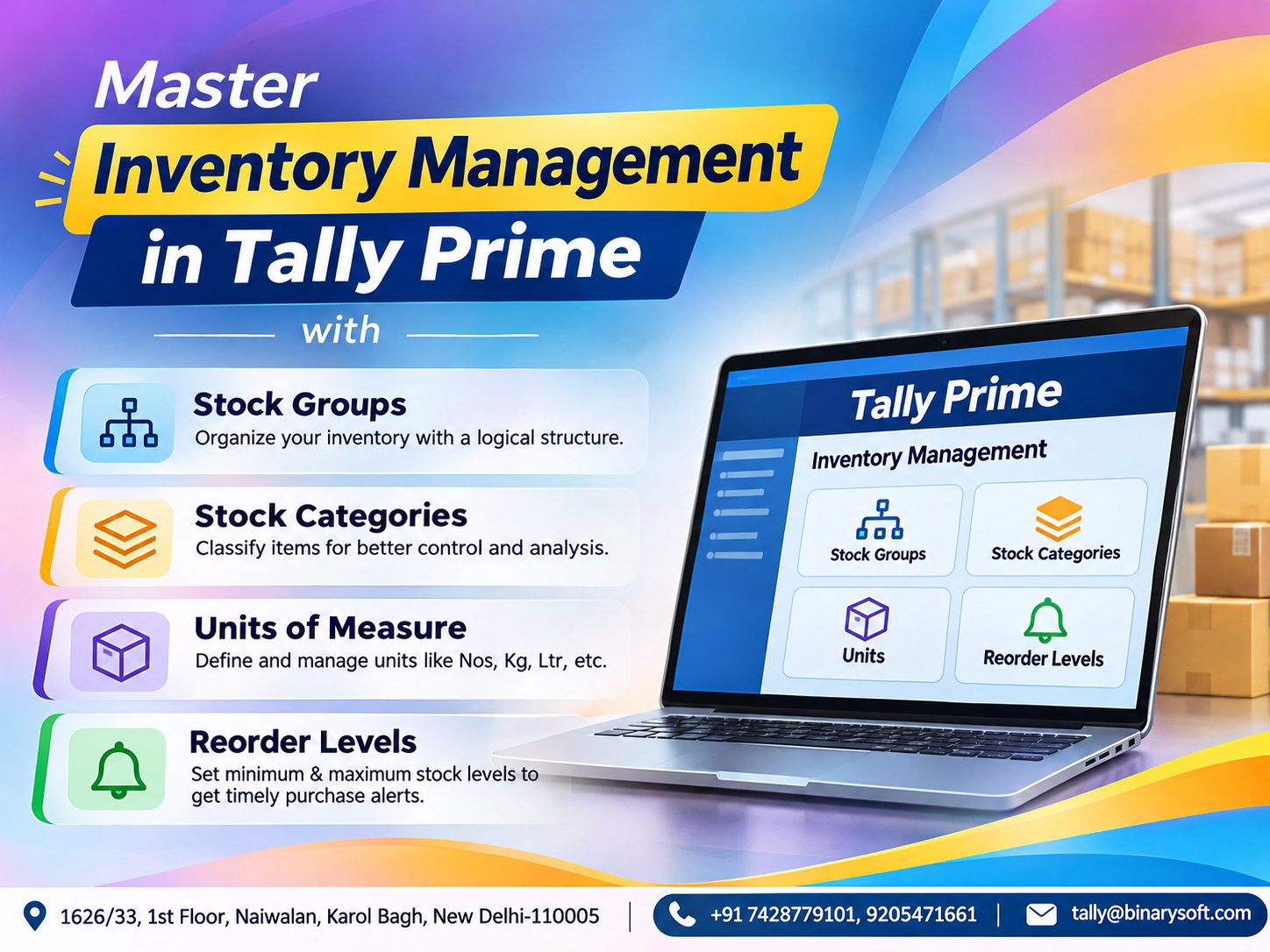
TallyPrime supports stock groups, stock categories, units of measurement, godowns and inventory vouchers.
Businesses can monitor stock quantities, movements and valuation.
This helps improve purchasing decisions and reduce inventory discrepancies.
Financial Accounting
TallyPrime supports standard accounting transactions, including:
-
Receipts
-
Payments
-
Contra entries
-
Journal entries
-
Sales
-
Purchases
-
Debit notes
-
Credit notes
These transactions contribute to financial reports and ledger balances.
Banking and Reconciliation
Businesses can record bank transactions and reconcile accounting entries against bank statements.
Depending on the version and supported banking services, additional banking-related functionality may be available.
Regular reconciliation helps identify missing entries, incorrect amounts and unmatched transactions.
Receivables and Payables Management
Delayed customer payments can create serious cash flow challenges.
TallyPrime helps businesses track outstanding invoices and amounts payable to suppliers.
Bill-wise accounting and ageing reports help identify overdue transactions.
This supports more organized payment follow-ups and financial planning.
How to Buy TallyPrime: Step-by-Step Guide
Step 1: Evaluate Your Business Requirements
Before purchasing, identify your primary requirements.
Consider the number of accounting users, monthly transactions, inventory complexity, GST requirements and reporting needs.
Also determine whether employees require access from different locations.
Step 2: Choose Silver or Gold
Select Silver when one user needs to work at a time.
Choose Gold when multiple employees require simultaneous access.
Step 3: Consult an Authorized Tally Partner
An authorized partner can help explain license options, implementation requirements and available services.
This is particularly useful when replacing an existing accounting system.
Step 4: Request a Detailed Quotation
Ask for a quotation covering the license, taxes, implementation, training and optional services.
Clarify which services are included and which require separate payment.
Step 5: Purchase and Activate the License
Complete the purchase through an authorized channel.
Follow the applicable installation and activation procedure.
Step 6: Configure Your Company
Create or configure your company with the required accounting information.
This may include financial year, GST details, ledgers, stock items and opening balances.
Step 7: Train Your Employees
Employees should understand how to create invoices, enter vouchers, maintain inventory and generate reports.
Training reduces mistakes and helps businesses use the software effectively.
Case Study 1: Wholesale Distributor Improves Stock and Payment Visibility
Illustrative case study
Business Background
A Delhi-based electrical equipment distributor supplied products to retailers and contractors.
The company maintained stock records in spreadsheets and used separate files for customer outstanding balances.
Challenges
The business experienced frequent differences between physical inventory and recorded stock.
Sales employees also struggled to confirm customer balances before accepting new orders.
Management lacked a consolidated view of inventory and receivables.
TallyPrime Implementation
The company introduced TallyPrime Gold to support its accounting and billing team.
Stock items were organized into product groups.
Customer ledgers were configured with bill-wise tracking.
Sales and purchase transactions were recorded through standardized workflows.
Results
The team gained a centralized view of inventory and customer balances.
Employees could review outstanding invoices more easily.
Management could identify slow-moving products and review sales performance without combining several spreadsheets.
The business also established more consistent accounting procedures.
Key Learning
Centralized accounting and inventory records can improve operational visibility and reduce dependence on disconnected files.
Case Study 2: Manufacturing Business Gains Better Cost Control
Illustrative case study
Business Background
A small furniture manufacturing company purchased raw materials, manufactured finished products and supplied furniture to commercial customers.
Its accounting records were maintained separately from production-related inventory information.
Challenges
The owner struggled to understand material consumption and product profitability.
Purchase records were available, but identifying the cost of individual production activities required manual calculations.
TallyPrime Implementation
The company configured stock groups, raw material items, finished goods and appropriate inventory vouchers.
It also introduced cost centres for selected business activities.
Accounting staff began reviewing purchase costs, inventory balances and financial reports regularly.
Results
The company gained better visibility into raw material movements.
Management could review costs more systematically and investigate unusual variations.
Financial reporting became more organized.
Key Learning
When accounting and inventory records are maintained consistently, manufacturers can make better-informed purchasing and pricing decisions.
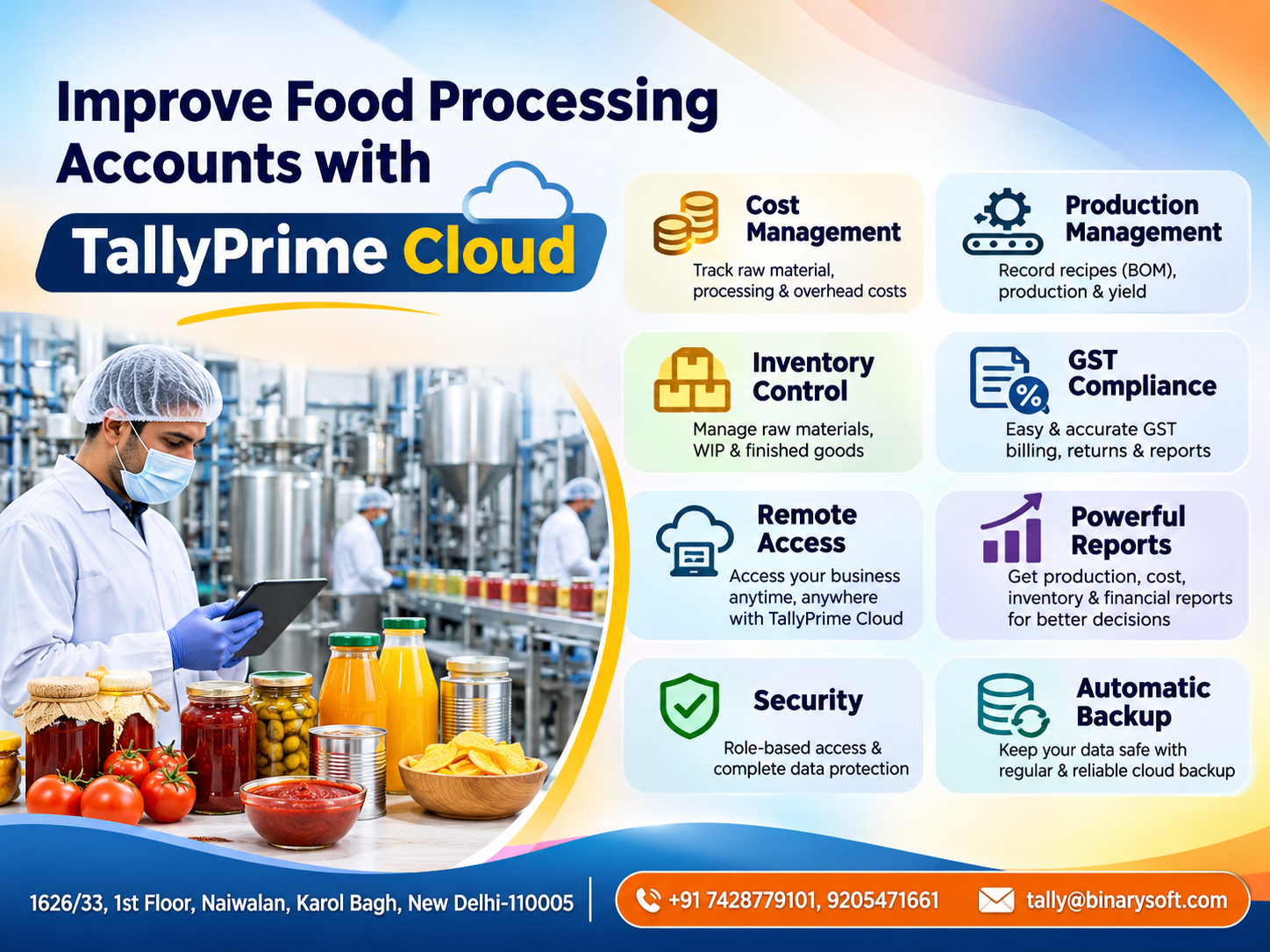
TallyPrime on Cloud: Access Your Business Accounting from Different Locations
Modern businesses increasingly require flexible access to accounting information.
A business owner may travel frequently while the accounting team works from the office.
Another organization may operate from multiple locations.
TallyPrime on Cloud can provide remote access through a suitable hosted environment.
Benefits of Cloud Hosting
Remote access: Authorized users can work with hosted accounting software from supported devices and locations.
Centralized environment: Employees can access the same hosted business data according to their permissions.
Business continuity: Appropriate hosting, backup and recovery arrangements can help reduce disruption.
Scalability: Hosting resources can be adjusted according to business requirements and provider capabilities.
Controlled access: User permissions and security policies can help protect business information.
Cloud hosting is a separate service and should not be confused with the standard TallyPrime license.
Businesses should evaluate hosting security, backup arrangements, network reliability and ongoing costs before implementation.
How TallyPrime Helps Different Industries
Retail Businesses
Retailers can manage sales invoices, purchases, inventory and daily accounting.
Stock reports help identify available quantities and products requiring replenishment.
Wholesale and Distribution
Distributors can manage customer accounts, supplier balances, stock movements and outstanding payments.
Manufacturing
Manufacturers can use inventory and accounting features to track materials, finished goods and production-related transactions.
Professional Services
Consultants and service organizations can maintain client invoices, expenses, tax records and financial statements.
Construction and Project Businesses
Organizations can use cost centres and accounting reports to monitor project-related financial activity.
E-Commerce Businesses
Online sellers can maintain sales, purchases, returns and inventory records.
Additional integrations may be required for automated marketplace data exchange.
Why Implementation and Training Matter
Purchasing accounting software is only the beginning.
Successful implementation requires accurate configuration and disciplined daily usage.
Common implementation mistakes include:
-
Incorrect opening balances
-
Duplicate customer ledgers
-
Inconsistent stock item names
-
Incorrect GST classifications
-
Incomplete inventory information
-
Missing user permissions
-
Irregular data backups
These problems can affect the reliability of financial reports.
Professional implementation assistance can help businesses establish appropriate accounting structures from the beginning.
Employee training is equally important.
When users understand the correct procedures, businesses can reduce errors and improve productivity.
Data Security and Backup Considerations
Accounting data contains sensitive business information.
It may include customer balances, supplier payments, pricing details and financial statements.
Businesses should implement appropriate security controls.
Recommended practices include maintaining strong passwords, assigning suitable user permissions, restricting unauthorized access and creating regular backups.
Backups should be stored securely and periodically tested for restoration.
Businesses using cloud hosting should also review the hosting provider's security policies and disaster recovery arrangements.
No accounting system can guarantee complete protection against every technical or security risk.
Regular monitoring and responsible data management remain essential.
When Should You Upgrade from Silver to Gold?
A growing business may initially purchase Silver and later require multiple accounting users.
Consider moving to Gold when employees frequently wait for access to the accounting system.
An upgrade may also be appropriate when billing, purchasing and accounting operations need to run simultaneously.
Before upgrading, review the applicable licensing terms, compatibility and network requirements.
Common Mistakes to Avoid When Buying TallyPrime
Choosing software without evaluating business requirements can create unnecessary expenses.
Businesses should avoid purchasing a multi-user license when only one user is required.
They should also avoid selecting a single-user license when several employees need simultaneous access.
Another common mistake is ignoring training and implementation costs.
Software features provide value only when employees use them correctly.
Businesses should also verify the authenticity of the license and obtain proper purchase documentation.
Finally, clarify ongoing subscription, renewal and support arrangements before completing the purchase.
Why Choose Binarysoft Technologies for TallyPrime?
Binarysoft Technologies is an Authorized Tally Partner offering assistance with TallyPrime licensing and related business requirements.
Businesses can seek guidance on selecting suitable license editions, understanding implementation needs and evaluating available support services.
Whether you are purchasing TallyPrime for the first time or considering a multi-user environment, choosing a solution based on your actual operations can help avoid unnecessary complexity.
For businesses interested in hosted accounting, cloud requirements should be evaluated separately from software licensing.
The objective should be to create a reliable accounting environment that supports daily work and future growth.
Conclusion
Buying TallyPrime is an important step toward organized accounting and better business management.
The software helps businesses maintain financial records, generate GST invoices, manage inventory, monitor outstanding payments and review business performance.
TallyPrime Silver can be suitable for businesses with single-user requirements, while Gold supports organizations needing simultaneous multi-user access.
Cloud hosting can offer additional flexibility for businesses requiring remote access.
However, the benefits of accounting software depend on selecting the right license, configuring it correctly, training employees and maintaining accurate records.
Before purchasing, evaluate your business needs, understand the complete costs and consult an authorized partner.
A well-planned accounting system can help business owners spend less time resolving recordkeeping problems and more time focusing on customers, profitability and sustainable growth.
Contact Binarysoft Technologies
Powered by Binarysoft Technologies
Authorized Tally Partner
Location: 1626/33, 1st Floor, Naiwalan, Karol Bagh, New Delhi – 110005, INDIA
Contact: +91 7428779101, 9205471661
Email: tally@binarysoft.com
Business Hours: Monday to Friday, 10:00 AM – 6:00 PM
Frequently Asked Questions
Can TallyPrime generate financial statements?
Yes. TallyPrime can generate reports including Balance Sheet, Profit and Loss Account, Trial Balance and other financial statements.
Can TallyPrime help with GST compliance?
Yes. TallyPrime supports GST accounting, tax invoices and relevant reporting. Available connected filing features depend on the software version and configuration.
What is the difference between TallyPrime Silver and Gold?
Silver is designed for single-user operations, while Gold supports simultaneous multi-user access in an appropriate network environment.
What is the price of TallyPrime in India in 2026?
Pricing depends on the license edition, purchase model, applicable taxes and additional services. Obtain an updated quotation before purchasing.
CA. T.R Venkat is a Chartered Accountant with extensive experience in accounting systems, GST compliance, and MSME advisory. He has worked closely with Indian traders and businesses on inventory control and accounting process improvement. His writing draws from real operational challenges faced by growing enterprises.