Call CA Tally HelpDesk
+91 9205471661,
7428779101
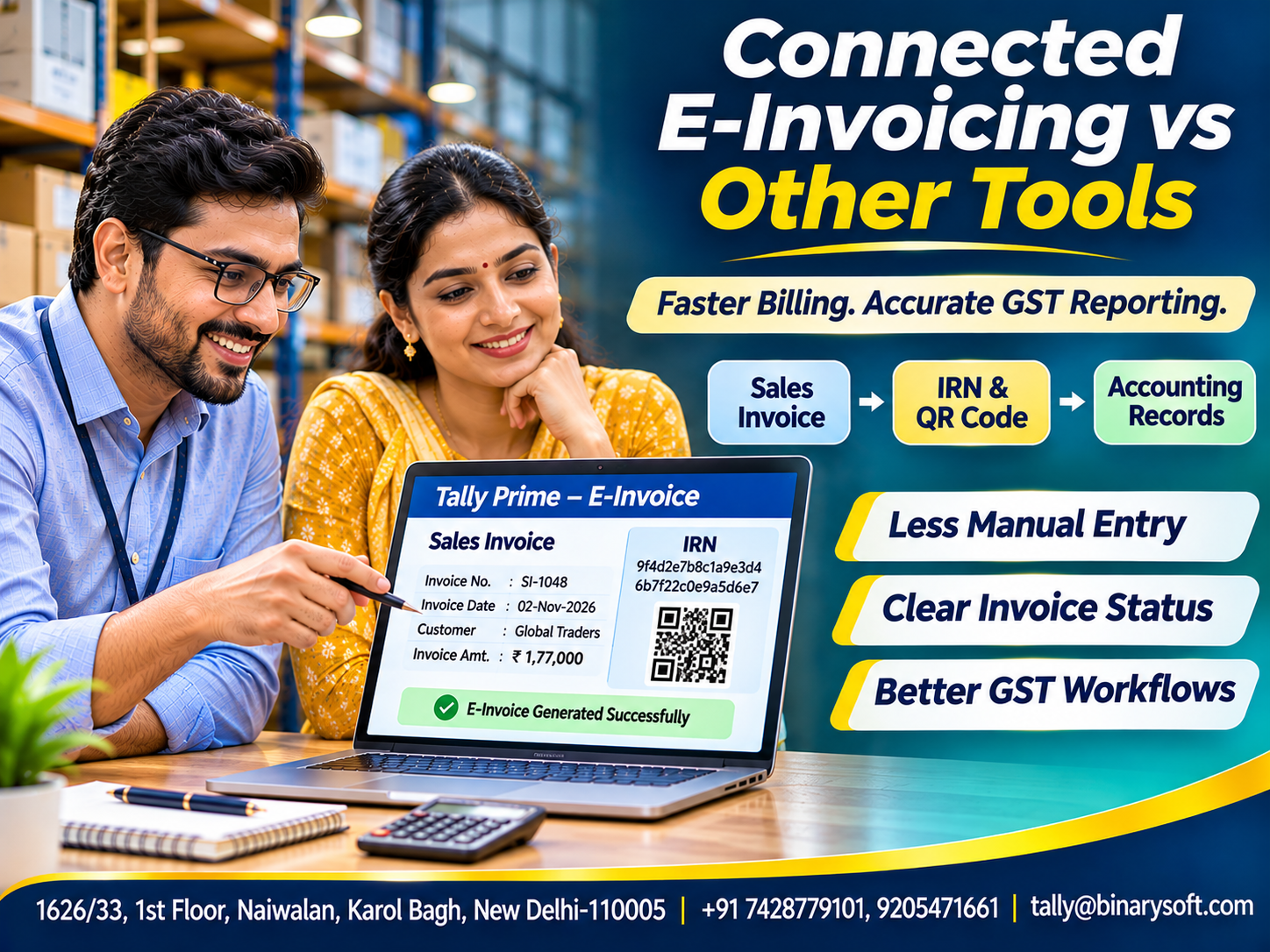
Introduction: When Invoicing Becomes a Business Challenge
Imagine a wholesale distributor preparing hundreds of invoices every week.
The accounting team creates invoices in one application, exports details into spreadsheets, uploads information to an e-invoicing portal and manually updates records after receiving Invoice Reference Numbers.
The process appears manageable until business volumes increase.
Employees begin spending more time transferring information between systems. Incorrect GSTINs, missing invoice details and duplicate entries create additional work.
For businesses operating under India's GST e-invoicing requirements, these problems can affect billing efficiency and compliance.
Connected e-invoice software helps businesses manage invoice creation, electronic reporting and accounting through a more integrated workflow.
Instead of repeatedly entering the same information into separate applications, businesses can use software that connects their accounting records with the required e-invoicing process.
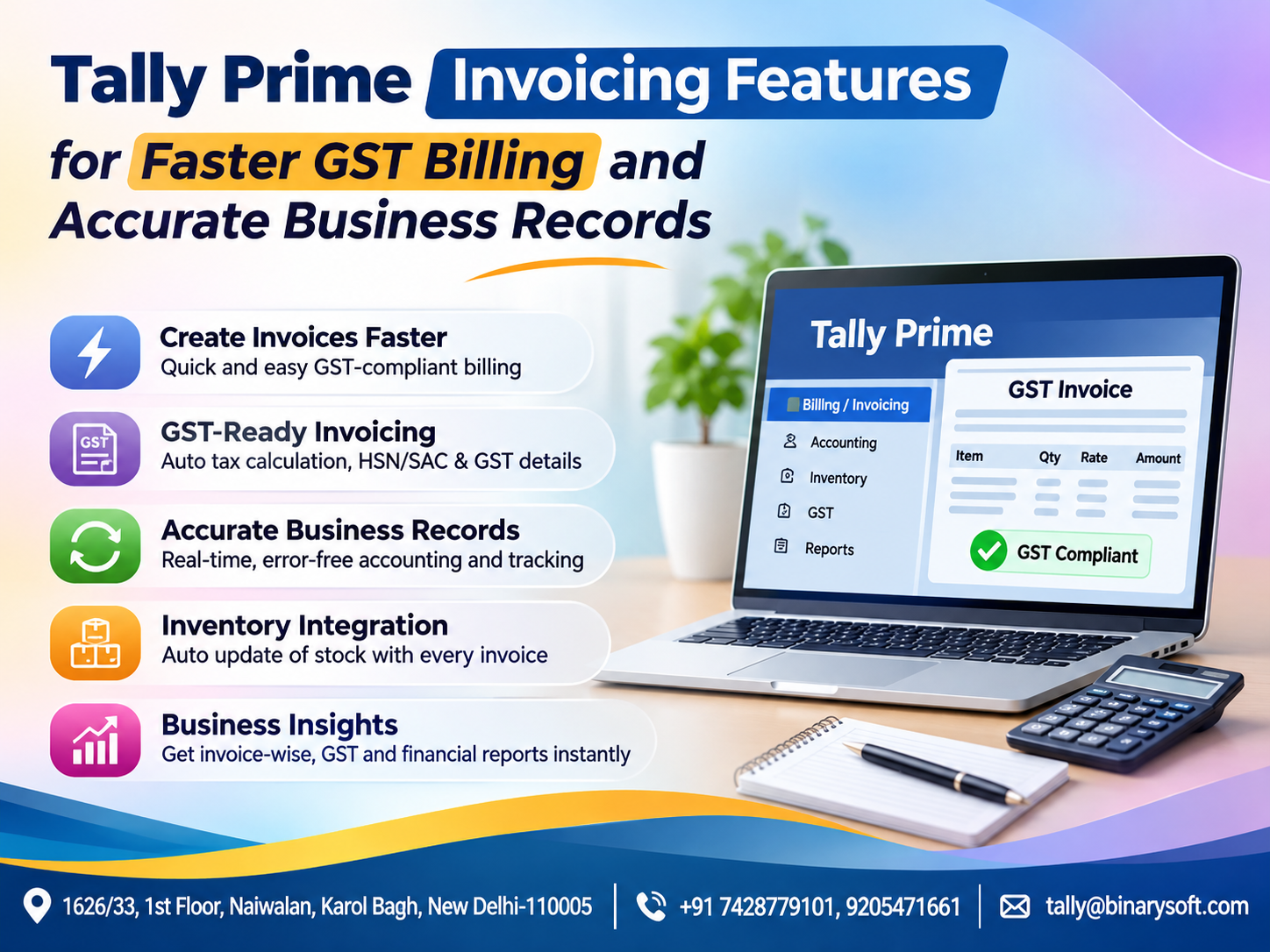
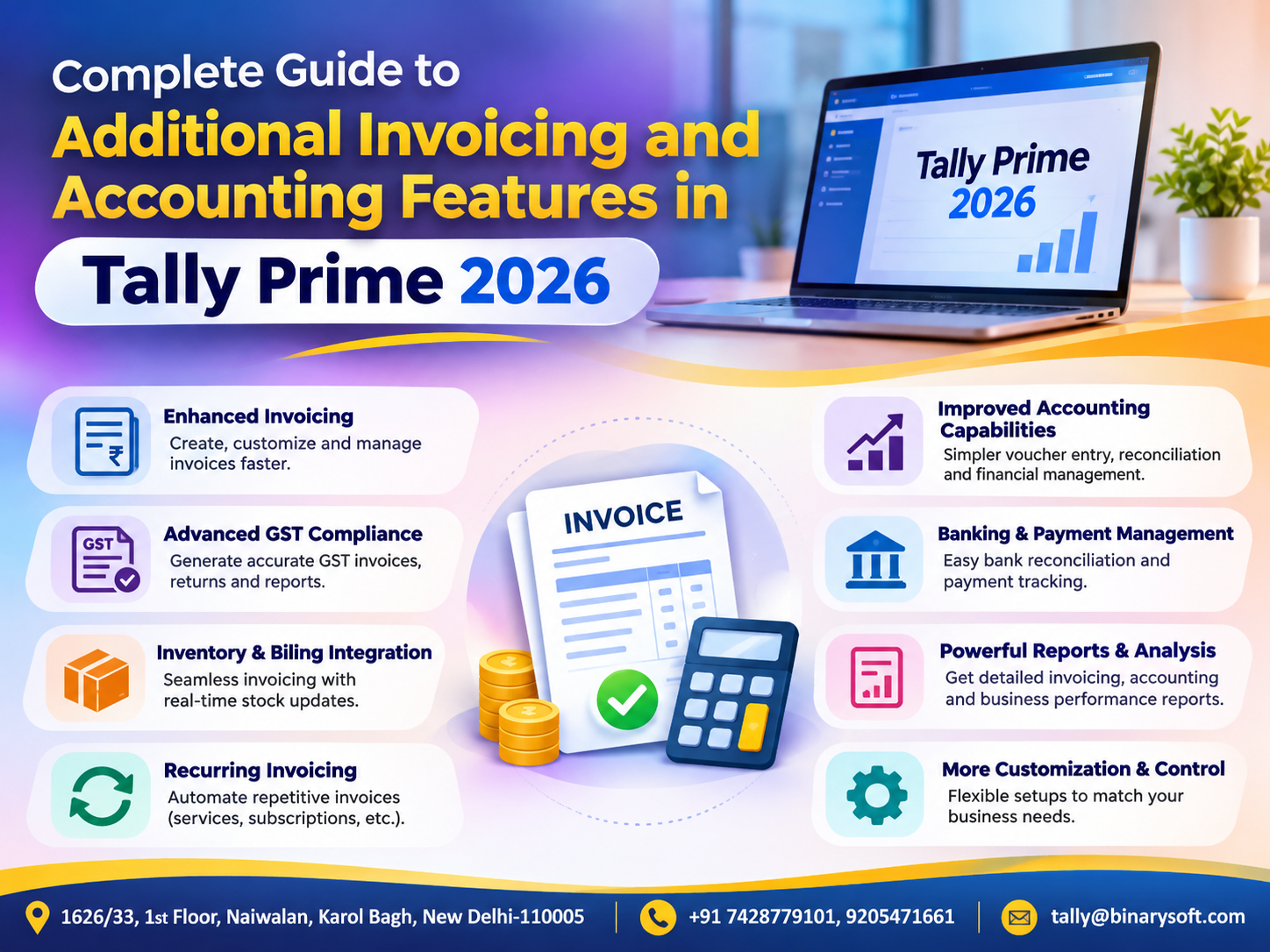
Tally Prime provides connected e-invoicing capabilities that help eligible businesses generate and manage GST e-invoices from their accounting environment.
This guide compares connected e-invoicing software with other tools and explains how businesses can choose an appropriate solution.
1. What Is E-Invoicing Under GST?
E-invoicing is a system through which prescribed invoice details are electronically reported to an authorized Invoice Registration Portal, commonly called an IRP.
The portal validates the submitted information and, when accepted, returns an Invoice Reference Number, or IRN, along with a digitally signed QR code.
An e-invoice is not simply a PDF invoice emailed to a customer.
Under India's GST framework, it involves registration of specified invoice information through the prescribed electronic process.
Businesses continue preparing invoices using their own accounting or billing systems.
The IRP authenticates the reported details.
The resulting IRN and QR code help establish that the relevant invoice information has been registered.
E-invoicing applies to specified taxpayers and transactions under the prevailing GST rules.
2. What Is Connected E-Invoice Software?
Connected e-invoice software integrates ordinary business invoicing with electronic invoice reporting.
A business prepares its sales invoice in the accounting application.
The software communicates the required information through an authorized e-invoicing connection.
After successful processing, the IRN and other relevant details are recorded against the invoice.
This reduces the need to repeatedly transfer data between separate systems.
Connected solutions may also support invoice status tracking, error identification and management of related documents.
The exact capabilities depend on the software, release, configuration and available services.
The main advantage is continuity between invoicing, compliance and accounting.
3. What Are Other E-Invoicing Tools?
Businesses may use several approaches to e-invoicing.
Manual Portal-Based Processes
Invoice information is prepared and uploaded through supported portal utilities.
This approach may suit organizations with limited invoice volumes.
Standalone E-Invoicing Applications
A separate application handles electronic invoice reporting.
Accounting data may need to be imported or transferred.
Spreadsheet-Based Workflows
Businesses prepare structured invoice information in spreadsheets before submitting it through supported utilities.
API-Based Solutions
Custom business systems communicate with authorized e-invoicing services through approved integrations.
Connected Accounting Software
Accounting and e-invoicing activities operate within a coordinated system.
Each approach has advantages.
The right choice depends on transaction volume, technical requirements, integration capabilities and business resources.
4. Connected E-Invoice Software vs Other Tools
| Feature | Connected Software | Standalone or Manual Tools |
|---|
| Invoice preparation |
Within the accounting workflow |
May occur in another system |
| Data re-entry |
Generally reduced |
May require repeated entry |
| IRN generation |
Through integrated connection |
Through separate reporting process |
| Accounting updates |
Can remain linked to invoice records |
May require reconciliation |
| Error handling |
Can be managed within the workflow |
May require switching applications |
| High-volume processing |
Often more convenient |
Depends on tool capabilities |
| Implementation |
Requires compatible setup |
May be simpler initially |
| Cost |
Depends on licensing and services |
Varies from utilities to paid solutions |
Connected software is not automatically superior in every situation.
A low-volume business may find a simple compliant utility sufficient.
However, organizations managing frequent invoices can benefit from reducing repetitive activities.
5. Benefit One: Less Manual Data Entry
Manual data entry is one of the most common sources of billing errors.
When employees enter invoice information into multiple applications, mistakes can occur.
A GSTIN may be typed incorrectly.
An invoice amount may differ between systems.
An employee may accidentally select the wrong document number.
Connected software reduces repeated entry by using information already maintained in the accounting application.
This can improve consistency.
However, businesses must still verify customer details, tax classifications and invoice information before submission.
Integration reduces duplication; it does not eliminate the need for accuracy.
6. Benefit Two: Faster Invoice Processing
Businesses handling large invoice volumes need efficient workflows.
Consider a distributor generating 100 invoices daily.
If each invoice requires several additional minutes of manual reporting, the total administrative effort can become substantial.
Connected e-invoicing can reduce the steps required to submit invoice information and record the resulting IRN.
This may allow employees to spend more time on customer service, collections and financial review.
Actual processing time depends on internet connectivity, portal availability, invoice complexity and software configuration.
The benefit is operational efficiency rather than a guaranteed processing speed.
7. Benefit Three: Better Invoice Accuracy
An invoice must contain accurate customer, product, tax and transaction information.
Errors may lead to reporting failures or require corrections.
Connected accounting software can use existing ledger and item details when preparing invoices.
This reduces inconsistencies between billing records and submitted information.
Businesses should still maintain accurate master data.
Important details include GSTINs, addresses, place of supply, HSN or SAC classifications, tax rates and document information.
Reliable e-invoicing begins with reliable accounting records.
8. Benefit Four: Improved GST Compliance
GST e-invoicing requires eligible businesses to follow prescribed reporting procedures.
Connected software can simplify submission and tracking of relevant invoice information.
It can also help maintain a clearer relationship between the original invoice and its registered electronic details.
However, software cannot independently determine every legal obligation.
Businesses must establish whether e-invoicing applies to them, which transactions are covered and whether any exemptions are relevant.
Compliance also depends on correct tax treatment and timely reporting.
An appropriate system supports compliance but does not replace professional review.
9. Understanding GST E-Invoicing Applicability
Under the notified framework introduced from 1 August 2023, e-invoicing generally applies to covered taxpayers whose aggregate turnover exceeded ₹5 crore in any relevant preceding financial year from 2017–18 onward.
Specified exemptions and transaction rules must also be considered.
A separate reporting restriction applies to taxpayers with annual aggregate turnover of ₹10 crore or more.
From 1 April 2025, these taxpayers are subject to a 30-day reporting window for relevant invoices, credit notes and debit notes requiring an IRN.
Businesses should verify the latest applicable requirements before relying on these thresholds.
The key lesson is that invoice reporting should form part of a timely, controlled billing process.
Delaying e-invoice reporting can create avoidable compliance difficulties.
10. Benefit Five: Better Accounting Integration
When invoicing and accounting operate separately, reconciliation becomes more difficult.
Employees may need to compare sales registers with externally generated e-invoice records.
Connected software helps maintain a relationship between the accounting voucher and its electronic reporting information.
This can make invoice review and follow-up more convenient.
It also reduces the need to maintain disconnected records.
For businesses managing GST returns, sales reporting and receivables, consistent transaction information is particularly valuable.
Nevertheless, businesses should continue reviewing accounting balances and statutory reports regularly.
11. Benefit Six: Better Visibility into Invoice Status
Not every electronic invoice submission succeeds immediately.
A document may be rejected because of incorrect details, duplicate reporting or validation errors.
Connected solutions can help users identify whether an invoice has been successfully registered.
This allows employees to investigate exceptions.
A good process should distinguish between invoices awaiting submission, successfully registered documents and failed transactions.
Businesses should avoid treating an invoice as successfully registered until the relevant IRN confirmation has been received.
Clear status monitoring reduces uncertainty during billing operations.
12. An Emotional Story: The Invoice That Nearly Cost a Business Its Biggest Customer
For eighteen years, Anil operated a packaging materials business in Delhi.
He began with a small rented unit and gradually developed relationships with manufacturers across northern India.
His greatest achievement was providing stable employment to thirty workers.
One month, the company received an unusually large order from an established corporate customer.
The order could help Anil purchase new machinery and expand production.
His team completed the manufacturing work and prepared the invoice.
However, the accounting process depended on transferring billing information between separate applications.
An employee entered incorrect information during e-invoice reporting.
The error delayed the customer's invoice processing.
The customer requested a corrected document and warned that repeated problems could affect future business.
Anil spent the evening reviewing paperwork.
His wife noticed his anxiety.
He explained that the delayed payment could affect the company's ability to meet upcoming obligations.
“I promised everyone that this business would give them stability,” he said.
His daughter, who had recently joined the accounts department, suggested improving the invoicing process.
The company reviewed its customer master data, established invoice verification procedures and adopted a more connected billing workflow.
Employees received training on checking e-invoice status before sending documents to customers.
Over the following months, the process became more organized.
When another major order arrived, the team prepared the invoice, completed the required electronic reporting and verified the registered details before dispatching it.
The customer acknowledged the invoice without requesting corrections.
That evening, Anil returned home smiling.
He told his daughter, “Today, we completed the order without the confusion we faced before.”
For Anil, better e-invoicing was not merely about technology. It was about protecting customer trust, employee livelihoods and the future of a business built through years of effort.
This is a fictional illustrative story.
13. Case Study One: Wholesale Distributor Reduces Administrative Work
Business Background
A hypothetical electrical goods distributor generates approximately 1,500 invoices monthly.
The Challenge
Employees prepare invoices in accounting software and complete additional reporting activities using separate tools.
The Solution
The company adopts a connected e-invoicing workflow and improves invoice master-data verification.
Illustrative Outcome
Suppose the earlier process required an average of four additional minutes per invoice.
The improved process requires one minute of additional review.
Time Saved:
4 − 1 = 3 minutes per invoice.
Monthly Savings:
1,500 × 3 = 4,500 minutes.
Total:
4,500 ÷ 60 = 75 hours.
These are hypothetical figures, not measured software performance.
Business Lesson
Reducing repetitive invoice-handling activities can free employees for higher-value accounting work.
14. Case Study Two: Manufacturer Improves Invoice Consistency
Business Background
A hypothetical automotive components manufacturer supplies products to corporate customers.
The Challenge
Separate billing and reporting systems occasionally contain inconsistent transaction information.
The Solution
The company introduces connected invoice reporting, customer-data checks and a daily exception-review procedure.
Illustrative Outcome
Suppose invoice-related data discrepancies decline from 30 to 9 per month.
Reduction:
30 − 9 = 21 discrepancies.
Percentage Reduction:
21 ÷ 30 × 100 = 70%.
Actual results depend on data quality, controls and employee training.
Business Lesson
Integrated processes can support more consistent records when combined with appropriate verification.
Both case studies are illustrative.
15. How Tally Prime Helps with Connected E-Invoicing
Tally Prime provides e-invoicing capabilities for eligible businesses using supported releases and configurations.
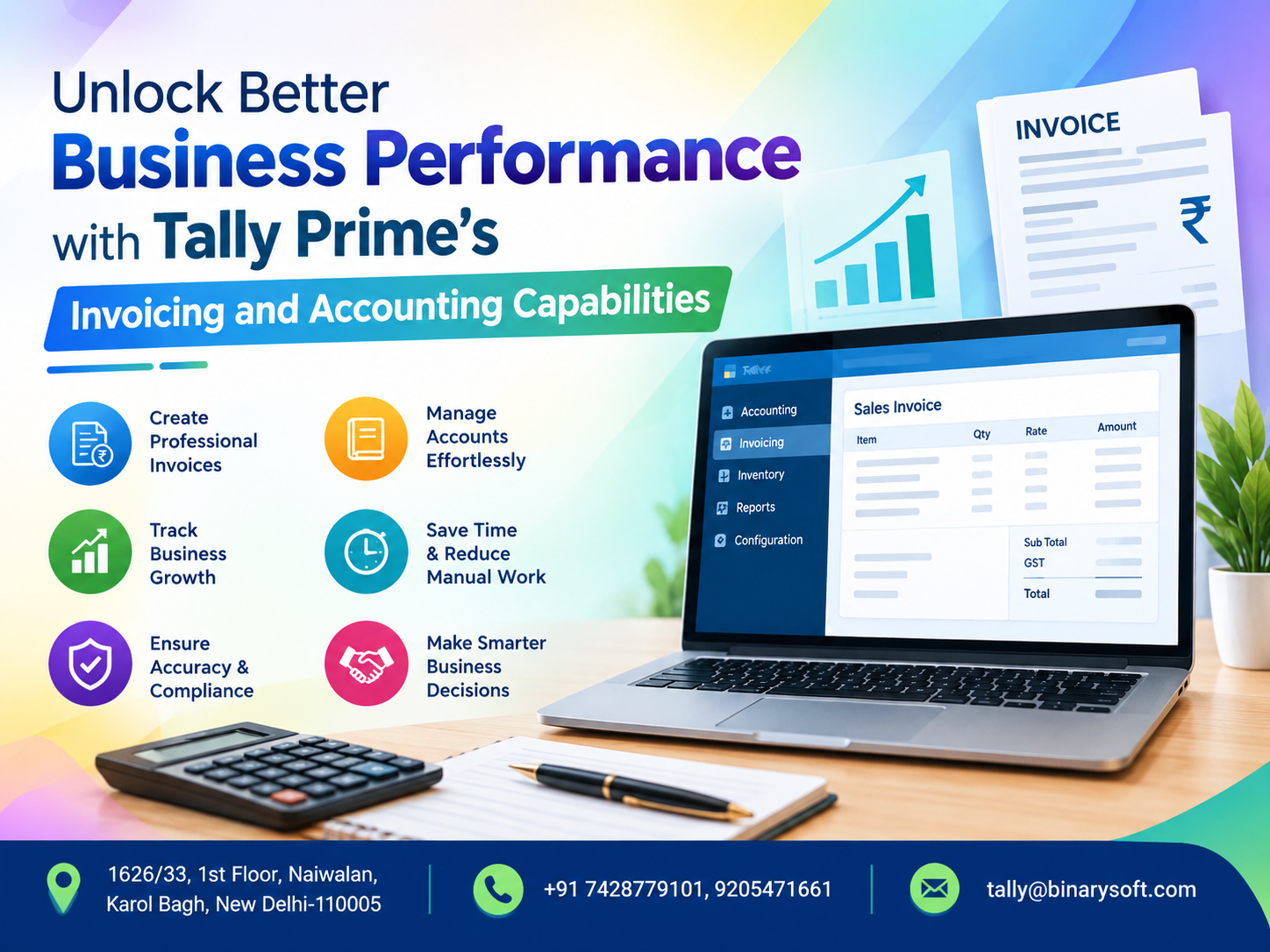
Users can create GST sales invoices within their accounting environment.
When the relevant e-invoicing features and connectivity are configured, invoice details can be submitted through the supported electronic process.
After successful registration, the IRN and QR code details can be associated with the invoice.
This supports a more integrated billing workflow.
Tally Prime also provides accounting, inventory and GST-related reporting capabilities.
Businesses can therefore manage many everyday billing and accounting activities in the same environment.
Available features and connectivity requirements should be checked for the installed release.
16. How to Generate an E-Invoice in Tally Prime
The following is a general workflow.
Step 1: Verify Company GST Details
Confirm that the company's GST registration information is accurate.
Step 2: Review Customer Ledgers
Check customer GSTINs, addresses and relevant tax details.
Step 3: Configure E-Invoicing
Enable the applicable e-invoicing functionality in the company's GST settings.
Step 4: Configure Connectivity
Complete the supported authorization and connection requirements.
Step 5: Create a Sales Invoice
Record the transaction with accurate item details, quantities, rates and taxes.
Step 6: Submit for IRN Generation
Use the available e-invoicing action to report the eligible invoice.
Step 7: Verify the Response
Confirm that the IRN and signed QR code have been received.
Step 8: Print or Share the Invoice
Use the appropriate invoice format containing the required information.
Step 9: Review Exceptions
Investigate rejected or pending transactions promptly.
The exact menu options vary by software release and configuration.
17. How Connected E-Invoicing Supports Inventory Management
E-invoicing is primarily a tax-document reporting process.
However, connected accounting software can also support inventory workflows.
When businesses record item-based sales invoices, relevant stock movements can be reflected in inventory records according to the configured voucher process.
This helps maintain consistency between billing and stock information.
For example, an electrical distributor selling 200 units can record the sales transaction and maintain corresponding inventory information.
The e-invoicing process then addresses the required electronic registration of that invoice.
Businesses should distinguish inventory movement from IRN generation.
Receiving an IRN does not independently verify that goods have been physically dispatched.
18. Connected E-Invoicing and E-Way Bills
E-invoicing and e-way bills serve different purposes.
An e-invoice involves electronic registration of specified invoice information.
An e-way bill addresses applicable requirements relating to the movement of goods.
Certain integrated workflows may support e-way bill-related information alongside invoicing.
However, generating an IRN does not automatically mean every applicable e-way bill requirement has been satisfied.
Businesses must verify the relevant transport information, transaction conditions and statutory obligations.
Tally Prime provides e-way bill-related capabilities in supported configurations.
These features can help businesses manage connected billing and movement-document workflows.
19. Security and Data Protection Considerations
E-invoicing involves commercially sensitive information.
Businesses should protect customer records, invoice details and system credentials.
Important controls include user-based access permissions, secure authentication, updated software and reliable backups.
Employees should avoid sharing credentials unnecessarily.
Organizations should also maintain appropriate approval procedures for invoice corrections and cancellations.
Connected software can simplify workflows, but responsible access management remains essential.
A secure process protects both business information and customer confidence.
20. How to Choose the Right E-Invoicing Tool
Businesses should evaluate their operational requirements before selecting software.
Important considerations include monthly invoice volume, existing accounting software, GST functionality, ease of use and integration requirements.
The solution should support relevant document types and provide clear reporting-status information.
Businesses should also consider implementation support, employee training, backup arrangements and total operating costs.
For organizations already using Tally Prime, its connected e-invoicing capabilities may reduce the need for separate invoice-reporting processes.
However, the best choice depends on actual business requirements.
A practical evaluation should include testing representative transactions before implementation.
21. Common E-Invoicing Mistakes to Avoid
Several avoidable errors can disrupt e-invoicing.
Businesses may use incorrect customer GSTINs or tax classifications.
Some employees submit invoices without reviewing required information.
Others fail to verify whether an IRN was successfully generated.
Delayed reporting can also create problems, particularly where statutory reporting windows apply.
Businesses should establish daily exception checks and maintain accurate master data.
Training employees to recognize submission errors is equally important.
A reliable e-invoicing process depends on accurate information, timely action and consistent verification.
Conclusion
Connected e-invoice software provides a practical way to bring billing, electronic reporting and accounting closer together.
Compared with disconnected manual workflows, an integrated solution can reduce repetitive data entry, improve invoice consistency and make reporting-status checks more convenient.
For Indian businesses handling frequent GST invoices, these improvements can support operational efficiency and compliance management.
Tally Prime helps eligible businesses manage connected e-invoicing alongside accounting, inventory and GST-related workflows.
However, successful implementation requires accurate customer information, suitable configuration, employee training and regular review.
The greatest benefit of connected e-invoicing is not simply generating an IRN faster. It is creating a more dependable invoicing process that protects customer relationships, reduces administrative confusion and helps businesses focus on sustainable growth.
Powered by Binarysoft Technologies
Authorized Tally Partner
Binarysoft Technologies helps businesses implement and use Tally Prime for accounting, GST e-invoicing, inventory management, billing and financial reporting.
Businesses seeking to improve invoice accuracy and reduce repetitive billing activities can benefit from appropriate Tally Prime configuration and structured e-invoicing procedures.
Location:
1626/33, 1st Floor, Naiwalan, Karol Bagh, New Delhi – 110005, INDIA
Contact Us:
+91 7428779101, 9205471661
Email:
tally@binarysoft.com
Business Hours:
10:00 AM – 6:00 PM, Monday to Friday
Frequently Asked Questions
What is the GST e-invoicing turnover threshold?
The notified framework generally covers eligible taxpayers whose aggregate turnover exceeded ₹5 crore in any relevant preceding financial year from 2017–18 onward, subject to applicable exemptions and current rules.
Can Tally Prime generate GST e-invoices?
Yes. Supported Tally Prime releases provide connected e-invoicing capabilities for eligible businesses.
Is an e-invoice the same as a PDF invoice?
No. A PDF is a document format, while GST e-invoicing involves electronic registration of prescribed invoice details and receipt of an IRN and signed QR code.
Does generating an e-invoice automatically complete GST return filing?
No. E-invoice information may support GST return preparation, but businesses must still complete applicable return filing and reconciliation requirements.
CA. Ronav Maheshwari works with small and mid-sized businesses on accounting processes, GST compliance, and financial reporting. His focus is on simplifying routine accounting workflows and helping business owners maintain accurate and audit-ready records.