Call CA Tally HelpDesk
+91 9205471661,
7428779101
Introduction: Why Knowing Your Stock Position Can Save Your Business
Every business dealing with physical goods depends on accurate inventory information. Whether it is a retail shop, wholesale distribution company, manufacturing unit or e-commerce business, stock availability directly affects sales, customer satisfaction and profitability.
However, many businesses face a common problem: they know how much inventory they have purchased, but they do not always know how much is currently available, what it is worth or which products are generating profits.
A warehouse may appear full, yet essential products may be unavailable. A company may report increasing sales while slow-moving goods consume valuable working capital.
These challenges highlight the importance of maintaining an accurate Stock Summary Report.
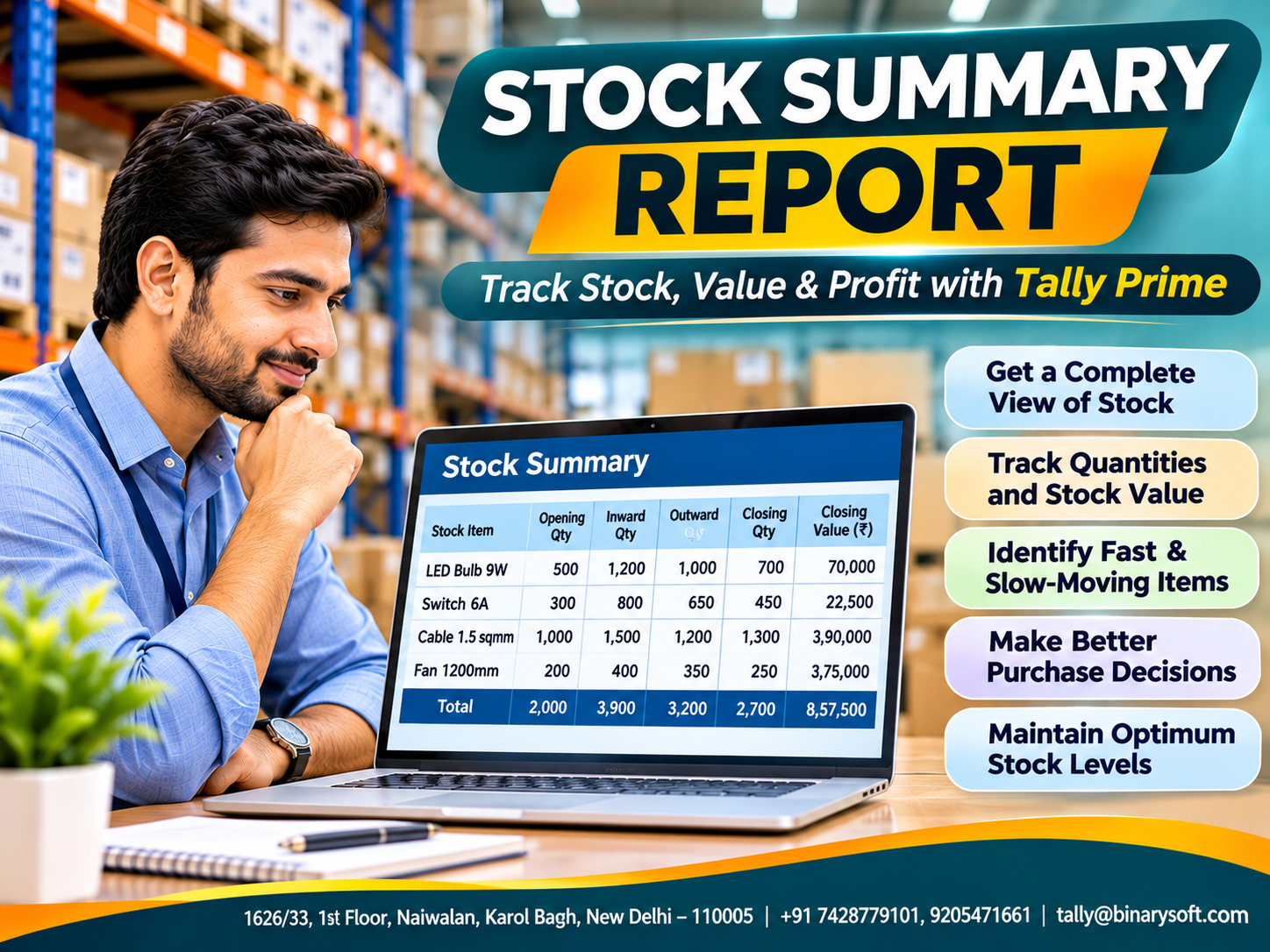
A stock summary provides a consolidated view of inventory quantities and values over a selected period. It helps business owners understand opening stock, inward movement, outward movement and closing stock.
With Tally Prime, stock records can be updated as inventory transactions are entered, allowing businesses to review their inventory position without manually compiling multiple registers.
In this guide, we explain the meaning, components, advantages and practical uses of a stock summary report, along with detailed instructions for using it in Tally Prime.
What Is a Stock Summary Report?
A Stock Summary Report is an inventory statement showing the quantity and value of stock available in a business on a particular date or during a selected reporting period.
It summarises inventory transactions and helps management understand how products move through the business.
A typical stock summary may include:
-
Opening stock quantity and value.
-
Goods received through purchases or other inward transactions.
-
Goods sold, consumed or transferred outward.
-
Closing stock quantity and value.
-
Stock groups, categories and individual items.
-
Rates, valuation information and related profitability details.
For example, an electrical distributor may begin the month with 500 circuit breakers, purchase another 300 and sell 450.
The closing stock would be:
500 + 300 − 450 = 350 units.
This information helps the business decide whether additional stock is required and how much capital remains invested in the product.
Why Is a Stock Summary Report Important?
1. Provides Clear Inventory Visibility
Business owners can review the quantity and value of available products without depending entirely on manual warehouse updates.
This improves coordination between purchasing, sales and inventory teams.
2. Supports Better Purchasing Decisions
A stock summary helps identify products with low balances and products accumulating unnecessarily.
Purchasing teams can use this information alongside demand forecasts and reorder levels.
3. Helps Prevent Stock Shortages
Regular stock monitoring allows businesses to identify products approaching critical levels before customers experience delivery delays.
4. Improves Working Capital Management
Inventory represents money invested in products awaiting sale or consumption.
Understanding stock value helps businesses avoid unnecessary purchases and use working capital more effectively.
5. Supports Inventory Valuation
Stock Summary provides information about closing stock values based on the configured valuation methods.
This is important for inventory accounting and financial reporting.
6. Helps Evaluate Product Profitability
When appropriately configured, Tally Prime can display gross profit information for stock items and groups.
This helps businesses review product margins and pricing decisions.
An Emotional Story: How One Stock Report Protected a Family Business
The Warehouse Was Full, but the Most Important Product Was Missing
Rakesh operated a small electrical wholesale business in Delhi.
His father had started the company with a rented shop, limited capital and a reputation for delivering products on time.
Over the years, Rakesh expanded the business into a warehouse supplying electrical products to contractors and retailers.
He believed the business was growing because sales were increasing and the warehouse remained full.
But the financial situation was becoming difficult.
Supplier payments were frequently delayed, storage expenses were rising and several customers complained about unavailable products.
One afternoon, an important contractor placed a substantial order for industrial cables.
Rakesh promised immediate delivery.
When his warehouse manager checked the shelves, however, the required cable was unavailable.
The customer cancelled the order.
That evening, Rakesh sat in his office, worried about how he would explain another disappointing month to his father.
His daughter noticed his concern and asked why the company had so many cartons if it could not deliver what customers needed.
Her simple question stayed with him.
The next morning, Rakesh asked his accountant to review inventory records.
They opened the Stock Summary Report in Tally Prime and examined product-wise quantities, values and movements.
The report revealed that a substantial portion of the company's capital was invested in slow-moving products, while important items were repeatedly running short.
Rakesh introduced weekly stock reviews, more disciplined purchasing and reorder planning.
Over the following months, the business gradually reduced unnecessary purchases and improved availability of essential products.
The most meaningful moment came when the contractor returned with another order.
This time, Rakesh fulfilled it without delay.
He realised that a successful business does not simply need a warehouse full of products.
It needs accurate information to ensure that the right products are available when customers need them.
This fictional story illustrates common inventory management challenges faced by growing businesses.
Main Components of a Stock Summary Report
Opening Stock
Opening stock represents inventory available at the beginning of the selected reporting period.
It provides the starting point for calculating inventory movement.
Goods Inward
Goods inward represents stock entering the business through purchases, production receipts, returns or other relevant transactions.
Goods Outward
Goods outward represents inventory leaving the business through sales, consumption, transfers or other stock movements.
Closing Stock
Closing stock represents the inventory remaining at the end of the reporting period.
The basic quantity formula is:
\[ \text{Closing Stock}=\text{Opening Stock}+\text{Inward Stock}-\text{Outward Stock} \]
Stock Value
Stock value represents the monetary value of inventory calculated using the relevant costing or valuation method.
Inventory quantity and value should be reviewed together because product costs may change over time.
Practical Example of a Stock Summary Report
Consider a wholesale business selling electrical products.
|
Product
|
Opening Qty.
|
Inward Qty.
|
Outward Qty.
|
Closing Qty.
|
|---|
|
LED Bulbs
|
500
|
300
|
450
|
350
|
|
Electrical Switches
|
800
|
400
|
700
|
500
|
|
Copper Cable Rolls
|
150
|
100
|
180
|
70
|
|
Circuit Breakers
|
300
|
200
|
350
|
150
|
|
Ceiling Fans
|
120
|
80
|
130
|
70
|
This report highlights the closing quantity of each product.
Management can identify items requiring replenishment and review whether other products are accumulating.
However, the report alone does not establish future demand. Businesses should combine it with sales history, outstanding orders and supplier lead times.
Key Advantages of Stock Summary Reports
Better Stock Reconciliation
Businesses can compare recorded quantities with physical inventory counts.
Discrepancies can then be investigated and corrected through appropriate procedures.
Improved Sales Planning
Sales teams can review stock availability before promising delivery dates to customers.
Stronger Warehouse Management
Inventory can be monitored by product, stock group or storage location when the necessary records are maintained.
Faster Financial Analysis
Closing stock values provide important information for inventory accounting and gross profit analysis.
Identification of Slow-Moving Products
Comparing stock movement across periods helps businesses identify products requiring further investigation.
Better Management Decisions
Stock reports support decisions about purchasing, pricing, product availability and working capital allocation.
How to View the Stock Summary Report in Tally Prime
Tally Prime provides a Stock Summary Report that helps businesses monitor inventory quantities, stock values and product-wise performance.
Step 1: Open Stock Summary
Open your company in Tally Prime.
Press Alt+G to access Go To, type Stock Summary and press Enter.
Alternatively, select Stock Summary from the Gateway of Tally.
The report displays inventory balances based on the stock items and groups maintained in the company.
Step 2: Select the Reporting Period
Press F2 to change the reporting period.
Businesses can review stock positions for a particular day, month, quarter or financial year.
Comparing different periods helps identify changes in stock availability and inventory investment.
Step 3: View Opening and Closing Stock
Press F12 to configure the report.
Enable the opening balance and inward or outward movement details required for your analysis.
This helps management understand how inventory quantities changed during the selected period.
Step 4: Review Individual Stock Items
Use the stock group and item-wise viewing options to examine particular products.
In supported releases, F4 provides stock group selection and F5 provides an item-wise view.
You can drill down into individual products to investigate movements and underlying transactions.
Step 5: Analyse Stock Profitability
Press F7 to display profit-related information when available in the selected report view.
This helps businesses compare the profitability of different products.
Gross profit figures should be interpreted alongside discounts, taxes, valuation policies and other relevant accounting information.
Step 6: Compare Inventory Periods
Use Alt+C to add comparison columns where supported.
For example, management can compare closing stock values for April, May and June.
This makes it easier to identify rising inventory investment or unusual stock movements.
Step 7: Review Stock Valuation
The report supports comparisons using different stock valuation methods.
Businesses can use Alt+N to access automatic columns for valuation-method comparisons.
The selected method for statutory financial reporting must comply with the applicable accounting standards.
Step 8: Review Saleable Stock
Use the available order-position options, including F9 and Saleable Stock where supported, to assess stock after considering relevant outstanding orders.
This provides more useful information when confirming customer delivery commitments.
How Stock Summary Supports Inventory Valuation
Inventory valuation determines the monetary value of products held by a business.
For example, suppose a distributor maintains 500 units of a product valued at ₹250 per unit.
Closing Stock Value = 500 × ₹250 = ₹1,25,000.
However, actual inventory valuation may be more complex when products are purchased at different prices.
Tally Prime supports valuation approaches such as FIFO and average cost.
The Stock Summary Report helps businesses examine how valuation methods affect reported stock values.
For financial reporting in India, inventory valuation must follow the applicable accounting framework, including requirements concerning cost and net realisable value.
Stock Summary Report vs Stock Movement Analysis
Although both reports support inventory management, they serve different purposes.
|
Stock Summary
|
Movement Analysis
|
|---|
|
Shows stock balances and values
|
Focuses on inventory movements
|
|
Helps determine stock availability
|
Helps analyse movement patterns
|
|
Supports closing stock review
|
Supports demand and consumption analysis
|
|
Useful for financial visibility
|
Useful for purchasing and stock planning
|
Businesses should use these reports together rather than treating them as substitutes.
How Stock Summary Improves Cash Flow Management
A business may have substantial sales revenue while experiencing cash shortages because too much money is invested in unsold inventory.
The Stock Summary Report helps management understand the value of products remaining in stock.
By reviewing inventory balances regularly, businesses can identify opportunities to reduce unnecessary purchases.
For example, if a company maintains ₹30 lakh in slow-moving inventory, management may consider reducing future orders, reviewing pricing or introducing suitable promotions.
Releasing working capital from excess inventory can help the business meet operating expenses and supplier obligations.
Case Study 1: Stock Summary in an Electrical Wholesale Business
Illustrative case study
A Delhi-based electrical goods distributor maintained more than 1,500 products across two warehouses.
The business frequently experienced stock shortages despite holding substantial inventory.
Warehouse records were updated inconsistently, and the purchasing department often ordered products without checking existing balances.
Management introduced daily inventory recording and weekly Stock Summary reviews in Tally Prime.
Stock items were organised into groups, and purchasing decisions were supported by stock movement and reorder-level information.
After six months, the illustrative results were:
|
Performance indicator
|
Before
|
After
|
|---|
|
Inventory record accuracy
|
88%
|
97%
|
|
Monthly stockout incidents
|
16
|
5
|
|
Average inventory investment
|
₹48 lakh
|
₹41 lakh
|
The example demonstrates how reliable stock visibility can improve purchasing discipline and reduce unnecessary inventory investment.
Case Study 2: Stock Summary in a Garment Manufacturing Business
Illustrative case study
A garment manufacturer maintained raw materials, work-in-progress and finished goods.
Management struggled to identify available fabric quantities and finished products awaiting dispatch.
The company introduced improved stock classification, consistent inventory vouchers and monthly Stock Summary reviews.
Tally Prime reports helped the team examine material movements and finished goods balances.
The business also compared physical stock counts with recorded quantities.
Illustrative results included a reduction in monthly reconciliation time from four days to two days and improved visibility into material availability.
More accurate stock information helped the manufacturer coordinate production schedules and customer deliveries.
Common Stock Summary Reporting Mistakes
Businesses should avoid creating duplicate stock items, using inconsistent units of measurement and recording inventory transactions in incorrect periods.
Other mistakes include selecting the wrong godown, failing to record manufacturing consumption and ignoring negative stock balances.
A Stock Summary Report reflects the transactions recorded in the system. Therefore, missing or inaccurate entries can produce misleading results.
Regular physical verification and transaction review are essential for reliable reporting.
Best Practices for Using Stock Summary Reports
Businesses should review important stock balances regularly and maintain consistent product names, units and classifications.
Purchases, sales, returns and warehouse transfers should be recorded promptly.
Management should compare Stock Summary information with physical inventory, outstanding orders and relevant financial statements.
Slow-moving products should be reviewed alongside Stock Ageing and Movement Analysis reports.
For businesses with multiple warehouses, godown-wise stock monitoring can improve visibility and prevent unnecessary purchases.
Finally, Stock Summary information should support purchasing and financial decisions rather than being treated only as a routine accounting report.
Conclusion
The Stock Summary Report is one of the most useful tools for businesses seeking better inventory visibility and financial control.
It provides information about opening stock, inward movements, outward movements, closing quantities and inventory values.
Businesses can use this information to improve purchasing decisions, monitor product availability, analyse stock profitability and control working capital investment.
Tally Prime makes these activities more convenient through item-wise reporting, stock group analysis, configurable report views, valuation comparisons and detailed transaction drill-downs.
When Stock Summary is combined with regular stock verification, movement analysis and reorder-level planning, businesses can improve inventory accuracy and operational efficiency.
A successful business does not simply need more inventory. It needs accurate stock information to make better decisions at the right time.
Professional Tally Prime Inventory Management Support
Powered by Binarysoft Technologies
Authorized Tally Partner
Binarysoft Technologies helps businesses improve inventory management through Tally Prime implementation, stock configuration, inventory reporting and accounting support.
Location: 1626/33, 1st Floor, Naiwalan, Karol Bagh, New Delhi – 110005, INDIA
Contact us: +91 7428779101, 9205471661
Email us: tally@binarysoft.com
Business Hours: 10:00 AM – 6:00 PM, Monday to Friday
Frequently Asked Questions
What is a Stock Summary Report?
A Stock Summary Report is an inventory statement showing stock quantities, opening and closing balances, inward and outward movements, and inventory values for a selected reporting period.
Why is the Stock Summary Report important?
It helps businesses monitor inventory availability, improve purchasing decisions, identify stock discrepancies and manage working capital.
What is the difference between Stock Summary and Stock Ageing?
Stock Summary focuses on inventory quantities and values, while Stock Ageing helps analyse how long inventory has remained in stock.
Can Stock Summary help prevent stock shortages?
Yes. It helps identify available quantities, but businesses should also consider outstanding orders, supplier lead times and reorder levels.
CA. Vedant Jhaveri works on GST compliance, accounting systems, and business reporting for growing enterprises. His approach combines accounting discipline with practical workflows suited to everyday business operations.