Call CA Tally HelpDesk
+91 9205471661,
7428779101

Introduction: Why Learning TallyPrime Is Important for Modern Businesses
Every successful business depends on people who understand its financial operations.
Accounting software can automate calculations, organize transactions and generate reports. However, software alone cannot guarantee accurate financial records.
Employees must understand how to record transactions correctly, configure tax details, manage inventory and interpret financial information.
A small mistake in invoice configuration can affect GST calculations. An incorrect ledger entry can distort financial reports. Poor inventory management can lead to unexpected stock shortages.
For many businesses, these challenges arise because employees receive insufficient training.
This is where the TallyPrime Learning Hub becomes valuable.
It provides an opportunity for users to explore accounting concepts, understand software functionality and develop practical skills.
Whether someone is a student preparing for an accounting career, an entrepreneur managing business finances or an experienced accountant upgrading professional knowledge, structured TallyPrime learning can improve confidence and efficiency.
Learning resources can include tutorials, practical demonstrations, feature explanations and guided exercises.
By combining these resources with regular practice, users can develop the knowledge required to manage everyday business transactions more effectively.
This comprehensive guide explores the major learning areas, practical benefits, real-world applications and training strategies that can help users become more confident with TallyPrime.
1. What Is the TallyPrime Learning Hub?
The TallyPrime Learning Hub is a collection of educational resources designed to help users understand and use TallyPrime effectively.
It supports learning about software features, business accounting workflows and related operational processes.
Beginners can start with basic concepts such as creating a company, understanding ledgers and recording vouchers.
Intermediate users can explore GST invoicing, inventory transactions, banking and outstanding reports.
Experienced professionals can study advanced reporting, cost centres, budgeting and multi-user workflows.
The objective is to make learning more practical and accessible.
Instead of relying entirely on trial and error, users can follow explanations and examples to understand how different accounting functions work together.
For businesses, these resources can complement formal employee training and internal operating procedures.
2. Who Should Learn TallyPrime?
TallyPrime learning can benefit different groups of users.
Accounting students: Students can develop practical knowledge of bookkeeping, vouchers, ledgers and financial statements.
Small business owners: Entrepreneurs can learn how to monitor sales, purchases, customer balances and business profitability.
Professional accountants: Experienced users can explore reporting, reconciliation and advanced accounting features.
GST practitioners: Tax professionals can understand supported GST accounting workflows and review relevant transaction records.
Inventory managers: Employees responsible for stock can learn item classification, stock movement and inventory reporting.
Finance teams: Organizations can train employees to follow consistent accounting procedures.
The depth of training should depend on each person's responsibilities.
A billing employee may not require the same knowledge as a finance manager responsible for financial statements.
3. Getting Started with TallyPrime: Beginner Training
The first stage of learning should focus on understanding the software environment.
Beginners should become familiar with navigation, company creation, accounting masters and voucher entry.
Creating a company
Users begin by entering business details, selecting the financial year and configuring relevant accounting preferences.
Correct company setup helps establish a reliable foundation for future transactions.
Understanding ledgers
Ledgers represent accounts such as cash, bank, sales, purchases, expenses, customers and suppliers.
Users should understand how these accounts are grouped and how transactions affect balances.
Recording vouchers
TallyPrime supports different voucher types for recording business transactions.
Common examples include sales, purchases, receipts, payments, contra entries and journals.
Reviewing reports
Beginners should learn how transactions flow into reports such as the Trial Balance, Profit and Loss Account and Balance Sheet.
Understanding this relationship is essential for accurate bookkeeping.
4. Learn GST Billing and Tax Accounting in TallyPrime
GST is an important learning area for Indian businesses.
Employees must understand how tax configuration affects sales and purchase transactions.
Training should cover GST registration details, tax ledgers, relevant classifications and invoice preparation.
Users should also understand how to identify and correct transaction errors.
For example, a business selling products across different tax categories must ensure that the appropriate classifications are applied.
Incorrect settings can lead to unexpected tax calculations.
Practical GST training should include sample transactions, invoice verification and report review.
Users should also learn the importance of reconciling accounting records with applicable statutory information.
Because tax rules and software features can change, training materials should be reviewed regularly.
Professional tax advice remains important for complex compliance questions.
5. Inventory Management Training with TallyPrime
Inventory management is particularly important for retailers, wholesalers, distributors and manufacturers.
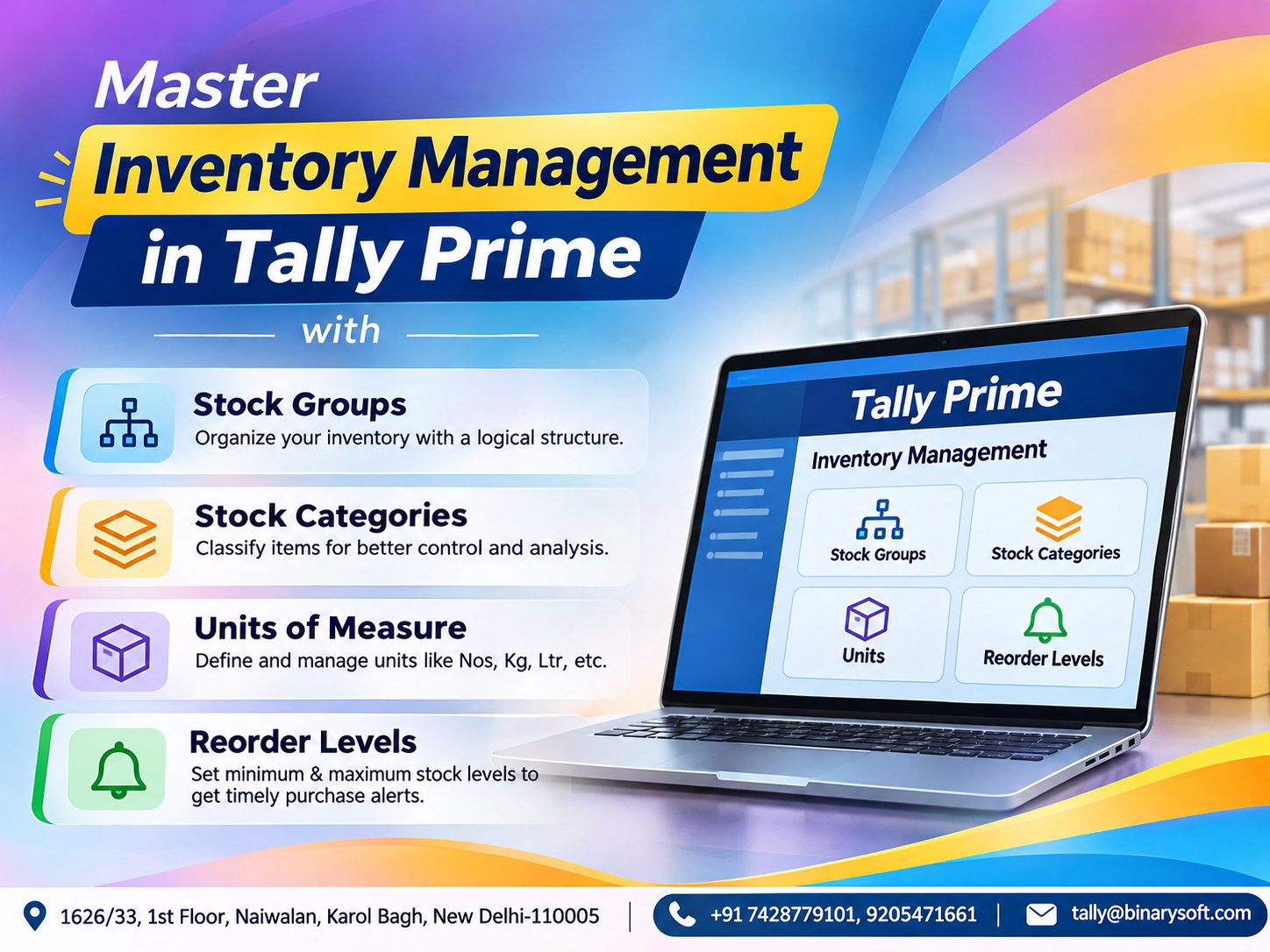
TallyPrime supports stock items, stock groups, units of measurement and godowns.
Users can learn how to create inventory masters and record stock-related transactions.
A practical training exercise might involve a business selling electrical products.
The learner creates separate stock groups for cables, switches, lighting equipment and accessories.
Individual products are then recorded under the appropriate categories.
Next, purchase and sales transactions are entered.
The learner reviews stock balances to understand how transactions affect available quantities.
Advanced training can explore stock transfers, reorder considerations and inventory valuation.
Employees should also understand the importance of physical stock verification.
Software records must be reconciled with actual inventory to maintain reliability.
6. Banking and Bank Reconciliation Training
Banking is another essential part of business accounting.
Employees should learn how to record receipts, payments, bank transfers and other financial transactions.
TallyPrime provides banking and reconciliation capabilities that help accountants compare recorded transactions with bank statements.
A useful training exercise involves importing or entering sample bank transactions and identifying unmatched entries.
Learners should understand how bank charges, outstanding cheques, customer deposits and incorrect entries affect reconciliation.
Supported releases also provide enhanced banking features, including statement-based reconciliation and payment workflows.
However, feature availability depends on the software release and supported banking arrangements.
Regular banking training helps employees reduce reconciliation errors and maintain more reliable financial records.
7. Financial Reporting and Business Analysis Training
Accounting software becomes especially valuable when users understand how to interpret reports.
TallyPrime provides financial statements and operational reports that help businesses evaluate performance.
Important reports include the Balance Sheet, Profit and Loss Account, Trial Balance, Cash Flow Statement and outstanding receivables.
A beginner may initially focus on opening and reading these reports.
An intermediate learner should understand how individual transactions affect reported balances.
Advanced users can study cost-centre analysis, budgeting and financial comparisons.
For example, a business may report increasing sales but declining profitability.
An accountant who understands financial reports can investigate whether purchase costs, operating expenses or discounts are affecting margins.
This analytical ability makes TallyPrime knowledge valuable beyond routine data entry.
8. Advanced TallyPrime Learning for Accounting Professionals
Experienced accountants can benefit from studying more advanced functionality.
Cost centres allow organizations to allocate income and expenses to projects, departments or other reporting categories.
Budgeting features help compare planned and actual performance.
Multi-company accounting supports separate records for different business entities.
TallyPrime Gold provides concurrent multi-user accounting in a compatible environment.
Users can also learn about security permissions, data backup, restoration and supported integration options.
Advanced learning should focus on solving real business problems rather than simply memorizing software menus.
9. Emotional Story: From an Uncertain Graduate to a Confident Accountant
Illustrative fictional story for educational purposes.
When Neha completed her commerce degree, she dreamed of becoming a professional accountant.
Her father operated a small grocery shop in Delhi, and her mother managed household expenses carefully to support her education.
Despite her academic knowledge, Neha struggled during job interviews.
Employers frequently asked whether she could prepare invoices, manage ledgers or reconcile bank transactions using accounting software.
She understood accounting theory but lacked practical experience.
After several unsuccessful interviews, her confidence began to decline.
One evening, she noticed her father reviewing handwritten purchase records after closing his shop.
He looked exhausted.
Neha realized that the accounting knowledge she wanted to develop could also help her family.
She began learning TallyPrime through introductory tutorials and practical exercises.
At first, creating ledgers and entering vouchers seemed confusing.
She made mistakes, reviewed explanations and tried again.
Gradually, she learned to record purchases, create invoices, review customer balances and generate financial statements.
She then created a practice company based on her father's grocery business.
Using sample transactions, she explored how inventory and accounting reports could help organize daily operations.
Her father watched proudly as she explained the difference between sales revenue and actual cash collections.
A few months later, Neha attended another accounting job interview.
This time, she confidently explained how she would record transactions, reconcile bank accounts and review outstanding customer balances.
She received a job offer.
The most emotional moment came when she used her first salary to buy her father a new chair for his shop.
He smiled and told her that the greatest gift was seeing her confidence return.
For Neha, learning TallyPrime was more than acquiring software skills.
It became a path toward independence, professional growth and supporting her family.
The story illustrates how practical accounting education can help learners turn theoretical knowledge into meaningful career opportunities.
10. Case Study One: Small Business Improves Accounting Accuracy Through Training
Illustrative case study with hypothetical outcomes.
A wholesale stationery distributor employed six people responsible for billing, purchasing and accounting.
Challenges
Employees used inconsistent ledger names and frequently required assistance preparing reports.
Inventory entries were sometimes delayed.
Training approach
The company introduced structured TallyPrime training covering company setup, ledgers, voucher entry, inventory and financial reports.
Employees practiced using sample transactions before working with actual business records.
Illustrative outcomes
|
Area
|
Before training
|
After training
|
|---|
|
Voucher entry
|
Inconsistent procedures
|
Standardized process
|
|
Inventory updates
|
Frequently delayed
|
Regular recording
|
|
Financial reports
|
Dependent on one employee
|
More staff trained
|
|
Error correction
|
Reactive
|
Routine review
|
The example demonstrates how training may improve consistency and reduce dependence on individual employees.
Actual improvements vary by organization.
11. Case Study Two: Accounting Firm Develops Employee Skills
Illustrative case study; not a verified customer testimonial.
A small accounting practice provided bookkeeping services to several businesses.
Challenges
New employees understood accounting principles but were unfamiliar with practical software workflows.
Senior accountants spent significant time answering repetitive questions.
Training approach
The firm developed a structured learning program using introductory tutorials, sample company data and supervised exercises.
Employees progressed from basic voucher entry to banking, inventory and reporting.
Illustrative outcomes
New employees became more confident performing routine accounting tasks.
Senior accountants could focus more attention on review and advisory work.
The practice also established standard procedures for transaction verification and monthly reporting.
The case highlights the value of combining self-paced learning with practical supervision.
12. How Businesses Can Build a TallyPrime Employee Training Program
A structured training program should begin with an assessment of employee responsibilities.
Billing staff may need training in sales invoices, customer ledgers and receipt entry.
Purchase employees may require knowledge of supplier invoices and inventory transactions.
Accountants should understand reconciliation, financial reporting and statutory configuration.
Training should include practical exercises using sample company data.
Employees should demonstrate that they can complete assigned tasks accurately before receiving access to sensitive live records.
Businesses can also maintain written procedures for common activities.
Regular refresher sessions help employees understand new features and correct recurring mistakes.
13. Recommended 30-Day TallyPrime Learning Plan
|
Period
|
Learning focus
|
Practical exercise
|
|---|
|
Days 1–5
|
Navigation and company setup
|
Create a practice company
|
|
Days 6–10
|
Ledgers and vouchers
|
Record sample transactions
|
|
Days 11–15
|
GST and invoicing
|
Prepare sample invoices
|
|
Days 16–20
|
Inventory management
|
Create items and stock transactions
|
|
Days 21–25
|
Banking and reconciliation
|
Reconcile sample entries
|
|
Days 26–30
|
Financial reports and review
|
Prepare a monthly accounting summary
|
This plan can be adjusted for different experience levels.
Beginners may require additional time, while experienced accountants may progress more quickly.
The goal is practical understanding rather than completing lessons as fast as possible.
14. Common Mistakes to Avoid While Learning TallyPrime
One common mistake is memorizing steps without understanding the accounting principles behind them.
Another is practicing directly on live company data without appropriate supervision.
Beginners should use sample companies and backup copies for training.
Users should also avoid ignoring reconciliation differences or making adjustments without understanding their cause.
Regular practice, careful review and clear documentation are essential.
Learning should include both correct procedures and the reasons those procedures matter.
15. Why Practical TallyPrime Knowledge Matters for Career Growth
Accounting professionals are expected to do more than record transactions.
Employers value employees who can identify errors, understand financial reports and support business decisions.
Practical TallyPrime knowledge can help candidates demonstrate familiarity with common accounting workflows.
It may be useful for positions involving bookkeeping, billing, inventory accounting and financial administration.
However, learning TallyPrime does not automatically guarantee employment or professional certification.
Career development also depends on accounting knowledge, communication skills, accuracy and relevant experience.
16. TallyPrime Training and Support from Binarysoft Technologies
Binarysoft Technologies is an Authorized Tally Partner assisting businesses with TallyPrime-related requirements.
Organizations can contact Binarysoft Technologies to discuss software licensing, installation, accounting configuration, inventory workflows and technical support.
Businesses introducing TallyPrime to new employees should consider practical training and documented operating procedures.
A suitable learning approach can help teams improve accuracy and make better use of accounting software.
Contact Binarysoft Technologies
Powered by Binarysoft Technologies
Authorized Tally Partner
Location: 1626/33, 1st Floor, Naiwalan, Karol Bagh, New Delhi – 110005, INDIA
Contact us: +91 7428779101, 9205471661
Email us: tally@binarysoft.com
Business Hours: 10:00 AM – 6:00 PM, Monday to Friday
Frequently Asked Questions
Can business owners learn TallyPrime without accounting experience?
Yes, although basic bookkeeping knowledge is recommended for understanding transactions and financial statements.
Can TallyPrime training improve job opportunities?
Practical software skills can strengthen a candidate's qualifications, but employment depends on several factors, including experience and accounting knowledge.
Where can I get TallyPrime assistance in Delhi?
Businesses can contact Binarysoft Technologies at +91 7428779101 or 9205471661 for guidance on TallyPrime licensing, implementation and related software requirements.
Does TallyPrime Learning Hub cover GST?
Learning resources cover GST-related accounting workflows, including relevant invoicing and configuration topics. Availability may vary by region.
CA. Samarth Toshniwal works on business accounting, taxation, and transaction reconciliation. His professional focus is on helping enterprises maintain organized financial records and develop efficient accounting practices.