Call CA Tally HelpDesk
+91 9205471661,
7428779101
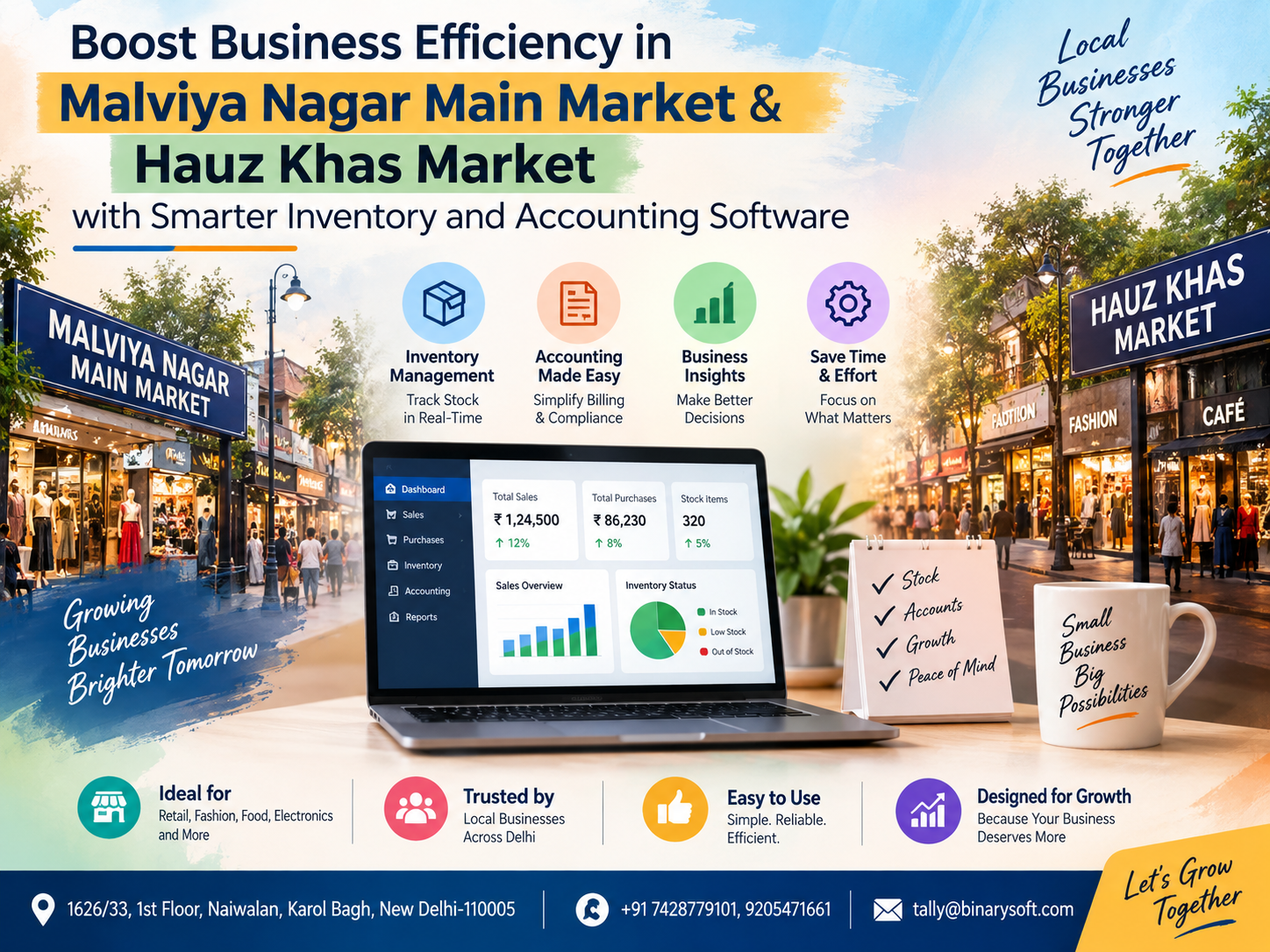
In 2026, running a business in busy South Delhi markets is becoming more demanding as customers expect faster billing, businesses handle larger product ranges, and owners need clearer control over stock, purchases, sales, GST and outstanding payments. For traders in Malviya Nagar Main Market and Hauz Khas Market, relying on handwritten registers, disconnected Excel sheets or separate billing and accounting systems can create unnecessary pressure. A small stock mismatch can result in a missed sale, while delayed accounting entries can make it difficult to understand the actual financial position of the business. What has changed in recent months is the growing need for connected, real-time business information. Smarter inventory and accounting software can bring billing, stock, purchases, receivables and financial reporting together, helping business owners reduce repetitive work, improve accuracy and make quicker decisions without waiting until the end of the month.
Why Businesses in Malviya Nagar and Hauz Khas Need Smarter Software
Malviya Nagar Main Market and Hauz Khas Market are among South Delhi's active commercial areas, serving local residents, professionals, students, offices and visitors.
From garments and footwear to electronics, grocery, cosmetics, restaurants, home furnishing, medical products and professional services, businesses in these areas may deal with hundreds or thousands of transactions and inventory movements.
As a business grows, the owner has to answer increasingly difficult questions:
How much stock is actually available?
Which products are selling quickly?
Which products have been sitting on shelves for months?
How much money is outstanding from customers?
Which supplier payments are due?
What was today's actual profit?
Are GST-related transactions being recorded correctly?
How much cash and bank balance is available?
Which products should be reordered?
When these answers are spread across notebooks, Excel files, billing software and an accountant's computer, business decisions can become slower.
A smarter inventory and accounting system brings these areas together.
The Real Cost of Manual Business Management
Many small and medium businesses start with a simple process.
The owner purchases goods, maintains bills, records sales and keeps a basic stock register. As transaction volumes increase, employees may start maintaining separate Excel sheets for sales, purchases, inventory and payments.
Initially, this can appear manageable.
But the real difficulty starts when information in one record does not match another.
Suppose the billing counter shows that 25 units of an item have been sold, while the inventory sheet reflects only 20 units. Someone then needs to identify the missing entries manually.
Or imagine that a supplier payment has already been made through the bank, but the accounting record has not been updated.
The business owner may believe that more money is payable than the actual outstanding amount.
These small discrepancies accumulate over time.
Better business software helps establish a structured flow from purchase to inventory, billing, accounting and reporting.
A Malviya Nagar Trader's Story: When a Busy Weekend Exposed the Problem
Consider the example of a fictional retail business in Malviya Nagar Main Market.
The owner had built the business gradually over several years. His shelves were full, customers were regular, and weekend sales were strong. From the outside, everything looked healthy.
But behind the counter, the business was becoming difficult to manage.
Sales were being billed through one system. Purchases were recorded separately. Some inventory adjustments were maintained in Excel. Supplier balances were checked manually.
One Saturday evening, a customer asked for several units of a popular product.
The computer showed that the product was available.
An employee went to the storage area.
Nothing was there.
They checked another shelf and then the back room. Still nothing.
The customer waited for several minutes before finally purchasing the product from another shop.
It was only one lost sale, but the owner was frustrated.
The bigger problem appeared the following Monday. When the team reconciled inventory, they discovered that several items had incorrect quantities because stock movements had not been recorded consistently.
The owner realized that his business did not have a shortage of effort.
It had a shortage of visibility.
After moving toward a structured inventory and accounting process, the owner could check stock before committing to a customer, review outstanding balances and identify products requiring replenishment.
The emotional relief was significant.
Instead of spending evenings asking employees, “Is this stock correct?” or “Has this payment been entered?”, he could spend more time focusing on customers, suppliers and business growth.
That is where smarter business software creates value: not simply by replacing registers, but by helping owners regain control over daily operations.
Inventory and Accounting Should Work Together
Inventory and accounting are closely connected.
When goods are purchased, inventory increases and a financial transaction is created.
When goods are sold, inventory decreases and revenue is recorded.
When customers make payments, receivables change.
When suppliers are paid, payables change.
If these activities are maintained in completely separate systems, businesses may need to enter the same information multiple times.
That increases the possibility of errors.
An integrated approach allows transactions to contribute to both operational and financial records.
For example:
Purchase Entry → Inventory Update → Supplier Outstanding
Sales Invoice → Stock Reduction → Customer Outstanding → Accounting Entry
Customer Receipt → Outstanding Adjustment → Cash/Bank Update
Supplier Payment → Payable Adjustment → Cash/Bank Update
This connected workflow gives business owners a clearer view of what is happening.
Faster Billing for Busy Retail Counters
Billing speed can directly affect the customer experience.
During evenings, weekends, festive periods and seasonal sales, businesses in Malviya Nagar and Hauz Khas may experience heavy customer traffic.
If billing takes too long, queues increase.
Employees become rushed.
Customers become impatient.
A structured billing system can help businesses create invoices faster while maintaining consistent product, tax and customer information.
Depending on business requirements, a billing setup can include:
GST invoices
Cash and credit sales
Product-wise billing
Customer information
Discount handling
Multiple payment modes
Sales returns
Credit notes
Outstanding tracking
Invoice printing
Digital invoice sharing
The objective is simple: complete the transaction quickly while maintaining accurate records.
Real-Time Inventory Visibility
One of the biggest advantages of inventory management software is improved stock visibility.
Instead of depending entirely on physical checks, business owners can review inventory records to understand what should currently be available.
This is particularly useful for businesses managing many SKUs.
A smarter inventory process can help monitor:
Opening stock
Purchases
Sales
Sales returns
Purchase returns
Stock transfers
Stock adjustments
Closing stock
Reorder requirements
Fast-moving items
Slow-moving items
Businesses can use these insights to improve purchasing decisions.
Avoid Overstocking and Understocking
Both excessive and insufficient inventory can affect profitability.
Overstocking
Buying too much inventory can block working capital.
Products may remain unsold for months, become outdated, lose market demand or require additional storage space.
Understocking
Keeping too little stock creates a different problem.
Customers arrive ready to purchase, but the required product is unavailable.
Repeated stock-outs can eventually push regular customers toward competitors.
Inventory reports can help businesses find a more practical balance.
Owners can review historical sales and current inventory before deciding what and how much to reorder.
Identify Fast-Moving and Slow-Moving Products
Not every product deserves the same shelf space or investment.
Some products sell every day.
Others sell occasionally.
Some may barely move at all.
Without reliable records, purchasing decisions are often based on memory.
Software-generated inventory reports can provide better evidence.
For example, if a particular product category consistently generates strong sales, the business can consider maintaining appropriate stock levels.
If another category remains unsold for long periods, the owner can reconsider future purchases or promotional strategies.
This makes inventory management more analytical rather than purely intuitive.
Better Purchase Management
Purchasing has a major impact on margins and cash flow.
Businesses need to know:
What was purchased?
From which supplier?
At what rate?
How much quantity was received?
What amount remains payable?
When is payment due?
What items need to be purchased again?
A centralized purchase record makes these questions easier to answer.
It can also help businesses compare supplier transactions and understand their purchasing patterns.
Manage Customer Outstanding Amounts
Credit sales are common in many trading and distribution businesses.
The challenge is collecting payments on time.
Without proper receivable tracking, owners may remember large outstanding amounts while overlooking smaller invoices.
Over time, those smaller amounts can become substantial.
Accounting software can maintain customer-wise outstanding information, allowing businesses to review unpaid invoices systematically.
Instead of searching through physical bills, the owner can identify pending balances from accounting records.
This can support a more disciplined collection process and healthier cash flow.
Keep Supplier Payments Under Control
Just as customer receivables need attention, supplier payables need to be monitored.
Missing an important supplier payment can affect relationships and future credit terms.
Paying too early, however, may unnecessarily reduce available working capital.
A well-maintained accounting system can help owners understand:
Supplier-wise balances
Pending bills
Payment entries
Purchase history
Due amounts
Cash and bank impact
Better visibility helps businesses plan payments instead of reacting to them.
GST-Ready Accounting for Delhi Businesses
GST compliance has made accurate transaction recording an important part of everyday business administration.
Businesses need consistent information relating to:
GSTIN
HSN/SAC
Taxable values
CGST
SGST
IGST
Input tax transactions
Sales returns
Purchase returns
Debit and credit notes
Properly configured accounting software can help organize GST-related transaction data and reduce repetitive manual calculations.
However, software does not replace professional tax advice. Businesses should ensure that their accounting configuration and statutory filings are reviewed according to their applicable compliance requirements.
Why TallyPrime Can Be Considered for Business Management
TallyPrime is widely used by Indian businesses for accounting, inventory, billing and business reporting.
Depending on configuration and business requirements, businesses can use TallyPrime for areas such as:
Accounting
Inventory management
GST-related transaction recording
Sales invoicing
Purchase management
Receivables
Payables
Banking-related accounting
Cost centres
Financial reports
Stock reports
Management information
For a business currently maintaining several disconnected records, moving toward a structured TallyPrime workflow can simplify day-to-day data management.
The most important factor, however, is proper implementation.
Software should reflect the actual business process rather than forcing employees into an unnecessarily complicated workflow.
Inventory Management for Retail Businesses
Retail businesses need quick information.
A customer standing at the counter does not want to wait while employees search through registers or call the warehouse.
Retailers can use structured inventory records to check product availability and transaction history more efficiently.
This can be particularly useful for:
Garment stores
Footwear shops
Electronics retailers
Grocery stores
Cosmetic stores
Gift shops
Stationery businesses
Home furnishing retailers
Hardware businesses
Mobile and accessory shops
Lifestyle retailers
The exact configuration should depend on the products and operating model of the business.
Accounting Software for Service Businesses
Not every business in Hauz Khas or Malviya Nagar maintains large inventories.
Consultants, agencies, professional firms and other service providers may be more focused on:
Invoices
Receipts
Expenses
Outstanding payments
Bank transactions
GST records
Profit and loss
Cash flow visibility
For these businesses, accounting software can provide centralized financial records without unnecessary inventory complexity.
Multi-User Working for Growing Businesses
As businesses expand, one person cannot handle every transaction.
One employee may create invoices.
Another handles purchases.
An accountant manages vouchers.
The owner wants reports.
A multi-user setup can allow authorized employees to perform their responsibilities within a structured system.
This reduces dependence on a single person and can improve operational continuity.
Access should be configured carefully so employees only receive the permissions necessary for their roles.
Better Reports Lead to Better Decisions
Data becomes useful when it answers business questions.
Owners should not have to wait until year-end to understand their operations.
Useful reports can include:
Sales reports
Purchase reports
Stock summaries
Receivable reports
Payable reports
Profit and loss statements
Balance sheets
Cash and bank information
Item-wise sales
Customer-wise sales
Supplier-wise purchases
Stock movement information
These reports can help owners make decisions based on recorded transactions rather than assumptions.
Know Whether Sales Are Actually Creating Profit
High sales do not automatically mean high profit.
A business may achieve impressive turnover while facing:
Low margins
High operating expenses
Excess inventory
Delayed collections
High purchase costs
Uncontrolled discounts
By maintaining both accounting and operational records, owners can better understand the financial impact of their business activity.
This distinction between sales and profitability is essential for sustainable growth.
Improve Cash Flow Management
Cash flow is one of the most important areas for small and medium businesses.
A profitable business can still experience financial pressure if customer payments are delayed while supplier payments, salaries, rent and other expenses are due.
Accounting reports can help owners see:
Who owes money?
How much is payable?
What is available in cash and bank accounts?
Which expenses are increasing?
Which collections require follow-up?
Better visibility does not automatically solve cash flow challenges, but it gives owners better information for planning.
Excel vs Integrated Business Software
Excel remains extremely useful for analysis, planning and specialized calculations.
The problem arises when multiple spreadsheets become the primary transactional system for a growing business.
Different employees may maintain different versions.
Formulas may accidentally change.
Rows may be deleted.
Updates may not be synchronized.
An integrated accounting and inventory system provides a more structured transactional environment.
Excel can then continue to be used where it is strongest: supplementary analysis and reporting.
Moving Existing Business Data to a Better System
Many businesses hesitate to change software because they already have years of data.
Migration should therefore be planned carefully.
Depending on the existing system and available records, implementation may involve:
Reviewing existing masters
Creating ledger structures
Preparing stock items
Setting units of measurement
Configuring GST information
Reviewing opening balances
Entering or importing opening stock
Setting customer and supplier balances
Configuring invoice formats
Training employees
Testing reports
Taking backups
Businesses should avoid rushing directly into live operation without validating important information.
Employee Training Is as Important as Software
Even excellent software can produce poor results if users do not understand the process.
Employees should know how to correctly handle the transactions relevant to their roles.
For example, billing employees should understand how to select the correct customer, product, quantity and transaction type.
Purchase staff should understand how purchases and returns are recorded.
Accounts teams should understand receipts, payments, journals and reconciliation procedures.
Training reduces inconsistent entries and improves the reliability of reports.
Data Backup Should Be Part of Daily Operations
Business data represents years of financial and operational history.
Losing it can cause serious disruption.
Businesses should maintain an appropriate backup strategy based on their software environment and operational requirements.
Backup procedures should not simply exist on paper.
They should be tested periodically to ensure that data can actually be restored when needed.
Software Should Save Time, Not Add Complexity
A common mistake is trying to use every available feature immediately.
That can overwhelm employees.
A better approach is to begin with the areas that create the greatest business value.
For example:
Start with accurate masters and opening balances.
Then establish sales and purchase workflows.
Connect inventory movements.
Maintain receipts and payments.
Review receivables and payables.
Introduce additional reports and controls as users become comfortable.
The objective is not to create the most complicated software system.
The objective is to create a reliable system employees can actually use every day.
Benefits for Malviya Nagar Main Market Businesses
Businesses in Malviya Nagar Main Market can benefit from improved inventory and accounting management by creating stronger control over high-frequency daily transactions.
Retailers can monitor product movement.
Wholesalers can track customer and supplier balances.
Service providers can maintain invoices and expenses.
Growing businesses can give different employees structured responsibilities.
The result is a clearer view of business activity.
Benefits for Hauz Khas Market Businesses
Hauz Khas has a diverse commercial ecosystem ranging from retail and lifestyle businesses to restaurants, professional services and other customer-facing establishments.
Different businesses require different configurations.
A retailer may prioritize inventory.
A professional service business may prioritize accounting and receivables.
A growing multi-user business may need stronger access controls and reporting.
The right software setup should therefore be based on workflow rather than simply business size.
When Should You Upgrade Your Existing System?
Consider reviewing your existing business software if:
Stock frequently differs from physical inventory.
Employees repeatedly enter the same information.
Billing takes too long.
You cannot quickly identify customer outstanding amounts.
Supplier balances are difficult to verify.
Monthly reports require extensive manual work.
Business information is scattered across many Excel sheets.
You cannot easily identify fast- and slow-moving products.
You depend on one employee to understand all records.
Management reports are available too late.
These are signs that your existing process may no longer match the scale of your business.
Choosing Inventory and Accounting Software
Before selecting software, identify the actual problems you want to solve.
Consider your:
Business type
Number of users
Number of products
Daily invoice volume
Inventory complexity
GST requirements
Branches or locations
Reporting requirements
Existing data
Budget
Future expansion plans
Employee skills
Do not choose software purely because it has the longest feature list.
Choose a solution that fits your workflow and can grow with your business.
Why Implementation Support Matters
Purchasing software is only the beginning.
Correct configuration can make a major difference to the quality of information generated later.
Professional implementation assistance can help businesses with:
Installation
Company creation
Ledger configuration
Inventory setup
GST configuration
Opening balances
Data migration planning
Invoice configuration
User setup
Training
Backup planning
Troubleshooting
Ongoing support
For businesses migrating from manual processes or disconnected systems, implementation support can make the transition smoother.
Turn Daily Transactions into Useful Business Intelligence
Every invoice contains information.
Every purchase tells you something about demand.
Every outstanding payment reveals something about cash flow.
Every stock movement provides information about customer preferences.
When these transactions are recorded systematically, they create a valuable picture of the business.
Instead of asking:
“What do I think is selling?”
the owner can ask:
“What does the sales report show?”
Instead of asking:
“How much stock should be there?”
the owner can review inventory records.
Instead of asking:
“Who still owes us money?”
the owner can review outstanding receivables.
That shift from assumption to information can significantly improve day-to-day management.
Smarter Software Is About Business Control
Digital transformation does not necessarily mean replacing people or making a business complicated.
For a local retailer, distributor, trader or service provider, digital transformation can simply mean knowing what is happening in the business without searching through multiple files.
How much did we sell today?
What stock is available?
What needs to be purchased?
Who needs to pay us?
Whom do we need to pay?
What are our expenses?
What is our financial position?
When business software answers these questions clearly, technology becomes genuinely useful.
Conclusion
Businesses in Malviya Nagar Main Market and Hauz Khas Market operate in competitive environments where speed, accuracy and customer service matter every day. As transaction volumes increase, relying on disconnected spreadsheets, manual registers and separate accounting processes can make business management unnecessarily difficult.
Smarter inventory and accounting software can create a connected flow between billing, purchases, stock, receivables, payables and financial reporting. Businesses can gain better visibility of inventory, reduce repetitive data entry, monitor outstanding amounts, improve purchasing decisions and access reports when they are needed.
TallyPrime can be considered by businesses looking to bring accounting, inventory and billing processes into a more structured system. The real value comes from selecting the right configuration, migrating data carefully, training users and maintaining disciplined daily processes.
For businesses in Malviya Nagar, Hauz Khas and across Delhi, the goal is not simply to become digital. The goal is to gain better control over the business and make everyday decisions with reliable information.
Powered by Binarysoft Technologies
Authorized Tally Partner
Location: 1626/33, 1st Floor, Naiwalan, Karol Bagh, New Delhi – 110005, INDIA
Contact us: +91 7428779101, 9205471661
Email us: tally@binarysoft.com
Business Hours: 10:00 AM – 6:00 PM, Mon–Fri
Frequently Asked Questions
What is inventory and accounting software?
Inventory and accounting software helps businesses maintain financial transactions and stock-related information in a structured system. Depending on the solution, it can manage sales, purchases, inventory, receivables, payables and financial reports.
Is TallyPrime suitable for businesses in Malviya Nagar Main Market?
TallyPrime can be used by many types of trading, retail, distribution and service businesses. Suitability depends on the company's workflow, number of users, inventory requirements, transaction volume and reporting needs.
CA. Darshit Malhotraa has hands-on experience in GST compliance, accounting reviews, and MSME consulting. He regularly works with businesses transitioning from manual systems to digital accounting platforms. His content emphasizes real-world problem solving and operational efficiency.