Call CA Tally HelpDesk
+91 9205471661,
7428779101

What Changed in 2026: Amazon Sellers Need Faster, Cleaner Accounting
In 2026, Amazon sellers are handling more than simple online sales entries. Every marketplace order can create a chain of accounting data involving GST, invoice values, returns, cancellations, marketplace fees, shipping charges, TCS/TDS-related entries where applicable, reimbursements and settlement deductions. For traders in Delhi’s Sadar Bazaar and Chawri Bazar, manually entering hundreds or thousands of Amazon transactions into TallyPrime can quickly become a month-end bottleneck. The pressure increases when Amazon settlement deposits do not directly match gross sales because multiple fees, taxes, adjustments and refunds may be included before the final amount reaches the bank. A structured Amazon-to-TallyPrime import and settlement reconciliation process can reduce repetitive voucher entry, improve GST data accuracy, make settlement matching easier and give business owners a clearer view of actual marketplace profitability. The goal is simple: convert complicated Amazon reports into organized accounting data without losing control of the numbers.
Amazon Sales Accounting Is More Complex Than a Normal Sale
A traditional wholesale transaction can be relatively straightforward.
A trader raises an invoice.
The customer makes payment.
The amount is posted against the customer account.
Amazon marketplace accounting can be very different.
One Amazon sale may eventually involve several financial components:
Customer sale value
Taxable value
GST
Shipping or delivery-related amounts
Amazon marketplace fees
Commission
Fee-related GST
Refunds
Returns
Reimbursements
Promotional adjustments
TCS, where applicable
TDS, where applicable
Other marketplace adjustments
Settlement receivable
Bank receipt
This creates an important accounting reality:
Amazon Sales ≠ Amazon Settlement Amount
If ₹10 lakh of goods are sold through Amazon during a period, it does not necessarily mean ₹10 lakh will appear in the bank account.
Amazon may deduct applicable marketplace charges and make other adjustments before releasing the settlement.
Therefore, Amazon accounting should not be handled merely by booking the bank deposit as sales.
The sales, taxes, marketplace charges, adjustments and settlement should be accounted for appropriately according to the underlying transactions and applicable requirements.
The Sadar Bazaar Seller Who Thought ₹37,000 Had Disappeared
Consider a trader operating from Sadar Bazaar, Delhi.
For years, his business had been largely wholesale.
Boxes moved quickly. Margins were tight. His staff understood purchase bills, sales invoices, cash collections and bank payments.
Then Amazon became an important sales channel.
At first, the owner was delighted.
Orders arrived throughout the day.
The sales dashboard kept moving upward.
But at the end of one busy month, his accountant called him.
"Sir, Amazon sales and the amount received in the bank are not matching."
The owner immediately became worried.
The difference was around ₹37,000.
For a business operating on tight margins, ₹37,000 was not something he could casually ignore.
He opened Amazon reports.
His accountant opened TallyPrime.
Another employee opened the bank statement.
Three screens showed three different views of the same business.
For hours, they searched for the "missing" money.
Eventually, they realized that the difference was not one unexplained transaction. It represented several marketplace deductions and adjustments, including fees, taxes on applicable charges, returns and settlement-level items.
Nothing could be understood properly until the Amazon reports were broken into accounting components.
That changed their approach.
Instead of treating the Amazon bank deposit as a single sales transaction, they began maintaining a structured workflow:
Amazon Orders → Sales Data → GST Classification → Returns/Adjustments → Amazon Fees → Settlement Reconciliation → Bank Receipt → TallyPrime
The owner finally stopped asking:
"Why doesn't Amazon match my bank?"
He started asking the more useful question:
"Has every component of the Amazon settlement been correctly accounted for?"
That is the foundation of better marketplace accounting.
Why Amazon Sellers in Sadar Bazaar Need Better Accounting Automation
Sadar Bazaar is known for high-volume trading.
Businesses may deal in products such as household goods, toys, stationery, gifts, accessories, general merchandise, plastic products, decorative products and numerous other categories.
When a high-volume trader expands onto Amazon, the number of accounting transactions can increase dramatically.
A wholesale business might previously have generated 50 invoices in a day.
Online selling can create hundreds of order-level records.
Manual entry becomes difficult to scale.
Even if an accountant spends only two minutes entering and checking each transaction, 1,000 transactions can represent more than 33 hours of work.
That is before reconciliation.
Structured import can significantly reduce this repetitive effort.
Why Chawri Bazar Traders Face the Same Challenge
Chawri Bazar businesses have traditionally operated through strong wholesale and B2B networks.
As more businesses add marketplace selling to their existing sales channels, they may have to maintain:
Offline sales
Wholesale sales
Retail sales
Amazon sales
Other marketplace sales
GST records
Inventory
Bank transactions
Receivables
Marketplace settlements
Without a structured system, Amazon accounting can become a separate island of information.
The objective should be to bring marketplace transactions into the same accounting environment used for the rest of the business.
For many businesses, that environment is TallyPrime.
What Does Amazon-to-TallyPrime Import Mean?
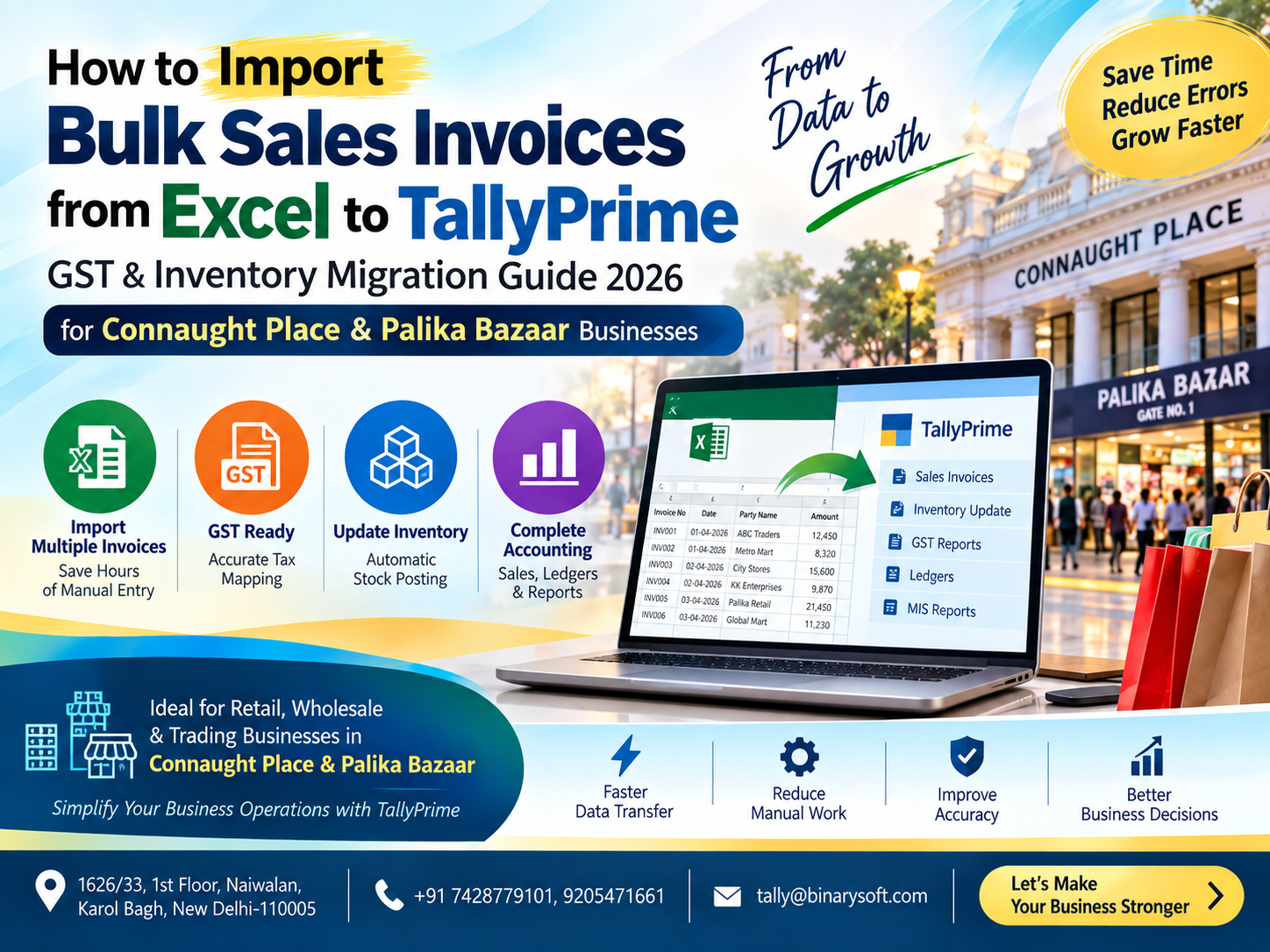
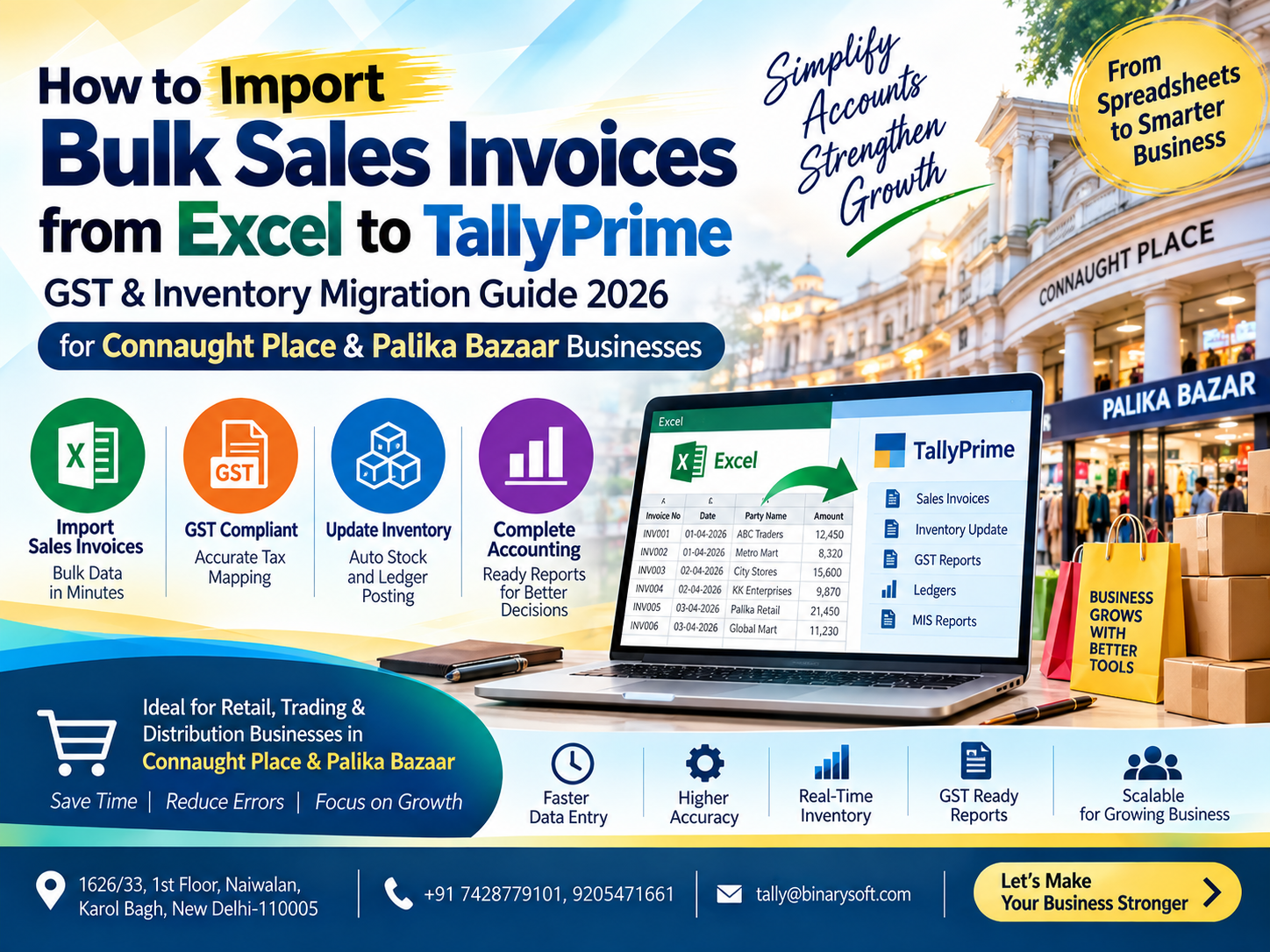
Amazon-to-TallyPrime import generally refers to taking relevant Amazon transaction/report data, transforming or mapping it into an accounting-friendly structure and importing the required information into TallyPrime.
A typical process may look like:
Amazon Reports → Data Processing → Validation → Ledger Mapping → Voucher Mapping → TallyPrime Import → Settlement Reconciliation
Depending on the implementation, data can be processed through Excel or another intermediary mechanism before it is imported into TallyPrime.
The objective is to avoid manually creating every accounting voucher.
What Amazon Data May Be Required?
The exact reports and fields depend on the seller's account, marketplace configuration and accounting requirements.
Typical data used for accounting may include:
Order ID
Invoice Number
Invoice Date
Order Date
SKU
Product Description
Quantity
Taxable Value
GST Rate
IGST
CGST
SGST
Invoice Value
Shipping Amount
Discount
Return Details
Refund Details
Amazon Fees
Marketplace Charges
Fee Taxes
Settlement ID
Settlement Date
Other Adjustments
Net Settlement Amount
Not every seller will require exactly the same fields.
The data structure should be designed around the seller's actual reports and accounting requirements.
Step 1: Download the Required Amazon Reports
The process starts with obtaining the relevant reports from the seller's Amazon account.
Depending on the workflow, different reports may be needed for:
Sales
Orders
Returns
Refunds
Fees
Taxes
Settlements
Reimbursements
Other marketplace adjustments
The reports should be downloaded for a clearly defined accounting period.
For example:
01 September 2026 to 30 September 2026
Using consistent reporting periods makes reconciliation easier.
Step 2: Never Import Raw Data Blindly
A common mistake is downloading a marketplace file and immediately attempting to convert everything into accounting vouchers.
Raw marketplace data should first be validated.
Check for:
Duplicate transactions
Missing invoice numbers
Blank GST information
Unexpected negative amounts
Cancelled transactions
Returned orders
Refund transactions
Incorrect dates
Unexpected tax rates
Duplicate Order IDs
Missing settlement references
Invalid SKU mappings
A clean source file is the foundation of a reliable import.
Step 3: Create the Required Ledgers in TallyPrime
Before importing transactions, the required accounting ledgers should be available.
The actual ledger structure depends on the business and professional accounting advice.
Illustrative ledgers could include:
Amazon Sales
Amazon Sales – Local
Amazon Sales – Interstate
Amazon Settlement Receivable
Amazon Commission
Amazon Marketplace Fees
Amazon Shipping Charges
Amazon Other Charges
Amazon Reimbursements
Sales Returns
CGST
SGST
IGST
Amazon TCS, where applicable
Amazon TDS, where applicable
Amazon Adjustments
Bank Account
The accounting treatment and ledger names should be configured according to the business's circumstances.
Step 4: Map Amazon Sales with GST
GST treatment is one of the most important aspects of Amazon sales accounting.
Transactions should be classified according to the applicable tax treatment.
For an intra-state taxable transaction, the accounting may involve:
Taxable Value
CGST
SGST
For an inter-state taxable transaction, the accounting may involve:
Taxable Value
IGST
The applicable place-of-supply and GST rules should be checked for each relevant transaction type.
The import process should not simply assume one tax structure for every Amazon order.
Example of an Amazon Sales Transaction
Suppose a product has:
Taxable Value: ₹10,000
GST Rate: 18%
For an illustrative intra-state taxable sale:
CGST: ₹900
SGST: ₹900
Invoice Total:
₹11,800
The imported accounting data should preserve the taxable value and relevant GST components rather than merely entering ₹11,800 as an unexplained sales amount.
For an applicable inter-state transaction, the tax structure would instead generally involve IGST according to the applicable GST rules.
Step 5: Map SKU with TallyPrime Stock Items
Inventory sellers should pay particular attention to product mapping.
Amazon may identify a product through fields such as:
SKU
ASIN
Product Name
TallyPrime may use a different stock-item name.
For example:
Amazon SKU:
SB-KITCHEN-001
TallyPrime Stock Item:
Stainless Steel Kitchen Set – 6 Pc
A mapping master can connect the two.
| Amazon SKU | TallyPrime Stock Item |
|---|
| SB-KITCHEN-001 |
Stainless Steel Kitchen Set – 6 Pc |
| CB-STAT-102 |
Premium Office File |
| SB-TOY-220 |
Educational Toy Set |
This helps ensure that marketplace sales update the correct inventory item.
Step 6: Import Sales Vouchers into TallyPrime
Once the data has been cleaned and mapped, sales vouchers can be prepared for import.
Depending on the solution and business requirement, the import can include information such as:
Voucher Date
Invoice Number
Party or marketplace-related ledger
Stock Item
Quantity
Rate
Taxable Value
GST Rate
CGST
SGST
IGST
Invoice Total
Order Reference
The exact voucher structure should be tested before large-scale importing.
Always begin with a small sample.
For example:
10 transactions.
Check them carefully.
Then test 50.
Only after confirming the accounting results should the complete dataset be processed.
Step 7: Handle Amazon Returns Correctly
Returns are one of the biggest reasons marketplace accounting becomes difficult.
Suppose a customer purchases goods on 5 September.
Amazon Sale: ₹5,900
The customer returns the product on 15 September.
The accounting system should not continue showing the transaction as an ordinary completed sale without considering the return/refund treatment.
Depending on the applicable accounting and GST treatment, appropriate return or credit-note related entries may be required.
The process should capture:
Original Invoice Reference
Return Date
Return Amount
Taxable Value
GST Impact
Inventory Impact
Refund Amount
Amazon Adjustment
Returns should be linked back to the original transaction wherever practical.
Step 8: Understand Amazon Settlement Accounting
This is where many sellers become confused.
Assume Amazon-related sales and other transactions result in a gross amount of:
₹1,00,000
But the amount transferred to the bank is:
₹91,500
The ₹8,500 difference should not automatically be classified as one generic "Amazon Expense."
It may contain several components.
For illustration:
Gross transaction amount: ₹1,00,000
Less Amazon fees: ₹4,000
Less GST on applicable fees: ₹720
Less other deductions/adjustments: ₹1,500
Less applicable TCS/TDS-related amounts: ₹2,280
Net Bank Settlement: ₹91,500
These numbers are illustrative only.
The actual settlement should be accounted for using the real Amazon report and applicable accounting/tax treatment.
Settlement Reconciliation Is Essential
A settlement reconciliation should answer one fundamental question:
How did the Amazon transactions become the amount received in the bank?
A reconciliation might conceptually follow:
Opening Settlement Receivable
The actual structure depends on the seller's reports.
Amazon Settlement Ledger in TallyPrime
A separate settlement or receivable ledger can make reconciliation easier.
Instead of directly posting all Amazon sales against the bank account, sales can first flow through an Amazon settlement-related ledger as appropriate to the chosen accounting structure.
When Amazon releases the payment, the bank receipt can then be matched against the settlement.
This makes it easier to identify unresolved differences.
Example Settlement Reconciliation
Suppose the settlement report contains:
Sales-related credits: ₹2,50,000
Refunds: ₹20,000
Amazon fees: ₹12,000
Taxes on applicable fees: ₹2,160
Other adjustments: ₹3,000
Other applicable deductions: ₹5,000
Illustrative net settlement:
₹2,50,000
– ₹20,000
– ₹12,000
– ₹2,160
– ₹3,000
– ₹5,000
= ₹2,07,840
If the bank statement shows ₹2,07,840, the settlement can potentially be matched, subject to confirming all underlying items.
If the bank shows ₹2,06,840, there is still a ₹1,000 difference requiring investigation.
Never simply force the books to match.
Find the reason.
GST on Amazon Marketplace Fees
Marketplace fees and related charges may have their own tax treatment.
Where GST is charged on eligible business expenses and input tax credit conditions are satisfied, the business may need to account for the relevant tax components appropriately.
For example, an illustrative fee document may show:
Service Value: ₹10,000
GST: ₹1,800
Total: ₹11,800
Instead of posting the full ₹11,800 into a single expense ledger, the accounting structure may need to distinguish between the expense and eligible input tax components, subject to applicable GST rules and documentation.
The business's accountant or tax professional should verify the actual treatment.
TCS and TDS: Do Not Ignore Settlement Deductions
Marketplace settlements can contain statutory tax-related components.
Where TCS under GST or TDS under applicable income-tax provisions applies, these amounts should be identified separately rather than being treated as ordinary marketplace expenses.
For example, if an amount is deducted and represents recoverable or adjustable tax rather than an expense, posting it entirely to "Amazon Charges" can distort profitability.
Separate ledger mapping can make year-end reconciliation significantly easier.
Why Settlement ID Should Be Preserved
One of the most useful references in marketplace accounting is the Settlement ID or equivalent settlement reference.
Where available, preserve it during data processing.
For example:
Settlement ID: ABC123456
The same reference can be maintained in:
Excel reconciliation
Accounting narration
Settlement working
Bank reconciliation support
This provides a trail from the marketplace report to the accounting entry.
Build a Settlement Control Sheet
For businesses processing many settlements, an Excel control sheet can be extremely useful.
Suggested columns:
Settlement ID
Settlement Period
Gross Credits
Returns/Refunds
Amazon Fees
Taxes on Fees
TCS
TDS
Other Adjustments
Expected Settlement
Actual Bank Receipt
Difference
Status
Status can show:
Matched
Pending
Difference Found
Under Review
This creates a simple month-end control system.
Import Amazon Returns into TallyPrime
Returns should be processed separately from normal sales where the accounting workflow requires it.
The import should ideally preserve the original invoice reference.
Important fields may include:
Original Invoice Number
Amazon Order ID
Return Date
SKU
Quantity Returned
Taxable Value
GST
Refund Amount
Reason/Reference
This makes the return easier to trace.
Cancellation vs Return
A cancellation and a completed sale followed by a return are not necessarily the same accounting event.
An order cancelled before the relevant accounting/tax event may require different handling from an invoiced sale that is subsequently returned and refunded.
Therefore, transaction status should be considered during preprocessing.
Do not import every Amazon order simply because it appears in an order report.
Reimbursements
Amazon may sometimes make reimbursements or other credits associated with marketplace activity.
These should not automatically be treated as product sales.
The nature of the reimbursement should be understood first.
A separate ledger such as:
Amazon Reimbursement
may be appropriate in some workflows, but the final classification should depend on the reason for the reimbursement and professional accounting review.
Inventory Reconciliation
For Sadar Bazaar and Chawri Bazar traders, inventory may be as important as accounting.
After importing Amazon sales, stock quantities should be checked.
A basic reconciliation can compare:
Opening Stock
Amazon SKU mapping must therefore be accurate.
If SKU A is mistakenly mapped to Item B in TallyPrime, financial totals may appear reasonable while physical stock becomes incorrect.
Avoid Duplicate Imports
Duplicate imports are a serious risk.
Suppose September sales are imported on 5 October.
An employee later forgets that the file has already been processed and imports it again.
Sales may double.
GST may double.
Stock may reduce twice.
The system should therefore use unique references wherever possible.
Useful duplicate-control fields can include:
Invoice Number
Order ID
Settlement ID
Transaction ID
Voucher Reference
The import workflow should identify transactions that have already been processed.
Maintain an Import Log
A simple import log can save hours of confusion.
For example:
Import Date
Reporting Period
Source File
Number of Transactions
Sales Vouchers Imported
Returns Imported
Settlement Entries Imported
Errors
Imported By
Reviewed By
This provides a clear processing history.
Error Report Before Import
Instead of allowing bad data to create incorrect vouchers, the preprocessing system should produce an exception report.
Example:
Total Records: 2,850
Valid Records: 2,817
Errors: 33
Possible errors:
12 Missing GST Rates
5 Unknown SKUs
8 Duplicate Invoice Numbers
3 Invalid Dates
5 Missing Ledger Mappings
Only valid transactions should proceed after the required checks.
Monthly Amazon Accounting Workflow
A disciplined monthly process can make year-end accounting significantly easier.
A practical sequence is:
1. Download Amazon reports
Collect sales, returns, fees, settlement and other relevant reports.
2. Define the reporting period
Ensure all reports relate to the correct dates.
3. Validate transactions
Check duplicates, missing information and unusual amounts.
4. Map SKUs
Match Amazon products with TallyPrime stock items.
5. Map GST
Verify the applicable tax classification.
6. Prepare sales import
Generate sales voucher data.
7. Process returns/refunds
Create the appropriate accounting entries.
8. Account for marketplace fees
Separate fees and applicable taxes.
9. Account for TCS/TDS where applicable
Maintain separate ledgers where appropriate.
10. Reconcile settlements
Match marketplace activity to expected payouts.
11. Match bank receipts
Verify actual amounts credited.
12. Review exceptions
Investigate every unresolved difference.
Why You Should Not Wait Until Year-End
A seller processing 5,000 Amazon orders each month could have around 60,000 order records over a year.
Trying to reconcile an entire year at once can become extremely difficult.
Instead, Amazon accounting should ideally be reconciled periodically.
Monthly processing makes discrepancies easier to investigate because supporting data and operational events are still relatively recent.
A missing ₹2,000 adjustment from last week is usually easier to investigate than an unexplained difference from nine months ago.
Amazon Sales and GSTR-1 Reconciliation
GST reporting should be reconciled with the underlying accounting records and applicable marketplace data.
Depending on the seller's transaction types, checks may involve:
B2B transactions
B2C transactions
Credit notes
Debit notes, where relevant
Returns
Taxable values
IGST
CGST
SGST
Place of supply
The figures maintained in TallyPrime should be reviewed against the data used for GST reporting.
Differences should be investigated before filing or finalization.
Marketplace Accounting Is Also About Profitability
Settlement reconciliation does more than help bookkeeping.
It can reveal the actual economics of online selling.
Suppose a trader sees:
Amazon Sales: ₹10,00,000
At first, the number looks excellent.
But then consider:
Product Cost
Amazon Commission
Marketplace Fees
Shipping-related Costs
Advertising
Returns
Refunds
Packaging
Other Adjustments
The actual margin may be much smaller.
A properly structured accounting system gives the owner a clearer picture of marketplace profitability.
Calculate Amazon Channel Profitability
A management report can be structured as:
Amazon Revenue
– Cost of Goods Sold
= Gross Margin
Then:
– Amazon Marketplace Fees
– Shipping/fulfilment-related expenses
– Advertising Expense
– Return-related costs
– Packaging Expense
– Other Direct Marketplace Costs
= Amazon Channel Contribution
This helps business owners decide whether growth in marketplace revenue is translating into meaningful profitability.
Amazon vs Offline Sales
Many Sadar Bazaar and Chawri Bazar traders operate both offline and online.
Separating sales channels in TallyPrime can provide better analysis.
For example:
Sadar Bazaar Wholesale Sales
Chawri Bazar Wholesale Sales
Retail Sales
Amazon Sales
Other Marketplace Sales
Management can then compare channel performance instead of looking only at combined turnover.
Customer-Level vs Marketplace-Level Accounting
Not every Amazon seller needs thousands of individual customer ledgers in TallyPrime.
The appropriate structure depends on:
Invoice requirements
GST reporting
Business model
Transaction volume
Accounting policy
Reconciliation requirements
Available data
A high-volume marketplace seller may need a different structure from a business processing only a few online orders per week.
The workflow should therefore be customized rather than applying one universal format.
Benefits of Amazon-to-TallyPrime Import
A properly implemented import workflow can help reduce:
Manual voucher entry
Typing mistakes
Duplicate transactions
Incorrect tax entry
Missing invoices
Settlement confusion
Unidentified marketplace deductions
Stock mismatches
Month-end reconciliation time
It can also improve:
GST data organization
Inventory tracking
Settlement visibility
Accounting consistency
Marketplace expense reporting
Profitability analysis
Year-end readiness
Benefits for Sadar Bazaar Traders
Sadar Bazaar businesses often operate at high volumes and tight margins.
For these traders, the value of automation comes from scale.
If a business receives hundreds of marketplace orders daily, manually entering every transaction may consume significant accounting resources.
Automated or structured import allows the accounting team to spend more time reviewing exceptions instead of typing repetitive vouchers.
Benefits for Chawri Bazar Traders
Chawri Bazar traders expanding from traditional wholesale operations into e-commerce need accounting systems capable of handling both channels.
TallyPrime can remain the central accounting platform while marketplace data is brought into a controlled import and reconciliation workflow.
This provides one accounting environment for:
Offline business
Amazon transactions
Inventory
GST
Expenses
Banking
Financial reporting
When Customization May Be Required
Every Amazon seller's workflow can be different.
Customization may be required when the seller has:
Very high transaction volume
Multiple GST registrations
Multiple warehouses
Different tax rates
Complex SKU structures
Multiple marketplaces
Amazon FBA-related workflows
Special settlement adjustments
Custom TallyPrime ledgers
Cost centres
Multiple companies
Custom inventory requirements
The solution should be designed after reviewing actual marketplace reports and the existing TallyPrime company structure.
How Binarysoft Technologies Can Help
Binarysoft Technologies can assist businesses with TallyPrime-related accounting automation and customized data-import workflows.
Depending on the available reports and business requirements, a solution can be planned for:
Amazon Sales Import into TallyPrime
Amazon Return Import
Amazon Refund Processing
GST Mapping
SKU-to-Stock-Item Mapping
Ledger Mapping
Marketplace Fee Accounting
Settlement Data Processing
Bank Settlement Reconciliation
TCS/TDS Mapping where applicable
Duplicate Detection
Exception Reporting
Custom Excel-to-TallyPrime Import
Management Reporting
The objective is to convert marketplace data into a controlled accounting workflow rather than relying on repetitive manual entry.
A Better Amazon-to-TallyPrime Workflow
For a growing marketplace seller, the ideal process should move toward:
Amazon Reports
↓
Data Validation
↓
Order & Invoice Identification
↓
SKU Mapping
↓
GST Mapping
↓
TallyPrime Sales Import
↓
Returns & Refunds
↓
Marketplace Fee Accounting
↓
TCS/TDS and Other Adjustments
↓
Settlement Reconciliation
↓
Bank Matching
↓
GST & Accounting Review
↓
Management Reporting
This creates a traceable process from Amazon activity to the final accounting records.
Conclusion
For Amazon sellers in Sadar Bazaar and Chawri Bazar, increasing online sales can create a hidden accounting burden. The difficulty is not simply importing sales invoices into TallyPrime. The complete process involves GST classification, product mapping, returns, refunds, marketplace charges, taxes on applicable fees, statutory deductions where relevant, reimbursements, settlement adjustments and final bank reconciliation.
Treating the Amazon bank settlement as the sales figure can hide important accounting information and make reconciliation difficult.
A better approach is to create a structured workflow:
Amazon Sales → GST Mapping → TallyPrime Import → Returns & Adjustments → Amazon Fees → Settlement Reconciliation → Bank Matching
When the workflow is designed properly, businesses can reduce repetitive voucher entry, identify settlement differences earlier, improve inventory tracking and obtain a clearer understanding of Amazon marketplace profitability.
For high-volume traders, the biggest benefit is not simply faster data entry. It is the ability to control thousands of transactions through a repeatable accounting and reconciliation process.
Every implementation should be reviewed according to the seller's actual Amazon reports, GST registrations, transaction types and accounting requirements. Tax and statutory treatment should also be verified with an appropriate accounting or tax professional.
Powered by Binarysoft Technologies
Authorized Tally Partner
Location: 1626/33, 1st Floor, Naiwalan, Karol Bagh, New Delhi – 110005, INDIA
Contact us: +91 7428779101, 9205471661
Email us: tally@binarysoft.com
Working Hours: 10:00 AM – 6:00 PM, Mon–Fri
CA. Priya Tanvi specializes in accounting compliance, GST advisory, and business reporting for small and growing enterprises. She works with business owners to improve record-keeping and financial clarity. Her articles focus on practical compliance solutions and operational discipline.