Call CA Tally HelpDesk
+91 9205471661,
7428779101
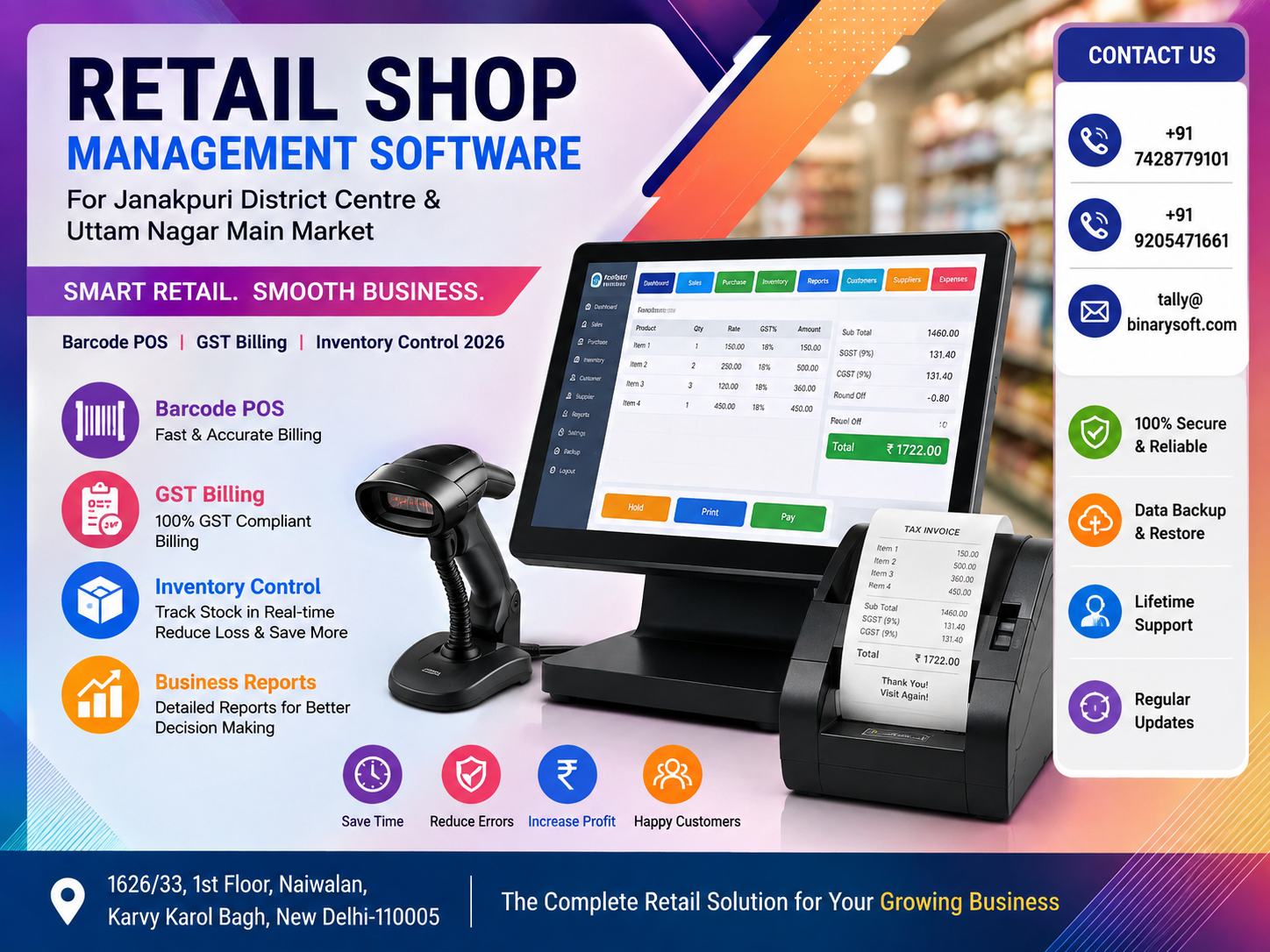
Retail Businesses Are Changing Fast in 2026 — Is Your Shop Ready?
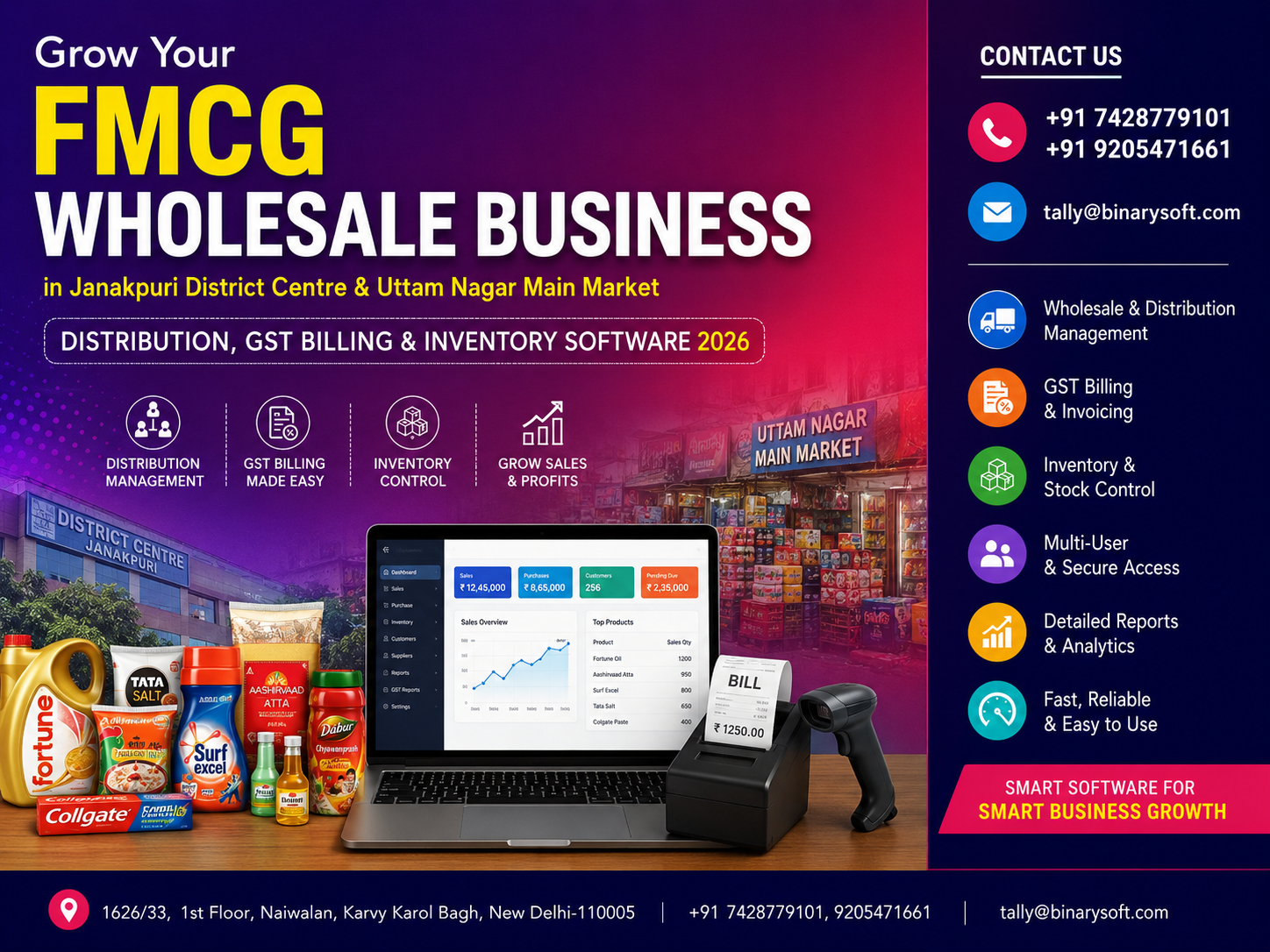
Retail business in 2026 is becoming faster, more digital, and increasingly dependent on accurate information. For shop owners in Janakpuri District Centre and Uttam Nagar Main Market, managing billing, GST, inventory, purchases, customer dues, barcode scanning, and daily accounts through disconnected systems can create unnecessary pressure. In recent months, customers have also become less willing to wait at billing counters, while retailers need better visibility over stock and margins to compete effectively. A single incorrect stock figure or missed purchase entry can affect reordering and profitability. This is why modern retail shop management software is becoming an important operational tool rather than simply a billing application. With Barcode POS, GST billing, real-time inventory control, accounting, and business reports working together, retailers can reduce repetitive work, serve customers faster, monitor stock more accurately, and make better decisions using reliable business data.
Retail Shop Management in Delhi Needs More Than Basic Billing
Janakpuri District Centre and Uttam Nagar Main Market represent two active commercial areas of West Delhi where retailers deal with a combination of regular customers, walk-in buyers, seasonal demand, changing product ranges, supplier purchases, discounts, and competitive pricing.
For a small shop, maintaining billing and stock manually may initially appear manageable. But as transactions increase, the limitations become obvious.
A retailer may need to answer questions such as:
Which products are available right now?
Which items are selling fastest?
Which products have not moved for months?
How much stock should be reordered?
What is today's total sale?
How much GST has been collected?
What amount is payable to suppliers?
Which customers have outstanding balances?
What is the gross profit on a particular product category?
Which counter or salesperson generated a particular transaction?
When business information is scattered across notebooks, spreadsheets, billing applications and separate accounting systems, getting reliable answers becomes difficult.
Retail shop management software brings these operations together.
What Is Retail Shop Management Software?
Retail shop management software is a business solution designed to manage the day-to-day activities of a retail outlet from one structured system.
Depending on the business requirement and software configuration, it can help manage:
Barcode billing
Point of Sale operations
GST invoices
Sales and purchase transactions
Inventory
Product masters
Stock categories
Multiple units
Pricing
Discounts
Customer accounts
Supplier accounts
Outstanding receivables
Outstanding payables
Cash and bank transactions
Accounting
GST-related records
Business reports
Management information
The objective is straightforward: instead of maintaining different records for billing, inventory and accounts, the retailer creates an integrated flow of business information.
The Evening Rush That Changed One Retailer's Thinking
Consider a fictional example based on a situation familiar to many busy retailers.
Rajiv runs a growing retail store serving families around Uttam Nagar. For years, he relied heavily on his experience. He remembered which products moved quickly, maintained purchase information in registers and depended on staff to check shelves whenever a customer asked whether another size or variant was available.
One Saturday evening, his shop was crowded.
Customers were waiting at the counter. A staff member was searching for an item that the handwritten stock record showed as available. Another customer was waiting for a price confirmation. Meanwhile, a supplier called to ask about an overdue payment.
Rajiv looked around and realized something uncomfortable.
His shop was busy, but he did not have complete control over the information behind that activity.
The next morning, he began reviewing how barcode billing and structured inventory management could change the process.
After moving toward a more organized digital workflow, the biggest benefit was not simply faster billing. It was visibility.
He could see what was selling, what needed attention and where money was tied up.
For a retailer, that confidence can be as valuable as speed.
Why Janakpuri District Centre Retailers Need Smarter Management
Janakpuri District Centre is an established commercial destination in West Delhi with different types of shops, offices, restaurants and service businesses operating within a competitive environment.
Retailers here may manage hundreds or thousands of stock items.
As product variety increases, manual inventory becomes harder to control.
Imagine a store carrying:
100 product categories
Multiple brands
Different sizes
Different colours
Different models
Multiple price points
Different GST classifications
A product that appears to be one item from a customer's perspective can represent numerous individual stock-keeping units inside the business.
A structured inventory system helps retailers organize these variations properly.
Why Uttam Nagar Main Market Businesses Can Benefit from Barcode POS
Uttam Nagar has a dense retail environment where speed at the billing counter can directly influence the customer experience.
During peak shopping periods, even a small delay per transaction can create a queue.
Traditional billing may require the operator to:
Search for an item
Select the correct product
Check the rate
Enter quantity
Apply the relevant discount
Verify tax
Calculate the amount
Complete the invoice
Barcode POS can significantly simplify this workflow.
The cashier scans the barcode and the configured product information can be retrieved immediately.
This can reduce manual product selection and help improve billing consistency.
Barcode POS: Faster Checkout with Better Accuracy
A Barcode Point of Sale system connects product identification with the billing process.
Each product can be assigned a barcode containing or referencing its unique item information.
At checkout, the barcode scanner reads the code and the billing software identifies the relevant item.
Depending on configuration, the system can retrieve information such as:
Product name
Item code
Selling price
Tax details
Unit
Stock information
Applicable pricing
The cashier then confirms the quantity or scans additional items.
This makes the checkout process faster and reduces dependence on manually remembering product codes and prices.
How Barcode Billing Works in a Retail Store
A typical barcode-enabled retail workflow can be divided into several stages.
Step 1: Create the Product Master
Each stock item is created in the software with relevant information such as:
Product name
Product code
Category
Brand
Unit
Purchase rate
Selling rate
GST classification
Opening stock
Barcode information
Step 2: Generate or Assign Barcodes
If products already carry manufacturer barcodes, those codes may be mapped to the relevant items where supported.
For products without barcodes, retailers can create internal barcode structures depending on their software and operational requirements.
Step 3: Print Barcode Labels
Where required, barcode labels can be printed and attached to products.
Step 4: Scan at the Billing Counter
When a customer purchases an item, the cashier scans its barcode.
The product appears in the invoice with the configured details.
Step 5: Complete the Transaction
After all products are scanned, applicable discounts, taxes and payment information are processed.
Step 6: Update Inventory
In an integrated setup, completing the sales transaction reduces the relevant inventory automatically.
This is where barcode POS becomes more than a fast billing tool.
It becomes part of the inventory-control system.
GST Billing Software for Retail Shops in 2026
GST billing is an important component of retail business management.
A properly configured billing solution can help maintain transaction details required for accounting and GST-related reporting.
Retailers need accurate information for:
Taxable value
Applicable GST rate
CGST
SGST
IGST, where applicable
HSN/SAC details, where applicable
Discounts
Invoice value
Customer GSTIN for relevant B2B transactions
Place of supply where required
Rather than repeatedly calculating taxes manually, GST-enabled billing software applies the configured tax treatment to transactions.
However, software automation depends on correct configuration. Product tax classification, customer details and transaction nature should be reviewed carefully.
GST Billing and Inventory Should Work Together
One of the biggest operational improvements comes when billing and stock are connected.
Suppose a retailer has 50 units of a particular product.
During the day:
10 units are sold.
The stock should become 40.
A purchase of 25 additional units is received.
Stock should become 65.
Five units are returned by customers, subject to the way returns are recorded.
The inventory should reflect those transactions accordingly.
When billing and inventory operate separately, staff may need to update stock manually.
That creates opportunities for delays and errors.
An integrated system records inventory movement through business transactions, giving the owner a much clearer stock position.
Real-Time Inventory Control for Retail Businesses
Inventory represents money invested in products.
Too little inventory can result in lost sales.
Too much inventory can block working capital.
This makes inventory management one of the most important areas of retail profitability.
A good retail management system helps business owners understand not only how much stock they have but also how that stock is moving.
Know What Is Actually Available
A customer asks:
"Do you have this in another size?"
Without accurate inventory information, a staff member may physically search the store.
With organized stock records, the system can help staff identify availability faster.
This becomes particularly useful for businesses dealing in:
Garments
Footwear
Electronics
Mobile accessories
Electrical products
Hardware
Cosmetics
Gift items
Stationery
Home furnishing
Kitchenware
FMCG products
Auto accessories
Computer accessories
General merchandise
Identify Fast-Moving Products
Every retailer has products that sell quickly.
The challenge is identifying them using actual transaction data rather than assumptions.
Sales and stock reports can help retailers determine:
Which items sell most frequently?
Which categories contribute significantly to revenue?
Which products require frequent replenishment?
Which items experience seasonal demand?
With this information, purchasing decisions can become more data-driven.
Find Slow-Moving and Non-Moving Stock
Slow-moving inventory can quietly consume working capital.
A product may remain on a shelf for months while the retailer continues investing in fresh purchases.
Inventory reports can help identify products with limited movement.
The business owner can then decide whether to:
Reduce future purchases
Offer a discount
Create a promotional bundle
Move stock between locations
Negotiate with the supplier
Discontinue a weak product line
Good inventory control is therefore not simply about knowing stock quantity.
It is about improving the productivity of the money invested in stock.
Purchase Management for Retail Shops
Sales receive most of the attention in retail, but purchasing has an equally important effect on profitability.
A retail management system can help maintain structured records of purchases from suppliers.
Purchase records can include:
Supplier
Invoice number
Invoice date
Product
Quantity
Purchase rate
Tax details
Discount
Total amount
Payment status
This information can support stock updating as well as supplier-account management.
Supplier Outstanding Management
Retail businesses often purchase products on credit.
As the number of suppliers grows, tracking payment commitments manually becomes difficult.
A structured accounting system helps the owner see:
Total supplier outstanding
Supplier-wise balance
Invoice-wise outstanding
Due payments
Payment history
This gives the retailer better control over cash-flow planning.
Customer Management and Credit Sales
Some retail businesses operate entirely on immediate payments.
Others provide credit to selected customers.
For businesses that allow credit sales, customer outstanding management becomes important.
The software can help maintain:
Customer ledger
Opening balance
Credit invoices
Receipts
Outstanding amount
Transaction history
This reduces dependence on handwritten credit notebooks.
Multiple Payment Modes at the POS Counter
Retail customers increasingly use different payment methods.
A transaction may be settled through:
Cash
UPI
Debit card
Credit card
Bank transfer
Other configured payment modes
Some purchases may even involve split payments.
For example:
Invoice value: ₹5,000
Cash: ₹1,000
UPI: ₹4,000
Where supported, the POS system can record these payment modes systematically, making end-of-day reconciliation easier.
Daily Sales Control
At closing time, a retailer needs a quick understanding of the day's performance.
Management reports can help answer:
What were today's total sales?
How many invoices were generated?
What was the cash collection?
What was received digitally?
Were there sales returns?
What products sold the most?
Which categories performed well?
What expenses were recorded?
Instead of manually compiling this information after closing the shop, the owner can use reports generated from recorded transactions.
Profitability Is More Important Than Sales Alone
High sales do not automatically mean high profits.
A shop may generate impressive turnover while experiencing weak margins because of:
Excessive discounts
Rising purchase costs
Slow-moving inventory
Stock losses
Uncontrolled expenses
Low-margin product mix
Poor pricing decisions
Retail management software helps business owners look beyond the sales figure.
Reports can provide better insight into the financial performance of the business, subject to correct and complete transaction recording.
Product-Wise Profitability
Suppose two products each generate ₹1 lakh in monthly sales.
Product A produces a healthy margin.
Product B produces a very small margin.
From a sales-only perspective, both appear equally valuable.
From a profitability perspective, they are completely different.
This is why business owners need reports that help them understand margins rather than simply turnover.
Category-Wise Performance
A retailer dealing in multiple categories may discover that a relatively small category produces a disproportionate amount of profit.
For example, a store may sell:
Mobile accessories
Chargers
Headphones
Smartwatches
Cables
Power banks
Phone covers
The highest revenue category may not necessarily generate the highest margin.
Category-wise analysis can influence purchasing, shelf placement and promotional decisions.
Better Reordering Through Inventory Information
Reordering based purely on memory can result in overstocking and stock-outs.
A more structured system allows retailers to examine:
Current stock
Recent sales
Previous purchase quantity
Product movement
Reorder requirements
Supplier information
Seasonal trends
The owner can then make a more informed purchase decision.
This is particularly valuable before major shopping periods and festivals when demand may increase sharply.
Managing Size, Colour and Product Variants
Fashion, footwear and lifestyle retailers face a special inventory challenge.
A single product design may exist in:
Five sizes
Six colours
Two styles
This can result in dozens of combinations.
Without systematic stock classification, staff may know that a product is "available" but not whether the customer's exact size and colour combination is available.
Structured inventory masters make variant management easier.
Stock Transfers Between Locations
Retailers operating multiple stores, counters, warehouses or godowns may need to move stock internally.
A stock-transfer process helps maintain visibility over where products are physically located.
For example:
Main store: Janakpuri District Centre
Second outlet: Uttam Nagar
Warehouse: West Delhi
If a fast-selling item is running low at one location but is overstocked at another, stock can potentially be transferred rather than immediately reordered from the supplier.
This can improve utilization of existing inventory.
Accounting Integration: An Important Advantage
Many businesses initially use one application for billing and another for accounting.
This can lead to duplication.
Sales may need to be exported, imported or manually entered into the accounting system.
An integrated retail and accounting environment reduces repeated data entry.
A sales transaction can contribute simultaneously to:
Revenue records
Customer balance
Tax records
Inventory reduction
Cash or bank balance
Accounting ledgers
Similarly, a purchase can affect:
Inventory
Supplier balance
Input-tax records
Purchase accounts
This interconnected approach improves operational efficiency.
TallyPrime for Retail Business Management
For businesses that want accounting, inventory and GST-related capabilities in an integrated environment, TallyPrime can form an important part of the retail management setup.
Depending on the business requirement, configuration and additional integrations, retailers can use TallyPrime for areas such as:
Accounting
Inventory management
GST invoicing
Purchase management
Sales management
Receivables
Payables
Banking-related workflows
Financial statements
Business reports
Retailers requiring specialized POS, barcode printing, customized invoices, industry-specific reports or additional workflow automation should evaluate their exact requirements before implementation.
The right solution is not simply installing software.
The system should be configured around the actual retail workflow.
Retail Business Reports Every Owner Should Review
Software produces value when its reports are actually used.
Retail owners should consider regularly reviewing reports covering:
Sales
Purchases
Stock summary
Outstanding receivables
Outstanding payables
Cash
Bank
Profit and loss
Product movement
Stock valuation
Tax information
Sales returns
Purchase returns
Expenses
Depending on the software and configuration, more detailed reports may also be available.
Stock Valuation and Working Capital
Stock sitting on shelves represents working capital.
Consider a retailer carrying inventory worth ₹20 lakh.
If ₹5 lakh of that stock has barely moved for months, a significant amount of capital is effectively locked into slow inventory.
Identifying this early allows the business to take corrective action.
Retailers can review stock movement and valuation periodically instead of waiting until year-end.
Reduce Dependence on Individual Staff Knowledge
Many retail businesses rely heavily on experienced employees.
One person knows supplier rates.
Another remembers product locations.
Someone else remembers which customers have credit.
This creates operational dependence on individuals.
Structured retail management software transfers part of this business knowledge into the system.
This can help new employees understand operations faster and reduce disruption when an experienced employee is unavailable.
Faster Customer Service
Technology should ultimately improve the customer's experience.
A well-organized POS and inventory system can help reduce:
Billing delays
Price-check delays
Manual product searches
Incorrect item selection
Invoice errors
Uncertainty about stock availability
Customers may never see the software running behind the counter, but they experience the difference through faster and more consistent service.
Better Control During Festival and Peak Shopping Seasons
Delhi retailers often experience demand spikes around festivals, weddings and seasonal shopping periods.
During these periods, retailers may face:
Higher footfall
More transactions
Rapid inventory movement
Temporary staff
More supplier deliveries
Higher risk of stock discrepancies
Barcode POS and integrated inventory management become especially valuable when transaction volume increases.
Instead of losing control precisely when sales are highest, the retailer can maintain a more structured transaction trail.
Retail Management for Different Business Categories
Retail management software can be adapted to many types of businesses.
Garment Shops
Manage sizes, colours, brands, seasonal collections, pricing and inventory.
Footwear Stores
Track designs, sizes, colours and brand-wise stock.
Electronics Retailers
Manage models, accessories, purchases, sales and inventory.
Mobile Shops
Track phones, accessories, chargers, covers and related products.
Cosmetics Stores
Manage brands, categories, product variants and inventory.
Grocery and FMCG Retail
Support high-volume transactions and large numbers of fast-moving products.
Hardware Stores
Maintain thousands of items with different units and specifications.
Stationery Shops
Manage numerous low-value, high-volume products efficiently.
Gift and Lifestyle Stores
Control diverse product categories and seasonal inventory.
The ideal configuration depends on the type and complexity of the retail business.
Data Security and User Access
As businesses become digital, protecting business information becomes increasingly important.
Not every employee necessarily needs access to every report.
Depending on the solution used, businesses can establish different levels of user access.
For example:
Cashier — Billing access
Store Manager — Billing and inventory information
Accountant — Accounting and GST records
Owner — Wider business and financial reporting
Access control can help reduce unnecessary exposure of sensitive information.
Why Retailers Should Avoid Waiting Until Operations Become Unmanageable
Many businesses adopt software only after they experience serious problems.
Common triggers include:
Inventory mismatch
Billing errors
GST-related record problems
Supplier disputes
Customer outstanding confusion
Difficulty tracking profit
Unexplained stock shortages
Rapid expansion
Opening another branch
A better approach is to establish proper systems while the business is growing.
Good processes scale more easily than manual habits.
Signs Your Retail Shop Needs Better Management Software
Your current system may need improvement if you regularly experience situations such as:
You cannot quickly determine actual stock.
Billing becomes slow during rush hours.
Product rates are frequently checked manually.
Sales and accounting records are maintained separately.
You depend on notebooks for customer credit.
Supplier balances are difficult to reconcile.
You frequently discover stock differences.
You cannot identify slow-moving products.
You know turnover but are unsure about profitability.
Preparing reports requires hours of manual work.
These are not merely software problems.
They are indications that the business needs stronger information management.
How to Choose Retail Shop Management Software in 2026
Do not select software only because it has the longest feature list.
Evaluate how well it fits your actual workflow.
Consider these questions:
Does it support your type of inventory?
Can it handle your billing volume?
Does it support barcode-based workflows if required?
Can it manage GST invoices?
Does it integrate inventory with sales and purchases?
Can you track customers and suppliers?
Are the reports understandable?
Can your staff learn the system?
Can user access be controlled?
Can the system accommodate business growth?
Is implementation and support available?
Can existing data be migrated where necessary?
A solution that matches your workflow is more valuable than one containing dozens of features your team never uses.
Implementation Matters as Much as Software Selection
Purchasing retail software is only the first step.
Implementation can involve:
Understanding existing workflows
Creating ledgers
Creating stock groups
Creating product masters
Configuring units
Configuring GST-related information
Setting up rates
Configuring barcode workflows
Creating users
Setting permissions
Importing opening balances
Entering opening inventory
Testing invoices
Training staff
Reviewing reports
A poorly configured system can produce unreliable information even if the underlying software is capable.
Businesses should therefore treat implementation as a structured project rather than a simple installation.
Staff Training Is Essential
Retail software succeeds only when staff use it correctly.
Cashiers should understand billing.
Inventory staff should understand stock entries.
Accounts staff should understand transaction posting and reconciliation.
Managers should understand reports.
Owners should understand the dashboards and reports required for decision-making.
Training reduces shortcuts and incorrect entries that can weaken the accuracy of the entire system.
From Billing Counter to Business Intelligence
The biggest shift in modern retail technology is that billing data can become management information.
Every invoice tells you something.
Every purchase tells you something.
Every stock movement tells you something.
Every return tells you something.
When these transactions are properly recorded, the retailer can transform everyday activity into useful business intelligence.
Instead of asking:
"What do I think is selling?"
The owner can ask:
"What does the sales report show?"
Instead of asking:
"Do we probably have enough stock?"
The owner can check the inventory.
Instead of asking:
"Are customers paying on time?"
The owner can review outstanding reports.
That is the practical difference between simply operating a shop and managing it using data.
Retail Shop Management Software in Janakpuri District Centre
Retailers in Janakpuri District Centre looking to modernize their operations can consider an integrated solution combining billing, inventory, accounting and reporting.
The specific configuration should reflect:
Number of products
Number of billing counters
Daily transaction volume
Inventory complexity
Number of users
GST requirements
Barcode requirements
Reporting requirements
Existing accounting processes
Future expansion plans
The goal should be to build a system that remains practical for employees while providing management with reliable information.
Retail Shop Management Software in Uttam Nagar Main Market
For businesses in Uttam Nagar Main Market, speed and operational simplicity can be particularly important.
High customer volumes can expose weaknesses in manual processes very quickly.
Barcode-based billing can accelerate product entry, while integrated stock management can help owners maintain better control over inventory movement.
For growing retailers, accounting integration also means that sales information does not need to be recreated separately for financial reporting.
Benefits of an Integrated Retail Management System
When properly implemented, an integrated system can help a retailer achieve:
Faster billing
More accurate product selection
Better inventory visibility
Structured GST billing
Better purchase tracking
Customer outstanding management
Supplier outstanding management
Improved cash and bank records
Reduced duplicate data entry
Better business reporting
Stronger management control
Improved decision-making
The real advantage comes from connecting these functions rather than treating them as separate activities.
Prepare Your Retail Business for Growth in 2026
Growth introduces complexity.
A retailer who manages 500 products may eventually manage 5,000.
One billing counter may become three.
One employee may become ten.
One store may become multiple locations.
A few suppliers may become dozens.
Manual processes that worked for a small operation can become obstacles during expansion.
Retail management software provides the structured foundation needed to handle that complexity more efficiently.
Why Work With an Authorized Tally Partner?
Businesses considering TallyPrime and related retail workflows may benefit from working with an experienced Authorized Tally Partner.
The requirement should first be understood from a business perspective.
This may include:
Existing billing process
Inventory structure
Accounting workflow
GST requirements
Barcode requirements
Number of users
Reports required by management
Existing data
Training requirements
Support requirements
Based on these factors, an appropriate TallyPrime setup, configuration or related solution can be planned.
Binarysoft Technologies – Retail Business Solutions
Binarysoft Technologies helps businesses evaluate and implement Tally-based accounting, GST, inventory and business-management solutions.
For retailers in Janakpuri District Centre, Uttam Nagar Main Market and other parts of Delhi, the objective is to create a practical system that supports everyday operations while giving owners better visibility over their business.
Whether you operate a garment store, electronics shop, footwear outlet, cosmetics business, hardware shop, stationery store, FMCG outlet or another retail operation, the right configuration should be based on how your business actually works.
Conclusion
Retail competition in 2026 is not only about offering the right products at the right price. Operational speed, inventory visibility, accurate billing, financial control and access to reliable business information are becoming equally important.
For retailers in Janakpuri District Centre and Uttam Nagar Main Market, Barcode POS, GST billing and integrated inventory control can help transform everyday shop operations.
Faster checkout improves customer service. Accurate inventory helps reduce stock-outs and overstocking. Integrated purchases and accounting provide better financial visibility. Business reports help owners identify what is selling, where money is tied up and which areas require attention.
The purpose of retail shop management software is therefore much larger than generating invoices.
It is about creating control.
When sales, purchases, stock, GST, accounting, customers and suppliers are connected through a structured system, a retailer can spend less time searching for information and more time using information to grow the business.
Frequently Asked Questions
Can different employees have different access?
Where supported, user roles and permissions can be configured so employees have access appropriate to their responsibilities.
Can Barcode POS be integrated with accounting?
Depending on the software architecture and configuration, barcode/POS transactions can be connected with inventory and accounting workflows.
CA. Ankit Vardiya works closely with traders, wholesalers, and service businesses on accounting automation, GST reporting, and audit readiness. His professional exposure to day-to-day business operations allows him to translate complex accounting concepts into practical guidance for Indian business owners.