Call CA Tally HelpDesk
+91 9205471661,
7428779101
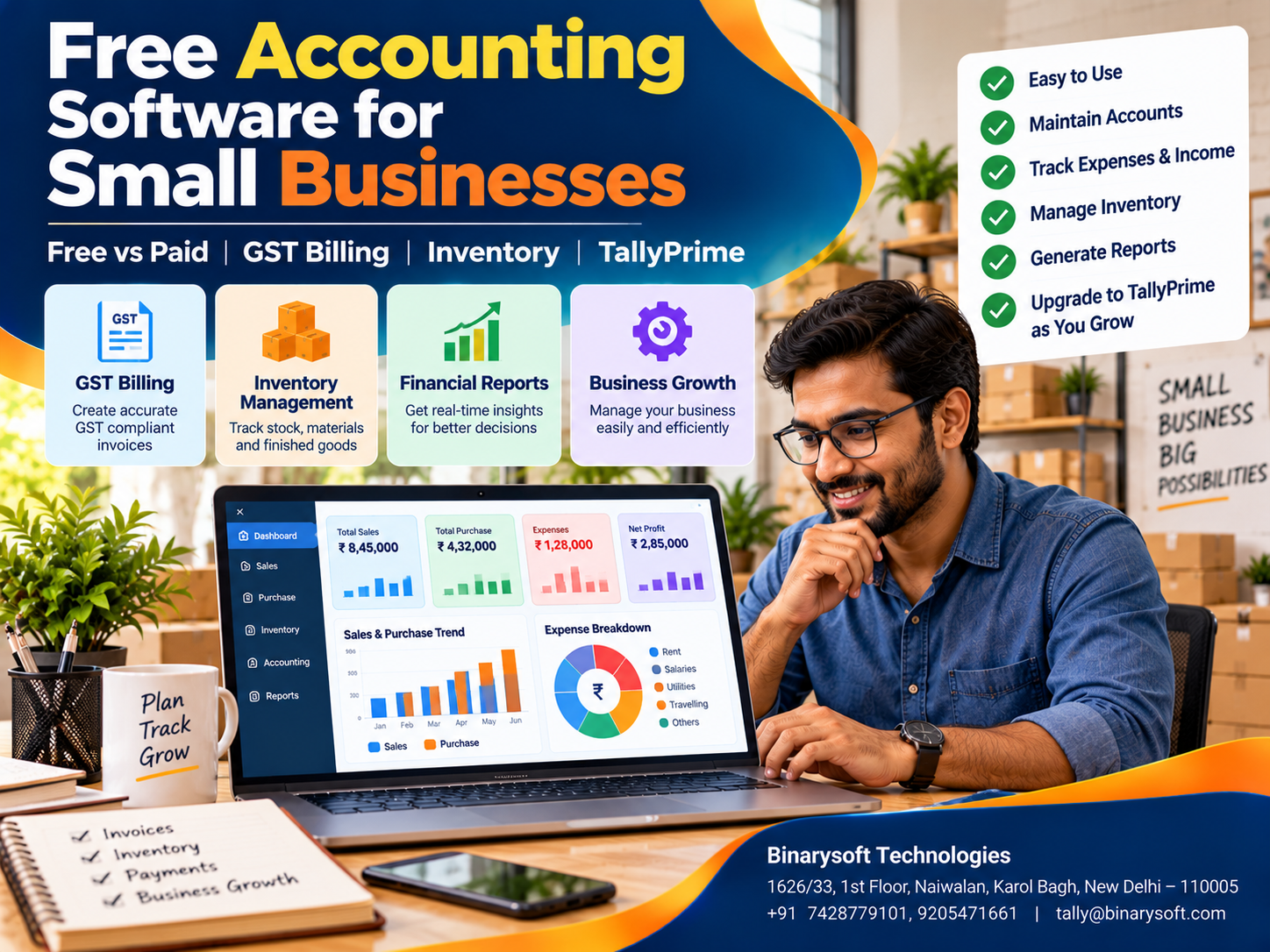
Introduction: Is Free Accounting Software Really Enough for Your Business in 2026?
Every rupee matters when starting or running a small business. Entrepreneurs must manage rent, salaries, supplier payments, inventory purchases and marketing expenses while ensuring that customers pay on time.
In 2026, Indian small businesses increasingly depend on digital payments, electronic invoices and accurate financial records. Yet many business owners hesitate to invest in accounting software because they want to minimize operating costs.
Free accounting software appears attractive. It promises to simplify bookkeeping without an immediate licensing expense.
However, the real question is not whether software is free. It is whether the software can manage the business accurately, securely and efficiently as operations grow.
A basic application may handle income and expenses but lack inventory control, detailed GST reports, user permissions or reliable data export.
TallyPrime provides a commercial accounting and business management solution with capabilities for invoicing, inventory, GST-related records, banking and financial reporting.
This guide explains what free accounting software offers, its advantages and limitations, how to evaluate different solutions and when a growing business may benefit from TallyPrime.
1. What Is Free Accounting Software?
Free accounting software is an application that allows businesses to perform certain bookkeeping or financial management activities without paying a standard subscription or licence fee.
Depending on the provider, free software may support income and expense tracking, customer invoices, basic ledgers, payment recording and simple reports.
Some applications are permanently free within defined limits.
Others provide free trials, restricted plans or open-source software that businesses can install and maintain themselves.
These categories are different.
A free trial usually expires after a specified period. A free plan may limit users, invoices or transactions. Open-source software may avoid licence charges but still require technical setup, hosting and maintenance.
Businesses should review these conditions before relying on any application.
2. Why Small Businesses Look for Free Accounting Software
Small businesses frequently operate with limited working capital.
During the early stages, owners may prefer to spend available funds on inventory, equipment and customer acquisition.
Free accounting tools can provide an affordable starting point for maintaining financial records.
They may also help entrepreneurs move away from handwritten registers and disconnected spreadsheets.
For a freelancer with a small number of monthly invoices, a basic free application may be sufficient.
However, a wholesaler handling hundreds of stock items and credit transactions will have different requirements.
The right choice depends on operational complexity rather than software price alone.
3. Essential Features to Look for in Free Accounting Software
Before selecting an application, businesses should check whether it provides the functions required for daily operations.
|
Feature
|
Why it matters
|
|---|
|
Sales invoicing
|
Records customer transactions
|
|
Expense tracking
|
Monitors operating costs
|
|
Customer ledgers
|
Tracks receivables
|
|
Supplier ledgers
|
Records payment obligations
|
|
Bank reconciliation
|
Helps verify transactions
|
|
GST-related records
|
Supports applicable tax requirements
|
|
Inventory management
|
Monitors stock quantities
|
|
Financial reports
|
Shows income and expenses
|
|
Data export
|
Helps retain access to records
|
|
Backup and security
|
Protects business information
|
Not every free product includes all these features.
Businesses should also confirm whether reports are accurate, downloadable and suitable for their accounting requirements.
4. Advantages of Free Accounting Software
Lower Initial Cost
The most obvious benefit is avoiding an immediate software licence expense.
This can be useful for entrepreneurs testing a new business idea.
Easier Transition from Manual Records
Simple applications may help owners establish regular bookkeeping habits.
Basic Financial Visibility
Income and expense reports can provide an initial understanding of business performance.
Digital Invoice Records
Electronic invoice preparation can improve consistency compared with handwritten bills.
Opportunity to Evaluate Requirements
Using a basic application may help a business identify which advanced features it needs before purchasing a larger system.
These advantages are valuable, but they should be weighed against the application's limitations.
5. Limitations and Hidden Costs of Free Accounting Software
Free software does not always mean zero total cost.
Some providers restrict the number of invoices, customers, users or transactions.
Others charge for inventory management, advanced reports, integrations or additional storage.
Businesses may also incur costs for implementation, technical support, data migration and employee training.
Security and continuity are important considerations.
Before adopting free software, verify whether data can be exported, backups are available and the provider has a clear policy for service changes or discontinuation.
An application that saves money initially may become expensive if the business later struggles to transfer its records.
6. Free Accounting Software vs Paid Accounting Software
|
Comparison
|
Free software
|
Paid software
|
|---|
|
Initial cost
|
Usually low or zero
|
Licence or subscription cost
|
|
Basic bookkeeping
|
Often available
|
Usually available
|
|
GST capabilities
|
Vary significantly
|
Depend on product and plan
|
|
Inventory features
|
May be limited
|
Often more comprehensive
|
|
Multiple users
|
May be restricted
|
Depends on licence
|
|
Support
|
May be community-based or limited
|
Often includes support options
|
|
Advanced reporting
|
May be restricted
|
Often broader
|
|
Scalability
|
Depends on product
|
Depends on product
|
Paid software is not automatically better, and free software is not automatically unsuitable.
The decision should be based on required functionality, reliability and total ownership cost.
7. An Emotional Story: The Small Shop Owner Who Learned That Every Rupee Needs a Record
When Priya opened her stationery and gift shop in Kamla Nagar, Delhi, she invested nearly all her savings.
She had always dreamed of running her own business.
Her father helped arrange the shelves, while her mother carefully packed the first products.
During the opening month, customers arrived steadily.
Priya felt proud whenever she made a sale.
To save money, she recorded transactions in a notebook and maintained stock quantities in a spreadsheet.
At first, the system seemed manageable.
But as sales increased, she began forgetting small expenses and recording customer payments late.
One evening, a supplier requested payment for several overdue invoices.
Priya checked her bank account and realized that her available balance was much lower than expected.
She had also purchased too many slow-moving products while popular items were frequently unavailable.
That night, she sat beside the shop counter, wondering whether she had made a mistake by starting the business.
Her father noticed her disappointment.
He reminded her that a successful shop was built not only by selling products but also by understanding where the money went.
Priya began reviewing accounting software.
She initially considered free applications but discovered that some lacked the inventory and outstanding payment features she needed.
After discussing her requirements with an accounting professional, she decided to implement a more structured system using TallyPrime.
She created stock items, customer ledgers and supplier accounts.
Her employees learned to record purchases and sales consistently.
Within a few months, Priya gained clearer visibility into expenses, stock and unpaid invoices.
She still faced difficult days, but she no longer had to guess whether the business was financially healthy.
When her shop completed its first year, she showed her parents the financial reports.
Her father smiled and said, "Now you know the value of every sale and every rupee you spend."
This fictional story illustrates why choosing accounting software based on business needs can be more important than choosing the lowest-priced option.
8. How TallyPrime Helps Small Businesses Manage Accounting
TallyPrime is a commercial accounting and business management application designed to support financial records and everyday transactions.
Unlike basic bookkeeping tools, it combines several important functions.
Accounting and Ledger Management
Businesses can record sales, purchases, receipts, payments and journal entries.
The system supports double-entry bookkeeping and financial statements.
GST Billing and Reporting
TallyPrime supports GST-related invoices, tax ledgers and compliance-oriented reports.
Businesses must configure the correct classifications and statutory details.
Inventory Management
Stock items, groups, units and godowns help businesses maintain organized inventory records.
Customer Outstanding Tracking
Bill-wise accounting helps identify unpaid customer invoices and supplier obligations.
Banking and Reconciliation
Banking features help record transactions and reconcile accounting records with bank statements.
Financial Reports
The Profit & Loss Account, Balance Sheet and Trial Balance help owners understand financial performance.
These capabilities can make TallyPrime a suitable option for businesses that have outgrown basic free accounting applications.
9. Is TallyPrime Free Accounting Software?
TallyPrime should not be described as permanently free accounting software for commercial business operations.
It is a licensed product, and applicable editions, trial or evaluation arrangements, features and prices should be confirmed before purchasing.
Businesses evaluating TallyPrime should consider whether its accounting, inventory and reporting capabilities justify the total cost.
A small business with limited transactions may initially use a suitable free tool.
However, as the business grows, the value of integrated accounting, stock management and professional support may become more important than avoiding licence fees.
10. Practical Example: Understanding the Cost of Poor Accounting
Consider a small wholesale business with monthly sales of ₹5,00,000.
Suppose the business experiences the following avoidable problems:
|
Issue
|
Illustrative monthly impact
|
|---|
|
Unrecorded expenses
|
₹4,000
|
|
Stock discrepancies
|
₹6,000
|
|
Invoice corrections and administrative rework
|
₹3,000
|
|
Additional reconciliation effort
|
₹2,000
|
|
Total estimated operational impact
|
₹15,000
|
This example does not mean software will automatically eliminate these costs.
However, improved transaction recording, inventory control and reconciliation procedures may reduce avoidable errors.
Businesses should compare the actual cost of software ownership against measurable operational benefits.
11. Case Study One: A Delhi Retail Business Moves Beyond Free Accounting Tools
Illustrative case study based on common retail accounting challenges.
Business Background
A retail accessories business in Karol Bagh, Delhi, began with a small product range and limited monthly transactions.
The owner initially used a free bookkeeping application.
Challenges
As the business expanded, inventory quantities became difficult to reconcile with sales.
The application lacked some reporting features required by management.
Customer outstanding balances were also maintained separately.
Solution
The business introduced structured accounting and inventory procedures using TallyPrime.
Stock items, customer ledgers and supplier accounts were configured.
Employees received training on purchases, sales and payment entries.
Business Outcome
Management gained clearer visibility into inventory and receivables.
Accounting discrepancies became easier to investigate, and monthly reporting became more organized.
Key lesson: Free accounting tools can be useful initially, but growing businesses should periodically reassess their requirements.
12. Case Study Two: A Service Startup Improves Financial Reporting
Illustrative case study demonstrating practical bookkeeping improvements.
Business Background
A consulting startup in Noida provided business support services to corporate clients.
The company maintained invoices and expenses through separate spreadsheets.
Challenges
Payment follow-ups were inconsistent, and management struggled to prepare timely financial summaries.
Some customer invoices remained unpaid beyond their agreed terms.
Solution
The startup introduced customer ledgers, bill-wise accounting and regular reconciliation procedures in TallyPrime.
A separate cash flow forecast was also maintained.
Business Outcome
The company gained better visibility into unpaid invoices and operating expenses.
Financial reviews became more consistent, helping management plan upcoming payment obligations.
Key lesson: Organized receivables and accounting records are especially important for service businesses.
13. How to Choose the Right Free Accounting Software
Before selecting an application, businesses should evaluate their actual requirements.
A freelancer may need only income tracking, expenses and invoicing.
A retailer may require inventory management and GST billing.
A wholesaler may need credit monitoring, purchase orders and stock valuation.
A manufacturer may require Bills of Materials, production records and costing.
Businesses should test essential workflows before making a decision.
They should also review user restrictions, data ownership, export formats, backup arrangements and technical support.
If an application cannot support important daily operations, its free price may offer limited practical value.
14. Step-by-Step Guide to Moving from Free Software to TallyPrime
Step 1: Review existing records. Verify sales, purchases, bank balances and outstanding invoices.
Step 2: Export available data. Download customer, supplier and transaction information in supported formats.
Step 3: Clean the data. Remove duplicates and investigate inconsistencies.
Step 4: Create the company in TallyPrime. Configure financial year and relevant business settings.
Step 5: Establish ledgers. Create suitable accounts for customers, suppliers, expenses, income and assets.
Step 6: Configure inventory. Set up stock items, units and godowns where applicable.
Step 7: Verify GST settings. Configure relevant registration and tax information.
Step 8: Enter opening balances. Use reconciled accounting and inventory figures.
Step 9: Test transactions. Verify sample invoices, purchases, receipts and reports before relying on the new system.
Step 10: Train employees and maintain backups. Establish consistent procedures and appropriate access controls.
Data migration methods depend on the source application and available import formats.
15. Cloud Accounting and Remote Business Access
Some free accounting applications operate entirely through a web browser.
Others are installed locally on a computer.
Both approaches have advantages and limitations.
Cloud-based applications may simplify remote access, while locally installed software may offer different controls over the operating environment.
TallyPrime can also be deployed through suitable hosting arrangements, subject to licensing and infrastructure compatibility.
Businesses should consider data security, connectivity, user permissions, backup policies and recovery procedures.
16. Common Mistakes When Selecting Free Accounting Software
A common mistake is assuming that every application advertised as free includes unlimited features.
Another is overlooking data export and backup options.
Businesses may also fail to verify GST functionality or select software that cannot manage their inventory requirements.
Some owners avoid professional accounting assistance because they believe software automatically guarantees accurate books.
In reality, correct bookkeeping still requires proper classification, reconciliation and periodic review.
The best accounting solution combines suitable technology with disciplined financial procedures.
17. How Binarysoft Technologies Supports Small Businesses
Binarysoft Technologies, an Authorized Tally Partner based in New Delhi, assists businesses with TallyPrime licensing, implementation and accounting configuration.
Small businesses can seek support for GST billing, inventory setup, customer outstanding tracking, financial reporting and employee training.
Businesses moving from manual records or basic accounting applications may also require assistance with opening balances and data migration.
Cloud-hosting consultation and suitable customization requirements can be evaluated according to business needs.
Conclusion
Free accounting software can provide a useful starting point for small businesses with limited budgets and straightforward bookkeeping requirements.
However, choosing accounting software requires more than comparing licence prices.
Businesses must consider accuracy, GST requirements, inventory management, financial reporting, security and future growth.
TallyPrime offers integrated accounting and business management capabilities that may be valuable when basic free applications no longer meet operational requirements.
The right decision depends on business size, transaction volume, available resources and the total cost of ownership.
The most affordable accounting software is not necessarily the one with the lowest price. It is the solution that helps a business maintain accurate records, reduce avoidable mistakes and make better financial decisions.
Powered by Binarysoft Technologies
Authorized Tally Partner
Location: 1626/33, 1st Floor, Naiwalan, Karol Bagh, New Delhi – 110005, INDIA
Contact Us: +91 7428779101, 9205471661
Email: tally@binarysoft.com
Business Hours: 10:00 AM – 6:00 PM, Monday to Friday
Frequently Asked Questions
What are the disadvantages of free accounting software?
Possible limitations include restricted users, limited reports, reduced support, missing inventory features and additional charges for upgrades.
When should a business upgrade from free accounting software?
When should a business upgrade from free accounting software?
How can Binarysoft Technologies help small businesses?
Binarysoft Technologies can assist with TallyPrime licensing, implementation, accounting configuration, GST billing, inventory management, data migration consultation, cloud-hosting options and employee training.
Can TallyPrime be used on Cloud?
Yes. Suitable hosting arrangements can support remote access, subject to licensing, security and infrastructure requirements.
CA. Pranav Baheti focuses on financial reporting, GST reconciliations, and accounting controls. He works with growing businesses to structure their accounting information for easier compliance, reporting, and management review.








