Call CA Tally HelpDesk
+91 9205471661,
7428779101
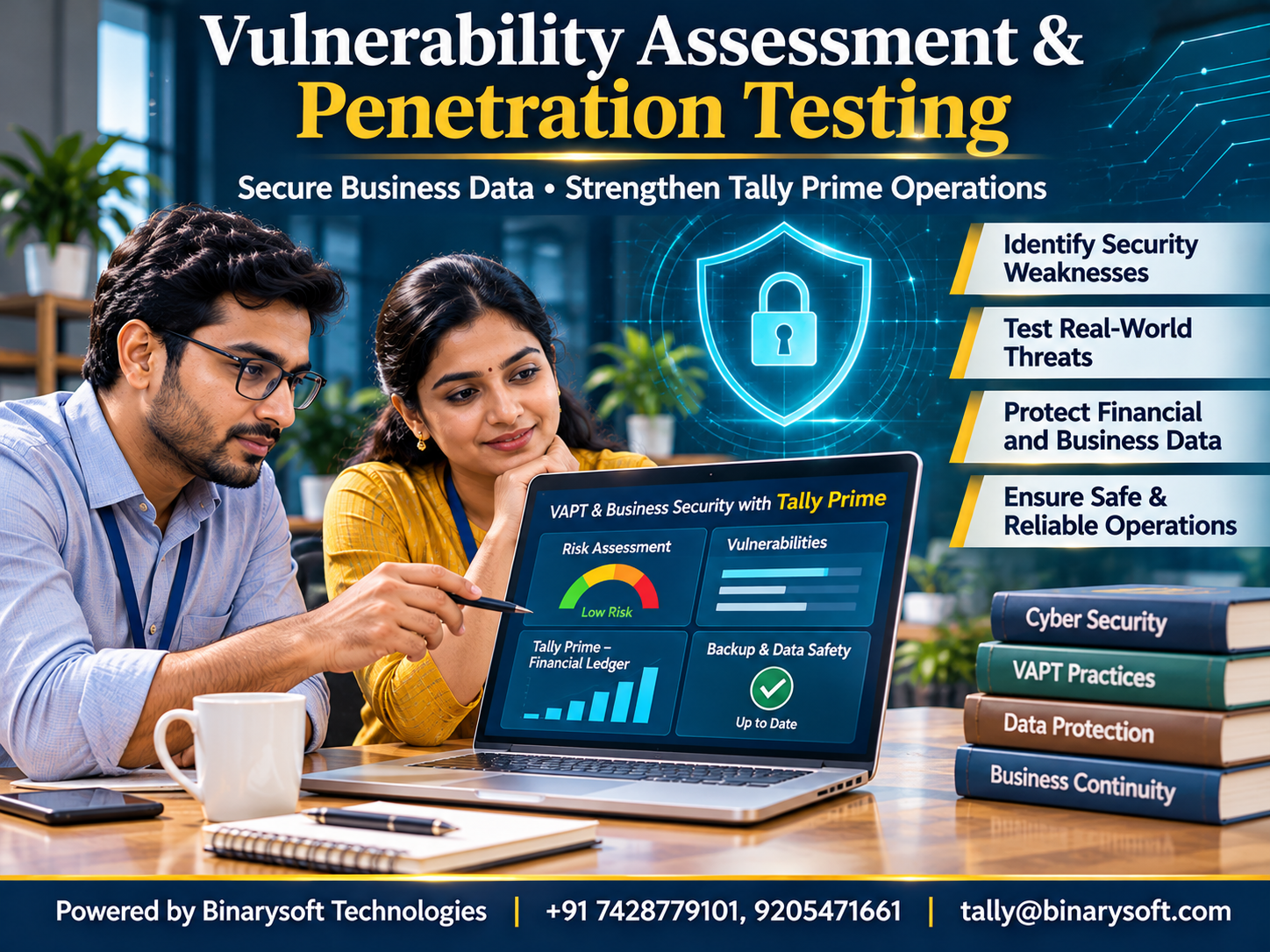
Introduction: Why Every Business Needs Cybersecurity Testing
Imagine arriving at your office on Monday morning and discovering that your accounting software is inaccessible.
Customer records, supplier information, invoices, inventory details and financial reports are suddenly unavailable.
Employees cannot complete routine transactions. Customers are waiting for invoices, and management has no immediate visibility into financial operations.
A message appears demanding payment to restore access.
For many businesses, such an incident could threaten years of hard work.
Cybersecurity is no longer a concern limited to large technology companies. Small manufacturers, retailers, distributors, professional firms and growing enterprises increasingly depend on digital systems.
These systems may contain valuable business information and connect to external applications, networks and cloud services.
Vulnerability Assessment and Penetration Testing (VAPT) provide structured methods for identifying security weaknesses and evaluating whether those weaknesses could expose an organization to cyber threats.
For businesses using Tally Prime, cybersecurity also involves protecting accounting records, managing user access, securing computers and maintaining dependable backups.
Understanding VAPT is an important step toward building a more resilient business.
1. What Is Vulnerability Assessment and Penetration Testing?
VAPT combines two related cybersecurity activities.
Vulnerability Assessment
A vulnerability assessment identifies potential security weaknesses in systems, applications, networks and configurations.
It examines whether an organization's technology contains known vulnerabilities, outdated components, insecure settings or other conditions that may increase risk.
The assessment typically produces a list of findings with recommended corrective actions.
Penetration Testing
Penetration testing is an authorized security evaluation in which qualified professionals attempt to demonstrate whether selected vulnerabilities can be exploited.
Testing takes place within an agreed scope and follows predefined rules.
Its purpose is to evaluate real-world security exposure without causing unnecessary operational disruption.
Why Combine Both Approaches?
A vulnerability assessment helps answer:
What security weaknesses may exist?
Penetration testing helps answer:
Which weaknesses could realistically compromise the system, and what might the impact be?
Together, they provide a more useful understanding of cybersecurity risks.
2. Vulnerability Assessment vs. Penetration Testing
Although these terms are frequently used together, they are not identical.
| Aspect | Vulnerability Assessment | Penetration Testing |
|---|
| Primary objective |
Identify security weaknesses |
Evaluate exploitability and potential impact |
| Approach |
Automated and manual examination |
Controlled, authorized attack simulation |
| Main output |
Vulnerability findings |
Demonstrated security risks |
| Frequency |
Often performed regularly |
Scheduled according to risk and business needs |
| Focus |
Broad security visibility |
Deeper evaluation of selected weaknesses |
| Business benefit |
Supports preventive maintenance |
Validates the effectiveness of security controls |
Neither approach guarantees complete protection.
Cybersecurity requires ongoing monitoring, updates, employee awareness and incident response planning.
3. Why VAPT Is Important for Small and Medium Businesses
Small businesses sometimes assume cybercriminals are interested only in large corporations.
However, smaller organizations can also face ransomware, phishing, credential theft and unauthorized system access.
Protection of Financial Information
Accounting records contain commercially sensitive information.
Unauthorized access may expose customer balances, supplier details, pricing information and business transactions.
Reduced Operational Disruption
Security weaknesses can contribute to system outages, data corruption and business interruptions.
Stronger Customer Confidence
Customers expect organizations to handle financial and personal information responsibly.
Better Security Investment Decisions
VAPT findings help management prioritize security improvements according to risk.
Support for Compliance
Security assessments can contribute to compliance programs where testing is required by applicable standards, contracts or regulations.
Improved Business Continuity
Identifying weaknesses early provides opportunities to strengthen systems before incidents occur.
For growing enterprises, cybersecurity should be treated as part of operational risk management.
4. Common Security Vulnerabilities Found During Assessments
Security weaknesses can arise from software defects, configuration errors or inadequate operational controls.
Weak Authentication
Simple passwords and poorly protected accounts may increase unauthorized access risks.
Missing Security Updates
Outdated operating systems, applications and network devices may contain known vulnerabilities.
Incorrect Access Permissions
Employees may receive broader access than their responsibilities require.
Insecure Application Configuration
Unnecessary services, exposed administrative interfaces and weak settings can increase exposure.
Insufficient Input Validation
Applications that improperly handle untrusted input may become vulnerable to security attacks.
Inadequate Network Protection
Poorly configured firewalls and unnecessary internet exposure can create avoidable risks.
Weak Backup Practices
Backups that are incomplete, unprotected or never tested may fail when urgently required.
Insecure Third-Party Integrations
Connected applications can introduce risks through weak authentication, exposed credentials or unsafe data exchange.
A professional assessment evaluates these weaknesses in the context of the organization's actual environment.
5. Understanding Different Types of VAPT
VAPT can cover several areas of business technology.
Network VAPT
Evaluates network devices, exposed services, configurations and communication controls.
Web Application VAPT
Examines websites and business applications for security weaknesses involving authentication, authorization, sessions and data handling.
API Security Testing
Reviews interfaces used to exchange information between applications.
Infrastructure Assessment
Evaluates servers, operating systems, databases and supporting components.
Cloud Security Assessment
Examines cloud configurations, access policies, storage permissions and network exposure.
Wireless Network Assessment
Reviews wireless authentication and network security settings.
Mobile Application Security Testing
Evaluates mobile applications and their associated services.
Businesses should select testing activities according to the systems they operate and the risks they face.
6. How the VAPT Process Works
A structured VAPT engagement generally follows several stages.
Step 1: Define Scope and Authorization
The organization identifies which systems may be tested.
Testing objectives, permissions, timing and operational restrictions are documented.
Step 2: Understand the Environment
Security professionals review the relevant architecture, technologies and system boundaries.
Step 3: Identify Potential Weaknesses
Approved assessment techniques are used to examine configurations, software components and security controls.
Step 4: Evaluate Risk
Findings are assessed according to potential impact, exploitability and business importance.
Step 5: Conduct Controlled Validation
Where authorized, selected weaknesses are tested to determine whether they represent exploitable security risks.
Step 6: Prepare the Security Report
The report documents findings, affected components, risk levels and recommended improvements.
Step 7: Remediate Vulnerabilities
Responsible teams correct software defects, update systems or improve configurations.
Step 8: Perform Retesting
Previously identified issues are reviewed to verify whether corrective actions have been effective.
VAPT is most valuable when assessment findings lead to measurable security improvements.
7. How Tally Prime Fits into a Secure Business Environment
Tally Prime supports accounting, inventory management and financial reporting.
Because these activities involve important business information, organizations should protect the systems on which the application operates.
User Access Management
Businesses can use applicable security and user-management capabilities to control access according to responsibilities.
Accounting Data Protection
Appropriate company-data security settings help reduce unauthorized access risks.
Regular Backups
Organizations should maintain protected backups of accounting information.
Financial Record Review
Regular reconciliation and transaction reviews help identify unexpected changes or inconsistencies.
Secure Computer Systems
Devices running Tally Prime should use supported operating systems, appropriate endpoint protection and current security updates.
Controlled Remote Access
Remote connectivity should use approved, properly secured methods.
Integration Security
Custom integrations and connected applications require independent security review.
Important: Tally Prime is not a dedicated VAPT tool. Security assessments must examine the complete operating environment, including endpoints, networks, integrations, user permissions and backup arrangements.
8. An Emotional Story: The Day a Business Owner Almost Lost Everything
For eighteen years, Sandeep had operated a wholesale electrical goods business in Delhi.
He started with a small rented shop and gradually expanded into a successful distribution operation.
Every invoice represented a customer relationship.
Every payment received reflected years of hard work.
His accounting records contained the financial history of the business he hoped to pass on to his children.
One morning, his accountant called with alarming news.
Several important business files were inaccessible.
A ransomware message had appeared on an office computer.
Employees were unable to access information needed for routine operations.
Sandeep rushed to the office.
He remembered the years when he manually maintained registers and spent entire evenings calculating customer balances.
Now, despite having modern systems, he faced the possibility of losing access to essential financial information.
The incident investigation revealed weaknesses in the organization's computer security and backup arrangements.
Fortunately, an older offline backup was available.
With professional assistance, the business began restoring its systems and reconstructing missing records.
The process was stressful and time-consuming.
That evening, Sandeep returned home exhausted.
His daughter asked why he looked so worried.
He replied, "I thought I had protected our business by working hard. I forgot that protecting our information was equally important."
After recovery, Sandeep introduced stronger access controls, tested backups, employee security training and periodic technical reviews.
He also arranged an authorized security assessment of the company's systems.
The experience changed his understanding of business protection.
Cybersecurity was no longer an IT expense. It had become part of protecting his family's future.
This is a fictional illustrative story based on cybersecurity risks that businesses may encounter.
9. Case Study One: Manufacturing Company Strengthens Accounting Data Security
Business Background
A hypothetical manufacturing company uses multiple computers for accounting, inventory and administrative operations.
Employees access shared business resources through an internal network.
The Challenge
Management notices that several employees use shared credentials.
Some computers have outdated software, and backup procedures are inconsistent.
The company commissions an authorized security assessment.
Assessment Findings
The review identifies:
-
Shared user accounts.
-
Missing operating system updates.
-
Excessive access permissions.
-
Inadequate backup protection.
-
Unnecessary network services.
Corrective Actions
The organization introduces individual accounts, reviews permissions, installs approved security updates and improves endpoint protection.
It also establishes a documented backup and restoration procedure.
How Tally Prime Helps
The company reviews applicable Tally Prime security settings and user permissions.
Accounting access is aligned with employee responsibilities.
Regular financial reviews help management detect unusual accounting activity.
Illustrative Outcome
After corrective actions, the organization conducts retesting.
The previously identified configuration weaknesses are resolved within the agreed assessment scope.
Business Lesson
Strong accounting security requires coordinated controls across software, users, computers and networks.
This case study is hypothetical and does not represent a verified customer engagement.
10. Case Study Two: Retail Distributor Secures a Business Integration
Business Background
A hypothetical retail distributor uses an external application to manage online orders.
Selected transaction information is transferred into its accounting workflow.
The Challenge
The integration service contains outdated components and insufficient access restrictions.
Management wants to improve security before expanding the system.
Security Assessment
Authorized testing identifies several issues:
-
Inadequate authentication controls.
-
Excessive application permissions.
-
Insufficient transaction logging.
-
Weak credential storage practices.
-
Outdated supporting software.
Remediation Strategy
The development team strengthens authentication, limits permissions, protects integration credentials and updates affected components.
Transaction logging and error monitoring are also improved.
How Tally Prime Helps
Accounting records provide a basis for reconciling transferred transactions.
Relevant voucher and financial reports help employees verify whether imported information is complete and consistent.
Illustrative Outcome
Follow-up testing confirms that the specific identified weaknesses have been addressed.
The business establishes a recurring security review process for future integration changes.
Business Lesson
Connected business systems must be evaluated as a complete environment rather than as isolated applications.
This case study is illustrative.
11. Protecting Tally Prime Data from Ransomware
Ransomware can encrypt files, disrupt systems or involve theft of sensitive information.
Businesses should adopt multiple protective measures.
Maintain Protected Backups
Keep appropriately secured backups separate from everyday user access.
Where practical, use offline or immutable backup copies.
Test Restoration
A backup is useful only when information can be restored successfully.
Update Operating Systems
Install supported security updates after appropriate compatibility checks.
Use Endpoint Protection
Deploy suitable security software and maintain its updates.
Restrict Administrative Privileges
Employees should not receive unnecessary system-level permissions.
Train Employees
Staff should understand phishing, suspicious attachments and unsafe downloads.
Establish an Incident Response Plan
Define how the organization will isolate affected systems, preserve evidence and begin recovery.
These practices help reduce risk but cannot eliminate every possible cyber threat.
12. Web Application Security and OWASP Principles
Businesses increasingly connect accounting operations with websites, portals and custom applications.
These systems require independent security controls.
The OWASP framework identifies common categories of web application security risk.
Important areas include:
Broken Access Control: Users gain access to functions or information beyond their permissions.
Cryptographic Failures: Sensitive information is inadequately protected.
Injection Vulnerabilities: Applications improperly process untrusted input.
Security Misconfiguration: Unsafe settings expose applications to unnecessary risks.
Authentication Failures: Weak identity controls increase account compromise risks.
Vulnerable Components: Outdated or insecure dependencies introduce weaknesses.
Insufficient Monitoring: Security incidents may remain undetected.
Organizations developing applications connected to Tally Prime should include these areas in their security review.
13. Vulnerability Severity and Risk Prioritization
Not every security finding requires the same response.
Organizations should evaluate both technical severity and business impact.
Critical Risk
A weakness may enable serious compromise of important systems or sensitive information.
High Risk
A vulnerability presents substantial exposure and requires prompt attention.
Medium Risk
The issue represents meaningful risk but may have limiting conditions.
Low Risk
The finding has comparatively limited impact under current circumstances.
Risk classification should consider exploitability, system exposure, data sensitivity and existing protections.
A technically moderate vulnerability affecting essential financial operations may deserve higher priority than its generic severity score suggests.
14. How Often Should Businesses Conduct VAPT?
There is no single testing schedule suitable for every organization.
Assessment frequency depends on system exposure, regulatory obligations, contractual requirements and business risk.
Businesses should consider security testing:
-
Before launching important applications.
-
After significant software or infrastructure changes.
-
When introducing new integrations.
-
Following major security incidents.
-
At intervals appropriate to their risk profile.
-
When required by applicable regulations or contracts.
Routine vulnerability scanning may occur more frequently than full penetration testing.
Continuous patch management and security monitoring remain important between formal assessments.
15. Common Cybersecurity Mistakes Businesses Should Avoid
Several operational mistakes can undermine otherwise effective security controls.
Assuming Antivirus Software Is Sufficient
Endpoint protection is useful but cannot replace secure configurations, access controls and backups.
Using Shared Passwords
Shared credentials reduce accountability and increase unauthorized access risks.
Ignoring Software Updates
Unpatched systems may remain exposed to known vulnerabilities.
Keeping Backups on the Same Computer
A local backup may be affected by the same incident as the original data.
Providing Excessive Permissions
Unnecessary access increases the potential impact of compromised accounts.
Neglecting Third-Party Applications
Integrations and supporting software may introduce additional vulnerabilities.
Failing to Retest
A reported fix should be verified before a vulnerability is considered resolved.
Avoiding these mistakes can significantly strengthen everyday security practices.
16. Building a Long-Term Cybersecurity Strategy
VAPT should form part of a broader security program.
Businesses can begin by identifying critical systems and the information they contain.
Next, management should establish clear responsibility for security decisions.
Appropriate controls should protect user accounts, endpoints, networks, applications and backups.
Employee training helps reduce avoidable mistakes.
Regular assessments provide visibility into technical weaknesses.
Incident response planning prepares the organization for unexpected events.
Finally, management should review whether security improvements are effective.
For businesses using Tally Prime, this strategy should include accounting data protection, controlled access, secure infrastructure and dependable recovery arrangements.
The objective is not to eliminate all technological risk.
It is to understand exposure, reduce preventable weaknesses and improve the ability to respond when incidents occur.
Conclusion
Vulnerability Assessment and Penetration Testing are important components of modern cybersecurity.
Vulnerability assessments identify potential weaknesses, while penetration testing evaluates selected risks through controlled, authorized security testing.
Together, these activities help organizations prioritize improvements and strengthen technical defenses.
For businesses using Tally Prime, protecting financial information requires more than securing the accounting application itself.
Computers, networks, user accounts, integrations, remote connections and backup systems all contribute to the overall security environment.
Regular security reviews, appropriate access controls, tested backups and employee awareness can reduce the likelihood and impact of cyber incidents.
Cybersecurity is not simply about protecting computers. It is about protecting business continuity, customer trust and the financial future of an organization.
Powered by Binarysoft Technologies
Authorized Tally Partner
Binarysoft Technologies helps businesses implement and use Tally Prime for accounting, inventory management and financial reporting.
Businesses can strengthen their accounting operations through appropriate software configuration, user access management, reliable data handling and well-planned backup procedures.
Location:
1626/33, 1st Floor, Naiwalan, Karol Bagh, New Delhi – 110005, INDIA
Contact Us:
+91 7428779101, 9205471661
Email:
tally@binarysoft.com
Business Hours:
10:00 AM – 6:00 PM, Monday to Friday
Frequently Asked Questions
Does Tally Prime include a VAPT tool?
No. Tally Prime is accounting and business management software. Dedicated security tools and qualified professionals are needed for VAPT.
How can businesses protect Tally Prime accounting data?
Businesses should use appropriate access permissions, secure computers, protected backups, regular updates and controlled remote connectivity.
What is the importance of backup testing?
Backup testing verifies that stored information can actually be restored when systems fail or data becomes unavailable.
How can Binarysoft Technologies help businesses using Tally Prime?
Binarysoft Technologies can assist with Tally Prime implementation, accounting configuration, user management and data-handling workflows that support dependable business operations.
CA. Vishal Mehta is a Chartered Accountant specializing in accounting compliance, GST advisory, and business process optimization. He has assisted businesses in transitioning to structured accounting and inventory systems. His articles focus on accuracy, compliance, and sustainable business growth.








