Call CA Tally HelpDesk
+91 9205471661,
7428779101

Introduction: A Simple Download That Can Transform Business Operations
Every successful business depends on accurate financial information. Whether managing a retail shop, wholesale distribution company, manufacturing unit or professional services firm, maintaining organized accounts is essential.
However, many businesses continue to struggle with handwritten records, disconnected spreadsheets, delayed invoices and incomplete inventory information.
These challenges create unnecessary pressure on business owners and accounting teams.
Tally Prime provides a practical way to bring accounting, inventory, taxation, banking and business reporting into one integrated application.
Downloading and installing Tally Prime is relatively straightforward, but choosing the correct edition, configuring the software and protecting existing business data are equally important.
The right implementation can help businesses reduce repetitive work, maintain consistent records and improve financial visibility.
This guide explains the complete process, from downloading Tally Prime to using its business management features effectively.
1. What Is Tally Prime and Why Should Businesses Download It?
Tally Prime is comprehensive accounting and business management software designed to simplify everyday financial operations.
It allows businesses to maintain accounts, generate invoices, monitor stock, manage customer payments and prepare financial reports.
Instead of relying on separate applications for billing and bookkeeping, organizations can manage related transactions through a centralized system.
Key Business Benefits
-
Simplified financial accounting and ledger management
-
Professional sales and purchase invoicing
-
Inventory tracking and stock valuation
-
GST-related accounting for applicable Indian businesses
-
Banking and reconciliation
-
Customer outstanding and supplier payment monitoring
-
Financial statements and profitability analysis
-
Multi-company accounting
-
Access controls and backup options
-
Remote working through suitable hosting arrangements
Tally Prime can support both newly established businesses and organizations upgrading from older accounting systems.
2. Tally Prime Latest Version and Available Downloads
As of November 2026, the regional download listings display Tally Prime 7.1, while the India download listing displays Release 7.2. Availability can vary by region and product edition, so businesses should confirm the appropriate release before installing.
Business Software in the US+1
Available Product Editions
|
Product
|
Main purpose
|
|---|
|
Tally Prime
|
Accounting, invoicing, inventory and business management
|
|
Tally Prime Edit Log
|
Accounting with a permanently enabled transaction audit trail
|
|
Tally Prime Server
|
Enhanced data management for larger multi-user environments
|
|
Tally Prime Developer
|
Development and customization of Tally Prime solutions
|
Standard Tally Prime
Suitable for businesses that require everyday accounting, invoicing, stock management and financial reporting.
Edit Log can be enabled according to requirements.
Tally Prime Edit Log
Designed for organizations that require stronger transaction traceability and audit controls.
It maintains an audit trail of changes to support internal monitoring and applicable compliance requirements.
Tally Prime Server
Intended for organizations with more demanding multi-user data access and management requirements.
Tally Prime Developer
Provides a development environment for creating and deploying customized business functionality.
3. The Emotional Story: How a Small Business Owner Rebuilt Confidence in His Accounts
The following story is illustrative and represents common small-business challenges.
Sanjay operated a family-owned wholesale stationery business in Delhi.
His father had established the company nearly thirty years earlier.
For decades, the business depended on handwritten ledgers and manual calculations.
As customer orders increased, maintaining accurate records became difficult.
Sanjay often stayed at the office long after closing time, checking unpaid invoices and reconciling purchase entries.
One evening, his young son called and asked whether he would attend the school's annual function.
Sanjay promised he would try.
Unfortunately, a mismatch in supplier accounts kept him at the office, and he missed the event.
That night, he realized the problem was not simply outdated bookkeeping. His business processes were taking time away from his family.
He decided to introduce Tally Prime.
After installing the software, he organized customer ledgers, recorded opening balances and began generating invoices digitally.
His accountant helped configure stock items and supplier accounts.
Gradually, the business developed a more reliable accounting routine.
Sanjay could review customer outstanding balances without searching through several registers.
His team could identify stock quantities more easily, and month-end reconciliation became more organized.
Months later, his son had another school function.
This time, Sanjay arrived before the program began.
For him, the greatest benefit of better accounting was not a particular report or feature.
It was the peace of mind that came from knowing his business information was under control.
Technology becomes truly valuable when it helps people work with confidence and reclaim time for their families.
4. System Requirements Before Downloading Tally Prime
Before installing accounting software, businesses should verify computer compatibility.
Tally Prime is designed for supported 64-bit Windows environments.
The documented baseline requirements include Windows 7 or later, administrator privileges, at least 512 MB of RAM and 512 MB of available storage. Practical business installations should generally use more resources for better performance.
Recommended Practical Configuration
|
Component
|
Suggested configuration
|
|---|
|
Operating system
|
Supported 64-bit Windows
|
|
Processor
|
Modern Intel Core i3 equivalent or better
|
|
RAM
|
8 GB or higher
|
|
Storage
|
SSD with adequate free space
|
|
Display
|
Comfortable desktop resolution
|
|
Internet
|
Stable connection for connected services
|
|
Backup
|
Separate local or cloud backup arrangement
|
These are practical recommendations rather than mandatory specifications.
Businesses managing large datasets or multiple simultaneous users should assess their infrastructure more carefully.
5. How to Download and Install Tally Prime
The installation process involves a few straightforward steps.
Step 1: Select the Appropriate Edition
Determine whether the business requires standard Tally Prime, Edit Log or another specialized product.
Consider compliance requirements, number of users and existing accounting infrastructure.
Step 2: Obtain the Installer
Download the appropriate installation package from a verified product distribution channel.
Avoid unknown third-party download websites, modified installers or unofficial activation utilities.
Step 3: Run the Setup File
Locate the downloaded installer on the Windows computer.
Double-click the setup file and allow the installation process to begin.
Step 4: Choose Installation Settings
Select the option for a new installation and review the application directory.
Where an existing installation is present, carefully distinguish between installing separately and updating the current application.
Step 5: Complete Installation
Follow the setup instructions and wait until installation finishes.
Step 6: Launch Tally Prime
Open the installed application.
The software will display options for licensing, company selection or initial setup, depending on the installation.
Step 7: Configure Your Business
Create a company, enter accounting information and establish the necessary ledgers and inventory masters.
After configuration, begin recording verified business transactions.
6. Tally Prime Free Download, Trial and License Activation
Businesses frequently search for a free Tally Prime download before purchasing accounting software.
It is important to distinguish between downloading the installation file and obtaining a license for full commercial use.
The installer can be downloaded without necessarily purchasing a license first.
However, unrestricted business usage generally requires a valid license or applicable subscription.
Available educational or evaluation modes may provide opportunities to explore the software with limitations.
License Options
Single-user license: Suitable for an individual accounting workstation.
Multi-user license: Appropriate for organizations requiring authorized users to work in a supported network environment.
Rental or subscription arrangements: May be available depending on regional commercial offerings.
Before purchasing, businesses should evaluate user requirements, deployment preferences and ongoing support needs.
7. How to Create Your First Company in Tally Prime
After installation, the next important task is creating the company profile.
Enter the business name, address, country, state and financial year details.
Configure the accounting period and relevant statutory information.
For an Indian business registered under GST, enter the appropriate registration details and configure taxation settings.
Create Essential Ledgers
Start with cash, bank, customer, supplier, sales, purchase and expense ledgers.
For example, a trading company may create separate accounts for electricity expenses, office rent, transportation charges and customer receipts.
Configure Inventory
Businesses selling physical products can establish stock groups, stock items and units of measurement.
Opening stock quantities should be entered only after verification.
Correct initial configuration is essential because accounting reports depend on the accuracy of recorded information.
8. How to Upgrade an Existing Tally Prime Installation
Businesses using an earlier release can upgrade to a newer compatible version.
Before upgrading, create a verified backup of company data.
Review the release requirements and confirm that existing customizations or integrations are compatible.
Tally Prime can display update notifications within the application, allowing eligible users to begin an upgrade. Alternatively, the appropriate installer can be used to update an existing installation.
After upgrading, open the company and verify important records, including ledger balances, inventory quantities and statutory configurations.
Avoid opening upgraded company data in older releases without confirming compatibility.
9. Tally Prime Features That Make Daily Accounting Easier
Downloading Tally Prime provides access to a broad range of business management functions.
Financial Accounting
Record payments, receipts, purchases, sales and journal entries.
Maintain customer and supplier ledgers while generating balance sheets and profit and loss reports.
GST Billing
Configure applicable GST rates and prepare invoices with relevant tax details.
Review GST-related reports and transaction classifications before filing returns.
Inventory Management
Create stock groups, stock categories and warehouse records.
Monitor stock quantities, movement and valuation.
Banking
Record banking transactions and reconcile bank accounts.
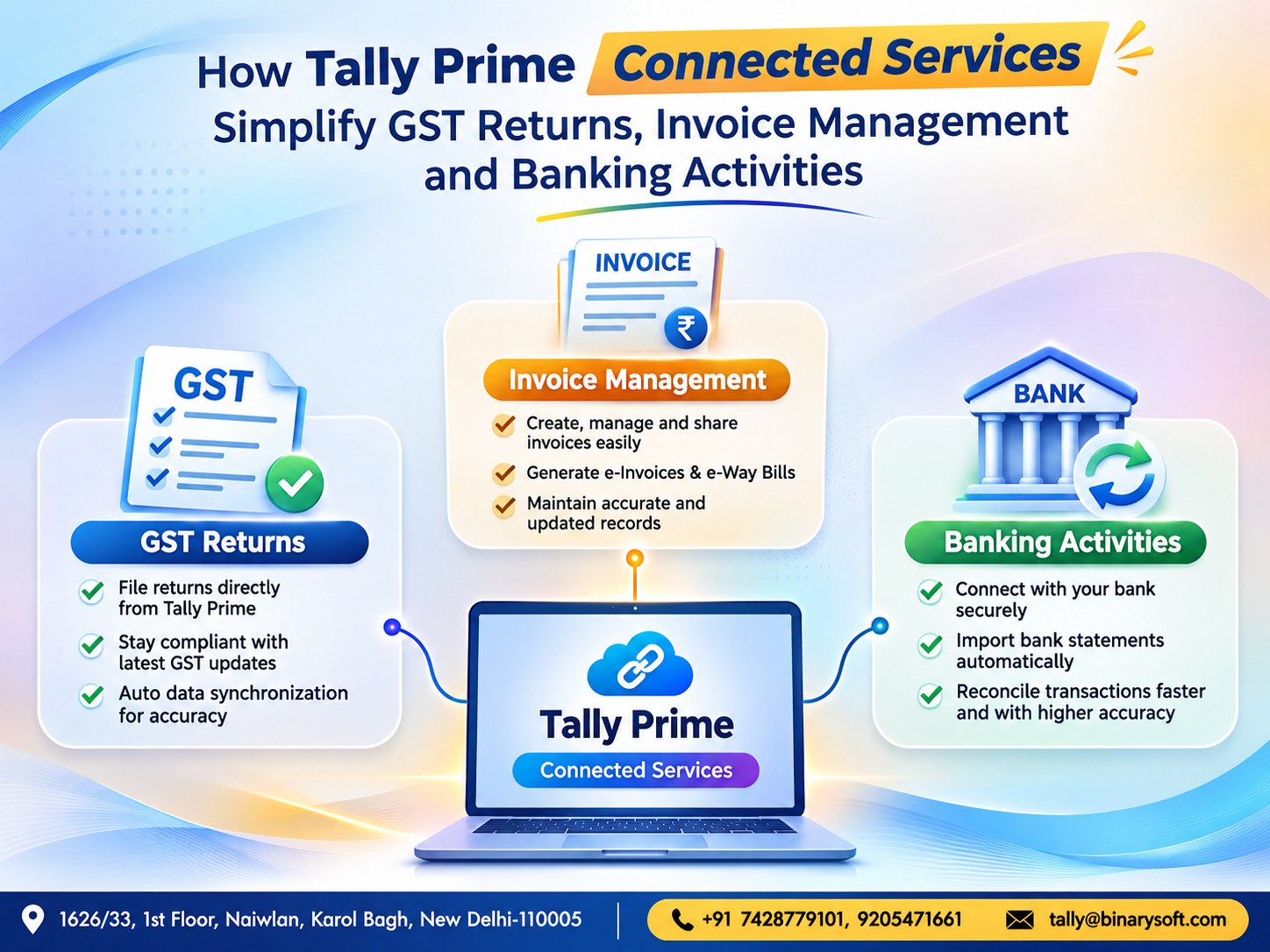
Supported connected banking features can further simplify selected banking workflows.
Business Reporting
Review sales performance, expenses, outstanding balances and financial statements.
These capabilities help business owners make decisions using organized accounting information.
10. Tally Prime Cloud: Work Beyond the Office
Traditional desktop accounting usually depends on access to the computer or network where the software and company data are maintained.
Cloud hosting provides an alternative deployment arrangement.
With suitable hosting, licensing and access controls, authorized users can access Tally Prime remotely.
For example, a business owner travelling outside Delhi may need to review customer outstanding reports while the accounting team continues working from the office.
A properly configured cloud environment can support this requirement.
Cloud Hosting Benefits
-
Remote access from supported devices
-
Centralized accounting data
-
Multi-user collaboration where supported
-
Managed backup options
-
Reduced dependence on a single office workstation
-
Flexible hosting resources
Cloud hosting does not automatically provide unlimited users, guaranteed availability or complete data protection. These depend on the service configuration and provider.
11. Case Study One: Retail Business Simplifies Billing and Stock Management
Illustrative case study; results are hypothetical.
A retail electronics business in Karol Bagh managed hundreds of products, including mobile accessories, computer peripherals and office electronics.
Previously, employees maintained stock records through spreadsheets and prepared invoices separately.
This frequently resulted in mismatches between physical stock and accounting information.
Implementation
The business installed Tally Prime and configured product groups, inventory units, customer ledgers and sales vouchers.
Employees received training in daily billing and inventory recording.
Illustrative Improvements
|
Activity
|
Before
|
After
|
|---|
|
Invoice preparation
|
5 minutes
|
2 minutes
|
|
Daily stock review
|
60 minutes
|
20 minutes
|
|
Customer balances
|
Manual checking
|
Ledger reports
|
|
Monthly sales analysis
|
Spreadsheet consolidation
|
Integrated reports
|
The example demonstrates how consistent use of integrated billing and inventory records can reduce repetitive administrative work.
12. Case Study Two: Accounting Firm Improves Multi-Client Management
Illustrative case study.
A small accounting consultancy in Gurugram managed bookkeeping services for several businesses.
Its employees frequently switched between different client records and maintained separate folders for financial information.
The firm implemented Tally Prime to organize client company data and standardize accounting procedures.
Implementation
The accounting team created separate companies, configured ledgers and introduced standardized voucher entry practices.
Employees also established regular data backup procedures and monthly reconciliation schedules.
Results
The firm developed a more consistent approach to client accounting.
Accountants could review financial statements, identify outstanding transactions and prepare reports without rebuilding information from separate spreadsheets.
The main benefit was improved organization and reduced dependence on manual consolidation.
13. Data Backup, Security and Installation Best Practices
Accounting data represents valuable business information.
Before reinstalling, upgrading or moving Tally Prime to another computer, businesses should protect their existing records.
Maintain separate backups and verify that the files can be restored.
Use appropriate user permissions to prevent unauthorized access.
Keep installation files and license details securely documented.
Businesses should also review antivirus protection, operating system updates and network security.
For organizations using cloud hosting, confirm backup frequency, recovery procedures and access restrictions with the hosting provider.
Regular verification is more reliable than assuming that backups are functioning correctly.
14. Common Tally Prime Installation Problems and Solutions
Installation Does Not Start
Check whether the computer meets the system requirements and whether the installer has been downloaded completely.
Confirm administrator permissions and examine any security warnings.
License Activation Problems
Verify internet connectivity and ensure that the correct license credentials are being used.
Company Data Not Visible
Check the configured company data path.
Avoid creating a replacement company before locating the existing records.
Slow Software Performance
Review computer resources, dataset size, network connectivity and background processes.
Large multi-user environments may require additional infrastructure planning.
Problems After Upgrading
Check application compatibility, customizations and company data migration status.
If necessary, seek technical assistance before attempting further changes.
15. Why Choose Binarysoft Technologies for Tally Prime?
Successful accounting software implementation requires more than downloading an installer.
Businesses also need correct configuration, reliable data migration, employee training and ongoing support.
Binarysoft Technologies, an Authorized Tally Partner, assists businesses with Tally Prime-related requirements.
Services can include product selection guidance, installation assistance, accounting configuration, inventory setup, upgrade planning and cloud-hosting consultation, depending on the agreed scope.
Whether establishing a new accounting system or modernizing an existing environment, businesses can seek professional assistance to make the transition more organized.
Powered by Binarysoft Technologies
Authorized Tally Partner
Location: 1626/33, 1st Floor, Naiwalan, Karol Bagh, New Delhi – 110005, INDIA
Contact us: +91 7428779101, 9205471661
Email us: tally@binarysoft.com
Business Hours: 10:00 AM – 6:00 PM, Monday to Friday
Frequently Asked Questions
How can I download Tally Prime?
Obtain the appropriate installation package from a verified distribution channel, run the installer on a compatible Windows computer and follow the setup instructions.
Is Tally Prime available as a free download?
The installation file can be downloaded, but full commercial usage generally requires an appropriate license. Educational or evaluation options may have restrictions.
What is the latest Tally Prime version in 2026?
Release 7.2 appears on the India download listing in November 2026, while some regional listings display 7.1. Confirm the release appropriate for your region before installation.
What is Tally Prime Edit Log?
Tally Prime Edit Log maintains a permanently enabled audit trail to help track transaction changes and support applicable internal control and compliance requirements.
CA. Aditya Khatod focuses on accounting automation, taxation, and financial reporting for MSMEs. He helps businesses organize transactions, improve reconciliation processes, and maintain structured records for compliance and management purposes.