Call CA Tally HelpDesk
+91 9205471661,
7428779101
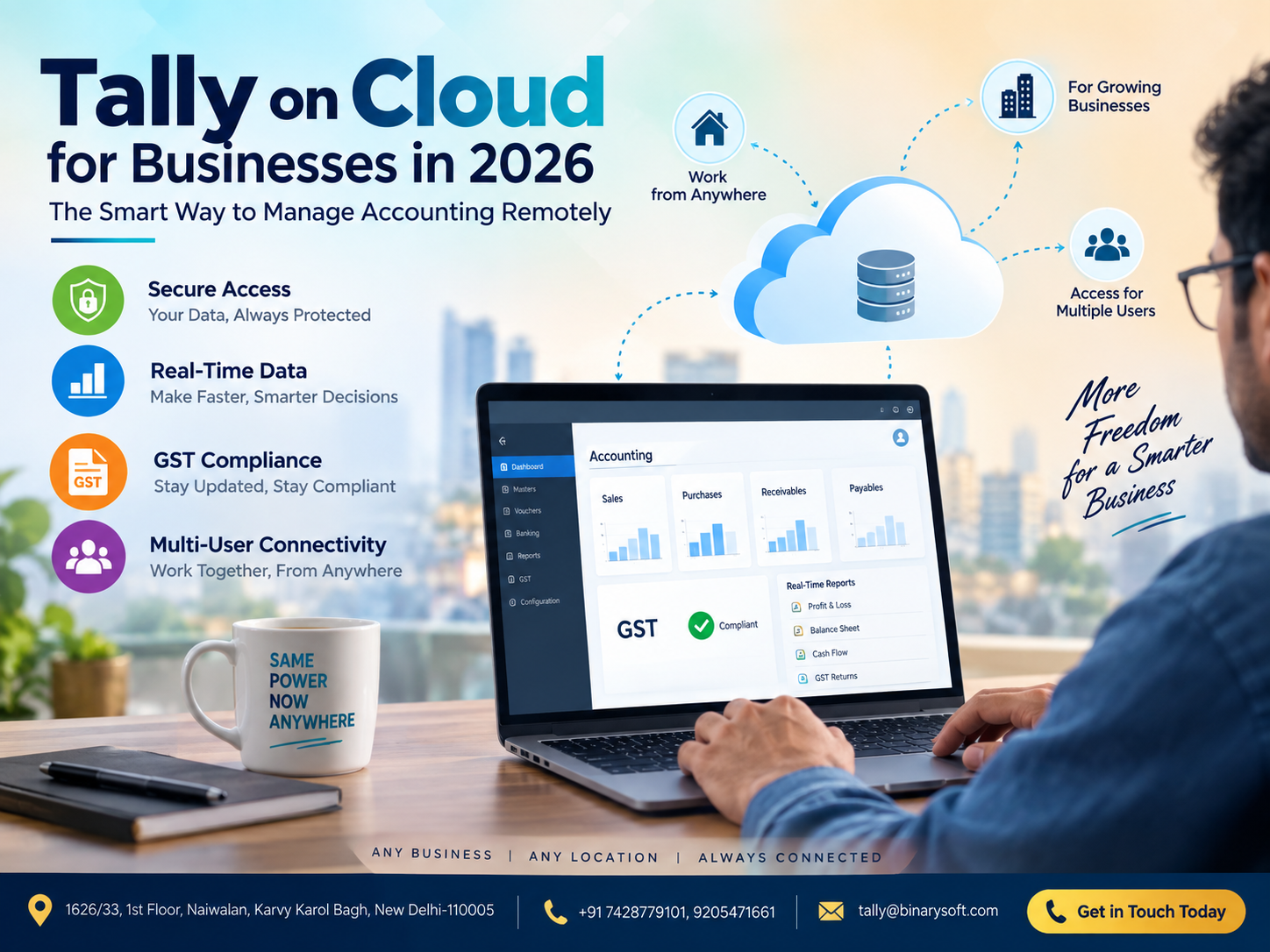
What Changed in 2026? Accounting Is No Longer Limited to the Office
In 2026, businesses are no longer asking whether accounting can be managed remotely—they are asking how quickly, securely and reliably they can access financial data from anywhere. With owners travelling, accountants working from different locations, GST compliance demanding timely records and management expecting real-time financial visibility, keeping Tally data locked inside one office computer can create unnecessary delays. Recent months have accelerated the shift toward cloud-enabled business operations, where authorized users can securely access TallyPrime and company data without depending on a single physical system. Tally on Cloud provides businesses with the flexibility to manage accounting, GST, inventory, receivables, reporting and day-to-day financial operations remotely. For growing businesses, the real benefit is not simply remote access. It is the ability to make faster decisions, improve collaboration, maintain business continuity and keep critical accounting information available whenever authorized teams need it.
What Is Tally on Cloud?
Tally on Cloud is a cloud-hosting arrangement that allows businesses to access TallyPrime remotely through an internet-connected device.
Instead of keeping TallyPrime and accounting data available only on a desktop or server installed at the office, businesses can use a cloud-hosted environment to provide authorized users with remote access.
This can be particularly useful for companies with multiple branches, remote accountants, travelling business owners, distributed finance teams, consultants and management personnel who need regular access to accounting information.
Depending on the hosting setup, authorized users can work with TallyPrime from different locations while maintaining centralized business data.
The objective is straightforward: make business accounting accessible beyond the physical boundaries of the office while maintaining appropriate security, permissions and administrative controls.
Why Tally on Cloud Is Becoming Important for Businesses in 2026
Business operations have changed significantly.
Accounting teams are no longer necessarily sitting in the same office. A business owner may be travelling while the accountant works from the head office and a senior manager reviews reports from another branch.
Traditional desktop-only accounting can make this environment difficult.
Consider a situation where an urgent outstanding receivable report is required during an important client meeting.
If the accounting data is available only on an office computer, the owner may have to call the accounts department, wait for someone to open Tally, generate the report and send it through email or another communication channel.
With a properly configured cloud environment, authorized users can access the required accounting system remotely and review available information themselves.
That difference can save time and improve decision-making.
A Business Owner’s Story: The Call That Changed His Approach to Accounting
Rajiv runs a growing distribution business.
For years, his accounting system worked in the traditional way. Tally was installed on computers at his main office, and his accounts team handled invoices, payments, stock records and GST-related work from there.
Everything seemed fine until Rajiv travelled outside Delhi for an important supplier meeting.
During the meeting, the supplier asked him a simple question:
“How much is currently outstanding, and what was our purchase value during the last quarter?”
Rajiv knew the information existed in Tally, but he could not see it.
He called his accountant.
There was no immediate response.
He called again.
The accountant was already dealing with another urgent task.
Rajiv sat across from the supplier knowing that the numbers he needed were sitting on a computer hundreds of kilometres away.
The meeting continued, but the moment stayed with him.
His business had grown. His accounting system had not grown with the way he now worked.
After moving to a cloud-based Tally setup, the situation changed. When travelling, Rajiv could access authorized business information remotely. His accountant could continue working from the office, while management could review reports without waiting for screenshots, exported files or repeated phone calls.
For Rajiv, Tally on Cloud was not simply an IT upgrade.
It gave him something more valuable: confidence that his financial information could remain accessible when important business decisions could not wait.
How Does Tally on Cloud Work?
In a traditional setup, TallyPrime is generally installed on a local desktop, laptop or office server.
Users typically need access to that computer or the organization's local network to work with the relevant company data.
A cloud-hosted setup changes the location of the computing environment.
TallyPrime and the relevant business data can be hosted on an appropriately configured remote server environment. Authorized users connect to that environment through the internet.
The general workflow becomes:
User Device → Secure Internet Connection → Cloud Environment → TallyPrime → Centralized Business Data
This means the accounting application is no longer dependent solely on one physical office computer.
The exact architecture, security measures, user permissions, backup arrangements and performance will depend on the cloud-hosting solution selected by the business.
Major Benefits of Tally on Cloud for Businesses
1. Remote Access to TallyPrime
Remote accessibility is one of the biggest reasons businesses consider Tally on Cloud.
Authorized users can access the hosted environment from supported devices and locations, subject to the configuration and internet connectivity.
This can benefit:
Business owners
Accountants
Finance managers
Senior management
CA and accounting teams
Branch employees
Remote employees
Sales and operations teams requiring authorized financial access
The business is therefore less dependent on employees being physically present at a particular office computer.
2. Access Real-Time Accounting Data
Decision-making becomes difficult when management is working with reports that are several days old.
With centralized accounting data, authorized users can review information based on the latest entries available in the system.
Management may be able to review reports relating to:
Sales
Purchases
Receivables
Payables
Cash
Bank accounts
Inventory
Profit and Loss
Balance Sheet
Outstanding invoices
Stock position
GST-related transactions
This can provide business owners with better visibility into current operations.
3. Multi-User Connectivity for Growing Teams
A growing company may have several people involved in financial operations.
For example:
One employee handles sales invoices.
Another records purchases.
Another manages receipts and payments.
A senior accountant checks entries.
Management reviews financial reports.
When the system is properly licensed, configured and hosted, multiple authorized users can work within the environment according to the applicable setup and access permissions.
This can improve collaboration between departments and locations.
4. Centralized Accounting for Multiple Locations
Businesses operating from multiple branches often face another challenge: fragmented accounting information.
Suppose a company has operations in:
Delhi
Noida
Gurugram
Faridabad
Ghaziabad
If each office maintains independent accounting data without an effective centralized process, management may struggle to obtain a consolidated view.
A cloud-based accounting environment can help businesses centralize access and make financial management more structured.
Instead of depending on repeated manual data transfers between offices, authorized teams can work within a common environment where appropriate.
5. Tally on Cloud and GST Compliance
GST compliance requires businesses to maintain accurate transaction records and complete compliance activities on time.
TallyPrime is widely used for accounting and GST-related business processes.
Hosting TallyPrime in a cloud environment can make the underlying accounting information more accessible to authorized accounting teams.
Businesses can work on areas such as:
GST-ready invoicing
Purchase accounting
GST-related transaction records
Input tax information
Sales registers
Purchase registers
Tax ledgers
Reconciliation-related activities
Compliance reporting
Cloud hosting itself does not automatically make a business GST compliant.
Accuracy still depends on correct accounting entries, tax configuration, master data, reconciliation and timely compliance procedures.
However, easier access to accounting information can help teams coordinate compliance work more efficiently.
6. Work from Home and Hybrid Accounting
Hybrid working is no longer unusual.
A company's accountant may work from home on certain days, while management may travel frequently or operate from different offices.
A cloud-hosted Tally environment can provide greater flexibility for such teams.
Authorized employees can access the accounting environment remotely instead of carrying company data through USB drives or continuously transferring files between personal and office systems.
This can also reduce problems caused by multiple disconnected copies of the same company data.
7. Better Business Continuity
Imagine reaching the office one morning and discovering that the computer containing important accounting data will not start.
Operations may slow immediately.
Invoices can be delayed.
Reports may become inaccessible.
Accounts work can stop until the system is restored.
Cloud hosting can reduce dependence on a single physical office machine, although it does not eliminate every technology risk.
A well-managed environment should include appropriate backup, recovery, access-control and security procedures.
Businesses should confirm these arrangements with their cloud service provider before deployment.
8. Secure Access to Business Accounting
Accounting data contains sensitive business information.
It can include:
Customer balances
Supplier information
Sales figures
Purchase information
Bank-related records
Profitability reports
Outstanding amounts
Tax information
Inventory values
Therefore, security should be a major consideration when choosing any Tally cloud-hosting service.
Businesses should evaluate controls such as:
Secure authentication
User-level permissions
Strong passwords
Restricted administrative access
Encrypted connections where applicable
Backup policies
Recovery procedures
Server monitoring
Access logs
Data-center safeguards
Remote accessibility should never mean unrestricted accessibility.
Only authorized people should have access to business accounting information.
9. Reduce Dependency on One Office Computer
Traditional accounting environments can sometimes create a single point of operational dependency.
If the primary computer is:
Switched off
Under repair
Unavailable
Disconnected from the network
Being used by another employee
other users may face delays.
Moving the accounting environment to an appropriately configured cloud infrastructure can reduce this dependency and provide a more flexible access model.
10. Faster Financial Decision-Making
Business decisions often depend on numbers.
Should you purchase more inventory?
Which customer has the highest outstanding balance?
How much cash is available?
Which products are moving slowly?
How much is payable to suppliers?
What is the current sales position?
When decision-makers can access current accounting information without waiting for somebody else to manually send reports, the decision cycle can become faster.
That can be especially valuable for owners managing growing businesses.
Tally on Cloud for Inventory Management
TallyPrime can also be used for inventory-related accounting and management processes.
Depending on the company's configuration, businesses may maintain information relating to:
Stock items
Stock groups
Units of measurement
Godowns or locations
Opening stock
Purchase entries
Sales entries
Stock transfers
Batch information
Inventory valuation
Reorder-related information
Cloud access can make this information available to authorized teams from different locations.
For wholesalers, distributors, retailers and manufacturing businesses, timely inventory visibility can support purchasing and sales decisions.
Tally on Cloud for Manufacturing Businesses
Manufacturers often need more than basic invoicing.
Their accounting and inventory processes can involve:
Raw materials
Finished goods
Semi-finished goods
Bills of Materials
Manufacturing journals
Production records
Stock consumption
Purchase planning
Cost monitoring
Supplier payments
Customer receivables
Providing authorized accounting and management personnel with remote access can help coordinate these activities across factories, warehouses and offices.
Tally on Cloud for Wholesale Businesses
Wholesale businesses frequently handle high transaction volumes.
They need quick access to information about:
Customer outstanding balances
Supplier dues
Inventory availability
Sales invoices
Purchase transactions
GST records
Receipts
Payments
Stock movement
When management is travelling or operating across locations, cloud access can provide greater visibility into these records.
Tally on Cloud for Retail Businesses
Retail businesses may operate multiple stores or maintain a separate head office and accounting department.
A centralized accounting environment can help management review financial and inventory information without depending entirely on physical access to the store computer.
This can be particularly helpful for businesses expanding from one outlet to multiple locations.
Tally on Cloud for Chartered Accountants and Accounting Professionals
Accounting professionals often manage records for multiple businesses.
Secure remote access can reduce the need to repeatedly exchange large accounting data files, depending on the client's setup and working process.
With appropriate authorization, accounting professionals may access the relevant environment for activities such as:
Accounting review
Ledger checking
Reconciliation
GST-related work
Financial reporting
Year-end accounting
Data verification
Access should always be provided according to the organization's security policies and professional requirements.
Desktop Tally vs Tally on Cloud
Traditional desktop Tally and cloud-hosted Tally serve different working requirements.
Desktop installations can work well for businesses where accounting activity is concentrated at a single location.
Cloud hosting becomes particularly useful when remote accessibility and collaboration are important.
A traditional setup typically keeps the software and data within the local computer or office network.
A cloud setup places the working environment on remotely accessible infrastructure.
The better choice depends on:
Number of users
Business locations
Remote-working requirements
Internet reliability
Security requirements
Budget
Licensing
Data volume
Performance expectations
Backup requirements
Cloud hosting should therefore be selected according to actual operational requirements rather than simply because cloud technology is popular.
Is Tally on Cloud Suitable for Small Businesses?
Yes, it can be useful even for smaller businesses.
A small business owner may not have multiple branches but may still want to check accounting reports from home or while travelling.
Similarly, an external accountant may need authorized access without visiting the office every time.
For a small business, the decision should be based on whether the convenience and operational benefits justify the hosting cost.
Why Medium-Sized Businesses Can Benefit
As businesses grow, accounting complexity increases.
More employees create transactions.
More customers create receivables.
More suppliers create payables.
More products increase inventory complexity.
More branches create reporting challenges.
At this stage, centralized access becomes increasingly useful.
A cloud-based environment can support teams that need to work collaboratively without depending on a single location.
Tally on Cloud for Multi-Branch Businesses
Consider a company with:
Head office in Delhi
Sales office in Gurugram
Warehouse in Noida
Management travelling across India
Without centralized access, teams may repeatedly exchange spreadsheets, reports and accounting files.
This increases administrative work and may create version-control problems.
A centralized environment can simplify the process by allowing authorized users to access the relevant system rather than maintaining unnecessary duplicate copies.
The Importance of Internet Connectivity
Tally on Cloud depends on internet connectivity.
This is an important practical consideration.
A stable internet connection generally provides a better working experience, while slow or unstable connectivity can affect responsiveness.
Businesses should therefore evaluate:
Internet speed
Connection stability
Backup internet availability
Number of simultaneous users
Expected transaction volume
Cloud server capacity
Infrastructure planning is particularly important for organizations with several concurrent users.
Choosing the Right Tally on Cloud Setup
Do not choose cloud hosting based only on the lowest price.
Businesses should evaluate the complete service.
Important questions include:
How many users need access?
What server resources are provided?
What backup process is used?
How often is data backed up?
What happens if data restoration is required?
What security controls are implemented?
What support is available?
Can capacity be increased as the business grows?
What happens when additional users are required?
What is included in the quoted price?
Understanding these factors before deployment can prevent problems later.
TallyPrime Licensing and Cloud Hosting
TallyPrime licensing and cloud hosting should be understood as related but separate considerations.
Businesses should ensure that they are using valid Tally licenses and that their selected configuration is suitable for the required number of users and working environment.
The appropriate licensing and hosting arrangement can vary according to business requirements.
An authorized Tally Partner can help businesses understand suitable options before implementation.
Why Genuine TallyPrime Matters in a Cloud Environment
Businesses should use genuine, properly licensed software.
Unauthorized or modified software can create risks relating to:
Security
Reliability
Updates
Compatibility
Data integrity
Technical support
Compliance
When important financial information is involved, software authenticity should not be compromised simply to reduce short-term costs.
A genuine software environment provides a stronger foundation for reliable business operations.
Cloud Accounting and Data Backup
Backup is one of the most important areas businesses should discuss with their hosting provider.
Cloud hosting does not mean businesses should ignore backup planning.
A proper backup strategy should consider:
Backup frequency
Retention period
Restore procedures
Secondary backup locations
Recovery testing
Access permissions
Businesses should know exactly how their accounting information can be recovered if an unexpected issue occurs.
Scalability: Start Small and Expand
A growing business may begin with a limited number of users.
Later, additional accountants, managers or branches may require access.
A scalable cloud environment can allow resources to be adjusted according to changing business requirements, subject to licensing and hosting arrangements.
This means businesses can potentially avoid rebuilding their entire accounting infrastructure every time the organization expands.
How Tally on Cloud Can Improve Team Collaboration
Consider three employees:
Amit creates sales invoices from the office.
Neha manages accounting entries.
The business owner reviews financial reports while travelling.
In a traditional disconnected environment, information may need to be transferred manually between people.
With centralized access, authorized users can work with the same business environment according to their assigned responsibilities.
This reduces unnecessary file movement and can improve coordination.
Common Problems Tally on Cloud Can Help Address
Businesses often consider cloud hosting after experiencing problems such as:
Unable to access Tally outside the office
Repeatedly sending accounting backups
Different copies of company data on different computers
Difficulty coordinating branch accountants
Waiting for reports while travelling
Dependence on one office PC
Remote accountants unable to work efficiently
Difficulty accessing accounting information during emergencies
Cloud hosting can address many of these operational challenges when implemented correctly.
Who Should Consider Tally on Cloud in 2026?
Tally on Cloud can be worth considering for:
Retailers
Wholesalers
Distributors
Manufacturers
Service companies
MSMEs
Multi-branch organizations
Startups
Accounting firms
CA offices
Remote finance teams
Businesses with travelling owners
Companies operating from multiple cities
The strongest use case exists where remote access, centralized information and multi-user working provide measurable operational value.
Before Moving Tally to Cloud: Business Checklist
Before implementation, determine your requirements carefully.
Identify how many users require access.
Check the type of TallyPrime license being used.
Review your internet connectivity.
Determine the approximate company-data size.
Define which employees require access.
Review security requirements.
Understand backup and restoration policies.
Evaluate server performance requirements.
Confirm technical support arrangements.
Plan migration and testing before going fully operational.
A structured implementation reduces disruption.
Future of Remote Accounting Beyond 2026
Accounting is becoming increasingly connected to broader digital business operations.
Business owners expect financial information to be available when decisions are being made—not several hours later.
The future is likely to involve greater integration between:
Accounting
GST compliance
Banking processes
Inventory management
Business reporting
Remote collaboration
Automation
Management dashboards
Digital documentation
Cloud-based access is an important part of this shift because it separates business information from dependence on a particular physical office location.
Why Businesses Choose Binarysoft Technologies for Tally Solutions
Businesses looking to implement TallyPrime and cloud-based accounting should consider not only the technology but also the quality of implementation and support.
Binarysoft Technologies provides Tally-related solutions for businesses looking to modernize accounting, GST, inventory and remote working processes.
As an Authorized Tally Partner, Binarysoft Technologies can assist businesses in evaluating their requirements and selecting an appropriate Tally environment.
Support requirements can include areas such as:
TallyPrime licensing
Tally implementation
Cloud-hosting requirements
Multi-user configurations
Data migration
GST configuration
Inventory setup
Accounting configuration
User support
Business-specific Tally requirements
The objective should always be to create a solution that fits the actual workflow of the organization.
Tally on Cloud Is More Than Remote Login
The biggest misconception about Tally on Cloud is that its only benefit is opening Tally from another location.
Remote login is only the beginning.
The larger business value comes from enabling authorized teams to work with centralized accounting information while reducing dependence on physical location.
For management, this can mean faster access to reports.
For accountants, it can mean greater working flexibility.
For businesses with multiple offices, it can improve collaboration.
For growing companies, it can create a more scalable accounting infrastructure.
For business owners, it can mean having important financial information available closer to the moment when decisions need to be made.
Conclusion
Tally on Cloud for businesses in 2026 represents a practical shift from location-dependent accounting toward flexible, centralized and remotely accessible financial management.
Businesses today operate beyond office walls. Owners travel, accountants work remotely, teams operate across branches and financial decisions increasingly require timely access to reliable information.
A properly configured Tally on Cloud environment can help authorized users access TallyPrime remotely, collaborate across locations, review current accounting information, manage GST-related records and maintain better continuity of business operations.
However, successful cloud adoption requires more than simply moving software to a remote server. Businesses should carefully evaluate licensing, server performance, internet connectivity, security, user permissions, backup procedures and technical support.
For organizations that need greater flexibility and centralized access, Tally on Cloud can become an important part of their digital accounting strategy in 2026 and beyond.
Powered by Binarysoft Technologies
Authorized Tally Partner
Location: 1626/33, 1st Floor, Naiwalan, Karol Bagh, New Delhi – 110005, INDIA
Contact us: +91 7428779101, 9205471661
Email us: tally@binarysoft.com
Business Hours: 10:00 AM – 6:00 PM, Mon–Fri
Frequently Asked Questions
What is Tally on Cloud?
Tally on Cloud refers to using TallyPrime through a remotely hosted cloud environment, allowing authorized users to access the accounting system over the internet instead of depending entirely on an office computer.
Can I access Tally from outside my office?
With an appropriately configured cloud-hosting environment, authorized users can remotely access the hosted Tally setup from supported devices and locations with suitable internet connectivity.
CA. Mayankh Singhaal is a Chartered Accountant experienced in accounting systems, statutory audits, and compliance advisory. He has worked with businesses across different sectors to improve reporting accuracy and inventory tracking. His writing focuses on structured growth and compliance-ready operations.