Call CA Tally HelpDesk
+91 9205471661,
7428779101
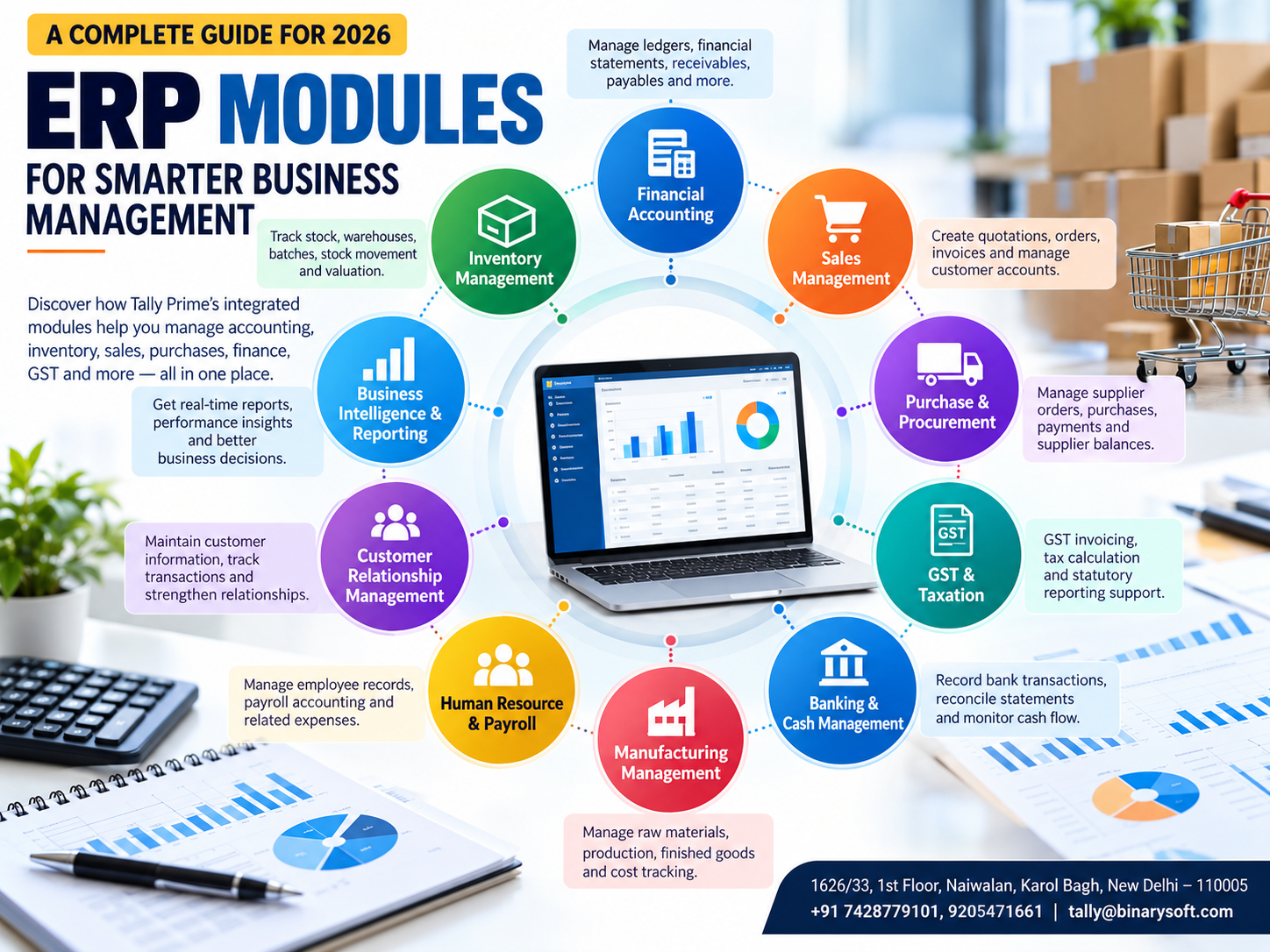
Introduction: Why Understanding ERP Modules Matters for Businesses in 2026
Running a successful business requires more than generating sales and maintaining accounting records. Business owners must manage inventory, purchasing, customer payments, supplier relationships, taxation, employee responsibilities, and financial reporting.
As businesses expand, managing these activities through separate spreadsheets and disconnected applications becomes increasingly difficult.
A small mistake in inventory records can delay customer deliveries. An overlooked supplier payment can disrupt purchasing. Incorrect financial information can lead to poor business decisions.
This is where Enterprise Resource Planning (ERP) software becomes valuable.
ERP software brings different business functions together through integrated modules. Each module handles a specific operational requirement while sharing relevant information with other modules.
For Indian businesses, Tally Prime offers several integrated capabilities for accounting, inventory management, GST compliance, sales, purchasing, banking, and financial reporting.
Understanding ERP modules helps businesses select suitable software, reduce repetitive work, improve operational visibility, and prepare for sustainable growth.
A Business Owner's Story: When Growing Sales Created Unexpected Problems
Amit owned a wholesale electronics distribution business in Delhi.
For more than ten years, he had worked hard to build his company. His business supplied electronic accessories to retailers across Delhi NCR.
Initially, managing operations was relatively simple.
His accountant maintained financial records, warehouse employees updated inventory spreadsheets, and the sales team recorded customer orders separately.
However, as the business expanded, coordination became increasingly difficult.
One morning, Amit received an urgent call from an important customer.
The customer had ordered 200 units of a product, but the warehouse had only 120 units available.
The sales team had confirmed the order using outdated stock information.
Later that afternoon, Amit discovered that several supplier payments were overdue.
His accountant had not received updated purchase information from the warehouse.
That evening, Amit reviewed his business records and realized something troubling.
His company was generating more revenue than ever before, yet operational confusion was increasing.
He worried about losing customers, damaging supplier relationships, and disappointing the employees who depended on his business.
Amit decided to introduce an integrated accounting and inventory management system using Tally Prime.
His team organized stock records, customer ledgers, purchase transactions, and financial reports within a more structured environment.
Over time, coordination improved.
The sales team could check recorded stock availability, accountants could review supplier outstanding balances, and management could access financial reports more efficiently.
The biggest improvement was not simply faster accounting.
It was the ability to manage business operations with greater confidence.
This fictional scenario illustrates the operational challenges that integrated business software can help address.
What Are ERP Modules?
ERP modules are specialized components of Enterprise Resource Planning software designed to manage specific business functions.
Each module focuses on an operational area such as accounting, inventory, purchasing, sales, human resources, or customer management.
These modules work together by sharing relevant business information.
For example, when a company records a sales transaction, an integrated system may update the customer account, sales ledger, applicable taxes, and inventory records.
This reduces duplicate data entry and improves consistency.
The exact integration depends on the ERP platform, its configuration, and the modules implemented.
Why ERP Modules Are Important
ERP modules help businesses establish structured workflows and improve coordination between departments.
They also support better financial visibility, faster reporting, stronger internal controls, and more informed management decisions.
However, not every business needs every ERP module.
A small trading company may primarily require accounting, inventory, purchasing, and sales management.
A manufacturing organization may additionally need production planning, material requirements planning, and quality management.
A large enterprise may require specialized human resources, supply-chain, and customer relationship management systems.
Choosing suitable modules is therefore an important part of ERP implementation.
10 Essential ERP Modules Every Growing Business Should Understand
1. Financial Accounting and Management Module
The financial accounting module is one of the most important components of an ERP system.
It records and organizes financial transactions and provides information about the company's financial position.
Major Functions
Financial accounting modules commonly support:
- General ledger accounting
- Accounts receivable
- Accounts payable
- Cash and bank management
- Journal entries
- Financial statements
- Expense tracking
- Cost centre accounting
- Financial analysis
How Tally Prime Helps
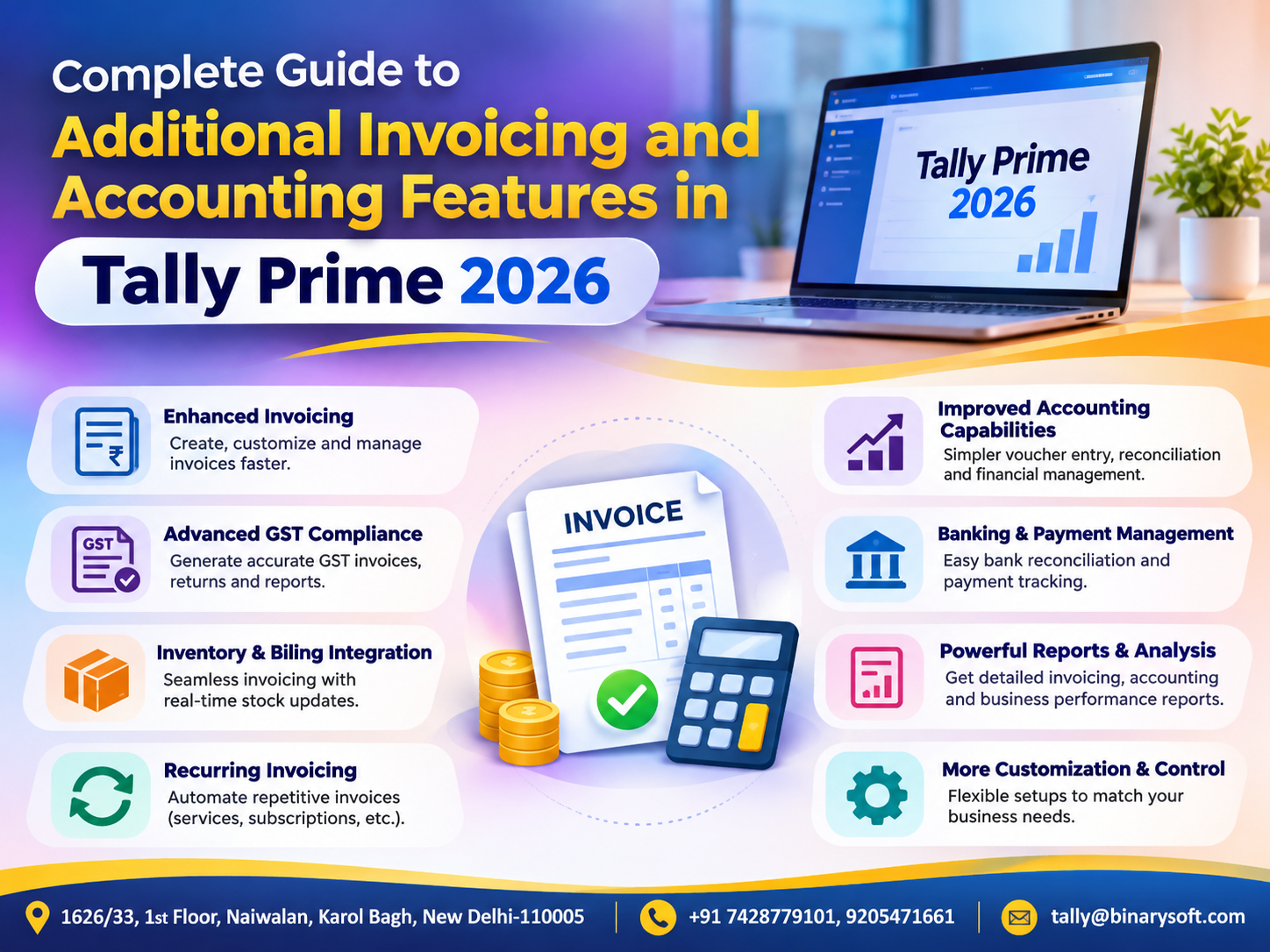
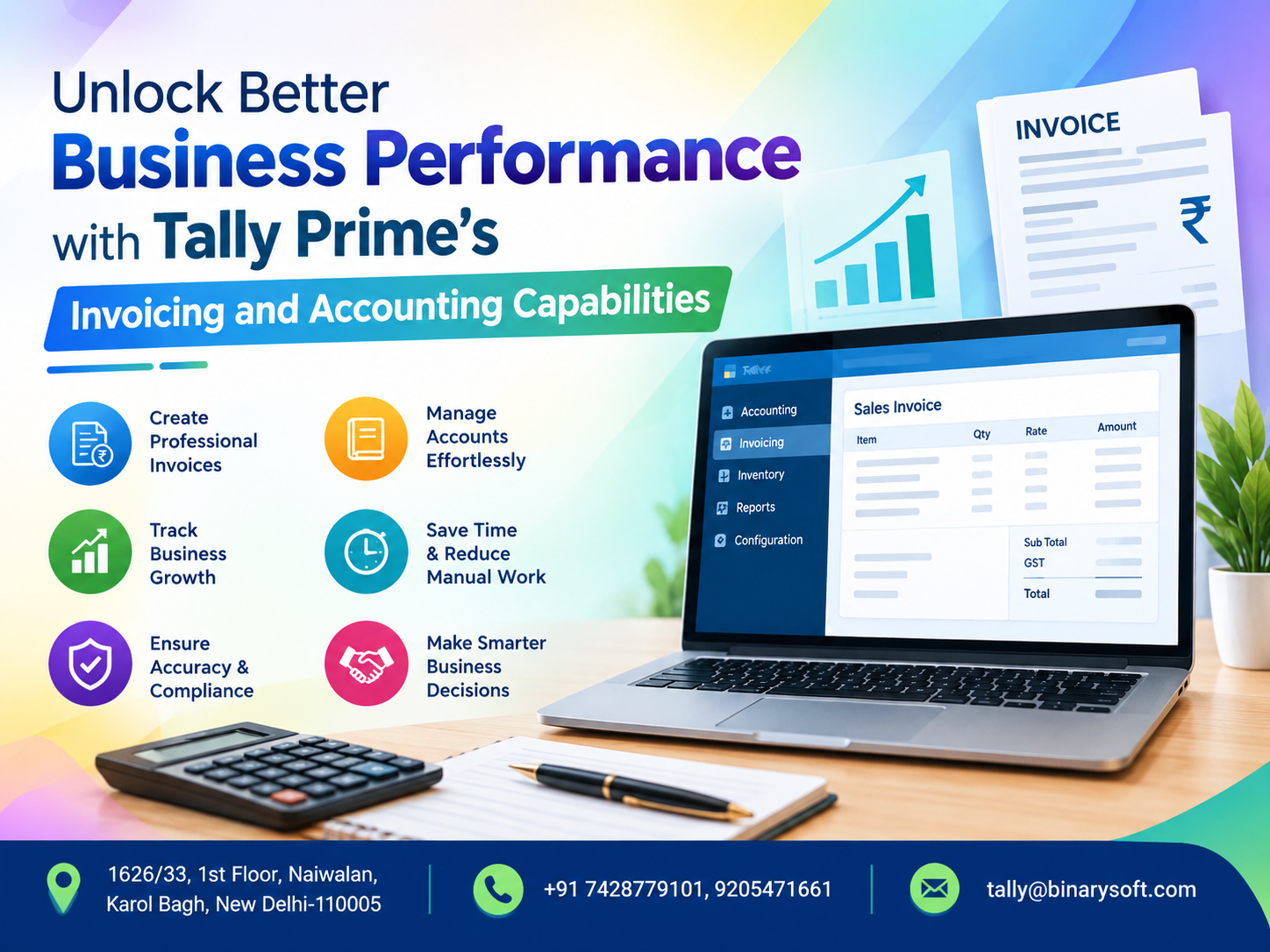
Tally Prime provides accounting features for recording sales, purchases, receipts, payments, and other financial transactions.
Businesses can generate important reports such as the Balance Sheet, Profit and Loss Account, Cash Flow Statement, and ledger reports.
These reports help management monitor profitability and financial obligations.
Business Example
A trading company wants to understand why expenses increased during the previous quarter.
By reviewing expense ledgers and financial statements, management can identify major cost categories and investigate unusual increases.
Key benefit: Improved financial accuracy and better visibility into business performance.
2. Inventory Management Module
Inventory management is essential for businesses that purchase, store, manufacture, or sell physical products.
Poor inventory control can lead to stock shortages, excessive purchases, damaged goods, and blocked working capital.
Important Inventory Functions
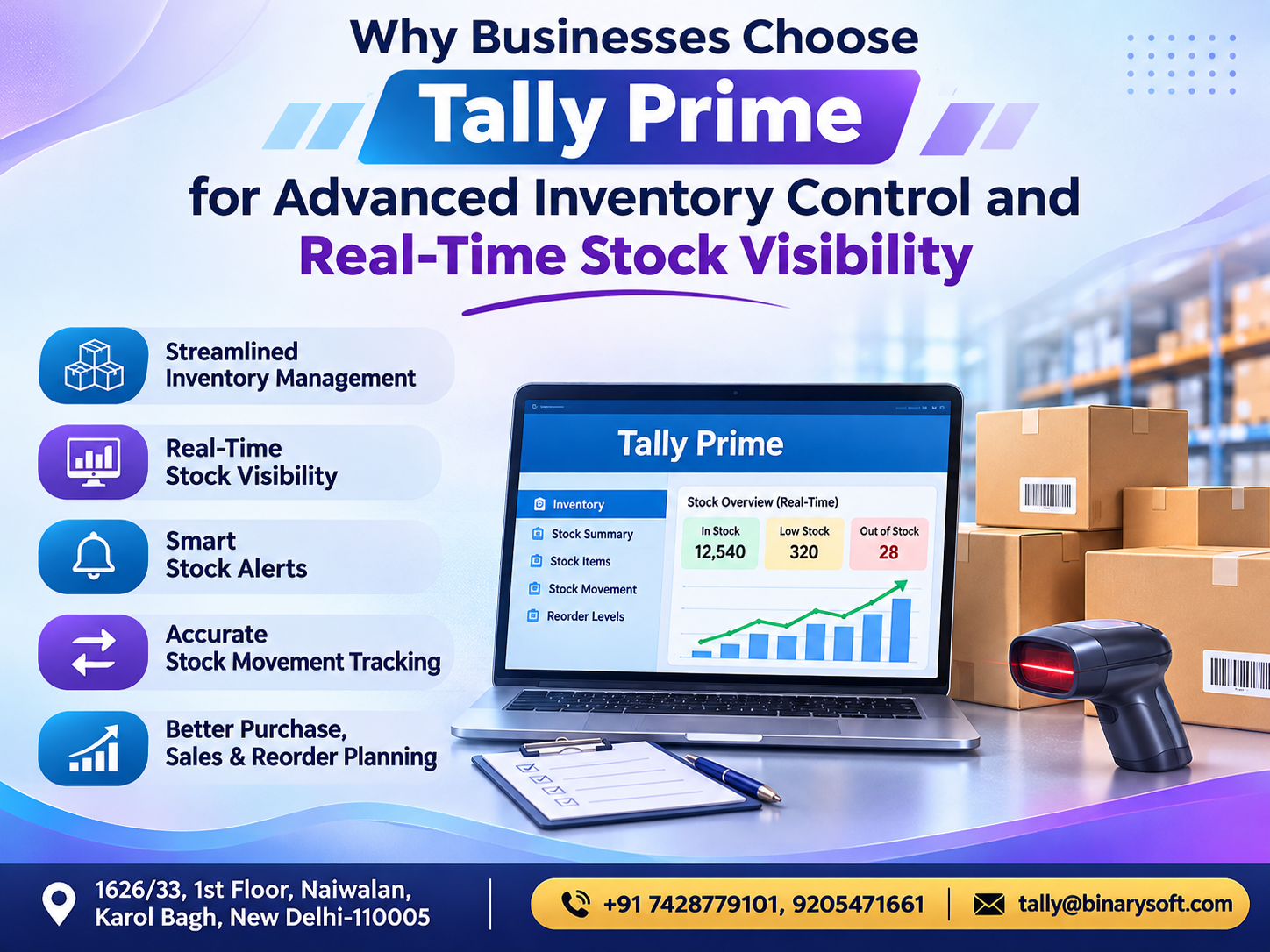
An ERP inventory module may include stock item management, warehouse tracking, inventory valuation, batch tracking, reorder planning, and stock movement reporting.
Inventory Management with Tally Prime
Tally Prime supports:
Stock groups: Organize products into meaningful categories.
Stock items: Maintain individual inventory records.
Units of measurement: Record quantities using appropriate units.
Godowns: Track inventory across configured storage locations.
Batch management: Maintain batch-related information where required.
Stock Summary: Review recorded stock quantities and values.
Reorder analysis: Support purchasing decisions using stock information.
Practical Example
A pharmaceutical distributor manages hundreds of products with different batches and expiry dates.
Properly configured inventory records can help the business monitor available quantities and relevant batch details.
Business Benefits
Integrated inventory management can reduce stock discrepancies, improve purchasing decisions, support timely deliveries, and provide better visibility into inventory investment.
3. Sales Management Module
Sales management modules help businesses manage customer transactions and related commercial activities.
Depending on the ERP platform, these modules may support quotations, sales orders, deliveries, invoicing, and sales analysis.
Major Functions
Sales management commonly includes:
- Customer information
- Sales quotations
- Sales orders
- Sales invoicing
- Sales returns
- Customer outstanding balances
- Sales performance reports
How Tally Prime Supports Sales Management
Tally Prime provides sales vouchers, invoice generation, order processing capabilities, and customer ledger management.
Businesses can record GST-related invoice information and monitor outstanding customer payments.
Example
A wholesale distributor receives orders from multiple retailers.
Using structured sales order and invoicing processes, employees can improve transaction tracking and reduce confusion between orders and invoices.
Business Benefits
A well-organized sales module supports faster billing, improved customer account management, better order visibility, and more consistent sales reporting.
4. Purchase and Procurement Management Module
Purchasing directly affects business profitability and cash flow.
Unplanned purchases may increase inventory holding costs, while delayed purchases can interrupt production or sales.
A procurement module helps businesses organize supplier-related transactions.
Common Procurement Functions
ERP procurement systems may include purchase requisitions, supplier quotations, purchase orders, goods receipt processing, purchase invoicing, and supplier payment tracking.
How Tally Prime Helps
Tally Prime supports purchase order processing, purchase vouchers, supplier ledgers, and inventory-related purchasing transactions.
Businesses can monitor supplier outstanding balances and review purchase information.
Practical Example
A manufacturing company regularly purchases raw materials from several suppliers.
By maintaining structured purchase records, management can compare historical purchases, review pending orders, and plan supplier payments.
Business Benefits
Better procurement management can improve supplier coordination, reduce duplicate purchasing, support inventory planning, and strengthen expense control.
5. GST and Tax Compliance Module
Tax compliance is a critical business requirement in India.
Organizations must maintain accurate transaction records and comply with applicable GST and other tax regulations.
ERP tax modules help organize taxation-related information.
Major Functions
Tax management capabilities may include tax calculation, invoice-level tax details, statutory reporting, transaction classification, and reconciliation support.
GST Management with Tally Prime
Tally Prime supports GST configuration, GST invoicing, tax-related accounting entries, and relevant statutory reports.
Depending on the software version, configuration, and available connected services, additional GST-related workflows may be supported.
Example
A business sells products across multiple Indian states.
Correctly configured GST information helps the accounting team record applicable tax details and prepare transaction data for compliance activities.
Important Consideration
Tax software does not replace professional compliance review.
Businesses must verify GST classifications, tax rates, return information, and applicable legal requirements.
Key benefit: More organized tax records and reduced manual compliance effort.
6. Banking and Cash Management Module
Banking and cash management modules help businesses monitor financial transactions and maintain visibility into available funds.
Effective banking management is essential because profitable businesses can still experience financial difficulties when customer payments are delayed.
Important Functions
Banking modules may support bank transaction recording, reconciliation, payment tracking, cash balance monitoring, and financial reporting.
How Tally Prime Helps
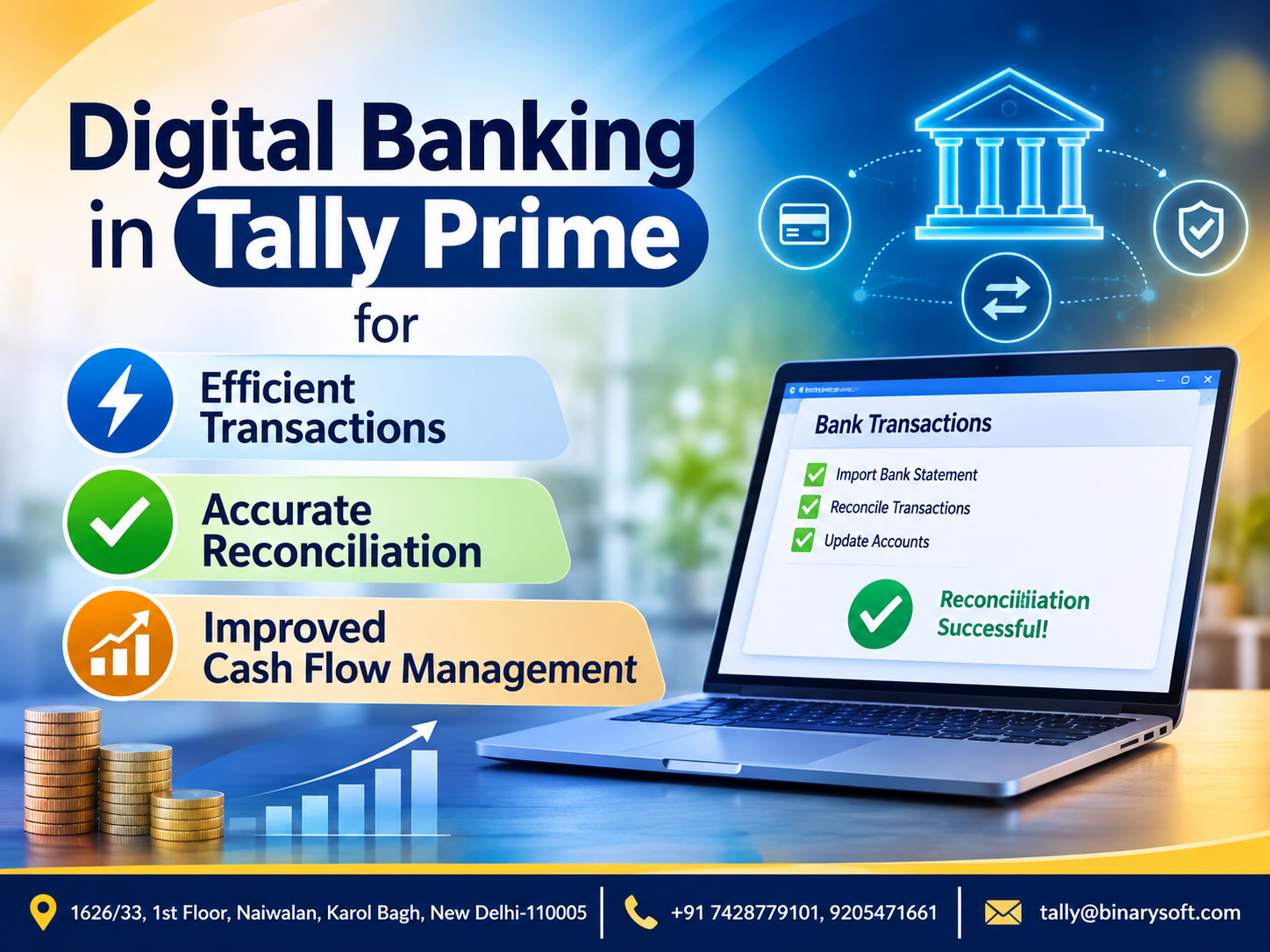
Tally Prime provides features for recording bank receipts, payments, contra entries, and other banking transactions.
Supported versions and banking configurations may also provide bank statement import and reconciliation capabilities.
Businesses can review cash and bank ledgers to understand their recorded financial position.
Practical Example
A distributor receives payments from more than 100 customers every month.
Without systematic reconciliation, identifying missing or incorrectly recorded payments becomes difficult.
Regular bank reconciliation helps the accounting team investigate unmatched transactions and maintain more reliable records.
Key benefit: Improved cash visibility and more efficient financial reconciliation.
7. Manufacturing and Production Management Module
Manufacturing businesses require additional controls over raw materials, finished goods, production expenses, and material consumption.
Advanced ERP systems may offer production scheduling, material requirements planning, capacity planning, and shop-floor management.
How Tally Prime Supports Manufacturing
Tally Prime provides selected manufacturing-related inventory capabilities, including Bills of Materials and manufacturing journal entries.
These features help businesses record material consumption and finished goods production.
However, businesses requiring advanced production scheduling or comprehensive manufacturing resource planning may need additional systems.
Example
A furniture manufacturer uses timber, hardware, and other materials to produce finished furniture.
By defining material requirements and recording production-related inventory movements, the business can improve its understanding of material consumption.
Key benefit: Better inventory control and visibility into production-related costs.
8. Human Resource and Payroll Management Module
Human resource management modules help organizations manage employee-related activities.
Comprehensive HR ERP systems may include recruitment, attendance, leave management, performance evaluation, employee records, and payroll.
Payroll Capabilities in Tally Prime
Tally Prime provides payroll accounting capabilities that can support salary calculations and employee-related accounting requirements when properly configured.
Businesses should verify the availability and suitability of particular payroll features for their requirements.
Tally Prime should not be treated as a replacement for every specialized human resource management system.
Business Example
A company employing 45 people needs to maintain structured salary and payroll expense records.
Using appropriate payroll accounting processes can reduce repetitive calculations and improve consistency.
Key benefit: More organized payroll accounting and employee expense management.
9. Customer Relationship Management Module
Customer Relationship Management (CRM) modules help businesses manage customer interactions and sales relationships.
Dedicated CRM systems commonly support lead management, sales opportunities, customer communications, service requests, and marketing activities.
How Tally Prime Helps
Tally Prime provides customer ledgers, transaction histories, outstanding reports, and sales-related accounting information.
These capabilities are useful for understanding customer purchasing and payment patterns.
However, Tally Prime is not a complete substitute for a dedicated CRM platform offering advanced lead tracking, marketing automation, and customer service workflows.
Example
A wholesale business identifies customers who consistently delay payments.
Using customer outstanding reports, management can review credit policies and improve payment follow-up.
Key benefit: Better visibility into customer transactions and financial relationships.
10. Business Intelligence and Reporting Module
Business intelligence modules help organizations analyze information and make strategic decisions.
Advanced ERP platforms may provide interactive dashboards, forecasting, predictive analytics, and customizable performance indicators.
Reporting with Tally Prime
Tally Prime provides financial and operational reports that support management analysis.
Businesses can review:
- Profit and Loss Account
- Balance Sheet
- Cash Flow
- Sales and Purchase Registers
- Stock Summary
- Outstanding Receivables and Payables
- Cost Centre Reports
Practical Example
A business operates three branches.
Management wants to understand which branch generates the strongest financial performance.
With suitable accounting structures and cost allocations, financial reports can help compare income and expenses.
Key benefit: More informed business decisions based on organized financial information.
Case Study 1: How an Electronics Distributor Improved Operations with Integrated ERP Modules
Business Background
A Delhi-based electronics distribution company managed approximately 1,500 monthly sales invoices and hundreds of inventory items.
The business used separate spreadsheets for inventory and customer outstanding balances.
Challenges
Employees frequently experienced differences between recorded stock and actual warehouse quantities.
Customer payments were difficult to track, and financial reporting required substantial manual work.
Solution
The company introduced structured accounting processes using Tally Prime.
The implementation focused on financial accounting, inventory management, sales invoicing, purchasing, and receivables tracking.
Illustrative Results
| Business Activity | Before Implementation | After Implementation |
|---|
| Inventory records |
Separate spreadsheets |
Integrated stock records |
| Customer outstanding |
Manual tracking |
Bill-wise reports |
| Financial reporting |
Multiple manual steps |
Accounting reports |
| Purchase records |
Disconnected information |
Structured transactions |
| Management visibility |
Limited |
Improved |
Key Learning
Connecting accounting and inventory processes helped management identify discrepancies earlier and improve transaction visibility.
This is an illustrative case study, not a verified customer implementation.
Case Study 2: How a Manufacturing Business Improved Material and Financial Control
Business Background
A small industrial components manufacturer in Faridabad purchased raw materials from several suppliers.
The company experienced increasing production expenses and difficulties understanding material consumption.
Challenges
Raw material records were maintained separately from accounting information.
Management struggled to monitor purchasing costs, supplier payments, and finished goods inventory.
Solution
The company adopted Tally Prime for accounting and inventory management.
Its implementation included stock item classification, Bills of Materials, manufacturing-related inventory entries, purchase accounting, and financial reporting.
Illustrative Results
After establishing more structured processes, the business gained improved visibility into material consumption, inventory quantities, supplier obligations, and operating expenses.
Management could review accounting information more regularly and investigate unexpected cost increases.
Key Learning
Integrated financial and inventory records can support better manufacturing cost control.
However, successful implementation depends on accurate transaction entry, suitable inventory configurations, and regular management reviews.
This case study is illustrative.
How to Configure Important Business Modules in Tally Prime
Businesses can begin with the following implementation process.
Step 1: Create the Company
Open Tally Prime and create a company using the required business details.
Configure the financial year and accounting period.
Step 2: Configure Accounting Features
Create the necessary accounting ledgers and groups.
Maintain accurate opening balances.
Step 3: Enable Inventory Features
Configure inventory requirements and create stock groups, stock items, and units of measurement.
Set up godowns where applicable.
Step 4: Configure GST
Enable GST features where required.
Maintain relevant GST registrations, tax classifications, and transaction information.
Step 5: Set Up Sales and Purchasing
Create customer and supplier ledgers.
Configure invoice formats and use appropriate vouchers for commercial transactions.
Step 6: Configure Banking
Create bank ledgers and establish a regular reconciliation process.
Step 7: Establish Reporting Procedures
Identify the financial and operational reports management needs.
Review these reports regularly.
Step 8: Implement Security and Backup Procedures
Provide suitable access permissions to employees.
Maintain secure backups and test data restoration procedures.
Step 9: Train Employees
Ensure that employees understand their responsibilities and the relevant software workflows.
Step 10: Review Business Performance
Conduct regular reviews of sales, profitability, outstanding payments, expenses, and inventory.
How to Choose the Right ERP Modules for Your Business
Not every business requires the same software capabilities.
| Business Type | Important ERP Modules |
|---|
| Retail |
Sales, Inventory, Accounting, GST |
| Wholesale Distribution |
Inventory, Purchasing, Sales, Receivables |
| Manufacturing |
Inventory, Production, Purchasing, Accounting |
| Professional Services |
Accounting, Billing, Expenses, Receivables |
| Automobile Dealership |
Inventory, Sales, Purchasing, Accounting |
| Pharmaceutical Distribution |
Batch Inventory, Sales, Purchasing, GST |
| Construction |
Accounting, Project Costing, Purchasing |
| E-commerce |
Sales, Inventory, Accounting, Reconciliation |
Businesses should evaluate their transaction volumes, operational complexity, integration requirements, compliance obligations, and future growth plans.
The best ERP implementation is one that solves actual business problems without introducing unnecessary complexity.
Future of ERP Modules in 2026 and Beyond
ERP systems continue to evolve as businesses demand greater automation, faster reporting, and improved connectivity.
Important areas of development include connected banking, digital compliance workflows, cloud-based access, automated reconciliation, and business analytics.
Artificial intelligence is also influencing the development of modern business software, particularly in forecasting, anomaly detection, and information analysis.
However, businesses should verify which capabilities are actually available in their selected software.
Not every ERP product provides advanced AI, predictive analytics, or fully automated workflows.
For growing Indian businesses, the priority should remain reliable accounting, accurate inventory records, secure data management, and practical financial reporting.
Conclusion: ERP Modules Build the Foundation for Efficient Business Management
ERP modules help organizations manage different business activities through connected processes.
Financial accounting, inventory, sales, purchasing, taxation, banking, manufacturing, payroll, customer management, and reporting are important components of modern ERP systems.
When properly implemented, these modules can reduce duplicate work, improve information consistency, strengthen financial control, and support better business decisions.
Tally Prime offers integrated capabilities across several essential business functions, particularly accounting, inventory, sales, purchasing, GST, banking, and reporting.
Businesses requiring advanced CRM, HR management, production planning, or enterprise-wide automation should assess whether additional applications are necessary.
The real value of ERP modules lies in connecting business information so that management can make faster, more informed decisions and build a stronger foundation for future growth.
Powered by Binarysoft Technologies
Authorized Tally Partner
Location: 1626/33, 1st Floor, Naiwalan, Karol Bagh, New Delhi – 110005, INDIA
Contact Us: +91 7428779101, 9205471661
Email: tally@binarysoft.com
Business Hours: Monday to Friday, 10:00 AM – 6:00 PM
Frequently Asked Questions
What are ERP modules?
ERP modules are specialized software components that manage different business functions, such as accounting, inventory, purchasing, sales, and human resources.
What are the main modules of an ERP system?
Common ERP modules include financial accounting, inventory management, sales, procurement, manufacturing, human resources, customer relationship management, and reporting.
Does Tally Prime provide ERP-like functionality?
Yes. Tally Prime provides integrated accounting, inventory, sales, purchasing, GST, banking, and reporting capabilities. Its scope differs from comprehensive enterprise ERP platforms.
How do ERP modules improve business efficiency?
They reduce duplicate data entry, improve coordination, and provide more consistent information across business functions.
CA. Nivaan Agrawal works with MSMEs on bookkeeping, GST reporting, receivable management, and accounting automation. His professional focus is on making financial information easier for business owners to understand and manage.