Call CA Tally HelpDesk
+91 9205471661,
7428779101

Introduction: Why Every Business Should Try Accounting Software Before Buying
Running a business requires more than selling products or providing services. Every transaction must be recorded, every customer payment monitored, every supplier balance verified and every financial decision supported by accurate information.
For many Indian business owners, these responsibilities begin with notebooks, spreadsheets and manual calculations.
However, as transactions increase, traditional accounting methods can become difficult to manage.
A retailer may struggle to calculate GST correctly. A wholesaler may lose track of outstanding customer payments. A manufacturer may find it challenging to maintain accurate inventory records.
This is where modern accounting software becomes valuable.
Trying accounting software before purchasing allows businesses to understand its features, evaluate usability and determine whether it matches their daily requirements.
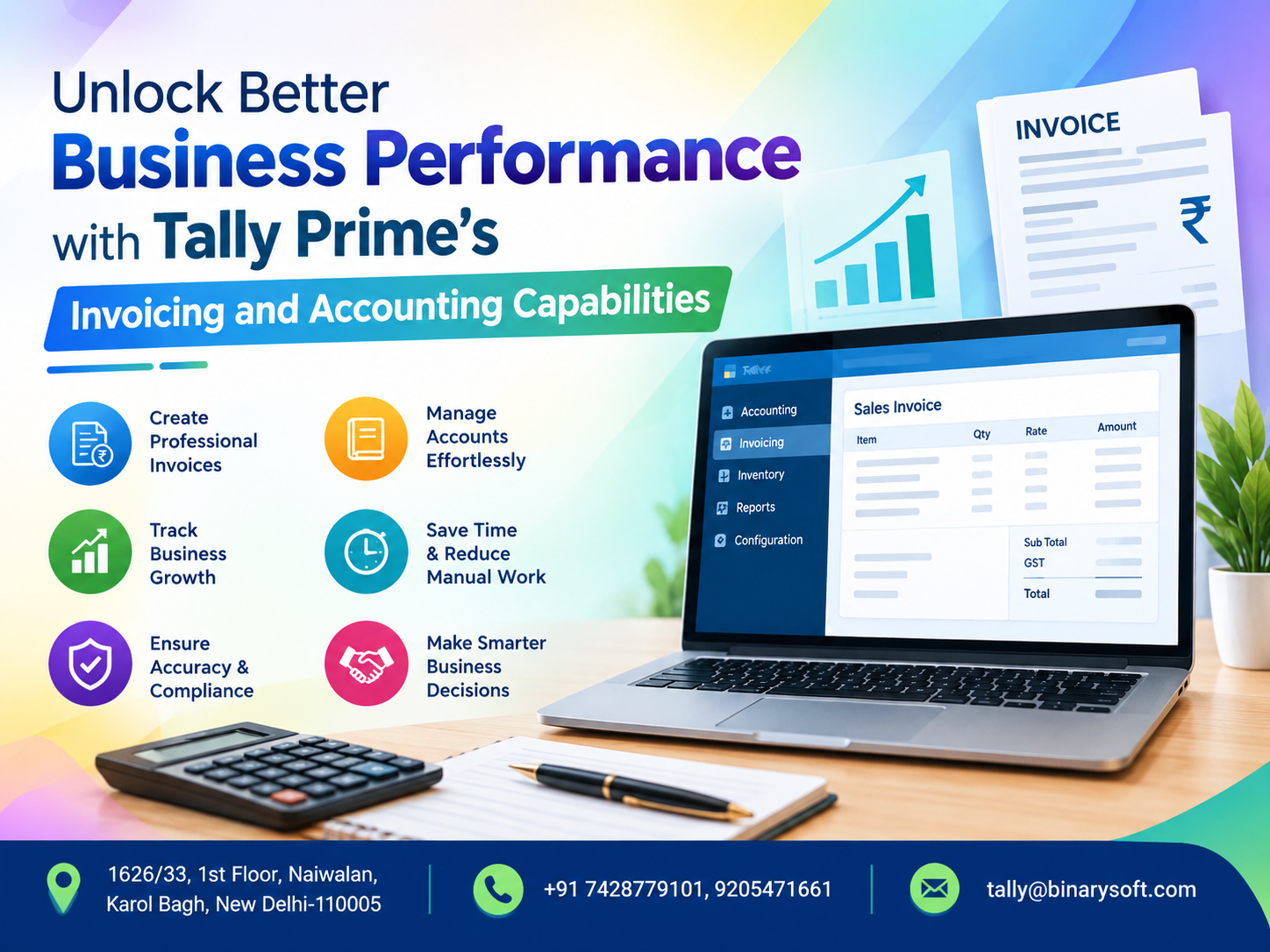
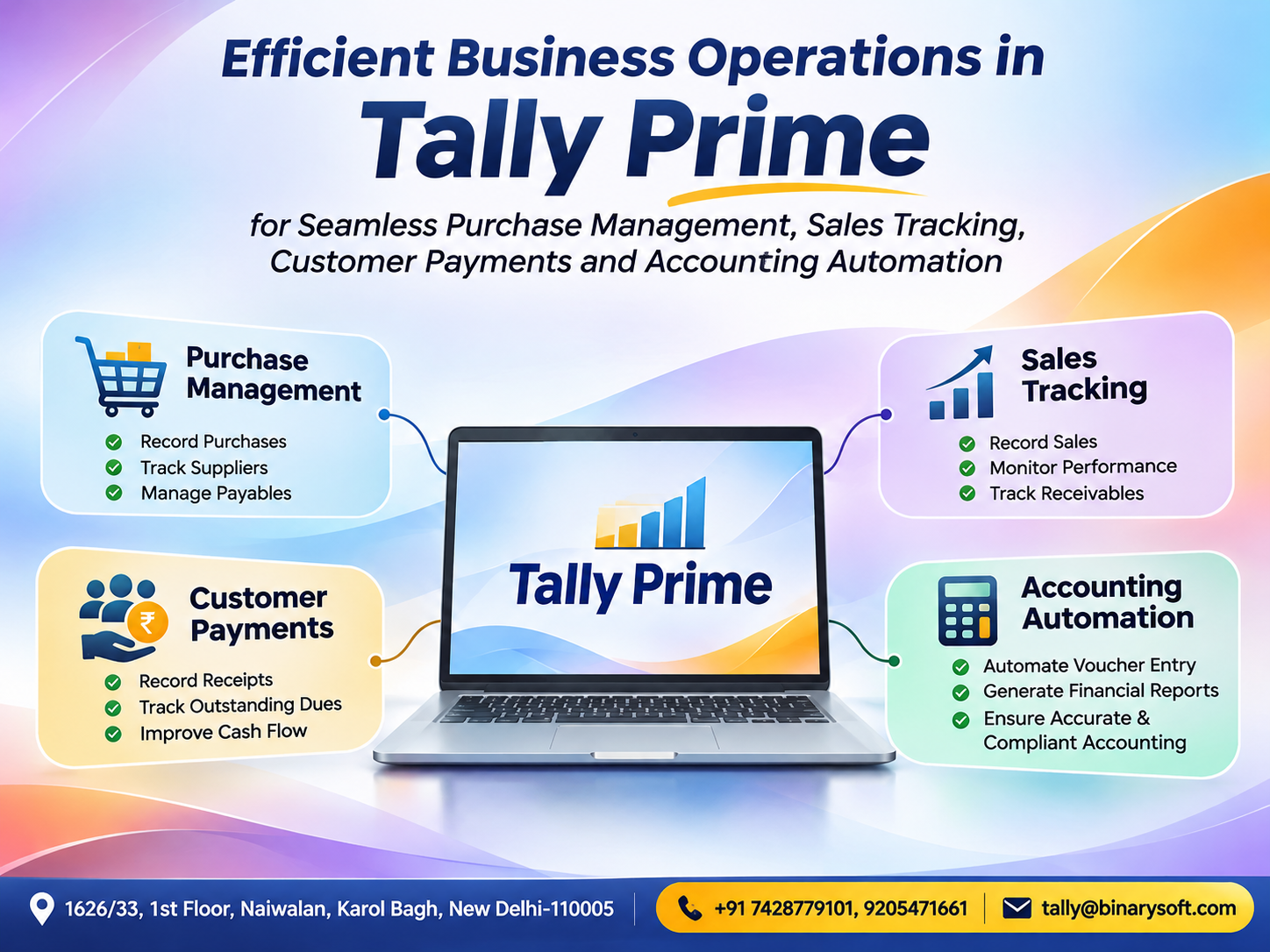
Tally Prime provides an integrated environment for accounting, invoicing, inventory management, banking and financial reporting.
Businesses can explore available evaluation or educational-use options to understand the software before making a licensing decision.
For entrepreneurs, startups, MSMEs, accountants and established organizations, this approach reduces uncertainty and encourages informed investment.
1. What Does It Mean to Try Accounting Software for Free?
Trying accounting software for free means evaluating its features without immediately purchasing a commercial license.
A software evaluation helps businesses understand how the application works, what information it can manage and whether employees can comfortably use it.
Instead of relying entirely on advertisements or feature descriptions, business owners can examine actual workflows.
For example, a retailer can test invoice creation, a wholesaler can explore customer outstanding reports, and an accountant can review ledger management.
Tally Prime evaluation and educational use
Tally Prime offers an Educational Mode that allows users to explore many software capabilities without a paid license, subject to limitations.
One important limitation is that voucher entry and alteration are generally restricted to specific dates, commonly the first and last day of a month.
Therefore, Educational Mode should not be confused with a fully unrestricted commercial trial.
Businesses requiring unrestricted evaluation should confirm whether a separate trial or demonstration option is available for their location and software release.
The objective is to understand the product before committing to a suitable license.
2. A Father's Dream, a Small Shop and the Decision That Changed Everything
When Suresh opened his stationery shop in Karol Bagh, New Delhi, he had only a few shelves, a second-hand computer and a dream of providing a better education for his children.
For years, he maintained sales and purchase records in notebooks.
His wife helped calculate monthly expenses, while his son prepared invoices using spreadsheets.
The system worked when the business was small.
But as nearby schools and offices began placing larger orders, the workload increased.
Customers requested GST invoices. Suppliers demanded timely payments. Stock shortages became frequent, and Suresh struggled to understand how much profit the business was actually generating.
One evening, after spending three hours searching for a missing invoice, he became visibly upset.
His son asked, "Papa, why are you still doing everything manually when software can help?"
Suresh hesitated.
He feared spending money on a system that might be too complicated for his employees.
His son suggested exploring accounting software before purchasing it.
Together, they began learning Tally Prime.
They created sample customer ledgers, entered product details, explored GST invoices and reviewed stock reports.
For the first time, Suresh could see how sales, purchases, inventory and accounting were connected.
He understood that accounting software was not only for large companies.
It could also help small businesses become more organized.
After evaluating the features, he decided to implement a properly licensed system for daily operations.
Months later, Suresh was spending less time searching through registers and more time speaking with customers.
One evening, he told his son, "I thought software was an expense. Now I understand that the right system can help protect everything we are building."
The most meaningful benefit of technology is not simply saving time. It is giving business owners greater confidence in their future.
This is an illustrative story created to reflect common challenges faced by small Indian businesses.
3. Why Tally Prime Is Worth Exploring Before Purchase
Selecting accounting software is an important business decision.
The application must support current requirements while remaining useful as operations expand.
Tally Prime combines several essential business functions in one accounting environment.
These include financial accounting, GST billing, purchase and sales management, inventory tracking, banking, receivables, payables and financial reporting.
Instead of maintaining separate spreadsheets for each activity, businesses can manage related records through integrated workflows.
Key advantages
Simple navigation: Users can access accounting tasks and reports through a structured interface.
Integrated business records: Sales, purchases, inventory and accounting information remain connected.
Flexible configuration: Businesses can enable features according to their requirements.
Detailed reporting: Owners can review financial statements, outstanding balances and stock information.
Business scalability: Different licensing and deployment arrangements can support changing operational needs.
Testing these capabilities helps businesses determine which features are genuinely useful.
4. Explore GST Billing and Professional Invoice Creation
GST billing is one of the most important requirements for registered Indian businesses.
Manual invoice preparation can create errors in tax calculations, customer information and product classifications.
Tally Prime supports GST-related invoice creation and accounting.
Businesses can configure relevant GST details, maintain customer and supplier records, and generate invoices according to their transaction requirements.
What can you evaluate?
During software exploration, users can create sample sales ledgers, stock items and customer accounts.
They can examine how GST rates are applied and how invoice values are calculated.
They can also review credit notes, debit notes and other relevant accounting workflows.
For example, a wholesaler selling taxable goods worth ₹50,000 at an illustrative GST rate of 18% would generate a tax amount of ₹9,000 and a total invoice value of ₹59,000.
The actual tax treatment depends on the product, transaction type, place of supply and applicable GST rules.
Benefits for businesses
Structured GST billing reduces repetitive calculations, supports consistent invoice preparation and improves the organization of tax-related records.
Businesses should still verify GST configurations and statutory requirements before using the software for live transactions.
5. Inventory Management: Know What You Have and What You Need
Inventory management becomes challenging when businesses handle hundreds or thousands of products.
Without accurate stock records, companies may purchase unnecessary goods or fail to replenish popular products.
Tally Prime provides inventory features that help businesses maintain stock items, stock groups, units of measurement and relevant inventory reports.
Depending on configuration, businesses can also use godowns, batches, stock categories and reorder-related information.
Practical example
Suppose a hardware distributor maintains 500 different products.
The owner wants to know which items are available, which products are moving quickly and which goods require replenishment.
By exploring Tally Prime inventory reports, the distributor can understand how purchase and sales transactions affect stock balances.
This helps management make better purchasing decisions.
Inventory reports can also support analysis of stock movement and item-wise profitability, provided the underlying quantities and valuations are maintained correctly.
6. Financial Accounting Made Easier
Financial accounting is the foundation of business management.
Every purchase, sale, expense, receipt and payment affects the financial position of an organization.
Tally Prime allows users to maintain ledgers and record transactions through accounting vouchers.
Common activities include recording sales, purchases, payments, receipts, journal entries and contra transactions.
Important financial reports
Businesses can explore the Balance Sheet, Profit and Loss Account, Trial Balance, Day Book and ledger reports.
These reports help owners understand financial performance without manually combining information from multiple registers.
For example, a service provider can examine monthly income and expenses to determine whether operating costs are increasing faster than revenue.
A retailer can review outstanding balances before making additional credit sales.
Reliable reports support more informed business decisions.
7. Banking and Reconciliation Features
Banking is another important area to evaluate before purchasing accounting software.
Businesses regularly receive customer payments and make supplier settlements through bank transfers, cheques and other payment channels.
Tally Prime supports bank ledger accounting, payment and receipt vouchers, reconciliation and related banking reports.
For compatible banks and supported workflows, statement imports can simplify reconciliation.
Users can explore how accounting entries are matched against bank transactions and how uncleared payments are identified.
These features can reduce repetitive work and improve the accuracy of bank-related accounting records.
Connected banking capabilities may also be available for supported banks and enabled services.
8. Case Study One: Retail Store Evaluates Accounting Software Before Expansion
Illustrative case study based on a typical Indian retail business.
Business background
A household goods retailer in Lajpat Nagar, Delhi, operated a busy store selling kitchen products, home accessories and everyday essentials.
The business maintained sales records in spreadsheets and stock details in separate registers.
The challenge
Management struggled to identify fast-moving products and frequently discovered inventory shortages during busy periods.
Preparing monthly financial summaries also required substantial manual effort.
The evaluation process
The owner explored Tally Prime using sample company data.
The evaluation focused on product creation, purchase entries, sales invoices, inventory reports and financial statements.
Employees also tested basic navigation and invoice preparation.
Illustrative outcome
The business identified the accounting and inventory features it needed and prepared a structured implementation plan.
After adopting a suitable licensed setup, it established more consistent stock recording and reporting procedures.
The evaluation helped management understand its requirements before investing in the software.
9. Case Study Two: Consultancy Firm Improves Client Billing and Expense Tracking
Illustrative case study showing how a professional services business can evaluate accounting software.
Business background
A small management consultancy in Gurugram provided advisory services to corporate clients.
Its accounts team prepared invoices manually and maintained client payments in spreadsheets.
The challenge
Outstanding invoices were difficult to track, and monthly expense reporting required information from several sources.
Management wanted a clearer view of profitability and client receivables.
The Tally Prime evaluation
The company created a sample accounting environment to test service invoicing, expense ledgers, customer accounts and outstanding reports.
Its accountant reviewed GST-related configurations and financial reporting options.
Illustrative outcome
The evaluation demonstrated how integrated accounting could simplify invoice tracking and expense analysis.
Following implementation, the firm adopted a more organized process for recording client receipts and reviewing outstanding balances.
The business gained clearer information for monitoring operating expenses and customer payments.
10. How to Start Exploring Tally Prime for Free
Businesses can begin evaluating Tally Prime through a simple process.
Step 1: Obtain the software
Use an authorized software distribution source to obtain the appropriate Tally Prime installation package.
Step 2: Install Tally Prime
Complete installation on a compatible computer and review the available startup options.
Step 3: Select Educational Mode
Where available, use Educational Mode to explore accounting functions without activating a commercial license.
Step 4: Create a sample company
Enter sample business information and configure basic accounting features.
Step 5: Explore essential activities
Create sample ledgers, stock items, invoices, payment entries and financial reports.
Step 6: Understand the limitations
Educational Mode has restrictions, particularly on transaction dates. Do not rely on it as an unrestricted production accounting system.
Step 7: Evaluate licensing requirements
After testing, select an appropriate commercial license and deployment arrangement based on users, operations and business requirements.
11. Who Should Try Tally Prime?
Tally Prime can be explored by different types of businesses and professionals.
Retailers: To evaluate billing, inventory and daily sales accounting.
Wholesalers: To understand customer credit, stock management and supplier payments.
Manufacturers: To explore material accounting, inventory movement and financial reporting.
Service Providers: To evaluate client invoicing, expenses and outstanding balances.
Startups: To understand how structured accounting can support early business growth.
Accountants and Students: To practice bookkeeping and become familiar with accounting workflows.
12. Free Evaluation vs Paid Tally Prime License
|
Feature
|
Educational Mode
|
Licensed Tally Prime
|
|---|
|
Explore accounting features
|
Yes, with limitations
|
Yes
|
|
Create sample companies
|
Yes
|
Yes
|
|
Voucher entry
|
Restricted dates
|
Normal permitted dates
|
|
GST accounting exploration
|
Supported, subject to restrictions
|
Supported
|
|
Inventory management
|
Available for learning
|
Available for operations
|
|
Daily commercial accounting
|
Not suitable for unrestricted use
|
Yes
|
|
Multi-user operation
|
Depends on licensing
|
Available with suitable license
|
|
Commercial deployment
|
Not intended for full operational use
|
Yes
|
The right choice depends on whether the objective is learning, evaluation or regular business operations.
13. Why Choose Binarysoft Technologies for Tally Prime?
Choosing accounting software is only the first step.
Successful implementation also requires appropriate configuration, employee training and reliable support.
Binarysoft Technologies helps businesses understand Tally Prime features and evaluate their accounting requirements.
Organizations can seek assistance with software demonstrations, license selection, GST configuration, inventory setup, accounting workflows and relevant support services.
The objective is to help businesses choose a suitable solution and use it effectively.
Conclusion: Try Before You Invest in Better Accounting
Accounting software can transform how businesses manage financial information, but selecting the right system requires careful evaluation.
Exploring Tally Prime helps business owners understand GST billing, inventory management, financial accounting, banking and reporting capabilities before committing to a commercial license.
Educational Mode provides a useful opportunity to learn the software, although its restrictions must be understood.
For small businesses, startups and growing enterprises, evaluating accounting software is a practical step toward improving accuracy, efficiency and financial visibility.
Powered by Binarysoft Technologies
Authorized Tally Partner
Location: 1626/33, 1st Floor, Naiwalan, Karol Bagh, New Delhi – 110005, INDIA
Contact us: +91 7428779101, 9205471661
Email: tally@binarysoft.com
Business Hours: 10:00 AM – 6:00 PM, Monday to Friday
Frequently Asked Questions
Can I create GST invoices while evaluating Tally Prime?
Users can explore GST invoice functionality, subject to Educational Mode limitations and correct GST configuration.
Is Tally Prime completely free?
No. Educational Mode is available for learning and evaluation. Unrestricted commercial use requires appropriate licensing.
Can I use Tally Prime for banking and reconciliation?
Yes. Tally Prime provides banking-related accounting and reconciliation features, with certain capabilities dependent on bank and version support.
Is Tally Prime useful for accountants and students?
Yes. Educational Mode can help students and accounting professionals practice bookkeeping and learn business accounting workflows.
CA. Aaryan Kanodia focuses on GST reporting, bookkeeping systems, and financial process improvement. He works with businesses to simplify routine accounting activities and maintain records suitable for compliance and internal review.