Call CA Tally HelpDesk
+91 9205471661,
7428779101
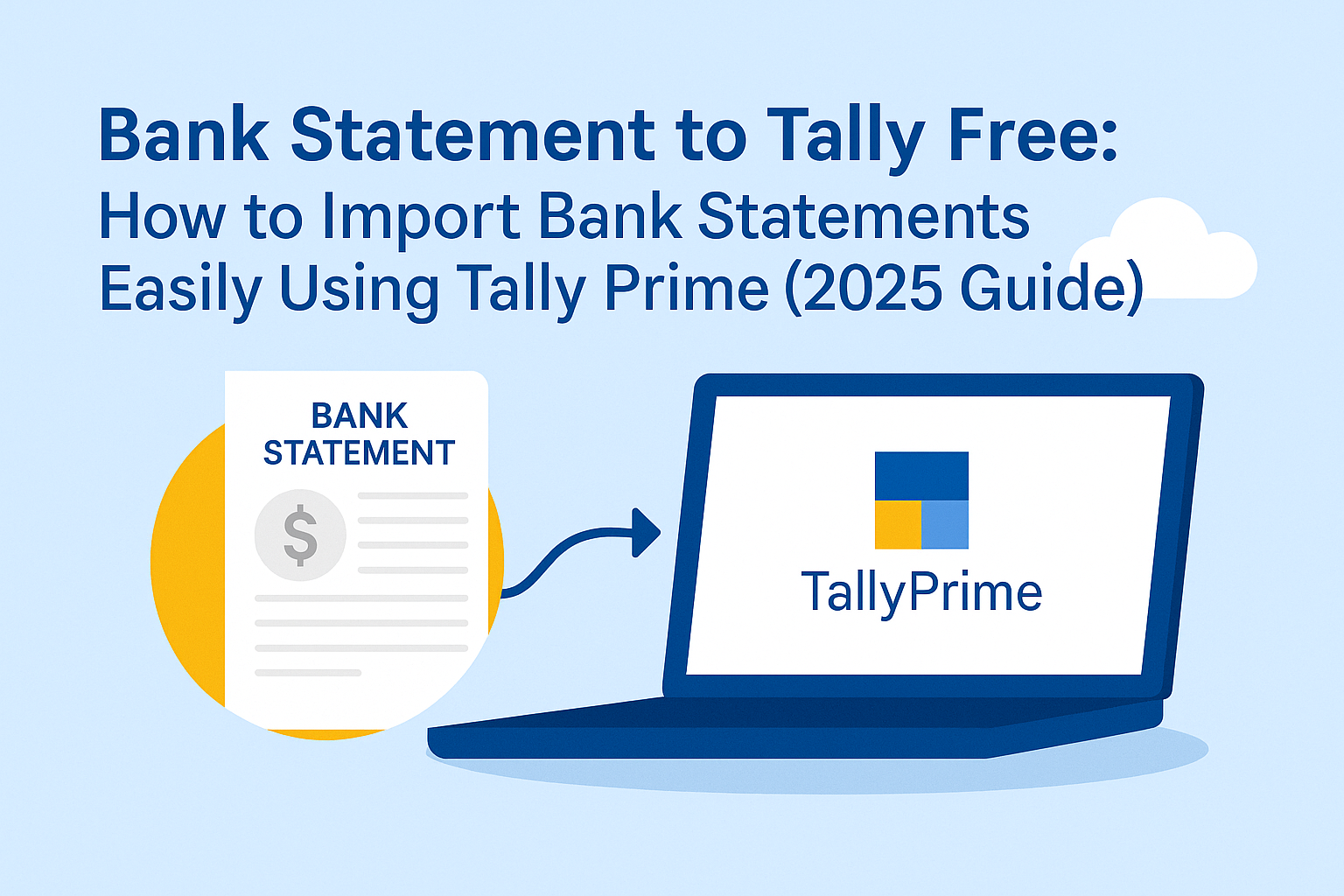
Manual bank entry posting is one of the most time-consuming tasks in accounting. Many businesses still spend hours matching bank statements with ledger entries, leading to errors and delays.
The good news is that bank statement to Tally import can be done free of cost using TallyPrime, without relying on expensive third-party tools.
This guide explains how to import bank statements into Tally for free, the benefits, limitations, and how TallyPrime simplifies bank reconciliation for Indian businesses.
What Does “Bank Statement to Tally Free” Mean?
“Bank statement to Tally free” refers to importing bank transactions into TallyPrime without any paid add-on or external software.
Using TallyPrime, users can:
- Import bank statements in supported formats
- Automatically create vouchers
- Match transactions with existing entries
- Perform quick bank reconciliation
All this is possible using built-in features of TallyPrime.
Supported Bank Statement Formats in TallyPrime
TallyPrime allows free import of bank statements in commonly used formats such as:
- CSV (Comma Separated Values)
- Excel (via CSV conversion)
- Bank-specific formats supported by Tally
Most Indian banks provide downloadable statements in CSV or Excel, making the process easy and cost-effective.
How to Import Bank Statement into TallyPrime (Free Method)
Step 1: Download Bank Statement
Log in to your bank’s internet banking portal and download the statement in CSV format.
Step 2: Open Bank Reconciliation in TallyPrime
- Go to Gateway of Tally → Banking → Bank Reconciliation
- Select the relevant bank ledger
Step 3: Use Bank Statement Import
- Choose Import Bank Statement
- Select the downloaded CSV file
- Map columns if required (date, amount, narration)
Step 4: Review & Accept Transactions
- TallyPrime automatically identifies:
- Existing entries
- New transactions
- Possible matches
- Accept or modify vouchers before final posting
Automatic Voucher Creation in TallyPrime
One of the biggest advantages of TallyPrime is automatic voucher creation:
- Receipts, payments, and charges are auto-classified
- Narrations help identify transaction nature
- Duplicate entries are avoided
- Faster posting with minimal manual effort
This feature alone saves hours of accounting work every month.
Bank Reconciliation Made Simple
After importing statements, TallyPrime helps you:
- Match imported entries with books
- Identify unreconciled transactions
- Track bank charges, interest, and auto-debits
- Maintain accurate bank balances
The Bank Reconciliation Statement (BRS) becomes faster, cleaner, and audit-ready.
Benefits of Free Bank Statement Import in TallyPrime
Key Advantages
- ✔ No additional software cost
- ✔ Reduced manual data entry
- ✔ Faster reconciliation
- ✔ Improved accuracy
- ✔ Better audit control
- ✔ Ideal for MSMEs & CA firms
For small businesses, this feature alone justifies using TallyPrime.
Limitations of Free Import (What to Know)
While the free method is powerful, users should note:
- Manual column mapping may be needed for some banks
- Heavily customized statements may need cleanup
- Advanced automation may require expert setup
This is where proper configuration and guidance make a difference.
How TallyPrime Improves Bank Automation Further
With newer versions of TallyPrime, businesses get:
- Smarter matching logic
- Better narration recognition
- Faster processing of large statements
- Improved reporting and compliance support
These enhancements reduce dependency on paid tools while maintaining high accuracy.
Why Businesses Prefer TallyPrime for Bank Imports
TallyPrime combines:
- Free bank import capability
- Powerful reconciliation
- GST-ready accounting
- Audit-friendly reports
- Scalability for growing businesses
This makes it one of the most trusted accounting platforms in India.
Best Practices for Smooth Bank Statement Import
- Always download statements in CSV format
- Keep consistent bank ledger naming
- Reconcile regularly (daily or weekly)
- Review auto-created vouchers before finalizing
- Backup data before large imports
Following these practices ensures error-free accounting.
Final Thoughts
If you are looking for a free, reliable, and efficient way to import bank statements into accounting software, TallyPrime is the best choice.
Without paying for add-ons, businesses can:
- Import bank statements
- Automate vouchers
- Complete bank reconciliation
- Maintain accurate financial records
All with speed, simplicity, and control.
Powered by Binarysoft Technologies
Authorized Tally Partner
Location : 1626/33, 1st Floor, Naiwalan, Karol Bagh, New Delhi – 110005, INDIA
Contact us : +91 7428779101, 9205471661, 8368262875
Email us : tally@binarysoft.com (10:00 AM – 6:00 PM, Mon–Fri)
Frequently Asked Questions
Is bank statement import free in TallyPrime?
Yes. TallyPrime provides free bank statement import using supported formats like CSV.
Do I need third-party software?
No. The feature is built into TallyPrime.
CA. Vishal Mehta is a Chartered Accountant specializing in accounting compliance, GST advisory, and business process optimization. He has assisted businesses in transitioning to structured accounting and inventory systems. His articles focus on accuracy, compliance, and sustainable business growth.