How to Manage B2B HSN Codes in Tally Prime: A Complete Guide for Businesses

Call CA Tally HelpDesk +91 9205471661, 7428779101
How to Manage B2B HSN Codes in Tally Prime: A Complete Guide for Businesses
By CA. Anand Tirpathi   |   Published on: 27-10-2025 | 8 min read

In India’s GST (Goods and Services Tax) framework, every business dealing in goods or services must use the correct HSN (Harmonized System of Nomenclature) Code while generating invoices. For B2B transactions—those between two registered businesses—mentioning the correct HSN Code on every invoice is mandatory.

Tally Prime, being one of the most widely used accounting and GST software, offers a simple way to configure and manage HSN Codes at multiple levels—company, stock item, or ledger. This guide explains everything you need to know about setting up and using B2B HSN Codes in Tally Prime, step-by-step.


1. Understanding HSN Codes in Tally Prime

An HSN Code is a standardized numerical classification of goods and services recognized globally. Under GST law, these codes ensure uniformity in tax classification and make it easier to determine applicable GST rates.

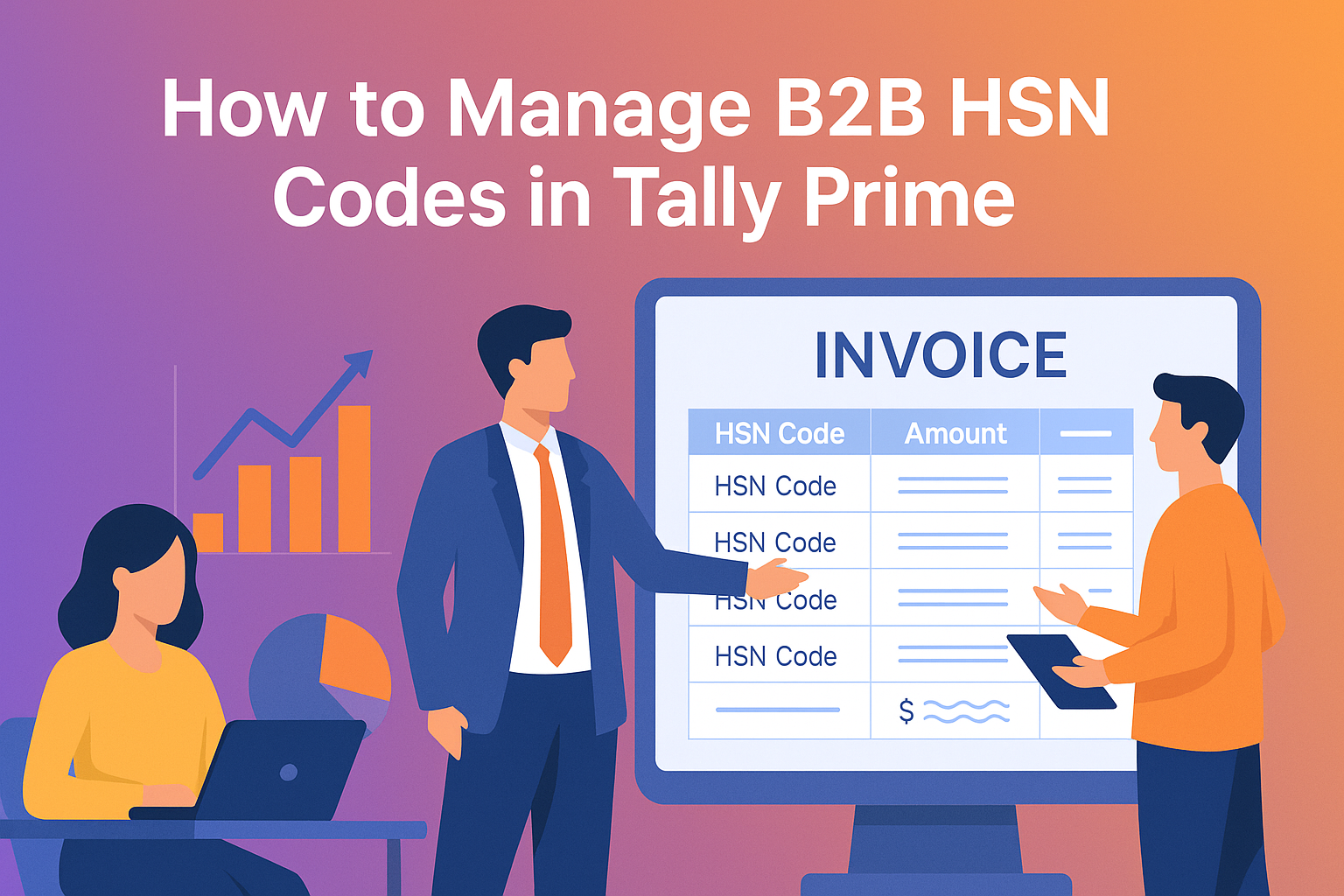
For B2B (Business-to-Business) transactions, HSN Codes are mandatory on all invoices. Businesses must mention the HSN Code, description, quantity, value, and applicable GST rate on every outward supply invoice.

In Tally Prime, HSN Codes can be configured at:

  • Company level – default HSN for all items.
  • Stock group or stock item level – individual product HSNs.
  • Sales ledger level – for service-based organizations.

Once set up, the software automatically picks the correct HSN while creating invoices, ensuring full GST compliance.


2. Enabling GST and HSN Code Features

Before you can use HSN Codes in Tally Prime, GST must be enabled in your company.

Steps:

  1. Open your company in Tally Prime.
  2. Navigate to Gateway of Tally → F11: Features → Statutory Features.
  3. Set Enable Goods and Services Tax (GST) to Yes.
  4. Enter your GSTIN, registration type, and other relevant details.
  5. Set Set/Alter GST Details to Yes and then press Enter.
  6. Enable the option Enable HSN/SAC Details.

Once this is done, Tally will allow you to define HSN Codes at different levels based on your business requirements.


3. Setting HSN Code at the Company Level

If your company deals in a single product category or wants a default HSN applied to all goods, you can define it at the company level.

Steps:

  1. From Gateway of Tally → F11 → Statutory Features, choose Set/Alter GST Details → Yes.
  2. In the GST Details screen, locate HSN/SAC Details.
  3. Enter your default HSN Code (for example, 8471 for computer hardware).
  4. Save the configuration.

Now, every item or invoice created will automatically use this default HSN unless overridden at the stock item level.


4. Setting HSN Code at the Stock Item Level

If your company deals in multiple goods with different HSN codes, define HSN at the stock item level.

Steps:

  1. Go to Gateway of Tally → Create → Stock Item.
  2. Under GST Details, enable the option Set/Alter GST Details → Yes.
  3. In the GST Details window, enter:
    • Taxability: Taxable
    • HSN Code: Enter the correct 4- or 6-digit code.
    • Integrated Tax, Central Tax, and State Tax rates.
  4. Accept and save.

This ensures that when you select this item in a sales voucher, Tally Prime automatically fills in the correct HSN Code and tax rate on the invoice.


5. Using HSN Codes in B2B Invoices

Now that your items have the correct HSN details, you can create a B2B invoice as follows:

  1. Go to Gateway of Tally → Accounting Vouchers → F8: Sales.
  2. Choose the appropriate Sales Ledger (with GST enabled).
  3. Select your B2B customer ledger (registered under GST).
  4. Add the Stock Items; the HSN Code will appear automatically in the invoice preview.
  5. Tally will compute CGST, SGST, or IGST automatically based on the buyer’s state.
  6. Save the invoice.

This invoice can now be uploaded to the GST portal through your GSTR-1 return, where Tally’s HSN summary will match government reporting formats.


6. Generating the HSN Summary Report

Tally Prime also provides an HSN-wise summary for verification or GST return filing.

Steps:

  1. Go to Gateway of Tally → Display More Reports → Statutory Reports → GST → HSN/SAC Summary.
  2. Select the period you want to review (monthly or quarterly).
  3. Tally will display details like HSN Code, description, taxable value, total sales, and tax amount.

You can export this report to Excel or PDF using Alt+E for compliance filing or audit documentation.


7. Best Practices for Managing B2B HSN Codes

  • Verify HSN Codes from official GST sources before using them.
  • Update tax rates whenever government notifications change.
  • Maintain consistent HSN Codes across purchase, sales, and inventory records.
  • Use multi-stock group reporting to check which product lines generate the most taxable sales.
  • Always recheck your GSTR-1 HSN summary to ensure there are no mismatches between invoices and returns.

8. Conclusion

Recording B2B HSN Codes in Tally Prime is essential for accuracy, compliance, and professional invoicing. By enabling GST, setting HSN details properly, and using item-level configurations, your invoices will always meet government requirements.

Whether you’re a trader, manufacturer, or wholesaler, mastering HSN management in Tally Prime helps prevent GST mismatches, speeds up filing, and enhances your overall business credibility.

With just a few configurations, Tally Prime ensures your B2B operations remain compliant, transparent, and tax-ready.

Powered by Binarysoft Technologies
Authorized Tally Partner
Location : 1626/33, 1st Floor, Naiwala, Karol Bagh, New Delhi – 110005, INDIA
Contact us : +91 7428779101, 9205471661
Email us :  tally@binarysoft.com (10:00 AM – 6:00 PM, Mon–Fri)


About the Author

Written by CA. Anand Tirpathi • 27-10-2025

CA. Anand Tirpathi is a Chartered Accountant with experience in statutory compliance, internal controls, and accounting process optimization. He has advised multiple businesses on improving operational efficiency through structured accounting and inventory systems. His writing focuses on clarity, compliance, and risk reduction for MSMEs.

Verified Content 8 min read Support: +91 9205471661, 7428779101

Need Quick Support for Tally Prime?

For Tally Prime discount schemes and product inquiries, connect with our team.

+91 9205471661 | +91 7428779101

Subscribe For Product Updates

Opt-in Subscription

Tally Prime Auditor Renewal (One Year)

Applicable for CAs / Firms Using GOLD (Multi User ) Only
Renew your license now and upgrade from Tally ERP 9 to Tally Prime for Free!
Rs 6750 + 18% GST (Rs 1215)
Continue Here >>

Tally Prime Auditor Renewal (Two Years)

Applicable for CAs / Firms Using GOLD (Multi User ) Only
Renew your license now and upgrade from Tally ERP 9 to Tally Prime for Free!
Rs 12150 + 18% GST (Rs 2187)
Offer Continue Here >>

Tally Prime Gold Renewal (One Year)

Unlimited Multi-User Edition For Multiple PCs on LAN Environment
Renew your license now and upgrade from Tally ERP 9 to Tally Prime for Free!
Rs 13500 + 18% GST (Rs 2430)
Continue Here >>

Tally Prime Gold Renewal (Two Years)

Unlimited Multi-User Edition For Multiple PCs on LAN Environment
Renew your license now and upgrade from Tally ERP 9 to Tally Prime for Free!
Rs 24300 + 18% GST (Rs 4374)
Offer Continue Here >>

Tally Prime Silver Renewal  (One Year)

Single User Edition For Standalone PCs ( Not applicable for Rental License )
Renew your license now and upgrade from Tally ERP 9 to Tally Prime for Free!
Rs 4500 + 18% GST (Rs 810)
Continue Here >>

Tally Prime Silver Renewal  (Two Years)

Single User Edition For Standalone PCs ( Not applicable for Rental License )
Renew your license now and upgrade from Tally ERP 9 to Tally Prime for Free!
Rs 8100 + 18% GST (Rs 1458)
Offer Continue Here >>

Tally On Cloud

Tally On Cloud ( Per User Annual)
Now access Tally Prime anytime from anywhere – Just Deploy your Tally License and Tally Data on our Cloud Solution.
Rs 7000 + 18% GST (Rs 1260)
Continue Here >>

Tally Prime Gold

Unlimited Multi-User Edition
For EMI options, please Call: +91 742 877 9101 or E-mail: tally@binarysoft.com (10:00 am – 6: 00 pm , Mon-Fri)
Rs 67500 + 18% GST (Rs 12150)
Continue Here >>

Tally Prime Silver to Tally Prime Gold

Unlimited Multi-User Edition For Multiple PCs on LAN Environment
Renew your license now and upgrade from Tally ERP 9 to Tally Prime for Free!
Rs 45000 + 18% GST (Rs 8100)
Continue Here >>

Tally Prime Silver

Single User Edition For Standalone PCs
For EMI options, please Call: +91 742 877 9101 or E-mail: tally@binarysoft.com (10:00 am – 6: 00 pm , Mon-Fri)
Rs 22500 + 18% GST (Rs 4050)
Continue Here >>

Tally On AWS Cloud Personal (For 1 user)

(Per User/One Year)
TallyPrime latest release pre-installed
Rs 7200 + 18% GST (Rs 1296)
Continue Here >>

Tally On AWS Cloud Regular (Upto 2 users)

(Two Users/One Year)
TallyPrime latest release pre-installed
Rs 14400 + 18% GST (Rs 2592)
Continue Here >>

Tally On AWS Cloud Regular Plus (Upto 4 users)

(Four Users/One Year)
TallyPrime latest release pre-installed
Rs 21600 + 18% GST (Rs 3888)
Continue Here >>

Tally On AWS Cloud Regular Pro (Upto 8 users)

(Eight Users/One Year )
TallyPrime latest release pre-installed
Rs 43200 + 18% GST (Rs 7776)
Continue Here >>

Tally On AWS Cloud Performance (Upto 12 users)

(Twelve Users/One Year)
TallyPrime latest release pre-installed
Rs 64800 + 18% GST (Rs 11664)
Continue Here >>

Tally On AWS Cloud Performance Plus (Upto 16 users)

(Sixteen Users/One Year)
TallyPrime latest release pre-installed
Rs 86400 + 18% GST (Rs 15552)
Continue Here >>

Latest Articles

Start E-Invoicing in TallyPrime Today: Simple Steps to Enable IRN & GST Integration
In 2026, e-invoicing has become an essential part of day-to-day GST billing for businesses covered b...
Read More →
How to Import Amazon Data into TallyPrime in 2026 – Complete Guide for B2B & B2C Sales, Returns, Settlements, TDS, TCS and GST Accounting
In 2026, importing Amazon seller transactions into TallyPrime has become significantly easier for bu...
Read More →
Advanced E-Invoice Dispatch Platform for Businesses in 2026 – Automate Invoice Delivery, Improve Billing Accuracy, Speed Up Dispatch, Reduce Manual Errors & Enhance Customer Experience
In 2026, generating an invoice is only half the job—the real pressure begins when businesses must de...
Read More →
Tally on Cloud for Businesses in 2026 – The Smart Way to Manage Accounting Remotely with Secure Access, Real-Time Data, GST Compliance & Multi-User Connectivity
In 2026, businesses are no longer asking whether accounting can be managed remotely—they are asking...
Read More →
Best Manufacturing Billing & Inventory Management Software in 2026 – Complete Solution for GST Invoicing, Production Planning, BOM, Raw Material & Real-Time Stock Control
In 2026, manufacturing businesses are under growing pressure to produce faster, control costs, maint...
Read More →
Complete Factory Billing & Accounting Software for Badli Industrial Area & Samaypur Industrial Area – GST, E-Invoice, Production Planning, BOM & Inventory 2026
In 2026, factories operating in Badli Industrial Area and Samaypur Industrial Area are under increas...
Read More →
Get How to Manage B2B HSN Codes in Tally Prime: A Complete Guide for Businesses
Call us at +91 7428779101, 8368262875.

Tally Query | Discounted Tally New License | Discounted Tally Renewal