Call CA Tally HelpDesk
+91 9205471661,
7428779101
Introduction: Why Every Growing Business Needs a Reliable Purchase Order System
Imagine running a manufacturing company where production depends on raw materials arriving at the right time.
Your purchasing team orders materials from several suppliers. Some deliveries arrive late, others contain incorrect quantities, and occasionally invoices show prices different from those originally agreed.
These problems may appear routine, but they can affect profitability, production schedules and customer satisfaction.
For many Indian businesses, the challenge is not finding suppliers. It is managing purchasing activities with accuracy, transparency and control.
A purchase order provides a structured way to communicate purchasing requirements, confirm commercial terms and track goods or services ordered from suppliers.
Instead of relying entirely on telephone conversations, informal messages or handwritten notes, businesses can maintain clear purchase records.
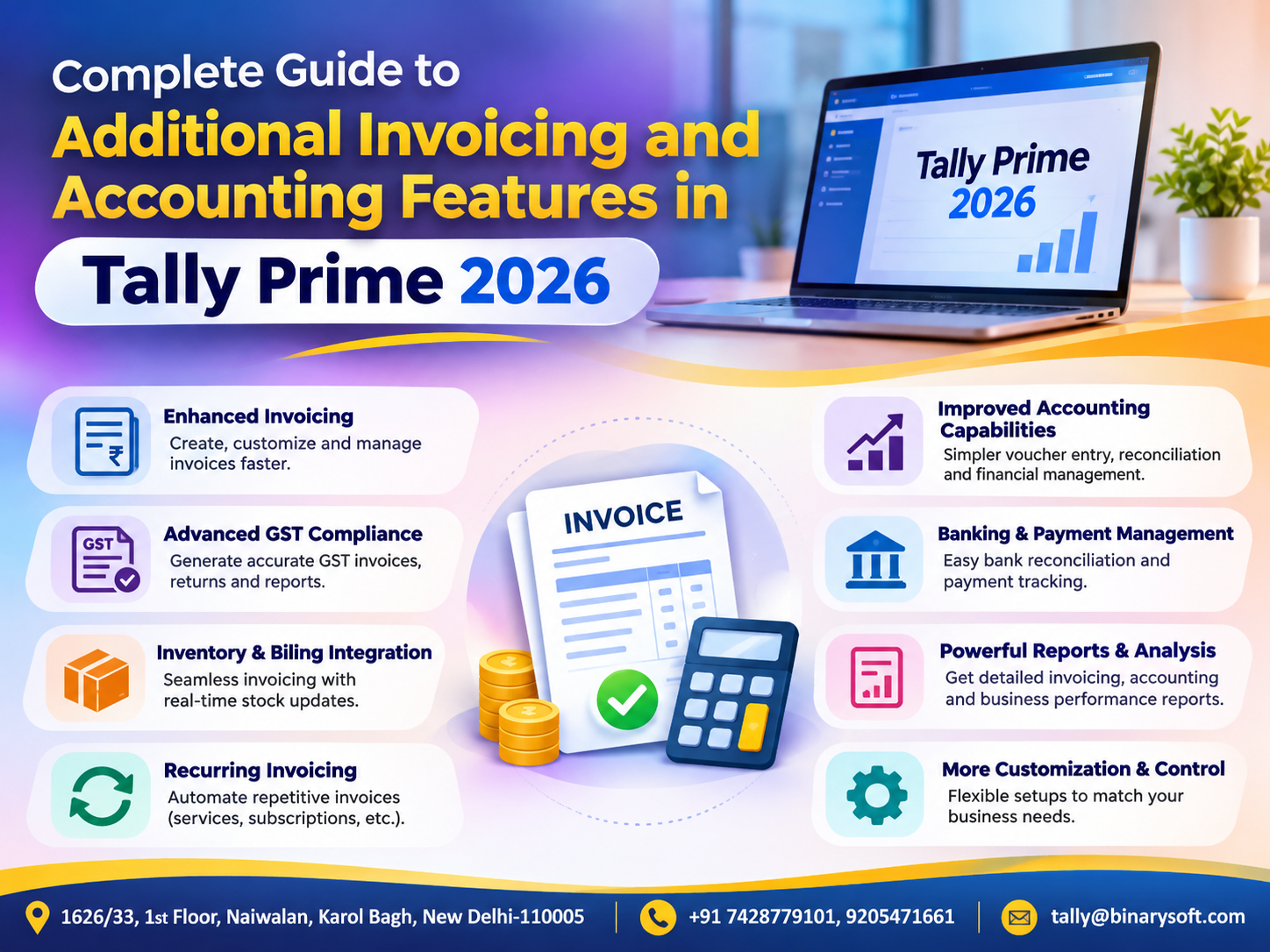
With accounting and inventory software such as Tally Prime, purchase orders can also become part of an organized procurement workflow.
This guide explains purchase order meaning, formats, types, processes, benefits and practical applications for manufacturers, wholesalers, retailers and service businesses.
1. What Is a Purchase Order?
A purchase order, commonly called a PO, is a document issued by a buyer to a supplier specifying the goods or services the buyer intends to purchase.
It typically contains the product description, quantity, agreed price, delivery requirements and payment terms.
For example, a furniture manufacturer may issue a purchase order requesting 500 wooden panels from a supplier at an agreed rate.
The supplier can review the document and confirm whether the order can be fulfilled.
Once accepted under applicable contractual arrangements, a purchase order can form part of a binding agreement.
However, issuing a purchase order does not automatically mean that goods have been delivered, an invoice has been raised or payment has become due.
A purchase order primarily documents the purchasing commitment and agreed requirements.
2. Why Purchase Orders Are Important for Businesses
A well-managed purchase order process helps organizations avoid unnecessary confusion.
Clear Supplier Communication
The supplier receives written information about products, quantities, prices and delivery expectations.
Better Cost Control
Purchasing teams can review proposed expenditure before committing funds.
Reduced Ordering Errors
Documented requirements reduce misunderstandings about quantities and specifications.
Improved Inventory Planning
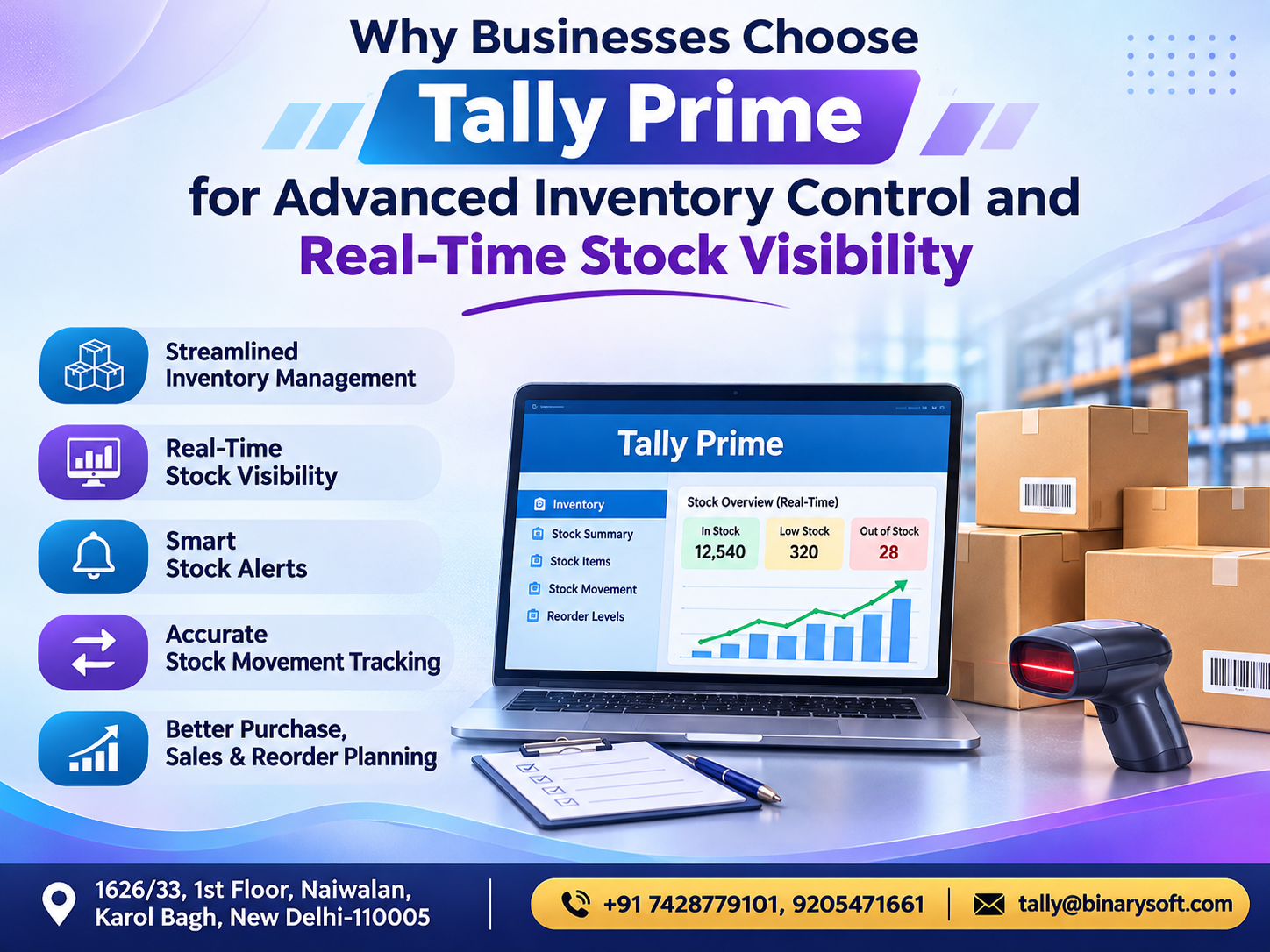
Businesses can monitor expected stock arrivals and plan replenishment.
Stronger Supplier Relationships
Clear commercial terms encourage professional communication.
Better Accountability
Purchase records help identify who requested, approved and placed an order.
Easier Dispute Resolution
A purchase order provides evidence of the terms communicated to the supplier.
For growing MSMEs, these benefits can make procurement more predictable and manageable.
3. Essential Details in a Purchase Order Format
A purchase order should provide sufficient information for the supplier to fulfill the request correctly.
Important details include:
-
Purchase order number and date
-
Buyer's business name and address
-
Supplier's name and contact details
-
Billing and delivery addresses
-
Product or service descriptions
-
Quantity and unit of measurement
-
Agreed unit prices
-
Applicable taxes and charges
-
Total estimated order value
-
Expected delivery date
-
Payment terms
-
Shipping instructions
-
Authorized approval details
A clearly numbered purchase order also makes future tracking easier.
Businesses should use a consistent numbering system to avoid duplicate references.
4. Purchase Order Example with Calculation
Consider a Delhi-based electronics distributor ordering products from a supplier.
The purchase order contains the following items:
| Product | Quantity | Unit Rate | Amount |
|---|
| LED Bulbs |
200 |
₹120 |
₹24,000 |
| Electrical Switches |
300 |
₹80 |
₹24,000 |
| Extension Boards |
100 |
₹250 |
₹25,000 |
| Total Before Tax |
|
|
₹73,000 |
Suppose all items in this hypothetical example attract GST at an assumed rate of 18%.
GST Amount:
₹73,000 × 18% = ₹13,140
Estimated Order Total:
₹73,000 + ₹13,140 = ₹86,140
The purchase order should also specify delivery expectations and agreed payment terms.
Actual GST treatment depends on product classification, applicable rates and transaction circumstances.
This example demonstrates how a structured purchase order communicates financial expectations before goods are received.
5. Different Types of Purchase Orders
Businesses use different purchase order arrangements depending on their purchasing requirements.
Standard Purchase Order
A standard purchase order is generally used for a specific purchase with defined quantities, prices and delivery requirements.
It is common in retail, wholesale and manufacturing businesses.
Blanket Purchase Order
A blanket purchase order arrangement supports repeated purchases from a supplier over an agreed period.
It can reduce repetitive negotiations for frequently required materials.
Planned Purchase Order
A planned purchase order identifies expected requirements in advance, with delivery schedules determined according to operational needs.
It is useful for businesses with predictable production requirements.
Contract Purchase Order
A contract-based arrangement establishes agreed commercial conditions that govern subsequent purchases.
The appropriate structure depends on purchasing frequency, supplier relationships and internal approval requirements.
6. Understanding the Complete Purchase Order Process
An organized purchase order process generally follows several stages.
Step 1: Identify Requirements
A department identifies the goods or services needed.
Step 2: Raise a Purchase Request
The requirement is documented for internal review.
Step 3: Evaluate Suppliers
The purchasing team compares relevant prices, quality and delivery conditions.
Step 4: Obtain Approval
An authorized person approves the proposed purchase.
Step 5: Create the Purchase Order
The approved order is prepared with the required details.
Step 6: Send It to the Supplier
The supplier receives the document and confirms acceptance.
Step 7: Receive Goods
The receiving department checks delivered items against the order.
Step 8: Verify the Supplier Invoice
The accounts team compares the invoice with relevant purchasing and receipt records.
Step 9: Process Payment
Payment is made according to approved terms and internal controls.
Step 10: Close the Order
The order is marked complete when fulfilled or appropriately closed when remaining quantities are cancelled.
Not every business needs a complex approval chain, but clear responsibilities improve accountability.
7. Purchase Order vs Purchase Invoice: Understanding the Difference
Purchase orders and invoices are related documents, but they serve different purposes.
| Basis | Purchase Order | Purchase Invoice |
|---|
| Created by |
Buyer |
Supplier |
| Main purpose |
Request and confirm purchase requirements |
Bill for supplied goods or services |
| Timing |
Usually before delivery |
Usually after or around supply |
| Information |
Ordered quantities and agreed terms |
Billed quantities and amounts |
| Accounting role |
Tracks purchasing commitments |
Supports recording the purchase and payable |
A purchase order does not itself establish that the supplier has delivered the goods.
Similarly, an invoice should be checked against the relevant purchase order and receipt information before approval.
This verification helps prevent incorrect or duplicate payments.
8. How Tally Prime Simplifies Purchase Order Management
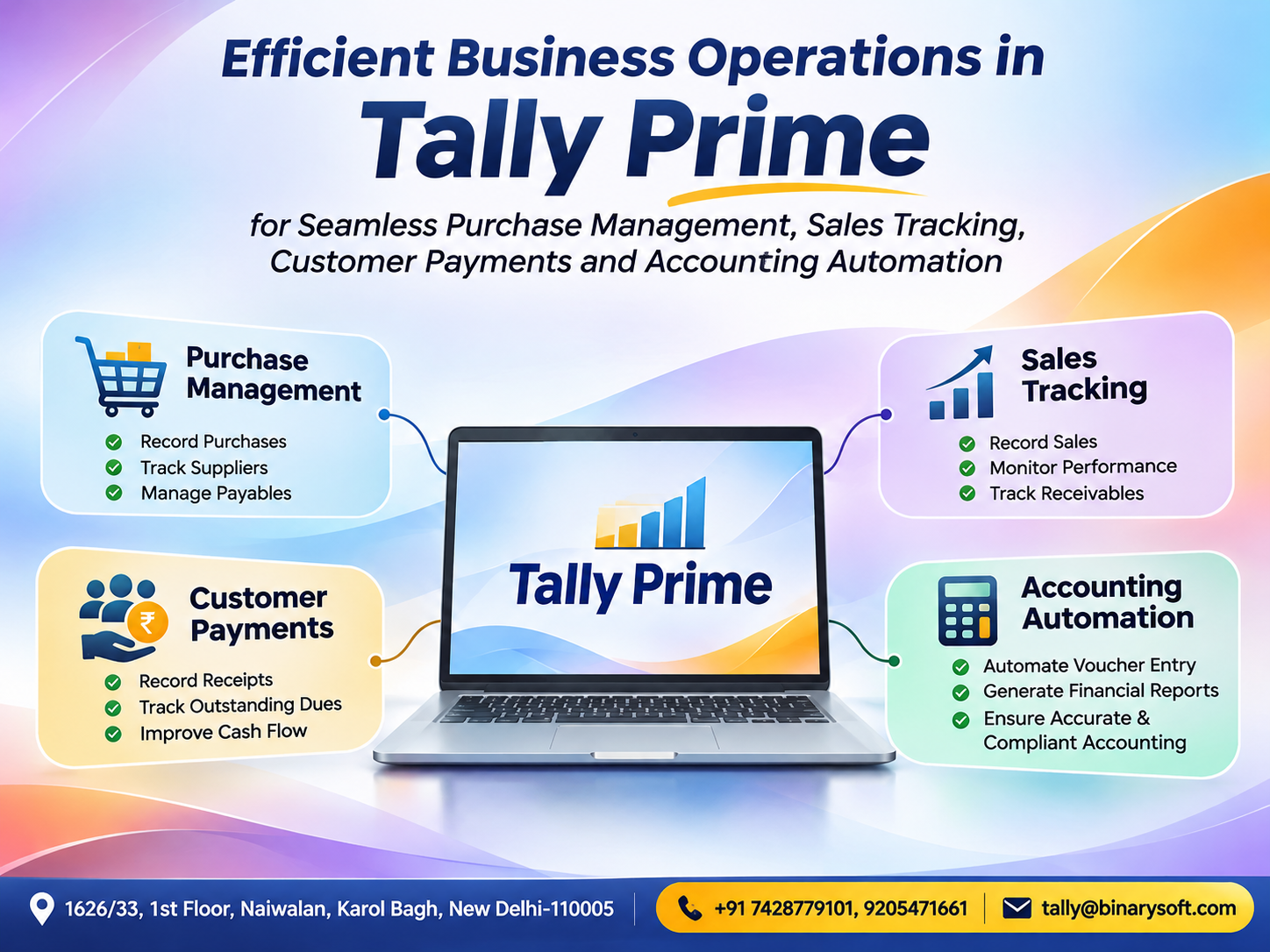
Tally Prime provides purchase order features that help businesses record supplier orders and monitor outstanding quantities.
Businesses can create purchase orders containing supplier details, stock items, quantities, rates and delivery information.
When goods arrive, the order can be referenced in a Receipt Note or, where appropriate, directly in a purchase invoice.
This allows purchasing information to remain connected throughout the transaction cycle.
Tally Prime also provides reports for reviewing pending purchase orders.
Businesses can identify suppliers with outstanding deliveries and monitor quantities that remain unfulfilled.
Purchase orders in Tally Prime support procurement tracking without immediately recording a purchase expense or supplier payable merely because the order was created.
The accounting effect arises through the relevant subsequent transactions.
9. How to Create a Purchase Order in Tally Prime
Follow these steps to record a purchase order.
Step 1: Open Purchase Order
Press Alt+G (Go To).
Select Create Voucher.
Press F10 (Other Vouchers) and choose Purchase Order.
If the voucher type is inactive, activate it when prompted.
Step 2: Select the Supplier
Choose the appropriate supplier ledger under Party A/c Name.
Step 3: Enter Order Information
Provide the purchase order number and relevant delivery details.
Step 4: Select Stock Items
Choose the products being ordered.
Step 5: Enter Quantity and Rate
Specify the required quantities and agreed purchase rates.
Step 6: Review the Order
Verify supplier information, item details, amounts and delivery requirements.
Step 7: Save
Press Ctrl+A to save the voucher.
The purchase order becomes available for tracking through relevant reports.
10. Recording Goods Received Against a Purchase Order
Creating a purchase order is only the beginning.
When goods arrive, the receiving team should verify their condition and quantity.
In Tally Prime, businesses can record a Receipt Note.
Open:
Alt+G > Create Voucher > F10 (Other Vouchers) > Receipt Note
Select the supplier and relevant purchase order reference.
The applicable order details can be carried into the receipt transaction.
Enter the actual quantity received and save the document.
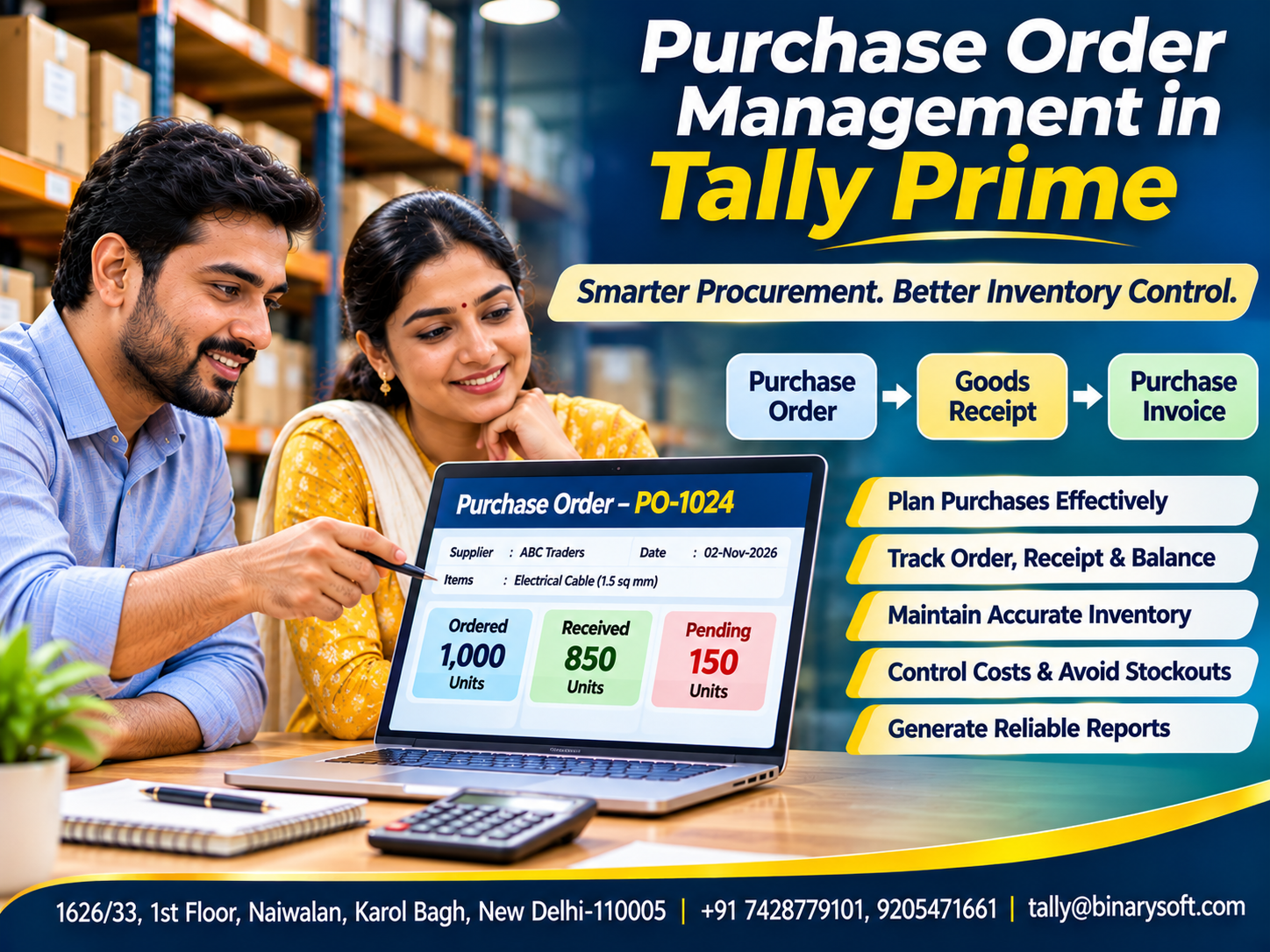
For example, a business orders 500 units but initially receives only 350.
The receipt can reflect the delivered quantity while the remaining 150 units stay available for appropriate order tracking.
This helps purchasing teams monitor partial deliveries.
11. Recording Purchase Invoices Against Orders
After goods are received, the supplier generally issues an invoice.
The accounts team should verify the billed information.
In Tally Prime, a purchase invoice can be recorded against the relevant purchase order or receipt note.
Open the Purchase voucher and enable the applicable order or receipt details through configuration.
Select the relevant reference and verify the information populated in the invoice.
Check quantities, rates, taxes and other charges before saving.
This approach helps maintain consistency between ordering, receiving and accounting.
It also supports better control over supplier liabilities.
12. An Emotional Story: The Missing Raw Material That Nearly Stopped a Family Business
For twenty years, Mohan operated a small furniture manufacturing unit in Delhi.
He began with two carpenters and gradually built a business employing thirty workers.
His greatest pride was that every employee received a salary on time.
One month, the company received an important order from a school requiring hundreds of desks.
The order represented an opportunity to expand the business.
Mohan immediately contacted a supplier and requested wooden panels.
Unfortunately, the requirements were communicated informally.
The supplier misunderstood the quantity and delivered fewer panels than needed.
Production slowed.
Workers waited for materials, and the delivery deadline approached.
Mohan worried about losing the school contract.
More importantly, he feared that delayed payments would affect the families depending on his business.
One evening, his daughter found him reviewing purchase notes.
She asked why he looked so worried.
Mohan replied, “Thirty families depend on the decisions I make here.”
The company eventually arranged additional materials and completed the school order.
Afterward, Mohan introduced a more structured purchasing process.
His team began issuing numbered purchase orders with clear quantities, delivery dates and supplier details.
They also started tracking orders and receipts through their accounting workflow.
A few months later, the company received another large order.
This time, materials arrived according to a better-managed schedule.
Mohan watched the finished furniture being loaded for delivery.
He felt relief rather than anxiety.
For him, better purchase management was not simply about paperwork. It was about protecting the livelihoods and trust built through years of hard work.
This is a fictional illustrative story.
13. Case Study One: Manufacturing Company Reduces Material Shortages
Business Background
A hypothetical manufacturing company produces electrical components.
It purchases raw materials from several suppliers.
The Challenge
Purchasing information is maintained across spreadsheets and informal messages.
Employees struggle to identify which materials are still pending.
The Solution
The company introduces structured purchase orders in Tally Prime.
Purchasing staff record orders, while warehouse employees document goods received.
Illustrative Outcome
Suppose the business previously experienced twelve material-related production interruptions per quarter.
After improving purchasing controls, interruptions decline to five.
Reduction:
12 − 5 = 7 interruptions.
Percentage Reduction:
7 ÷ 12 × 100 = 58.3%.
This is a hypothetical operational result, not a guaranteed software outcome.
Business Lesson
Accurate purchase order records can support better material planning when combined with supplier follow-up and inventory monitoring.
This case study is illustrative.
14. Case Study Two: Wholesale Distributor Improves Supplier Order Tracking
Business Background
A hypothetical wholesale distributor purchases consumer products from multiple suppliers.
The Challenge
The accounts and purchasing teams struggle to reconcile partially delivered orders.
The Solution
The business begins using purchase order references consistently.
Receipt Notes and purchase invoices are linked to the appropriate orders.
Illustrative Example
A supplier receives an order for 1,000 units.
First Delivery: 600 units.
Second Delivery: 250 units.
Total Received:
600 + 250 = 850 units.
Remaining Quantity:
1,000 − 850 = 150 units.
The purchasing team can identify the outstanding balance and contact the supplier.
If the remaining quantity is no longer required, the order can be appropriately pre-closed.
Business Lesson
Consistent order references improve visibility into pending deliveries and reduce confusion between purchasing and accounts teams.
This case study is hypothetical.
15. Tracking Outstanding Purchase Orders in Tally Prime
Businesses need visibility into orders that suppliers have not completely fulfilled.
Tally Prime provides Purchase Order Outstanding reports.
These reports can display relevant information such as supplier details, ordered quantities, outstanding quantities and delivery dates.
Users can review outstanding orders by supplier, stock item or other supported grouping.
For example, a purchasing manager may identify orders that have exceeded their expected delivery dates.
The manager can then contact suppliers and update procurement plans.
Outstanding order tracking is particularly useful when businesses depend on timely raw material deliveries.
16. Managing Partial Deliveries and Order Cancellations
Not every purchase order is fulfilled exactly as planned.
Suppliers may deliver smaller quantities, or buyers may cancel part of an order.
Tally Prime supports tracking partial fulfillment.
It also provides purchase order pre-closure functionality.
For example, if 900 units were ordered and 850 were received, the business may decide that the remaining 50 units are no longer needed.
The outstanding quantity can be pre-closed with an appropriate reason.
This helps keep purchasing reports relevant.
Businesses should ensure that order closures follow their internal authorization procedures.
17. Purchase Orders and Better Cash Flow Planning
Purchase orders help businesses understand upcoming purchasing commitments.
A company planning large purchases needs to consider when supplier payments may become due.
For example, management may review upcoming material requirements before committing to additional stock.
Purchase order information can support these discussions.
However, an outstanding purchase order is not necessarily an immediately payable liability.
Payment obligations depend on the agreed terms, delivery status and applicable accounting treatment.
Businesses should distinguish purchasing commitments from recorded supplier payables.
This helps maintain more accurate financial planning.
18. Best Practices for Effective Purchase Order Management
Businesses can improve procurement by adopting consistent procedures.
Use Unique Order Numbers
Every purchase order should have a traceable reference.
Verify Supplier Details
Confirm supplier information before placing orders.
Define Delivery Expectations
Specify required delivery dates and locations.
Establish Approval Limits
Large purchases should receive suitable authorization.
Match Documents
Compare purchase orders, goods receipts and supplier invoices.
Monitor Outstanding Orders
Review delayed and partially fulfilled orders regularly.
Record Changes
Document cancellations, quantity changes and revised commercial terms.
Train Employees
Ensure purchasing, warehouse and accounting teams follow consistent procedures.
These practices help reduce avoidable procurement errors.
19. The Future of Purchase Order Management
Procurement is becoming increasingly digital.
Businesses expect faster order creation, better supplier communication and improved visibility into purchasing commitments.
Modern systems can help organizations maintain consistent records across ordering, receiving and accounting.
However, successful procurement depends on more than software.
Supplier reliability, internal approvals, accurate inventory records and timely communication remain essential.
For Indian MSMEs, a practical starting point is establishing clear purchase order procedures and using suitable accounting software to maintain reliable transaction references.
As the business grows, these foundations can support more advanced purchasing workflows.
Conclusion
Purchase orders are essential documents for organized procurement.
They clarify what a business intends to buy, from whom, at what price and under which delivery conditions.
A structured purchase order process can reduce misunderstandings, support inventory planning and improve accountability.
Tally Prime helps businesses record purchase orders, link goods receipts, track outstanding quantities and connect relevant purchase transactions.
For manufacturers, this supports raw material planning.
For wholesalers and retailers, it improves supplier order visibility.
For business owners, it provides greater confidence in purchasing decisions.
The true value of purchase order management is not simply creating documents. It is ensuring that the right materials arrive at the right time, at the agreed cost, so the business can serve customers without unnecessary disruption.
Powered by Binarysoft Technologies
Authorized Tally Partner
Binarysoft Technologies helps businesses implement and use Tally Prime for accounting, inventory management, purchase order processing, GST-related workflows and financial reporting.
Businesses seeking to improve procurement visibility and inventory control can benefit from structured purchase order management and appropriate Tally Prime configuration.
Location:
1626/33, 1st Floor, Naiwalan, Karol Bagh, New Delhi – 110005, INDIA
Contact Us:
+91 7428779101, 9205471661
Email:
tally@binarysoft.com
Business Hours:
10:00 AM – 6:00 PM, Monday to Friday
Frequently Asked Questions
What information should a purchase order contain?
It should include an order number, buyer and supplier details, item descriptions, quantities, prices, delivery requirements and payment terms.
How do I create a purchase order in Tally Prime?
Press Alt+G, select Create Voucher, press F10 and choose Purchase Order. Enter the required details and save the voucher.
Can I cancel the remaining quantity of a purchase order?
Yes. Tally Prime supports pre-closing outstanding purchase order quantities when they are no longer required.
How can Binarysoft Technologies help with purchase order management?
Binarysoft Technologies can assist businesses with Tally Prime implementation, purchase order configuration, inventory management and accounting workflows.
CA. Aarav Bhandari specializes in GST compliance, accounting systems, and business advisory services. He regularly writes about tax updates, accounting automation, and financial best practices to help businesses improve efficiency and maintain statutory compliance.